Deals for every list.Start early, save early.Shop now

Skip to contentGo to Product Search
Main Content
Skip to contentGo to Product Search

Deals for every list.Start early, save early.Shop now

Main Content

Best Budget Router

Finding the best budget router starts with matching your home Wi-Fi needs to your spending limit. Compare wireless routers by price, coverage, and supported speeds, keeping your internet plan and the number of connected devices in mind. Check each model’s specifications for the ports and network features you need, so you can avoid paying for extras you’re unlikely to use.

What to look for in a budget router

Finding the best budget router means balancing price with the Wi-Fi coverage, speed, and features your household needs.

1. Wi-Fi Standard and Speed

Compare the router’s Wi-Fi standard and internet port speeds with your internet plan and compatible devices. A budget Wi-Fi 6 router can be a good starting point, though advertised wireless speeds are theoretical maximums rather than guaranteed speeds for each device.

2. Coverage and Placement

Consider your home’s size, layout, and wall construction when evaluating coverage claims. A centrally placed router may work well for a smaller home, while a larger or multistory space may benefit from a mesh system.

3. Device Capacity and Connections

Account for the devices that will connect at the same time, including phones, computers, TVs, and smart home accessories. Dual-band Wi-Fi helps distribute wireless traffic, while Ethernet ports provide wired connections for devices such as gaming consoles and desktop computers.

4. Security and Ongoing Costs

Look for WPA3 security, automatic firmware updates, and a guest network to help protect your home network. Check whether parental controls or advanced security features require a subscription, and confirm that the router works with your internet service and modem.

  1. 1

    About this product

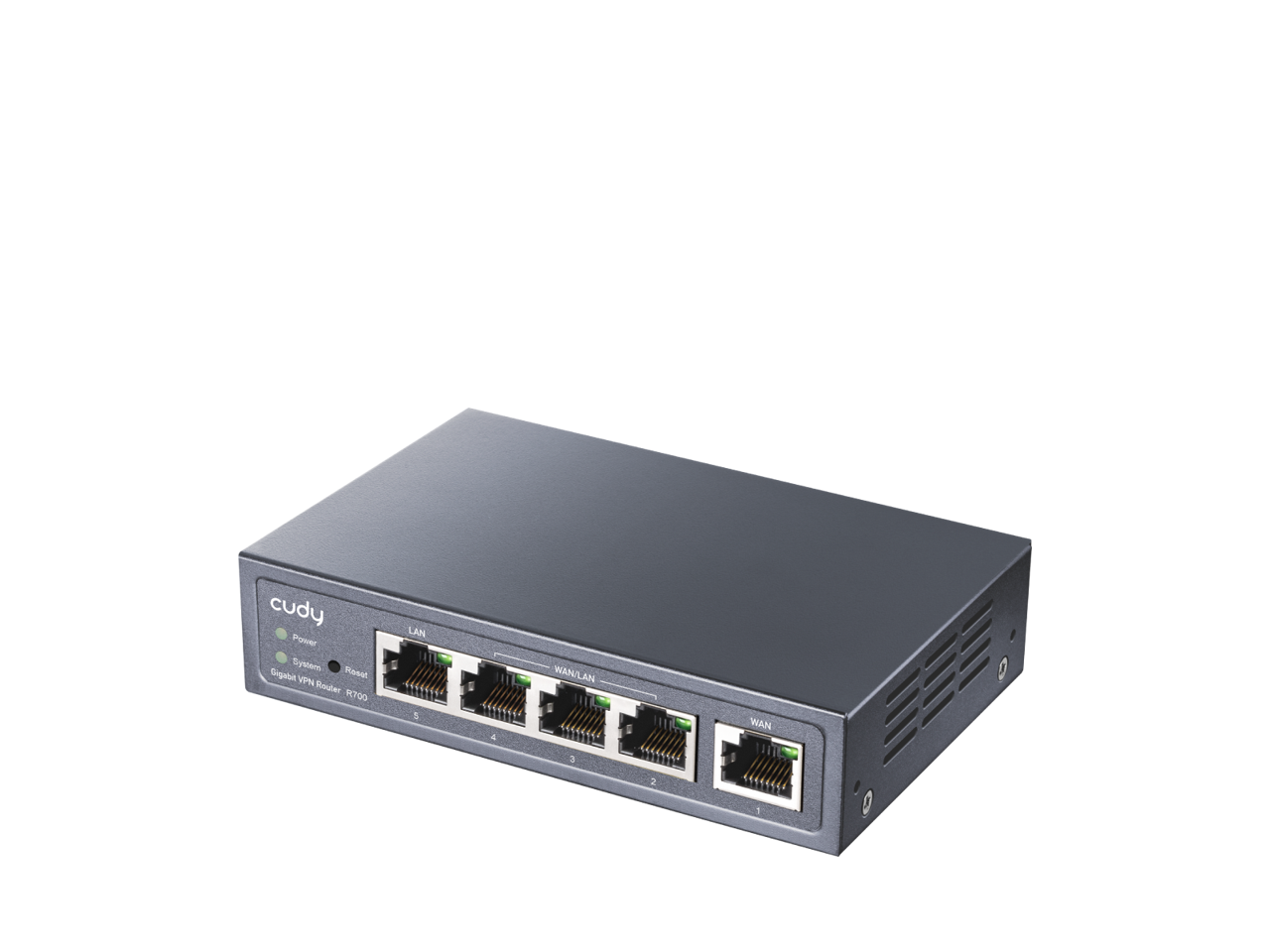
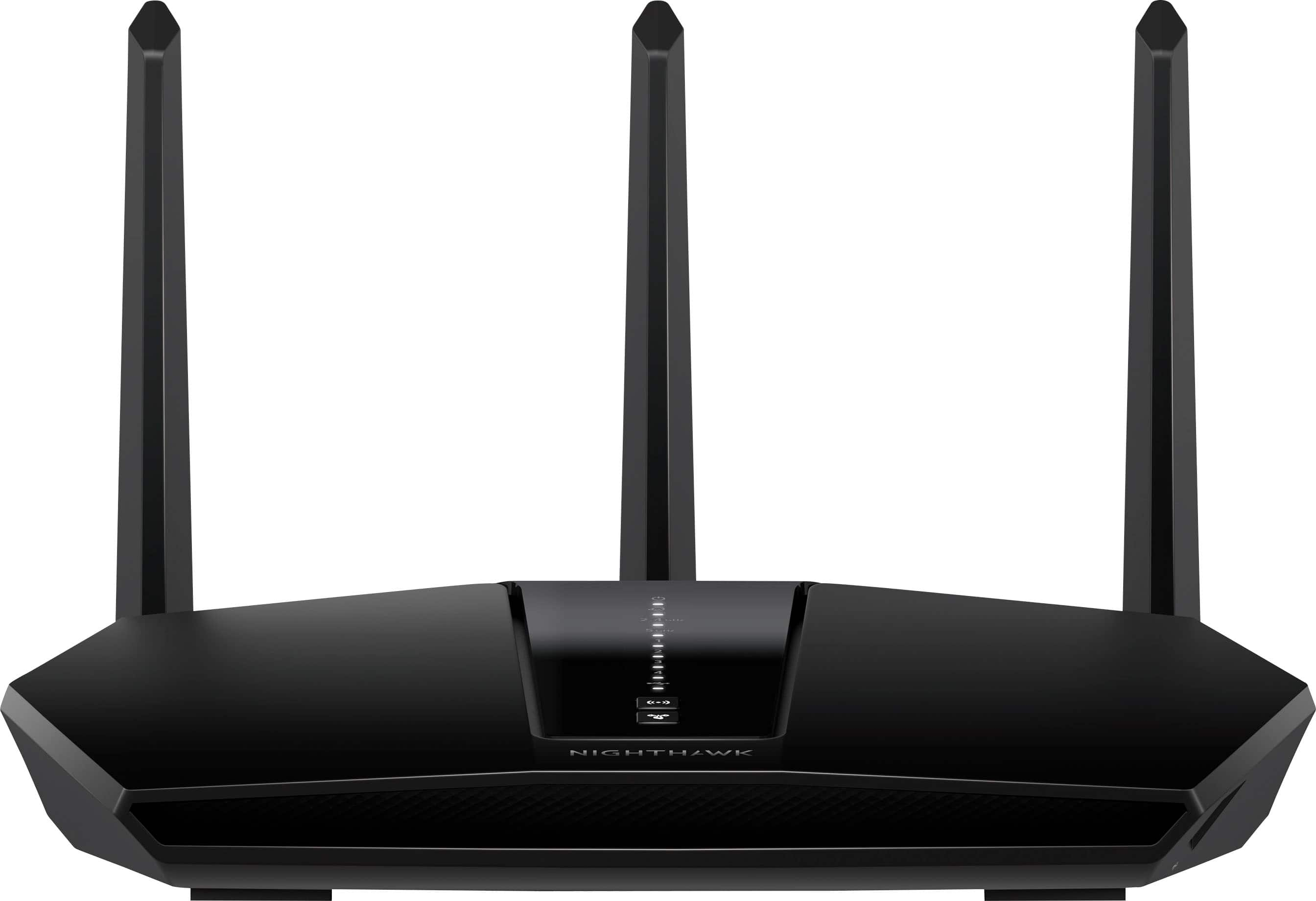
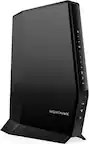
    A black dual-band Wi-Fi 6 router with four Multi-WAN ports, advanced encryption, and parental controls.

    A black dual-band Wi-Fi 6 router with four Multi-WAN ports, advanced encryption, and parental controls.

    (2)
    $39.99
    SAVE $24.00
    Your price for this item is $39.99
  2. 2

    About this product

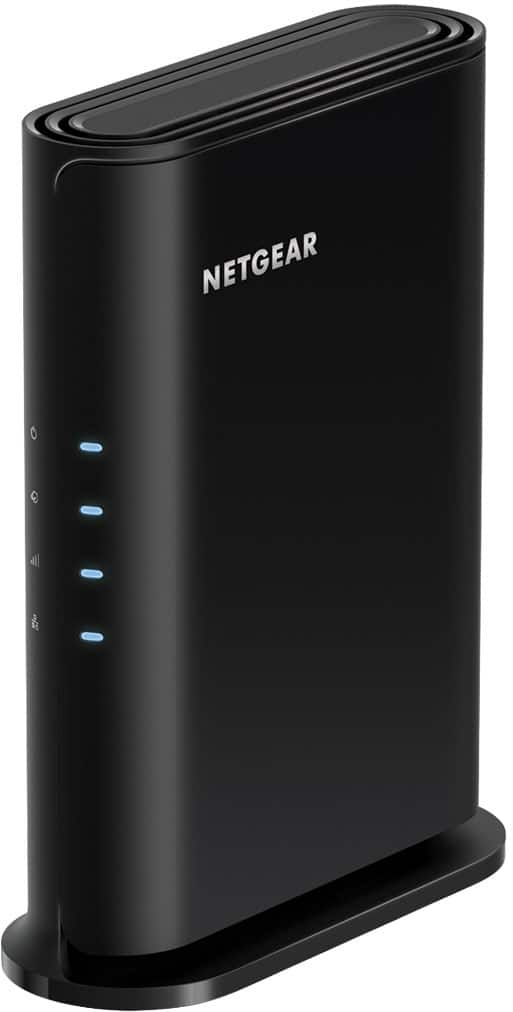
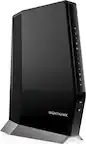
    A black dual-band Wi-Fi 6 router offering up to 1.8 Gbps speeds and advanced security features.

    A black dual-band Wi-Fi 6 router offering up to 1.8 Gbps speeds and advanced security features.

    What customers like

    • Works well
    • Nighthawk app compatibility
    • Easy setup
    (112)
    $99.99 Your price for this item is $99.99
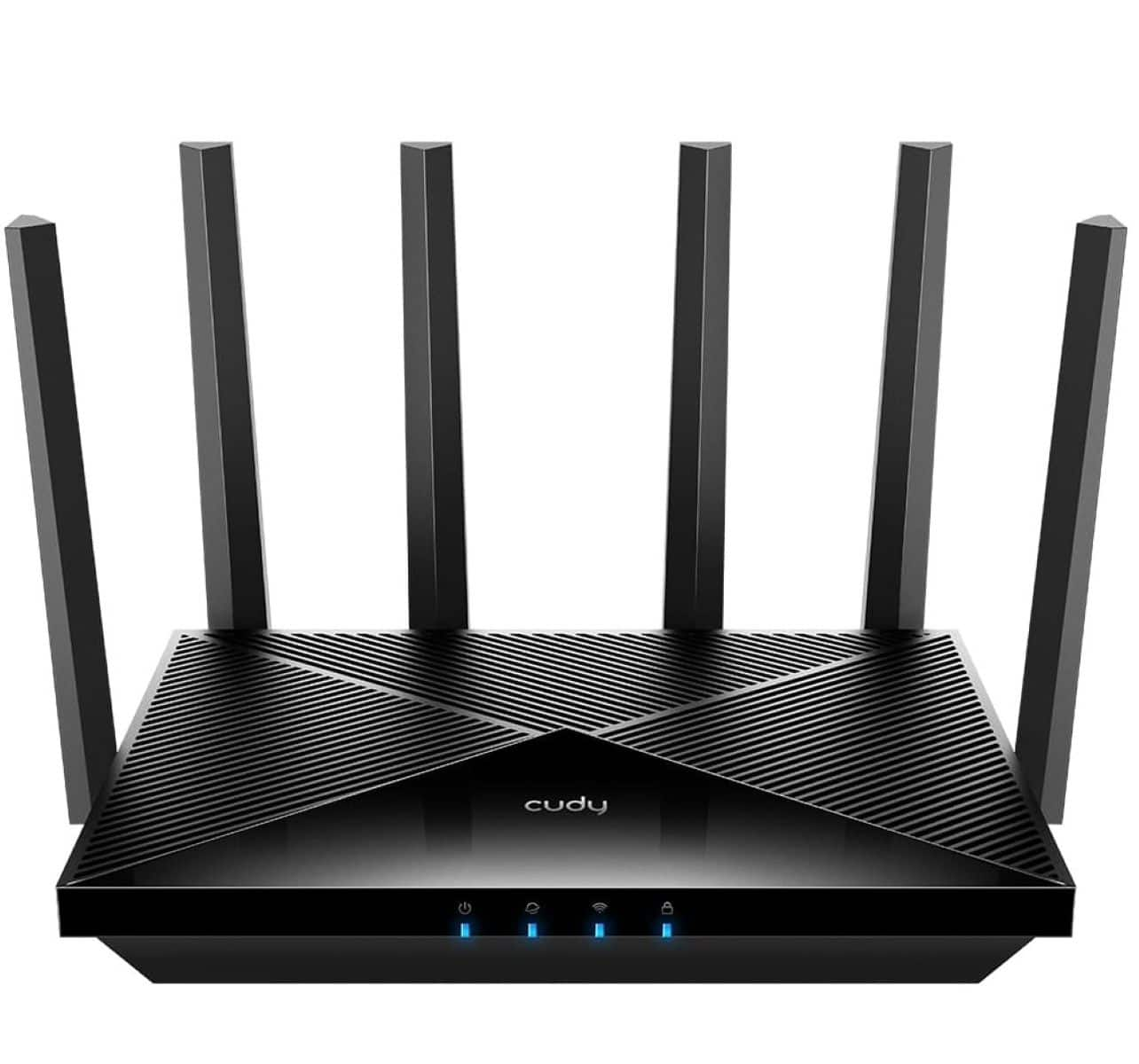
  3. 3

    About this product

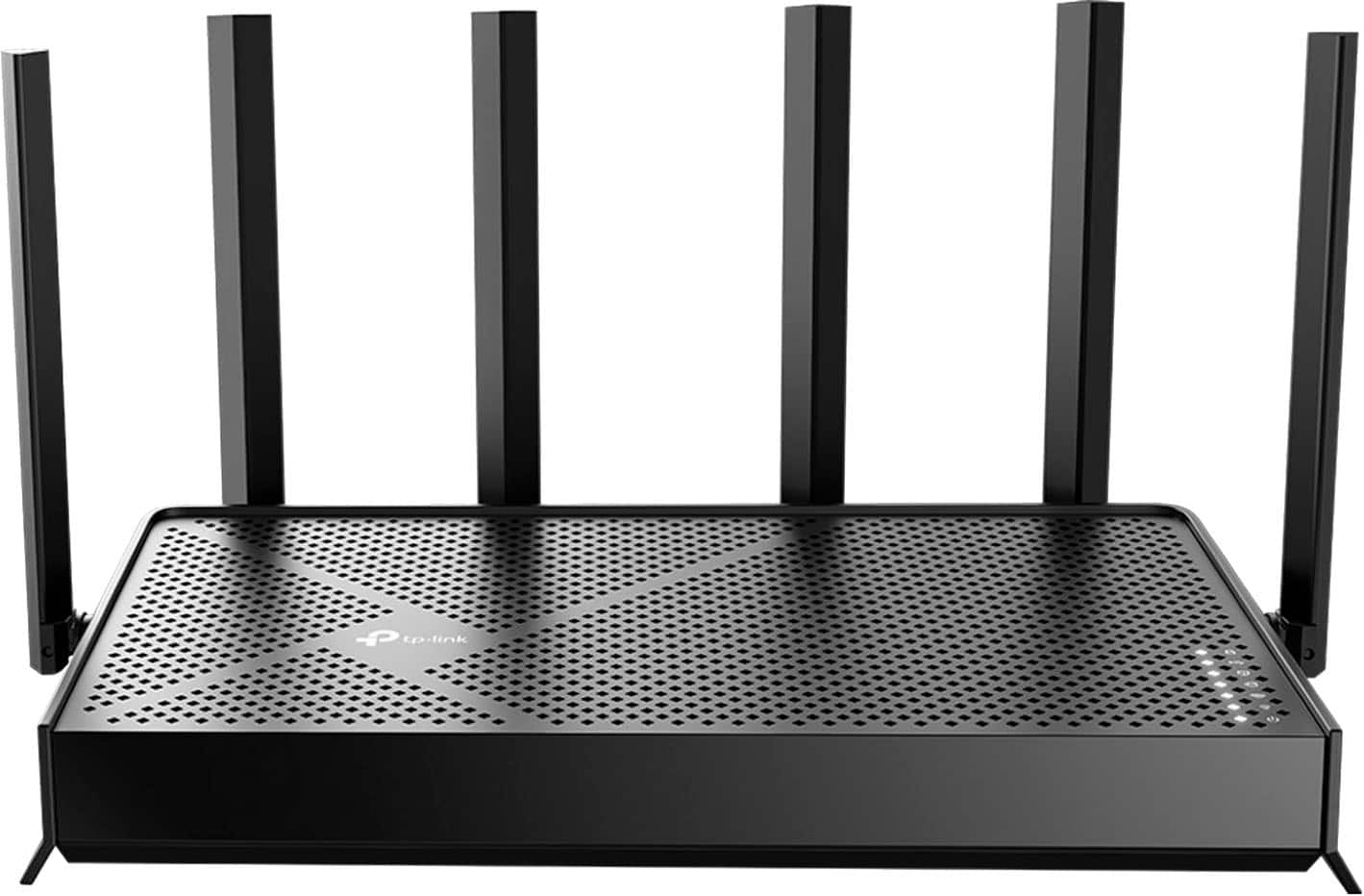
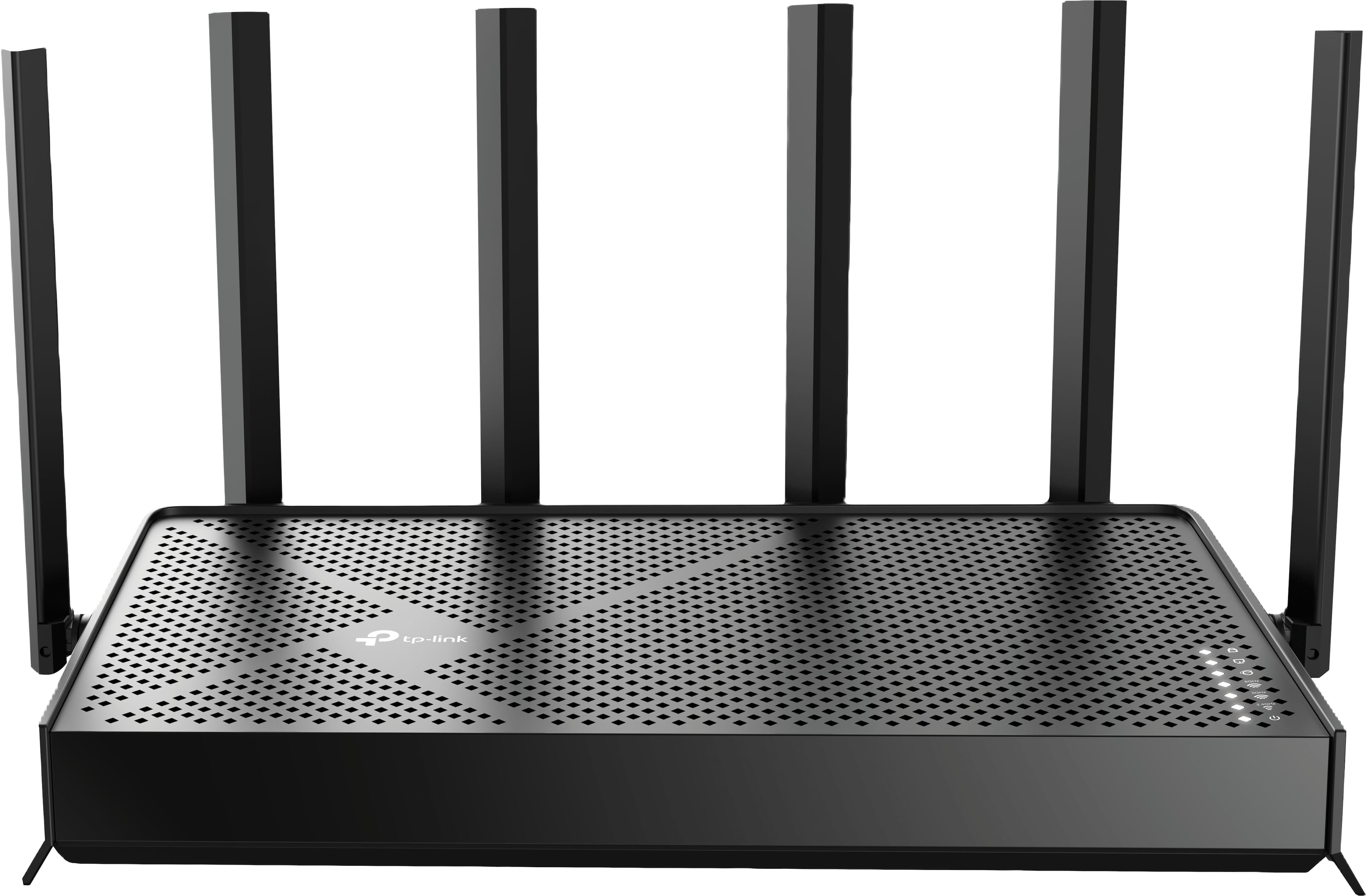
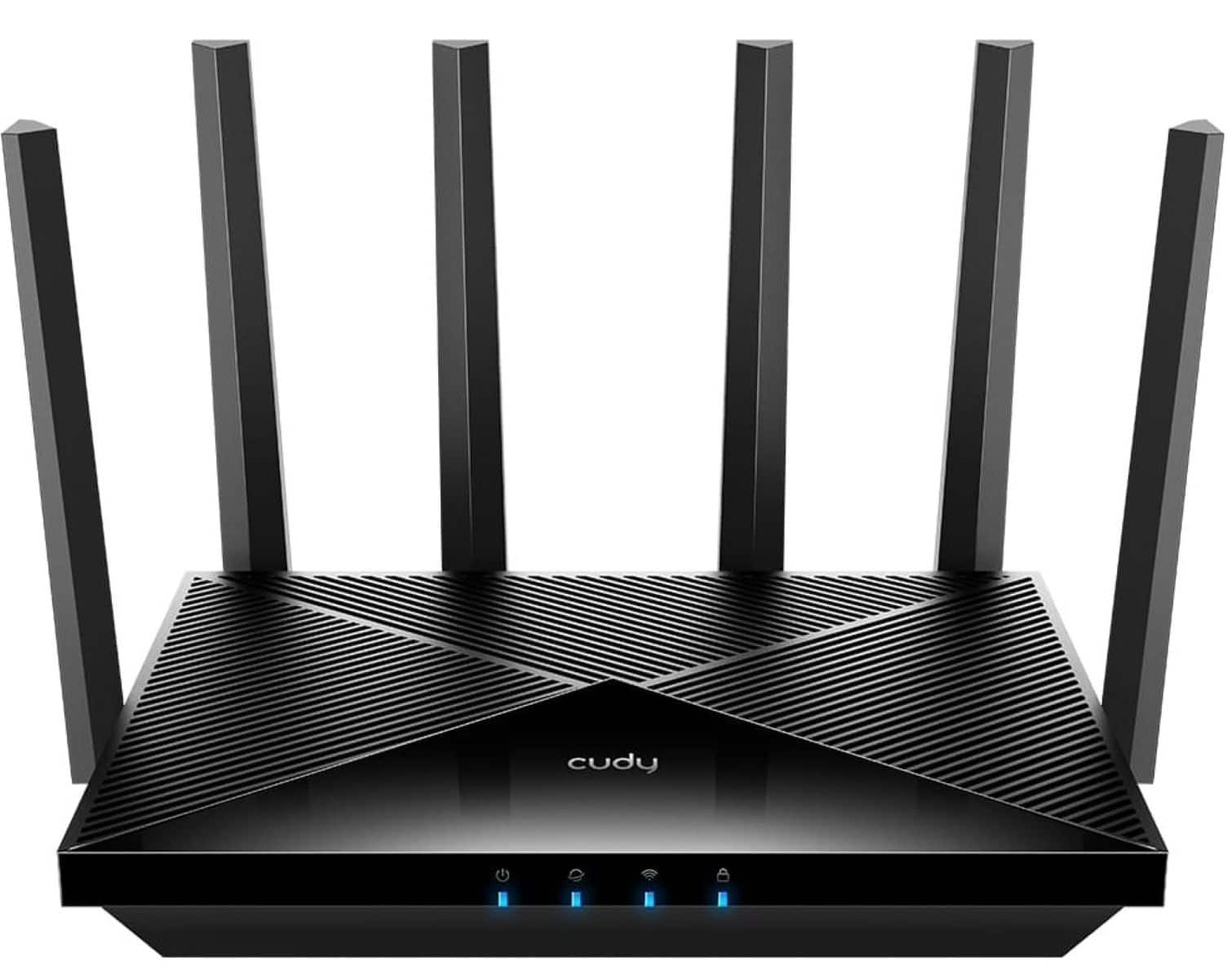
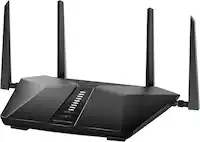
    A dual-band black Wi-Fi 7 router with six antennas, Multi-Link Operation, and EasyMesh compatibility.

    A dual-band black Wi-Fi 7 router with six antennas, Multi-Link Operation, and EasyMesh compatibility.

    What customers like

    • Easy and quick setup
    • Strong and extended coverage
    • Handles multiple devices efficiently
    • User-friendly and intuitive app
    • Fast and reliable Wi-Fi 7 speeds
    (340)
    $169.99
    SAVE $30.00
    Your price for this item is $169.99
  4. 4

    About this product

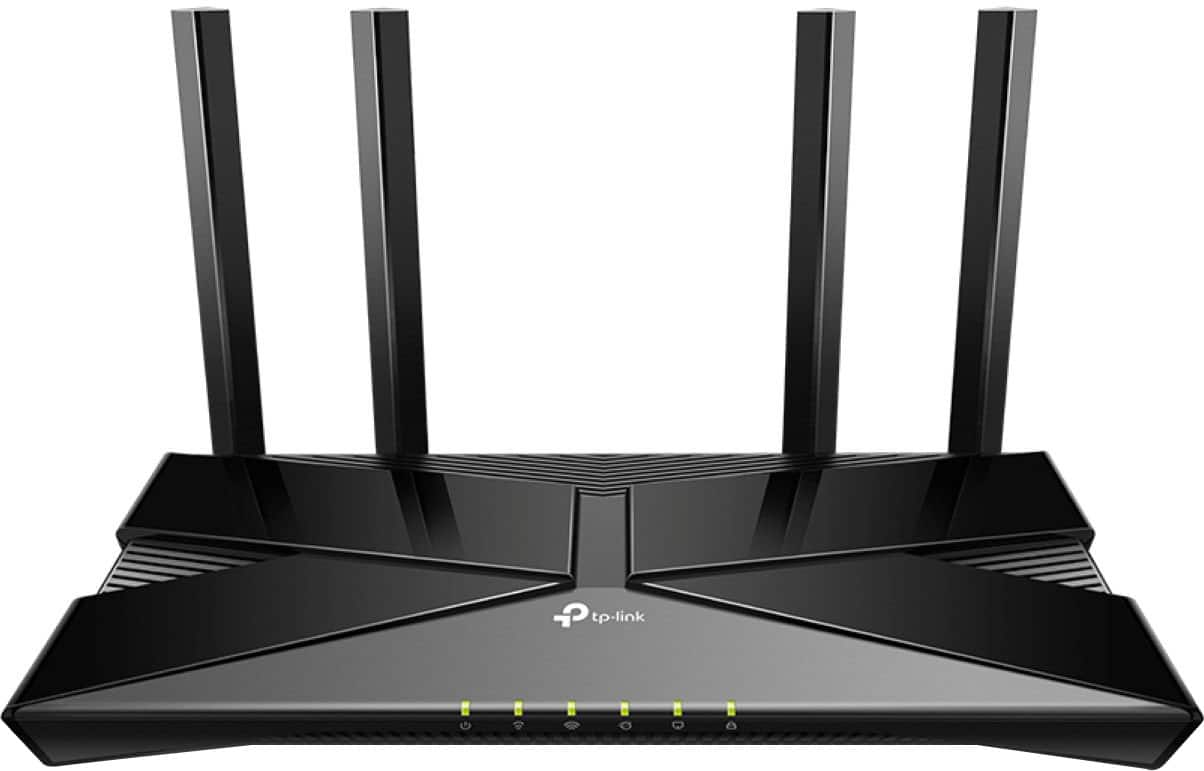
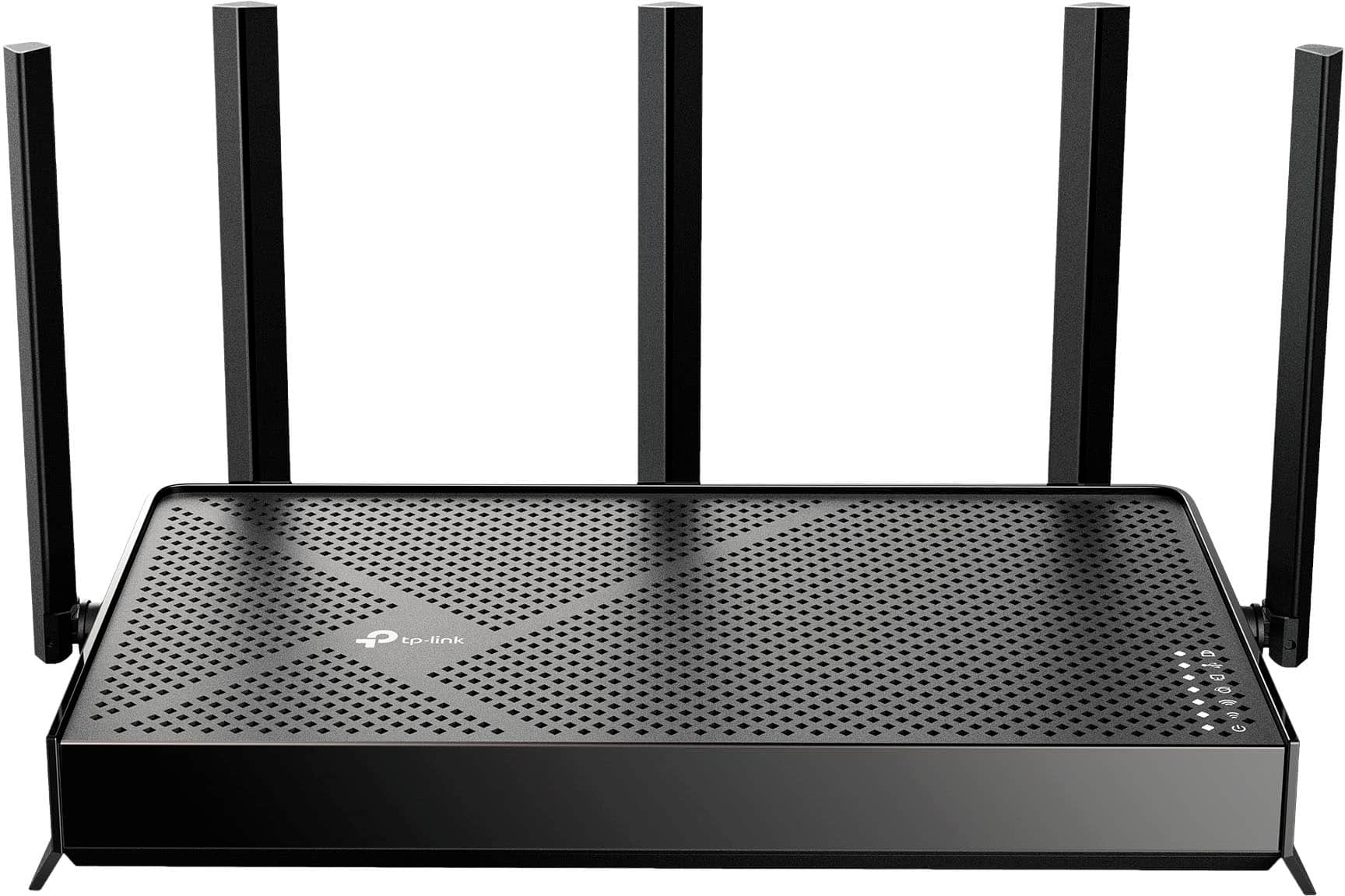
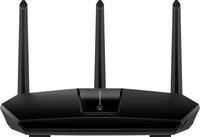
    A black dual-band Wi-Fi 6 router with four antennas, WPA3 encryption, and app compatibility for easy setup.

    A black dual-band Wi-Fi 6 router with four antennas, WPA3 encryption, and app compatibility for easy setup.

    (19)
    $67.99
    SAVE $12.00
    Your price for this item is $67.99
  5. 5

    About this product

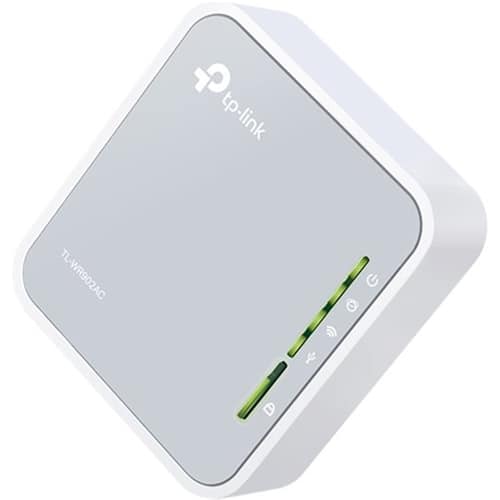
    A dual-band silver and white router offering Wi-Fi 5 speeds, multiple modes, and USB file sharing.

    A dual-band silver and white router offering Wi-Fi 5 speeds, multiple modes, and USB file sharing.

    (28)
    $71.99
    SAVE $0.27
    Your price for this item is $71.99
  6. 6

    About this product

    A dual-band black router featuring Wi-Fi 7, 5.0 Gbps speeds, multi-gig ports, and smart home compatibility.

    A dual-band black router featuring Wi-Fi 7, 5.0 Gbps speeds, multi-gig ports, and smart home compatibility.

    What customers like

    • Fast and reliable Wi-Fi speeds
    • Strong signal and consistent connection
    • Supports multiple devices effectively
    • User-friendly app control
    • Easy installation and setup
    (137)
    $119.99
    SAVE $20.00
    Your price for this item is $119.99
  7. 7

    About this product

    A black tri-band Wi-Fi 7 router delivering up to 9.5 Gbps speeds with advanced security features.

    A black tri-band Wi-Fi 7 router delivering up to 9.5 Gbps speeds with advanced security features.

    (7)
    $199.99 Your price for this item is $199.99
  8. 8

    About this product

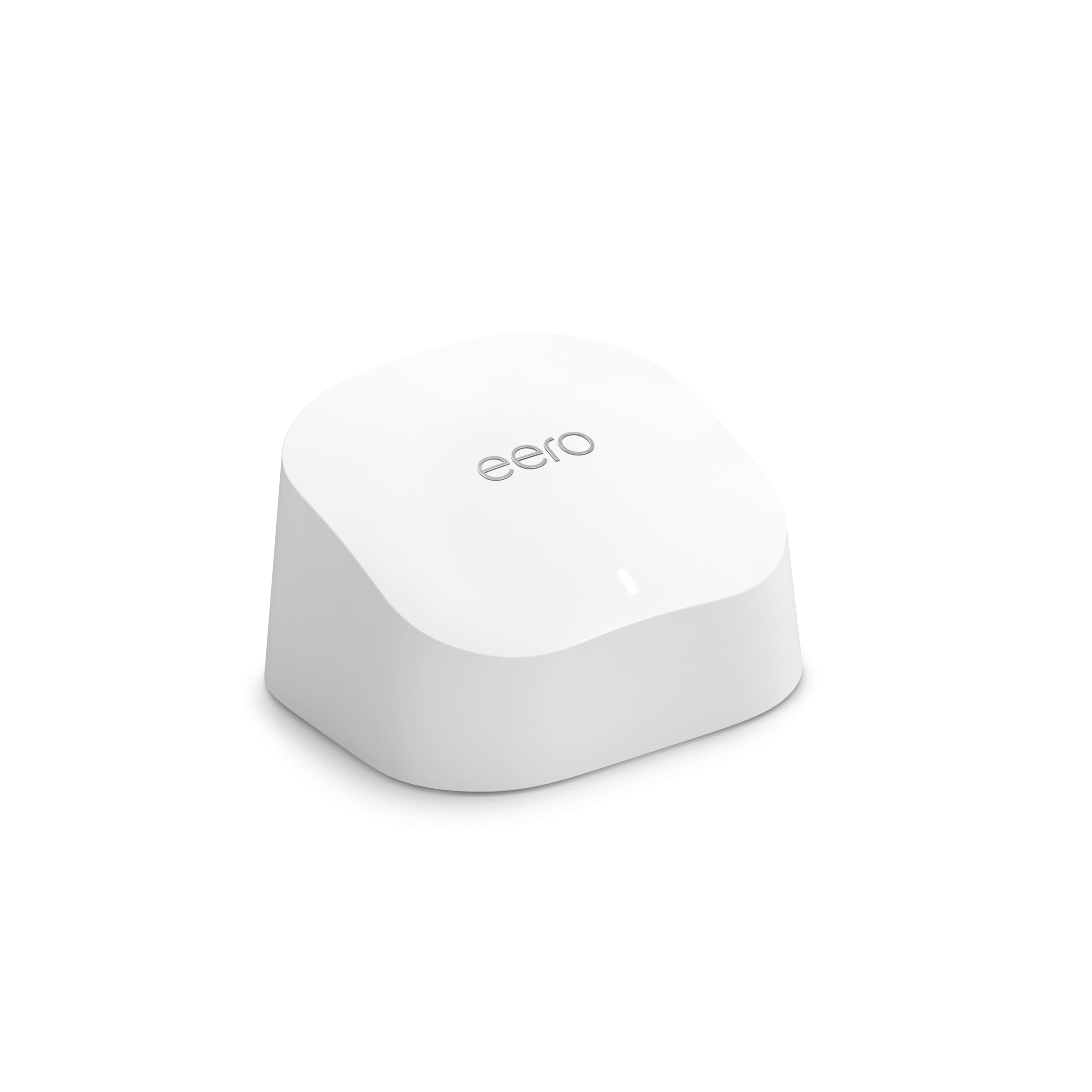
    A dual-band white mesh router delivering fast, reliable Wi-Fi 6 coverage with advanced security and parental controls.

    A dual-band white mesh router delivering fast, reliable Wi-Fi 6 coverage with advanced security and parental controls.

    What customers like

    • Easy and quick setup
    • Fast speeds and improved performance
    • Strong and reliable Wi-Fi coverage
    • Advanced security and parental controls
    • User-friendly and intuitive app
    (1,188)
    $71.99
    SAVE $18.00
    Your price for this item is $71.99
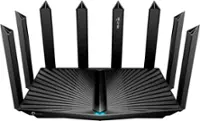
  9. 9

    About this product

    A high-speed black tri-band Wi-Fi 7 router with 6 antennas, 4×2.5G ports, and VPN support.

    A high-speed black tri-band Wi-Fi 7 router with 6 antennas, 4×2.5G ports, and VPN support.

    (13)
    $129.99
    SAVE $90.00
    Your price for this item is $129.99
  10. 10

    About this product

    A dual-band Wi-Fi 6 router in black with 2.4 Gbps speeds, four LAN ports, and WPA3 security.

    A dual-band Wi-Fi 6 router in black with 2.4 Gbps speeds, four LAN ports, and WPA3 security.

    What customers like

    • Easy and quick setup
    • Convenient app features and management
    • Excellent Wi-Fi range and coverage
    • Fast speeds and improved performance
    • Reliable and stable connection
    (938)
    $89.99 Your price for this item is $89.99

Best Budget Router

The best budget router balances everyday Wi-Fi needs with useful features, giving you a practical way to connect without paying for capabilities you may not use. For apartments, smaller homes, student housing, and households with straightforward internet needs, an affordable wireless router can support activities such as browsing, video calls, streaming, and schoolwork. The right fit depends on your internet plan, the size and layout of your space, and how many devices are active at the same time. A household with several simultaneous streams has different demands than someone connecting a laptop and a phone. Wi-Fi standards also help distinguish options: Wi-Fi 6 includes technologies designed to use wireless capacity more efficiently with compatible devices, while earlier standards may still suit lighter workloads. Advertised wireless speeds represent theoretical connection rates rather than guaranteed internet speeds, so a router’s overall fit matters more than the largest number on its packaging. Value comes from matching its capabilities to the way you actually use your connection.

Coverage and connection options are important differences among budget routers. Dual-band Wi-Fi provides access to 2.4 GHz and 5 GHz bands, with 2.4 GHz generally reaching farther and 5 GHz typically offering higher speeds at shorter distances. Walls, floors, neighboring networks, and router placement all affect wireless performance, making a centrally located router useful even in a modest-size home. Wired Ethernet connections can provide a more consistent link for desktop computers, game consoles, and televisions that stay in one place. The number and speed of Ethernet ports matter if several devices need wired access, and gigabit ports are worth considering for internet plans and local connections that exceed the limits of older 100 Mbps ports. Larger or multistory spaces may benefit from a compatible mesh system rather than a single router with a higher advertised speed. Mesh expansion support varies, so compatibility with any existing network equipment is an important part of comparing long-term value.

Setup, security, and ongoing management also contribute to what makes a budget router a good purchase. App-based controls or a browser-based interface can make it easier to manage network settings, while features such as a guest network can help keep visitors’ devices separate from your main network. Parental controls, device prioritization, and automatic firmware updates are useful considerations, though their availability and capabilities differ by router. Some advanced management features may require a subscription, making included functionality relevant to the overall cost. Support for current security options, such as WPA3 when available on both the router and connected devices, is another worthwhile distinction. A standalone router generally works with a separate modem or other compatible internet-service connection; it does not automatically replace every piece of equipment supplied by an internet provider. For shoppers replacing an aging network device or setting up a first home connection, an affordable router with suitable coverage, dependable security support, and the right wired connections can offer more lasting value than extra features that go unused.

FAQs