Best Budget Parental Control Router
Find a budget-friendly parental control router by comparing price, Wi-Fi coverage, and tools for managing your family’s internet use. As you browse router options, check each model for website filtering, internet access schedules, and any subscription fees so you can weigh the controls you need against the total cost.
What to look for in a budget parental control router
When choosing a budget parental control router, compare family-friendly features, Wi-Fi performance, security and ongoing costs to find the right fit for your household.
1. Parental Control Features
2. Wi-Fi Coverage and Performance
3. Security and Updates
4. Upfront and Ongoing Costs
-
1
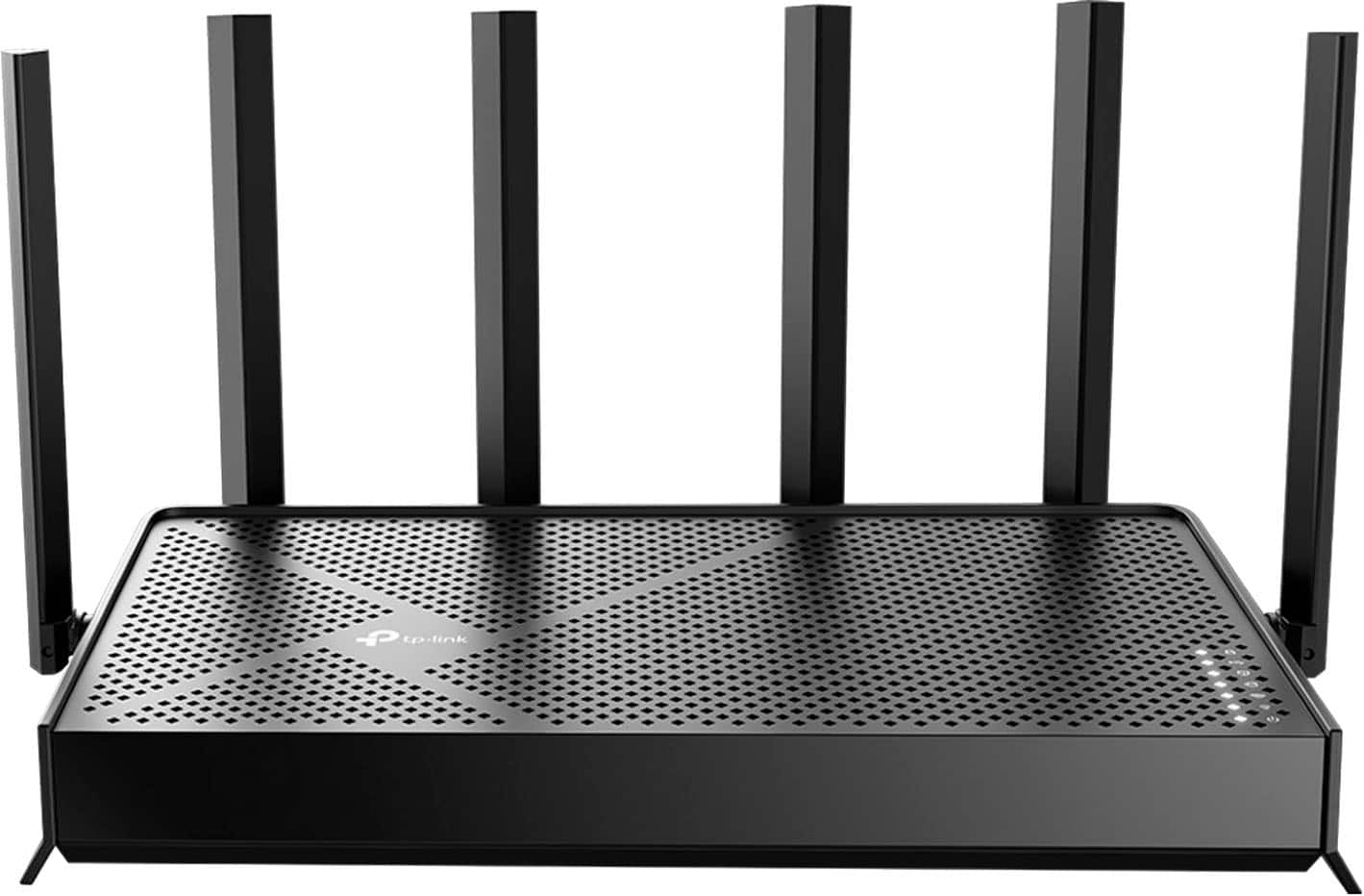
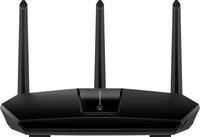
TP-Link - Archer BE6500 Dual-Band Wi-Fi 7 Router - Black
About this product
A dual-band black Wi-Fi 7 router with six antennas, Multi-Link Operation, and EasyMesh compatibility.
What customers like
(340)$169.99Your price for this item is $169.99SAVE $30.00 -
2
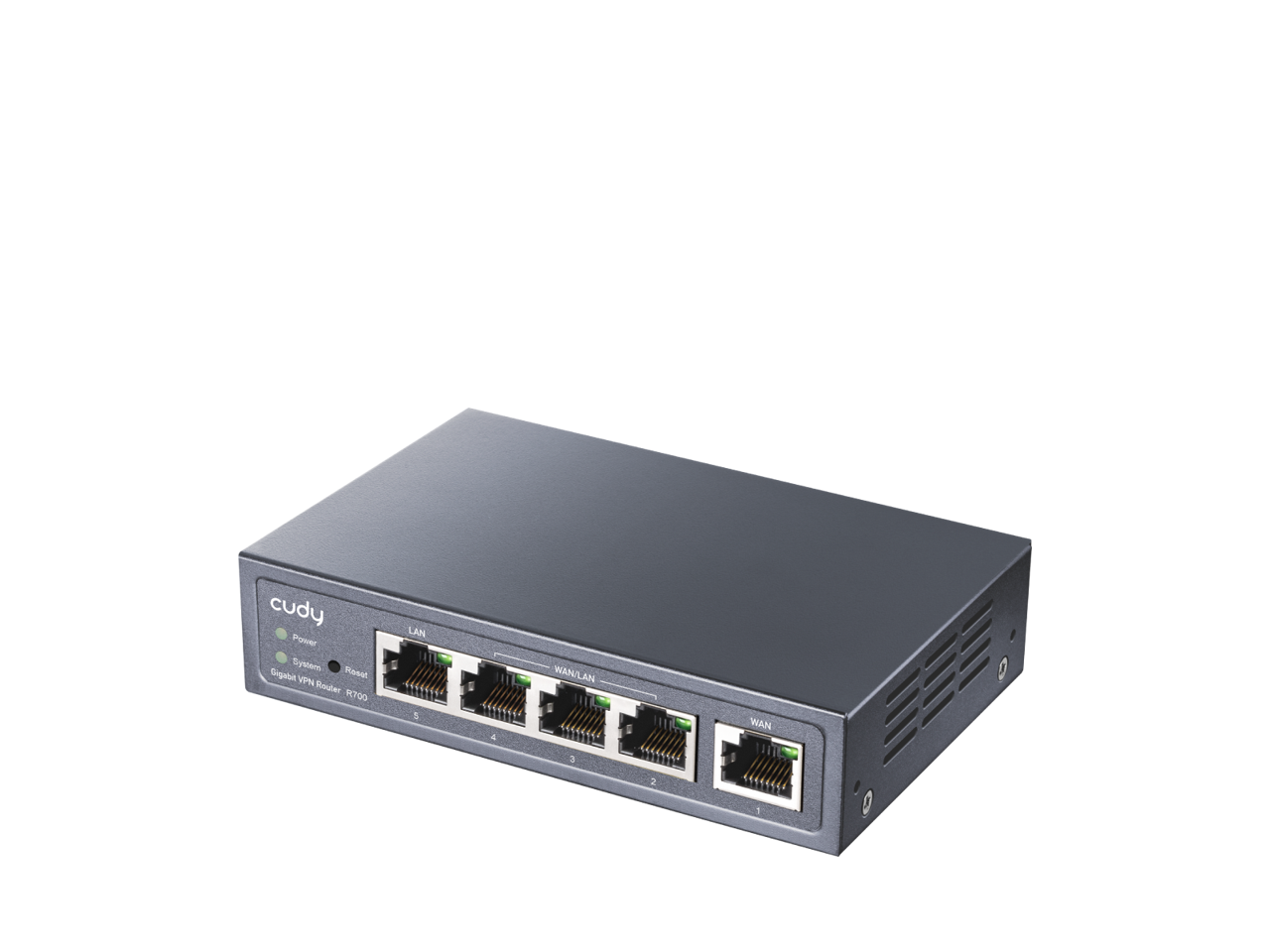
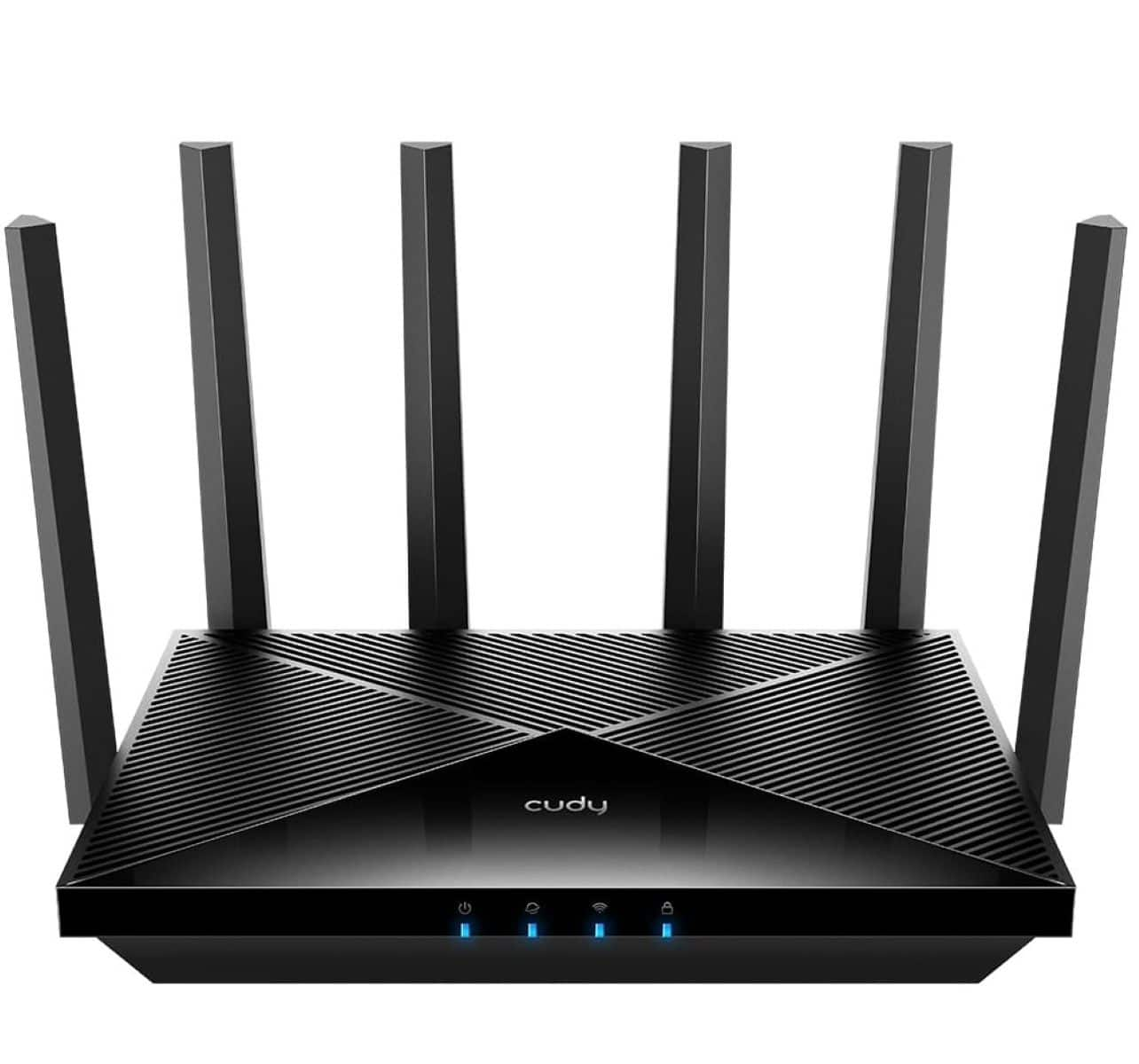
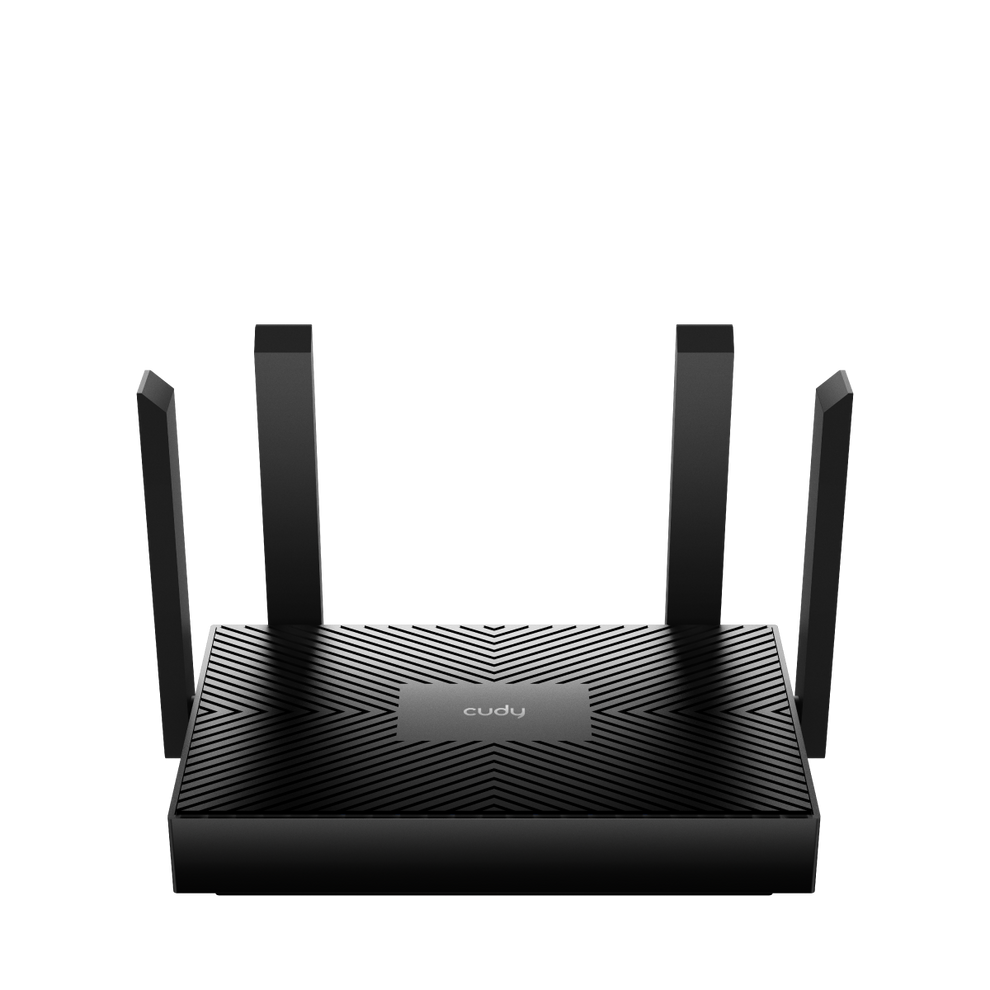
Cudy - R700 VPN Router - Black
About this product
A black dual-band Wi-Fi 6 router with four Multi-WAN ports, advanced encryption, and parental controls.
(2)$39.99Your price for this item is $39.99SAVE $24.00 -
3

ASUS - RT-AX3000S WiFi 6 Router with Instant Guard, Parental Control, VPN, AiMesh
About this product
A dual-band WiFi 6 router featuring Instant Guard, parental controls, built-in VPN, and AiMesh compatibility.
(0)$97.49Your price for this item is $97.49SAVE $30.35 -
4
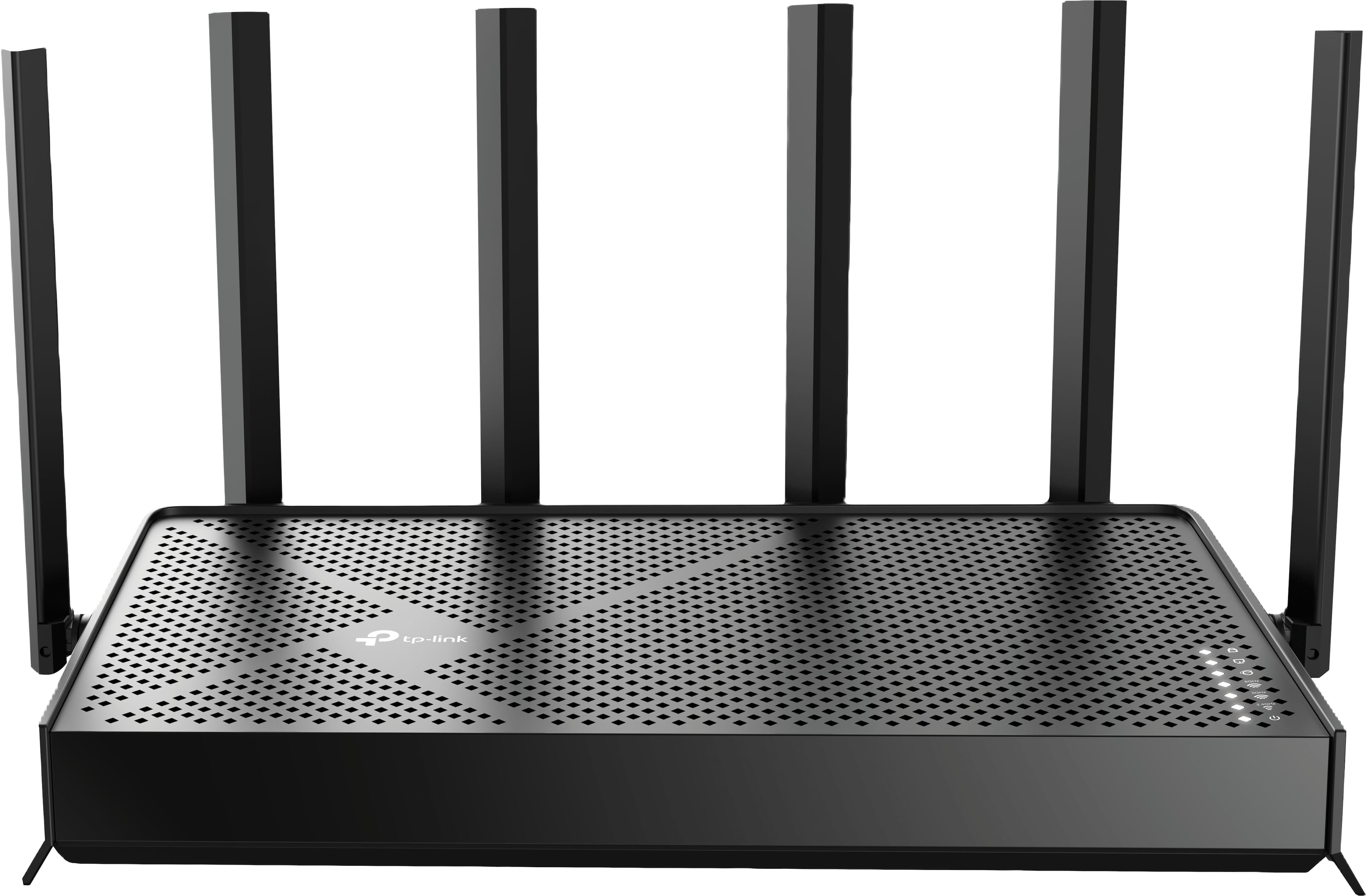
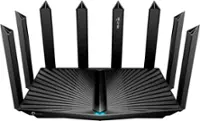
TP-Link - Archer BE9500 Tri-Band Wi-Fi 7 Router plus 1 Year of HomeShield Premium Service - Black
About this product
A black tri-band Wi-Fi 7 router delivering up to 9.5 Gbps speeds with advanced security features.
(7)$199.99 Your price for this item is $199.99 -
5
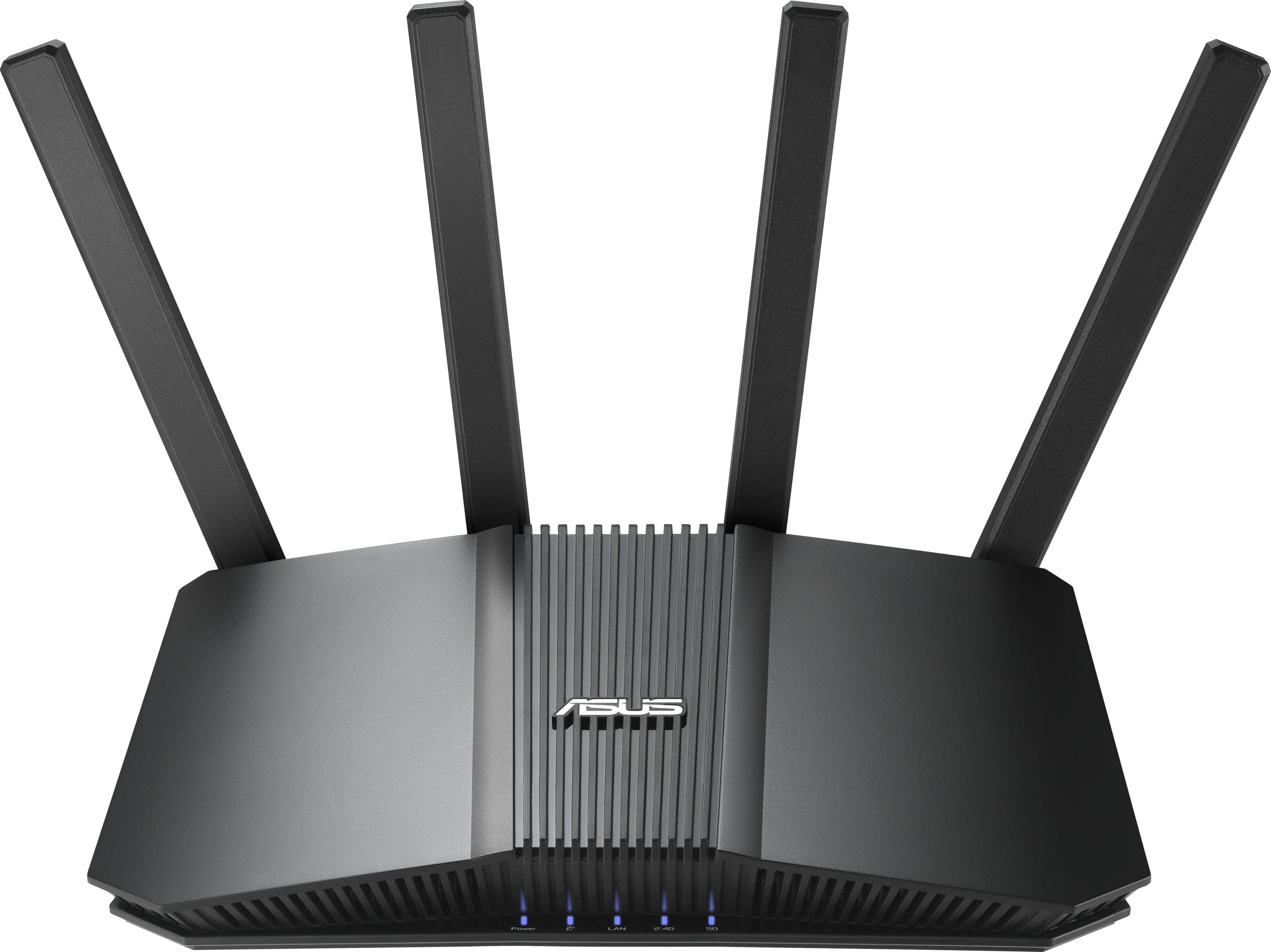
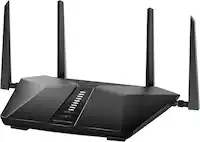
ASUS - RT-BE5000 Dual-Band Wi-Fi 7 Router - Black
About this product
A black dual-band Wi-Fi 7 router with 2.5G connectivity, AiMesh support, parental controls, and advanced security.
What customers like
(29)$199.99 Your price for this item is $199.99 -
6
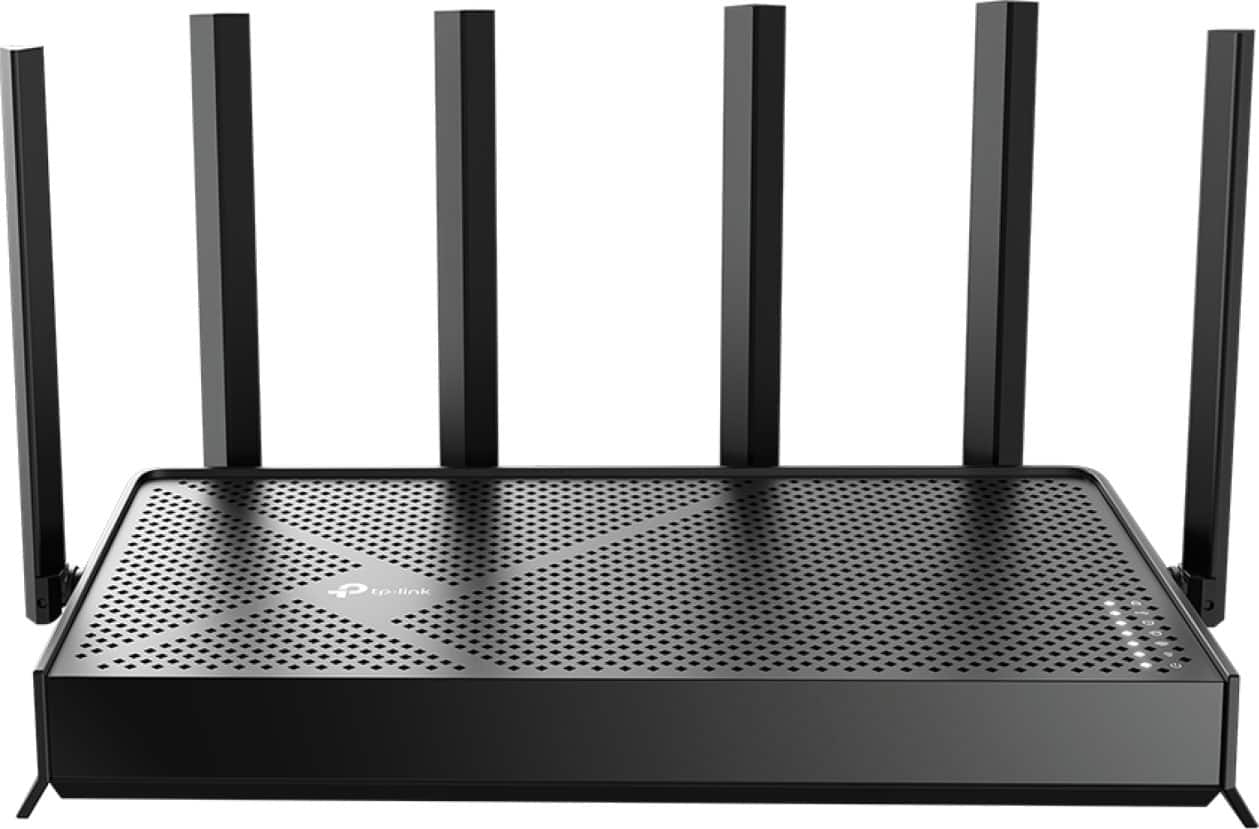
TP-Link - Archer BE12000 Tri-Band Wi-Fi 7 Router - Black
About this product
A high-speed black tri-band Wi-Fi 7 router with Multi-Gig ports, mesh support, and advanced security.
What customers like
(58)$249.99Your price for this item is $249.99SAVE $100.00 -
7
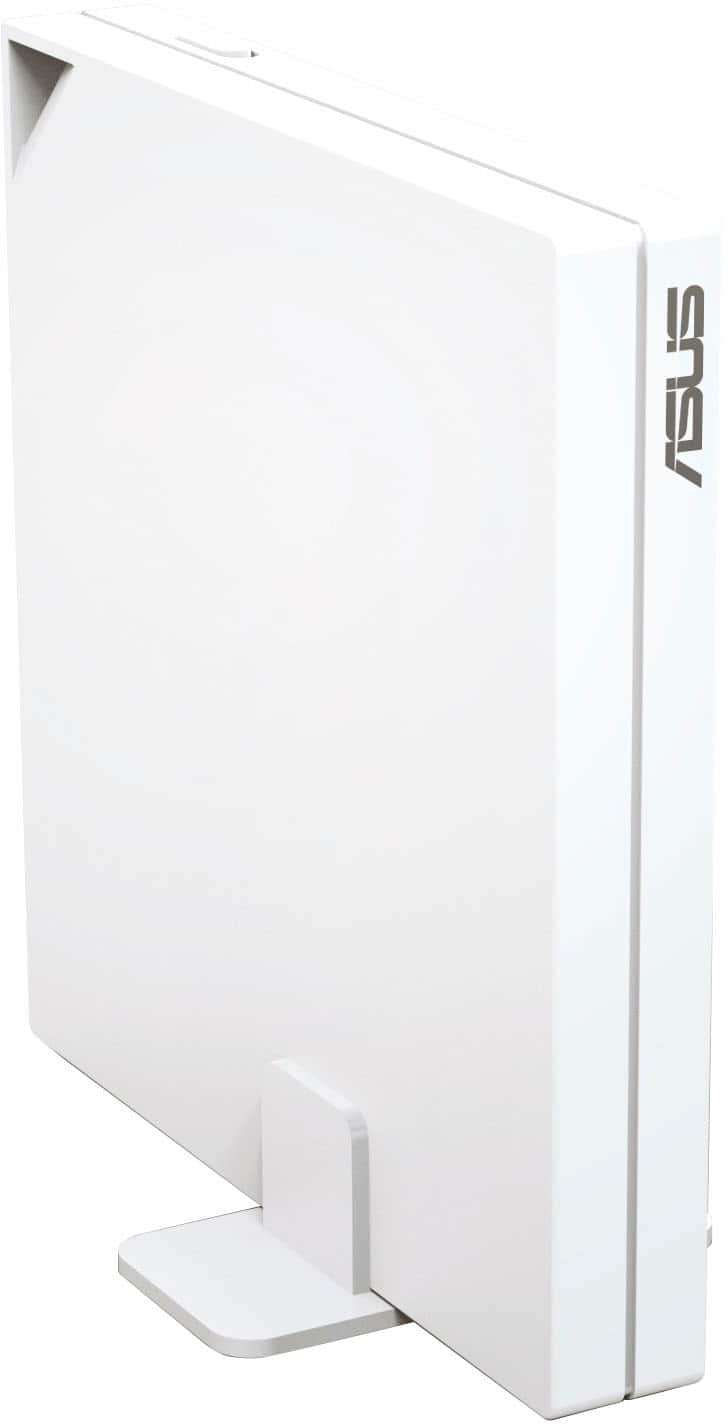
ASUS - RT-AX57 Go AX3000 Dual-Band Wi-Fi 6 Travel Router - White
About this product
A compact white dual-band Wi-Fi 6 travel router with secure VPN, parental controls, and Alexa compatibility.
(10)$99.99 Your price for this item is $99.99 -
8
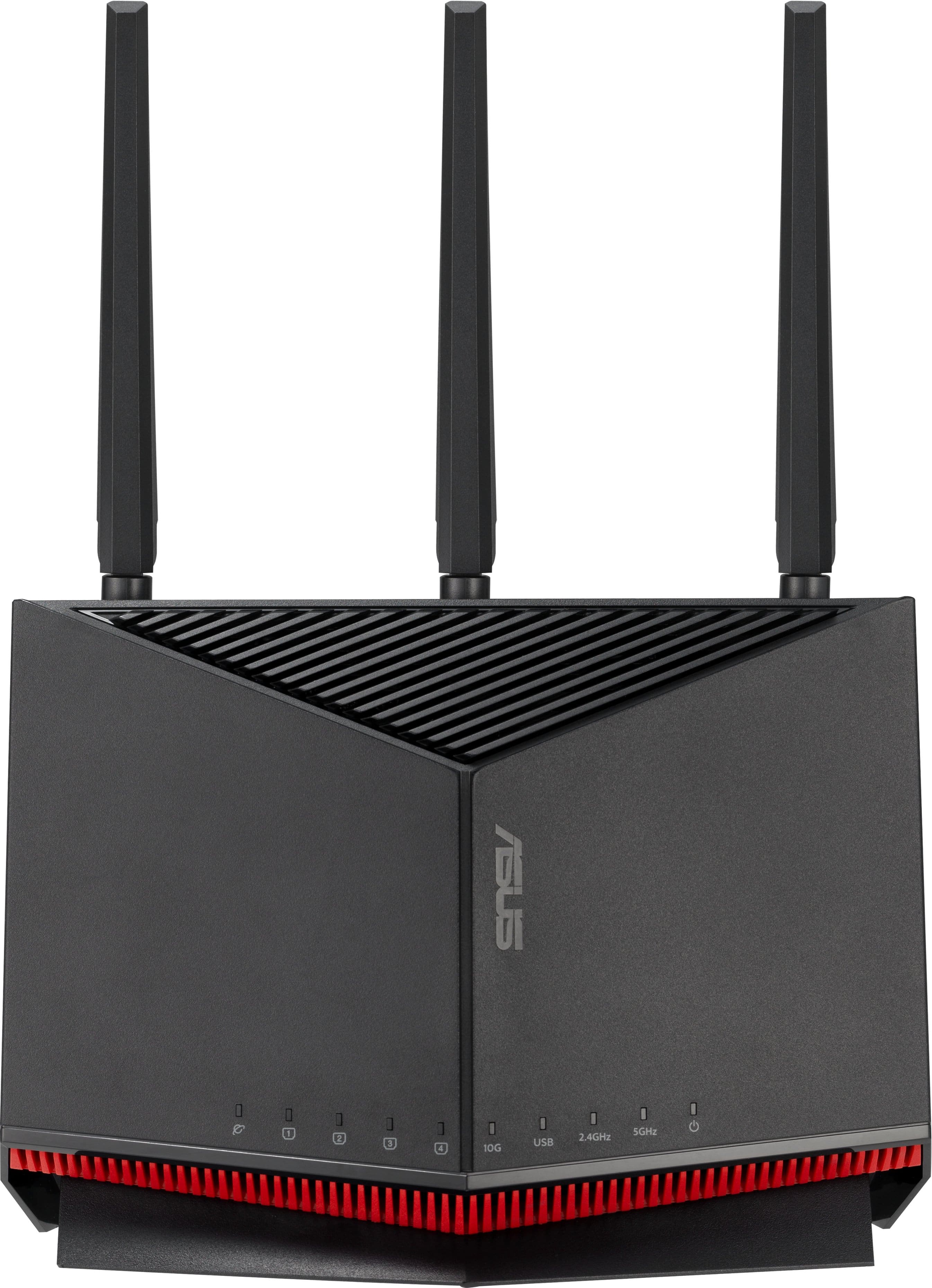
ASUS - RT-BE86U BE6800 Dual-Band Wi-Fi 7 Router - Black
About this product
A black dual-band Wi-Fi 7 router delivering up to 6800 Mbps with advanced security and parental controls.
What customers like
(32)$255.99Your price for this item is $255.99SAVE $14.00 -
9
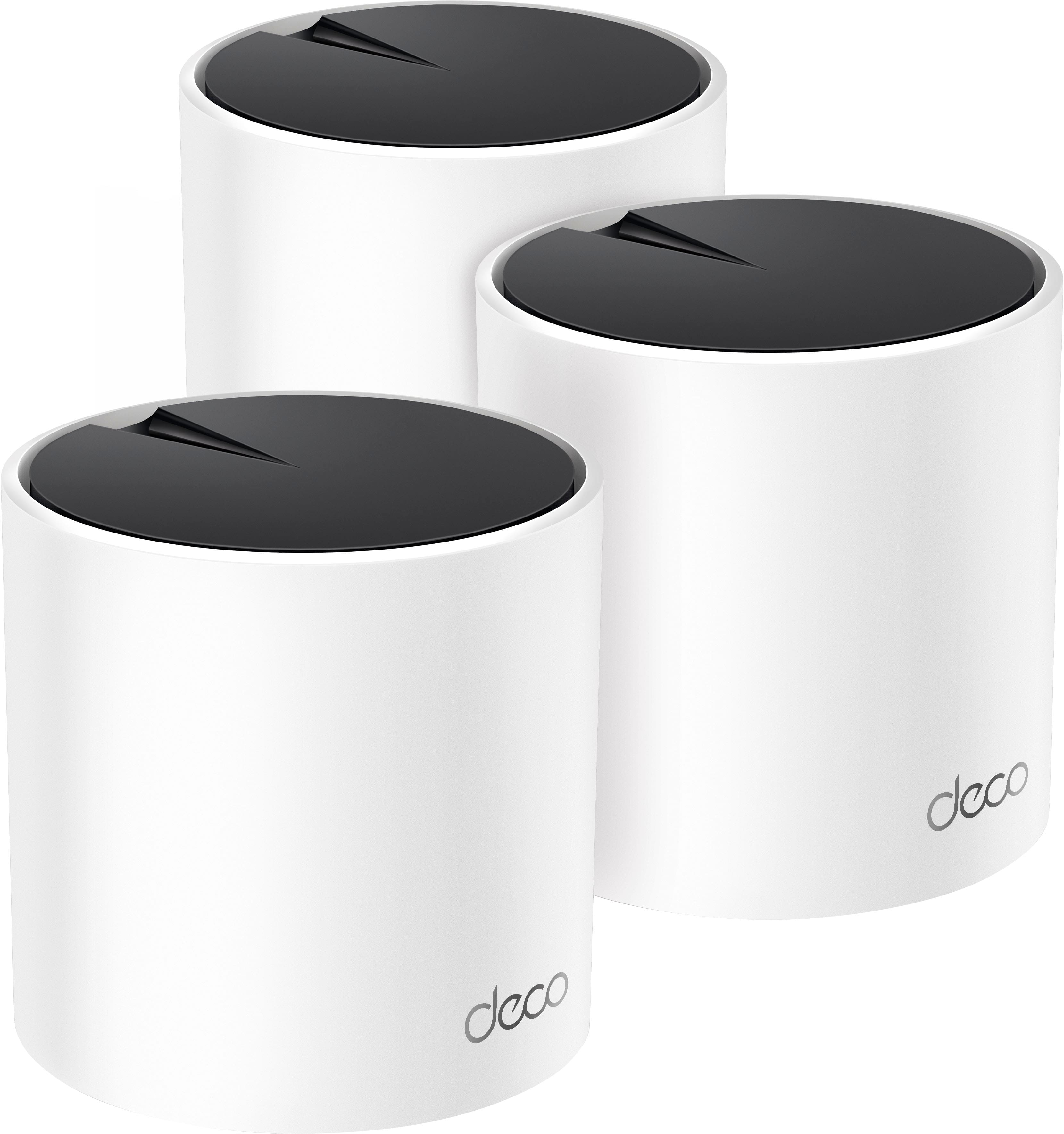
TP-Link - Deco X25 AX1800 Dual-Band Whole Home Mesh Wi-Fi 6 System (3-Pack) - White
About this product
A white dual-band Wi-Fi 6 mesh system offering fast speeds, expanded coverage, and robust parental controls.
What customers like
(244)$174.00 Your price for this item is $174.00 -
10
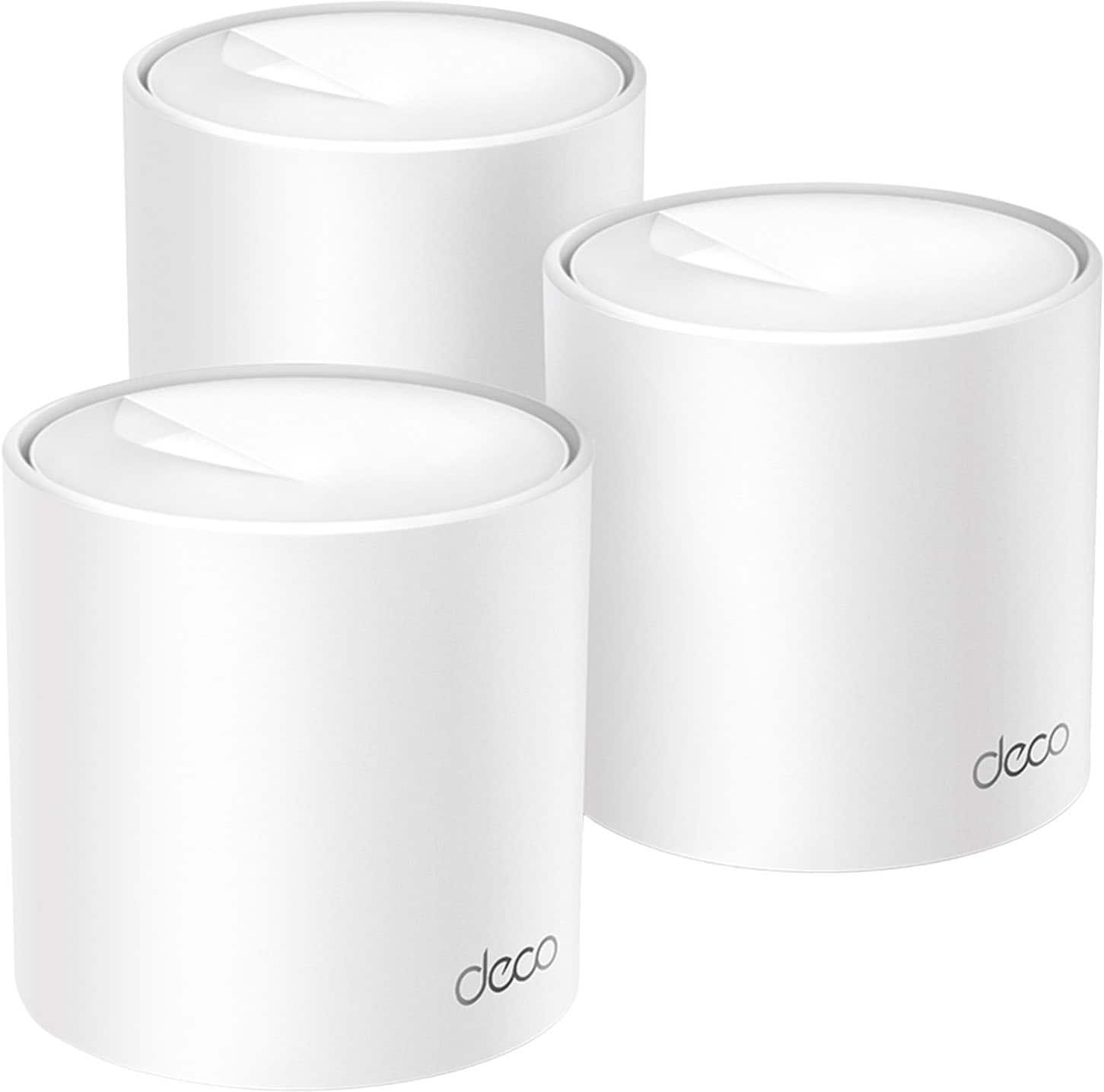
TP-Link - Deco X10 AX1500 Dual-Band Whole Home Mesh Wi-Fi 6 System, Supports up to 120 Connected Devices (3-Pack) - White
About this product
A white dual-band Wi-Fi 6 mesh system supporting up to 120 devices with robust security and parental controls.
What customers like
(126)$139.99 Your price for this item is $139.99
Best Budget Parental Control Router
FAQs
Compare options such as device profiles, internet access schedules, website category settings, and activity reports. Also review how settings are managed and which features are included, since parental control tools vary by router.
Many routers offer a mobile app, a browser-based dashboard, or both. Depending on the router, these tools may let you organize connected devices, adjust access schedules, and review network activity from one place.
Some parental control routers let you group devices into individual profiles. For example, a child’s laptop and tablet may share the same internet schedule, while other household devices use separate settings. Profile options vary by router.
Router-based controls apply to devices connected through the router’s network. Device-based controls are configured through an operating system, account, or app and may include settings for individual apps, screen time, and content. Their availability depends on the device and service.
Check your internet provider’s equipment requirements and whether you currently use a separate modem or a combined modem and router. Also review operating-mode requirements, because some parental control features may not be available when a router is used in access point mode.