Top Rated Wi-Fi Routers under $200
Find top-rated Wi-Fi routers under $200 with your home’s coverage needs and internet plan in mind. Compare wireless routers by supported speeds, device capacity, and security features to narrow your choices and find an option that fits your network and budget.
What to look for in top-rated Wi-Fi routers under $200
When comparing top-rated Wi-Fi routers under $200, consider how coverage, speed, device capacity, and security fit your home’s needs.
1. Coverage and Home Layout
2. Wi-Fi Standards and Speed
3. Connected Device Capacity
4. Security and Management
-
1
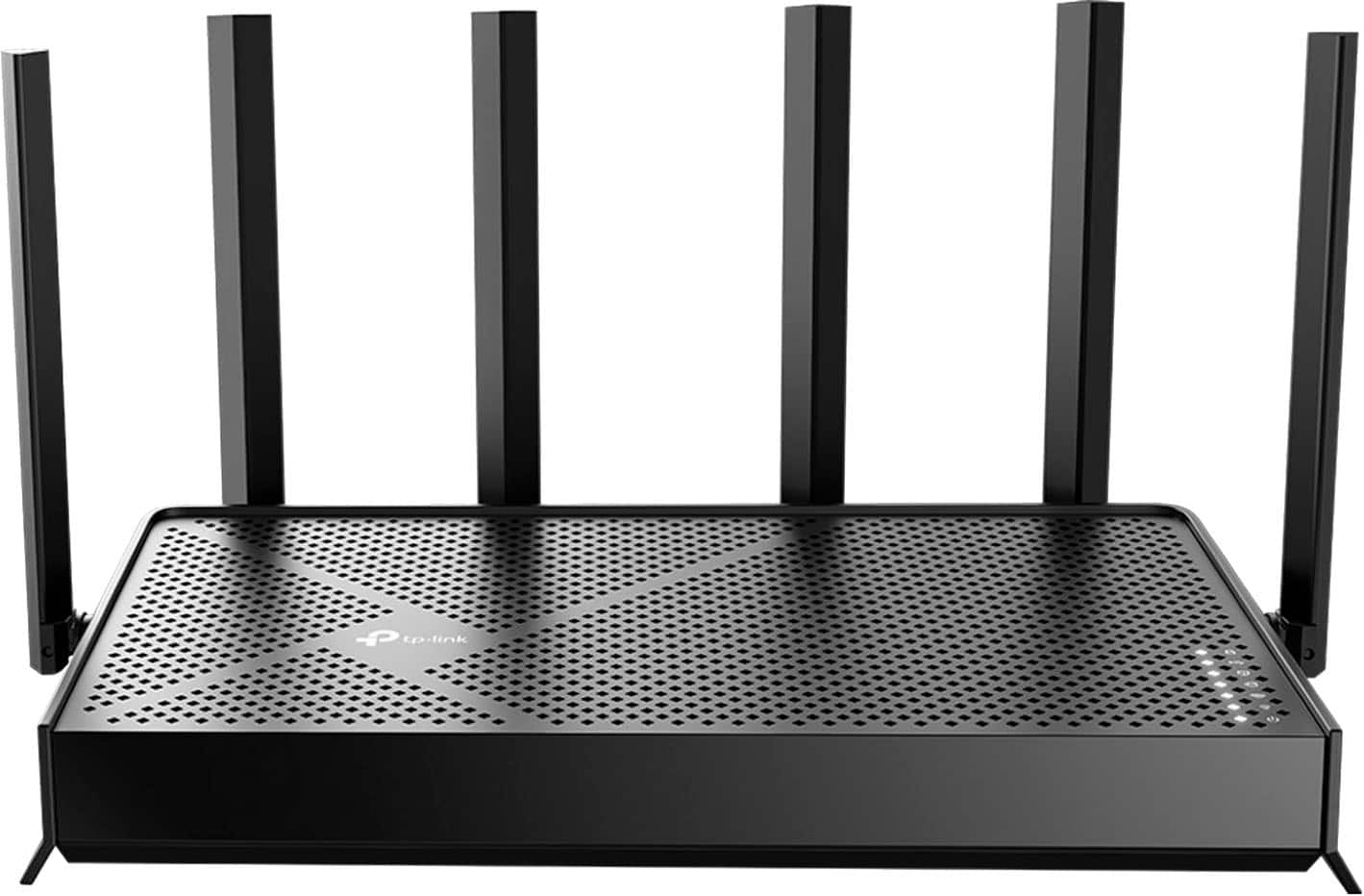
TP-Link - Archer BE6500 Dual-Band Wi-Fi 7 Router - Black
About this product
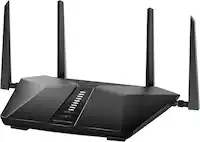
A dual-band black Wi-Fi 7 router with six antennas, Multi-Link Operation, and EasyMesh compatibility.
What customers like
(340)$155.00Your price for this item is $155.00SAVE $44.99 -
2
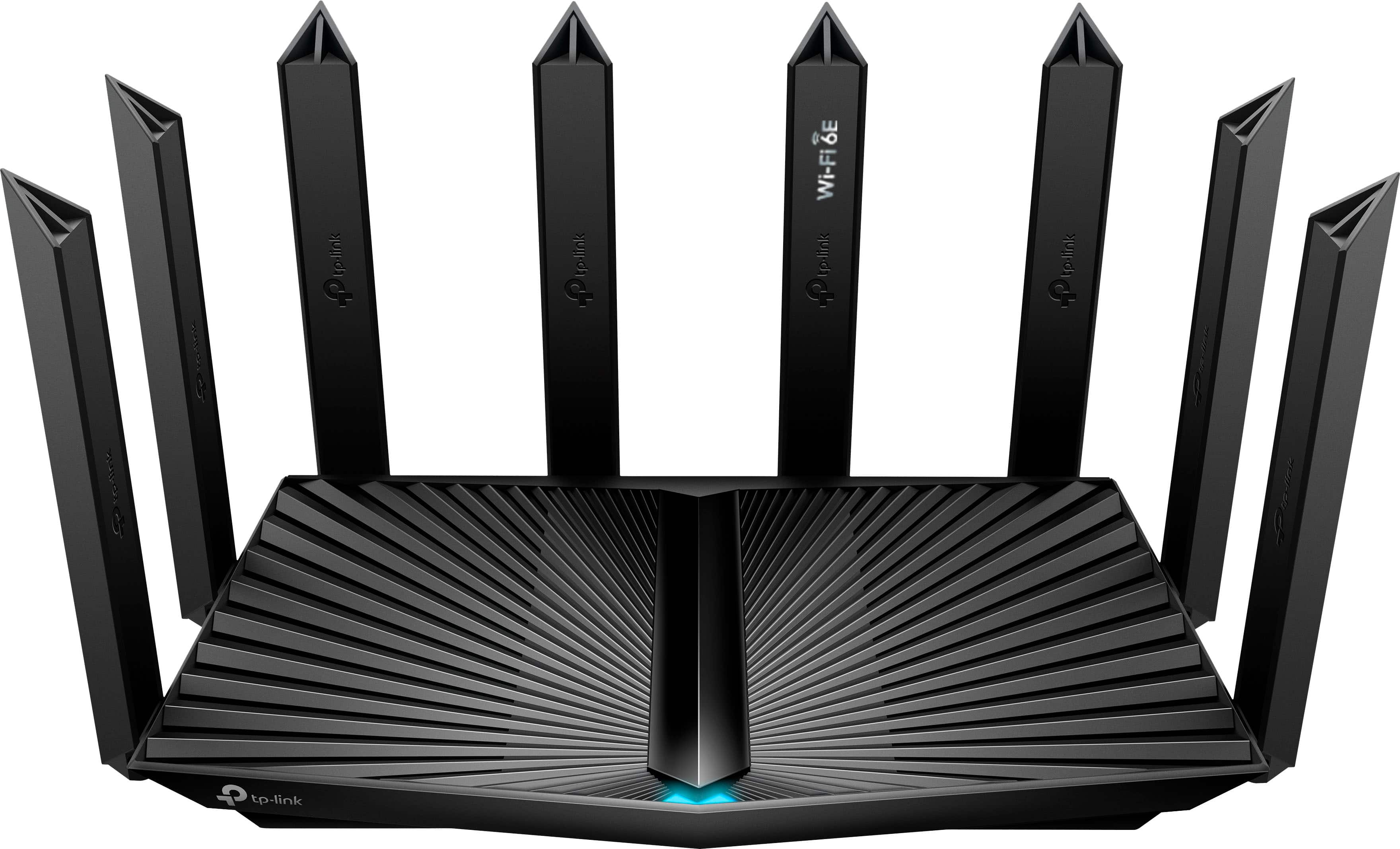
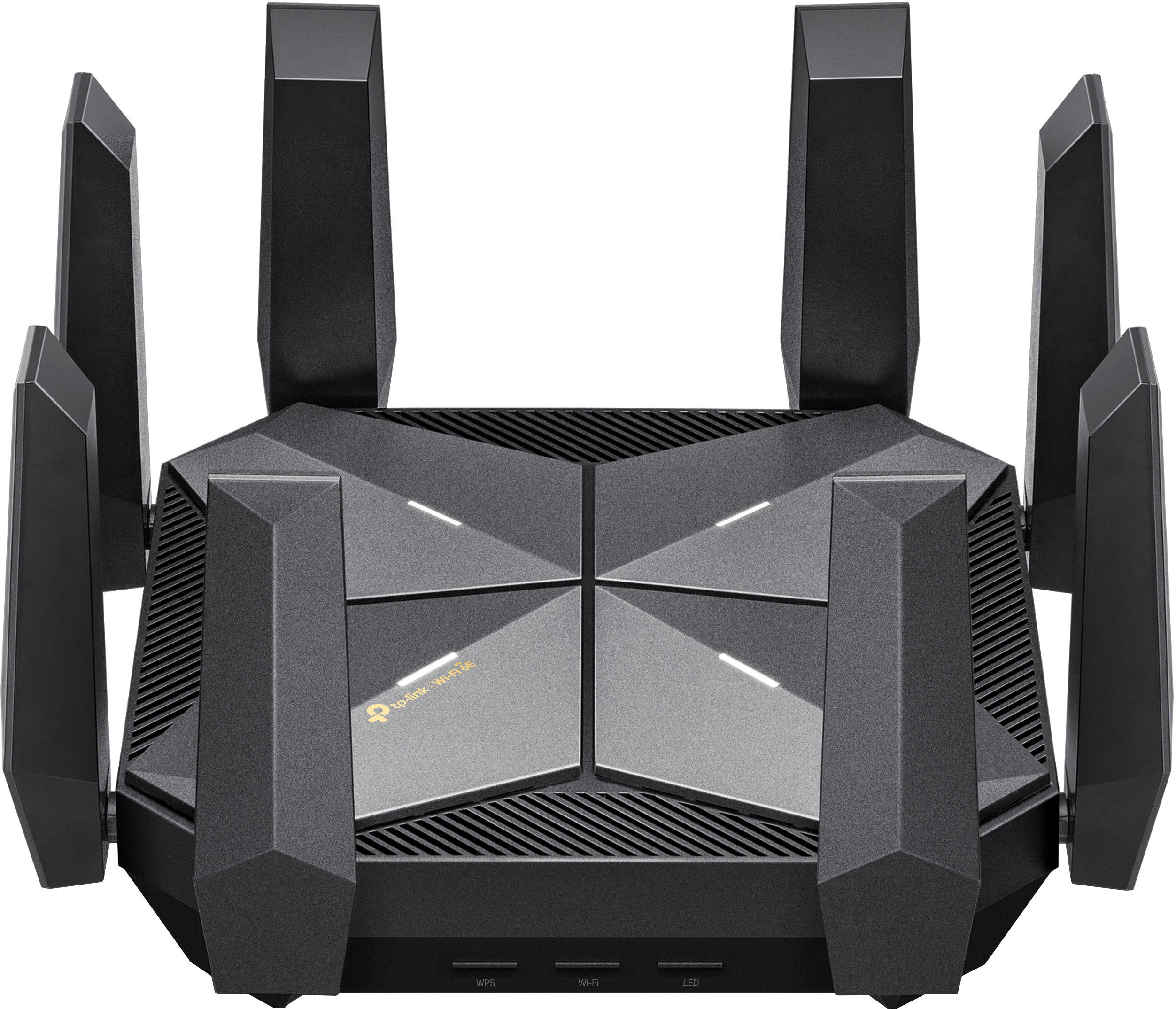
TP-Link - Archer AXE7800 Tri-Band Wi-Fi 6E Router - Black
About this product
A high-performance black tri-band Wi-Fi 6E router delivering ultra-fast speeds, strong coverage, and advanced security.
What customers like
(758)$137.99Your price for this item is $137.99SAVE $92.00 -
3
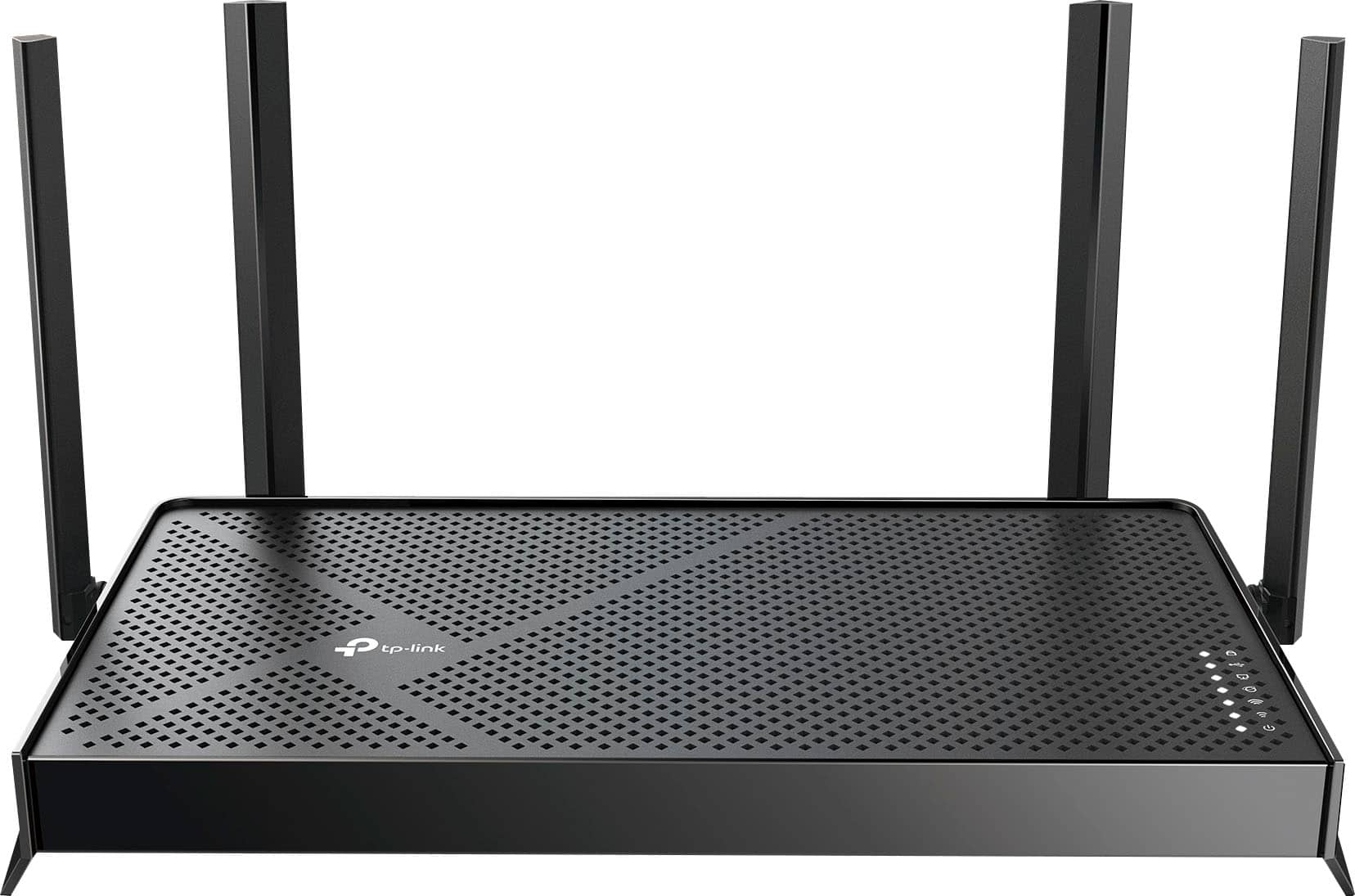
TP-Link - Archer BE3600 Pro Dual-Band Wi-Fi 7 Router - Black
About this product
A dual-band black Wi-Fi 7 router offering up to 3.6 Gbps speeds, WPA3 security, and app compatibility.
What customers like
(81)$109.99 Your price for this item is $109.99 -
4
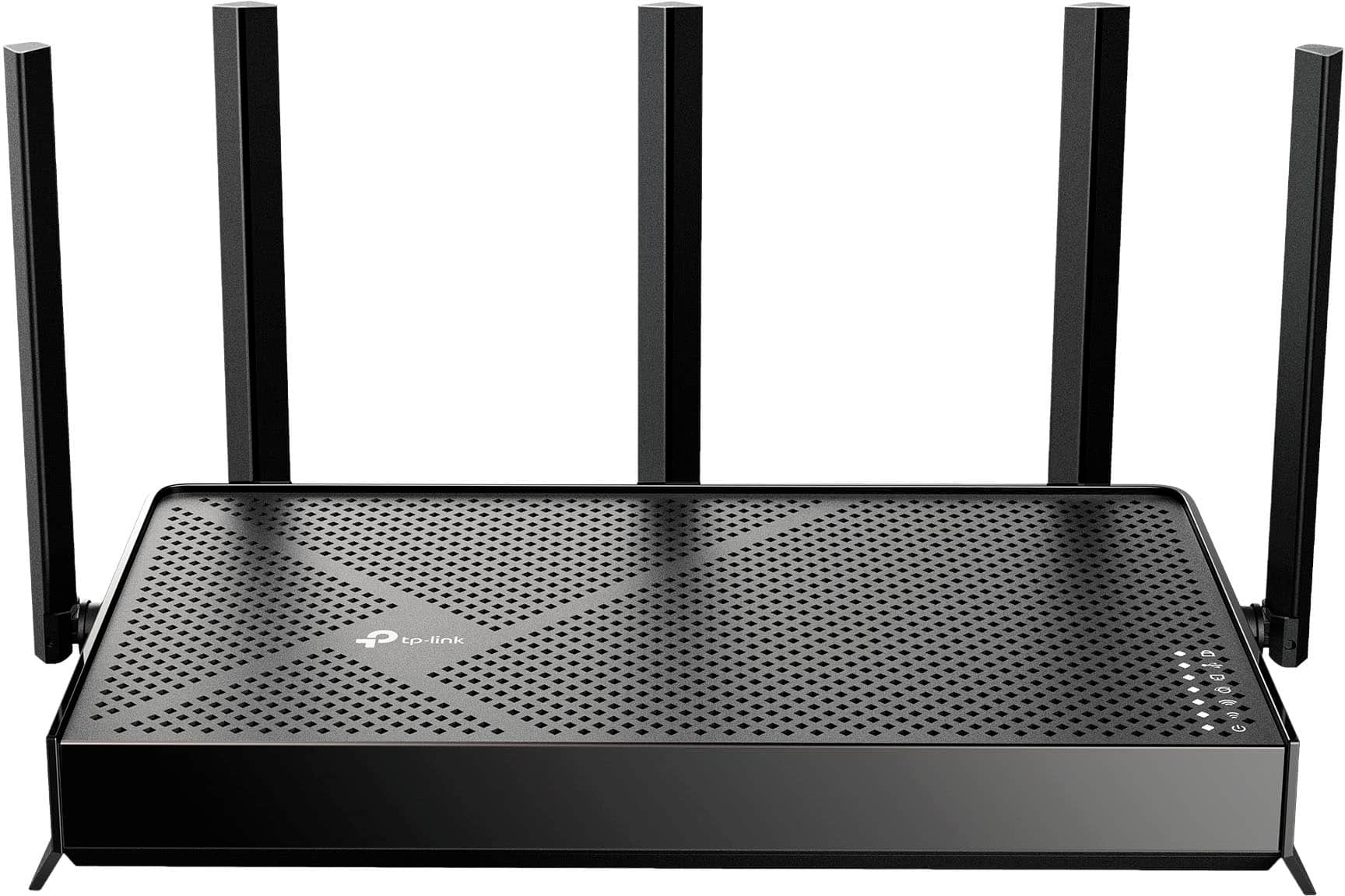
TP-Link - Archer BE5000 Dual-Band Wi-Fi 7 Router - Black
About this product
A dual-band black router featuring Wi-Fi 7, 5.0 Gbps speeds, multi-gig ports, and smart home compatibility.
What customers like
(138)$119.99Your price for this item is $119.99SAVE $20.00 -
5
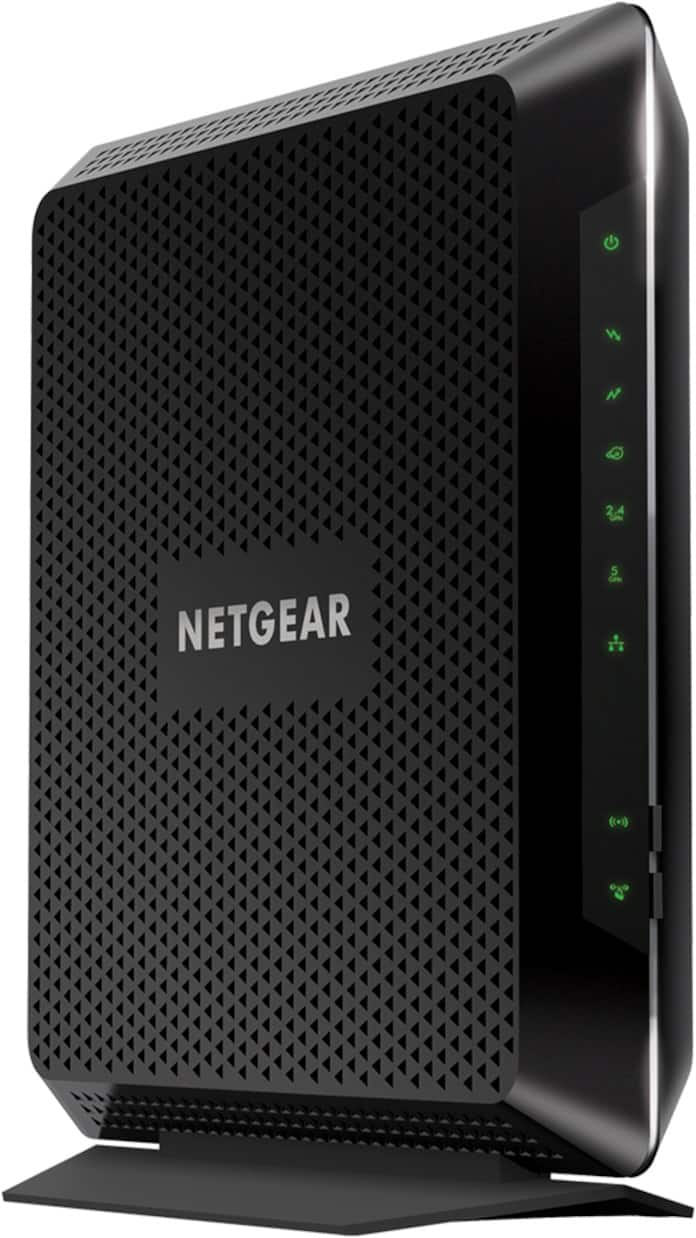
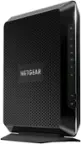
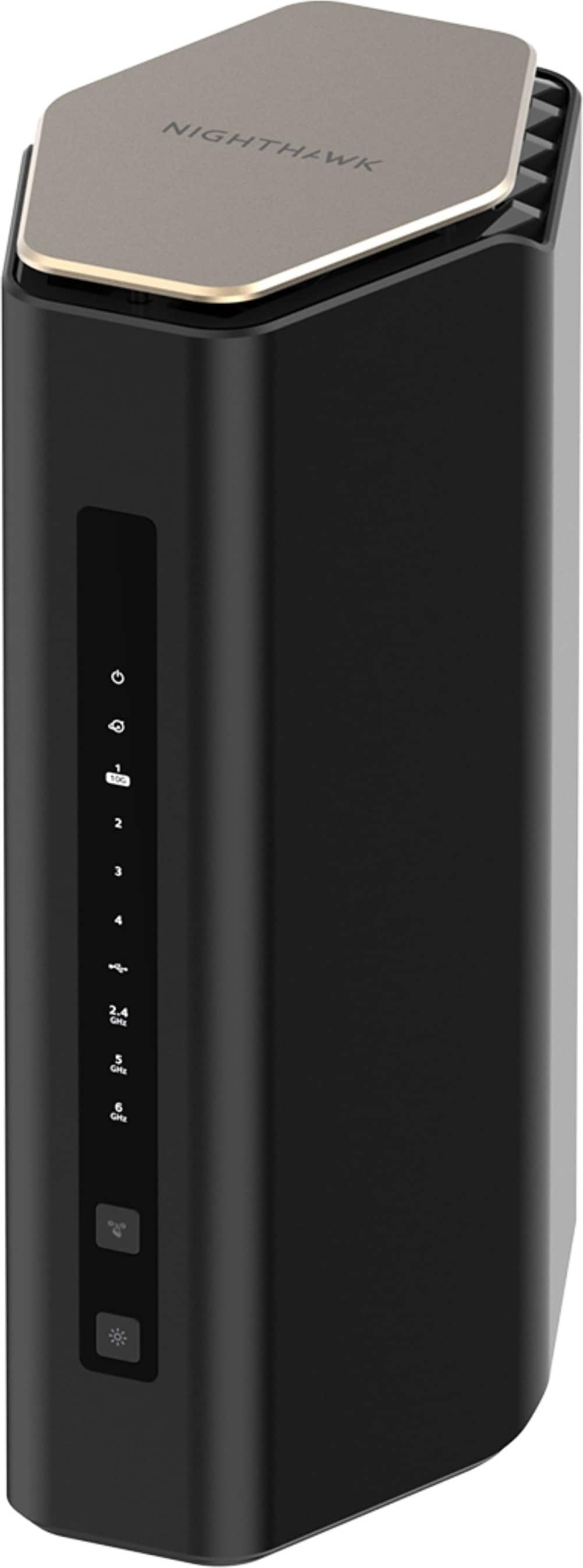
NETGEAR - Nighthawk DOCSIS 3.0 Modem Router, WiFi 5, 1.9 Gbps, AC1900, 4 Gig Ports. Not supported for new Xfinity activations - Black
About this product
A black dual-band Wi-Fi 5 modem-router combo with DOCSIS 3.0, AC1900 speeds, four Gigabit Ethernet ports, and beamforming.
What customers like
(14,126)$192.99 Your price for this item is $192.99 -
6
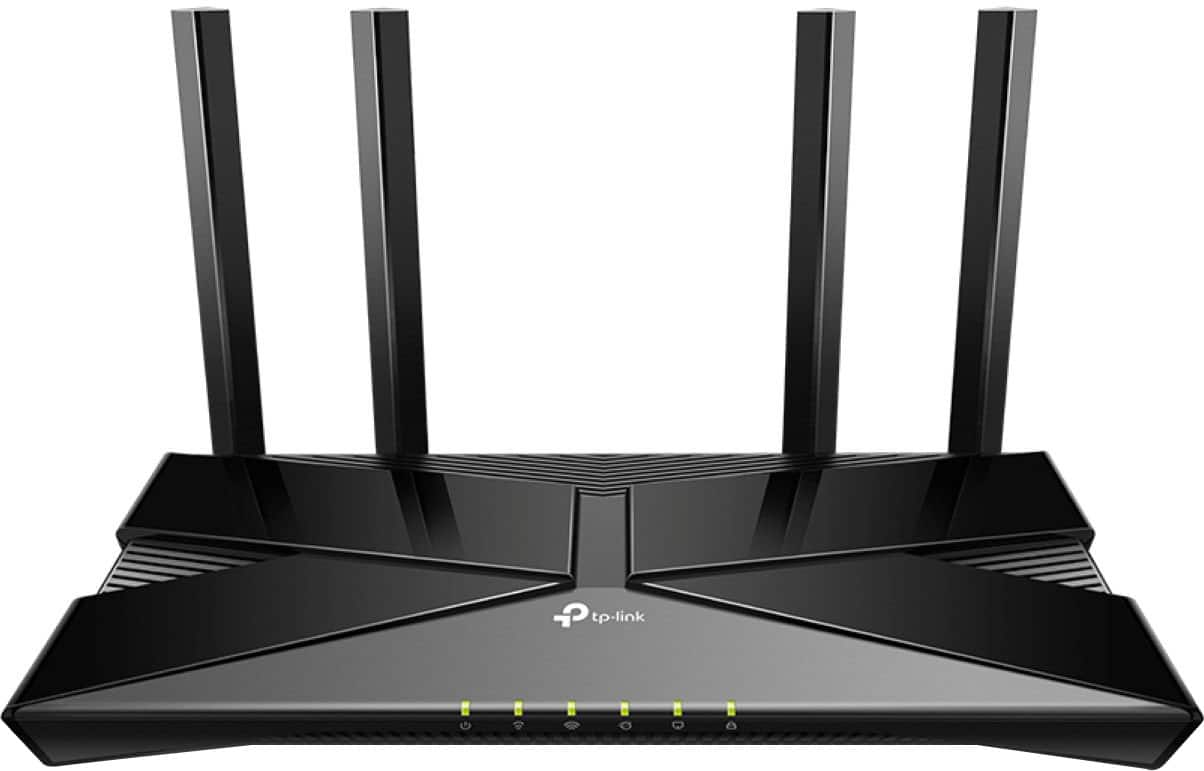
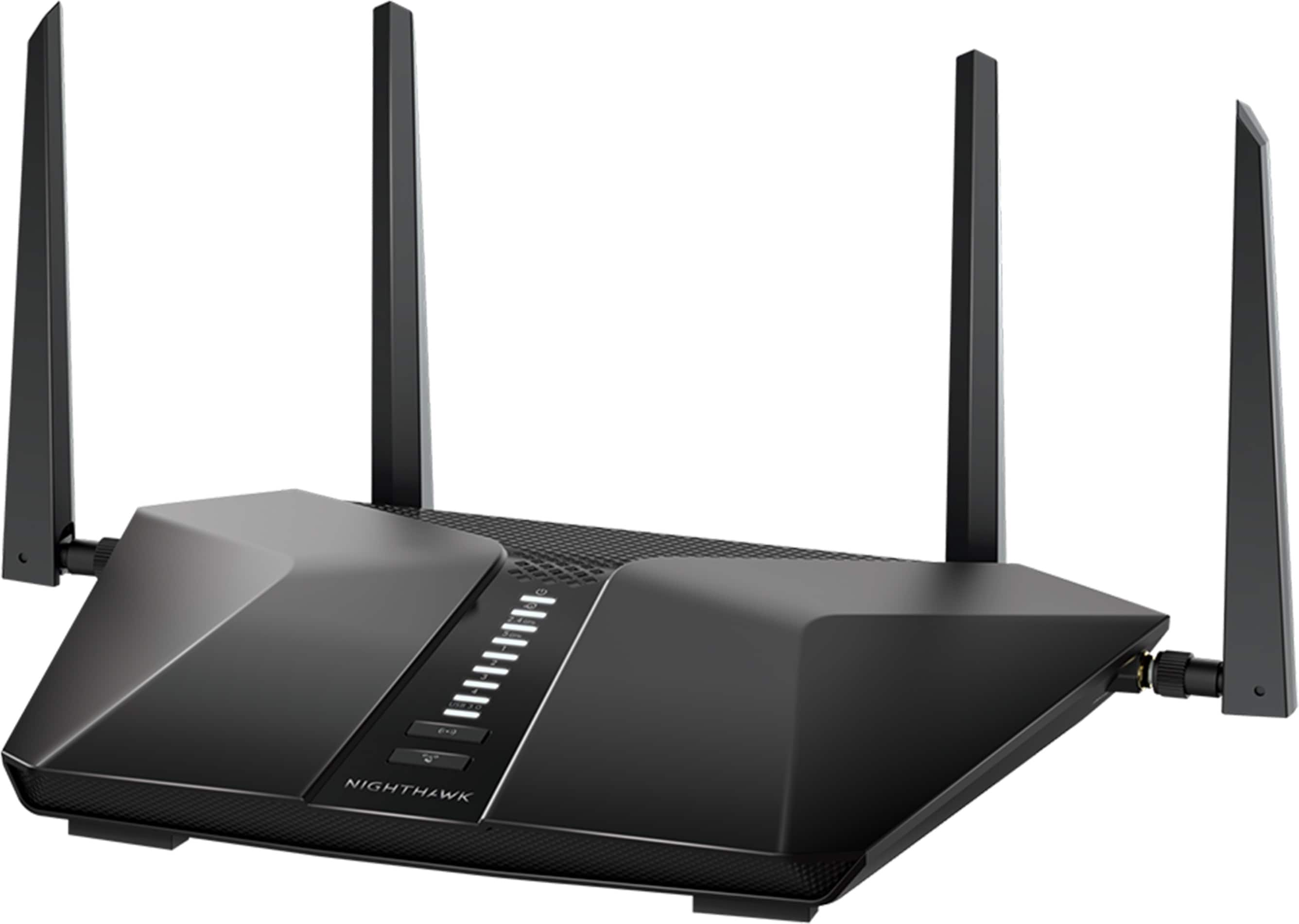
TP-Link - Archer AX1500 Dual Band Wi-Fi 6 Router - Black
About this product
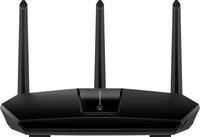
A black dual-band Wi-Fi 6 router with four antennas, WPA3 encryption, and app compatibility for easy setup.
(19)$67.99Your price for this item is $67.99SAVE $12.00 -
7
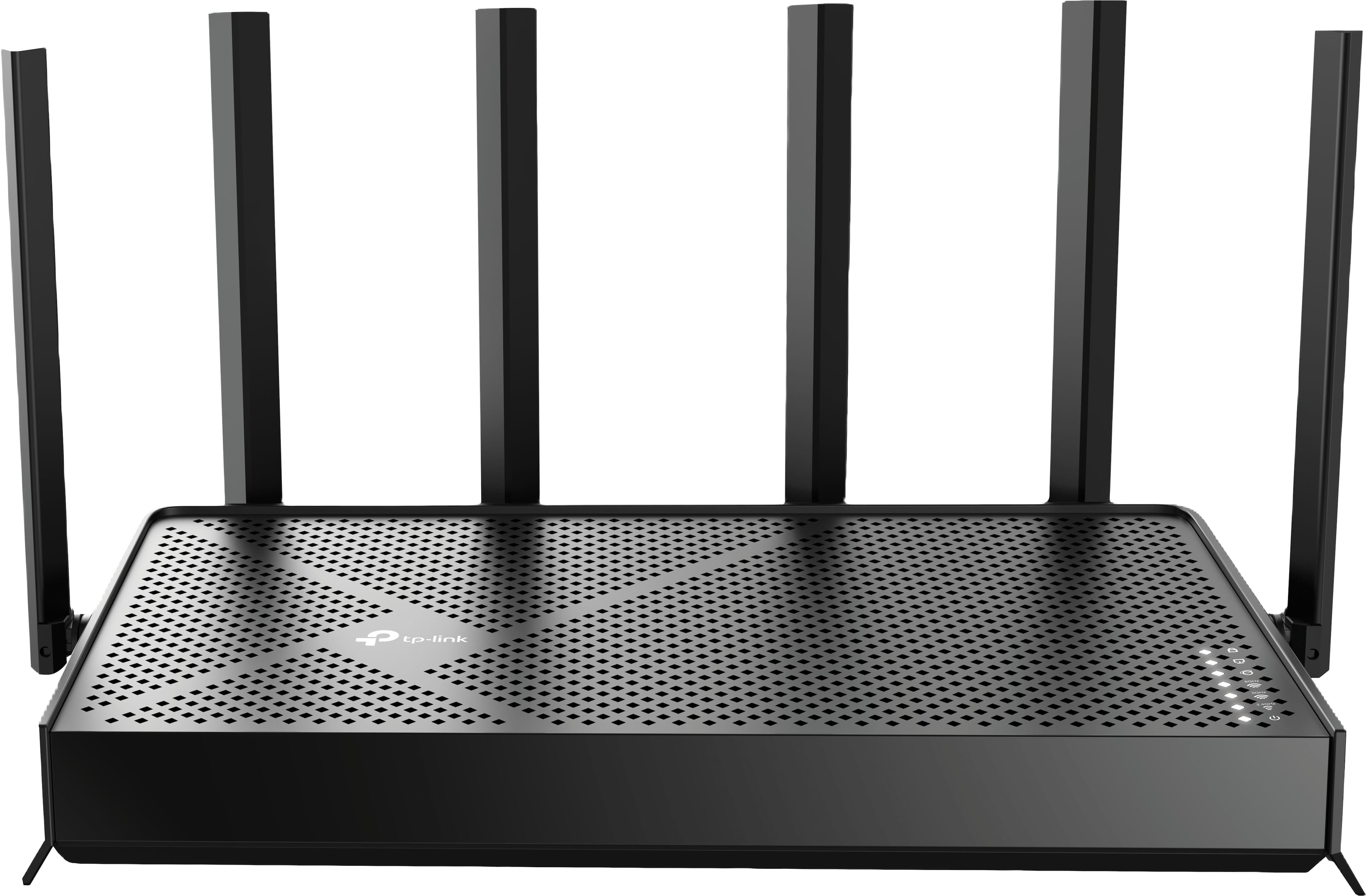
TP-Link - Archer BE9500 Tri-Band Wi-Fi 7 Router plus 1 Year of HomeShield Premium Service - Black
About this product
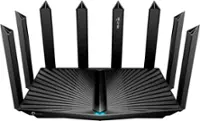
A black tri-band Wi-Fi 7 router delivering up to 9.5 Gbps speeds with advanced security features.
(7)$199.99 Your price for this item is $199.99 -
8
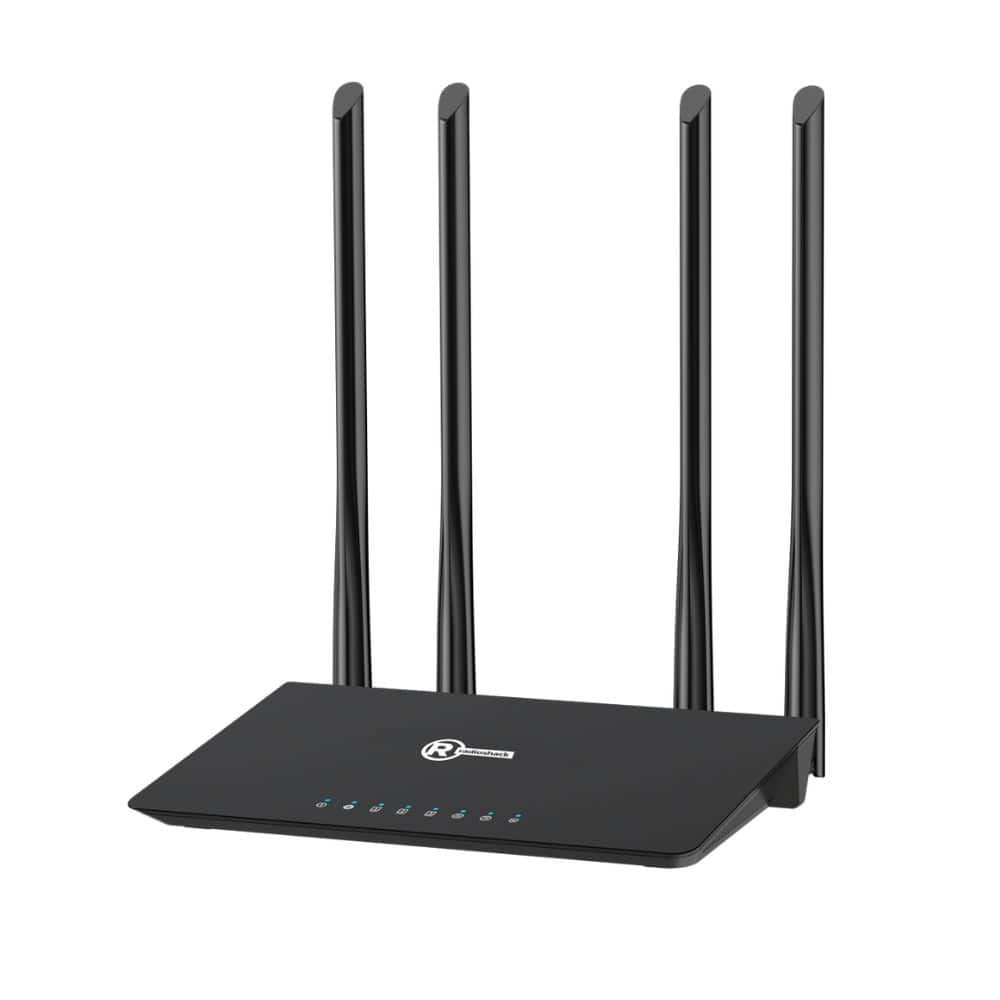
RadioShack - 1200 Mbps Wi-Fi Router - Black
About this product
A dual-band black Wi-Fi 5 router with four antennas for fast, reliable streaming and gaming connectivity.
(0)$79.99 Your price for this item is $79.99 -
9

STARLINK - Gen 3 Mesh Wi-Fi 6 Wireless Router - White
About this product
A white tri-band Wi-Fi 6 mesh router offering improved range, fast speeds, and integrated data encryption.
(0)$120.00 Your price for this item is $120.00 -
10
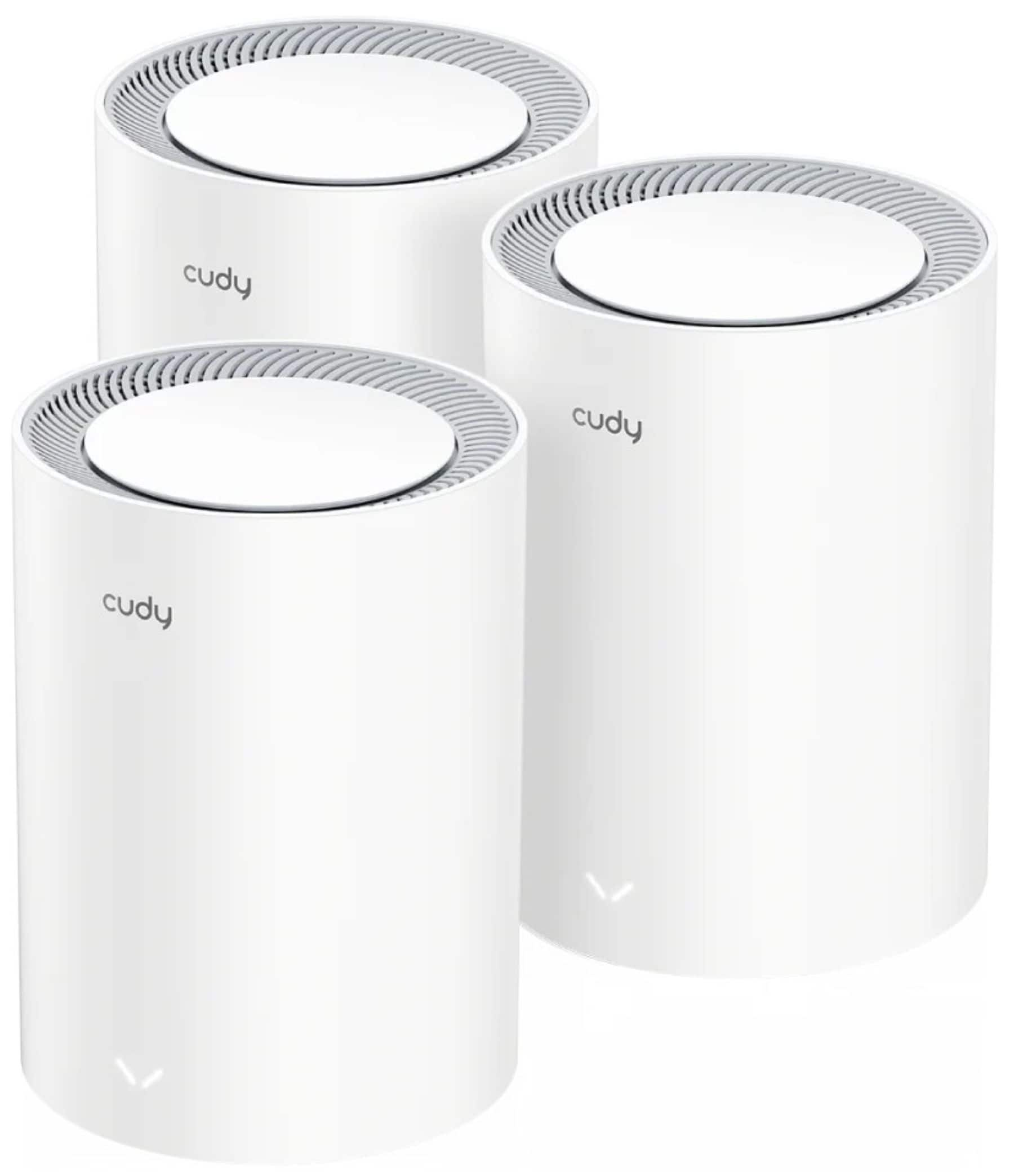
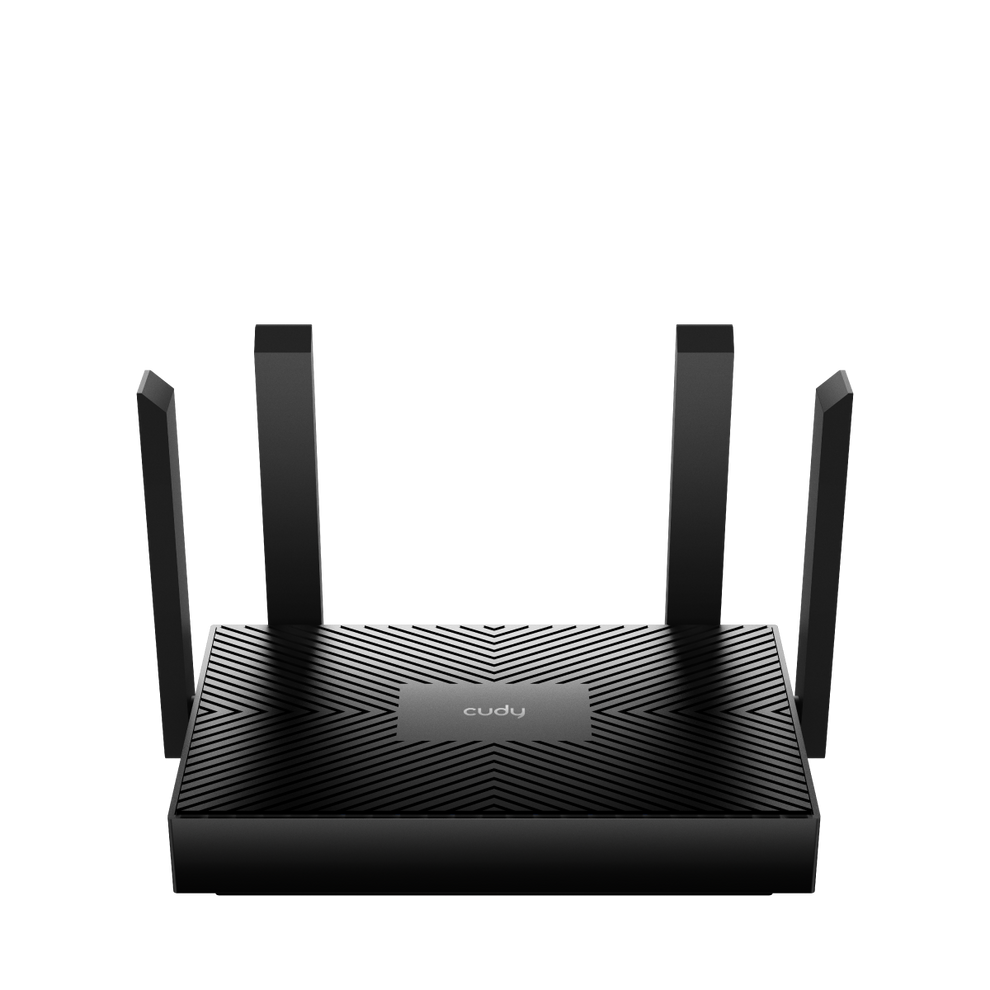
Cudy - Dual Band BE3600 Wi-Fi 7 Mesh System, 3.6 Gbps 160 Mhz, 2900 Sq.ft, 3 Gigabit Ports, Multi-VPN, Cudy APP - White
About this product
A white dual-band Wi-Fi 7 mesh system with 3.6 Gbps speed, three Gigabit ports, and VPN support.
(0)$179.99Your price for this item is $179.99SAVE $70.00
Top Rated Wi-Fi Routers under $200
FAQs
A modem connects your home to your internet service provider, while a Wi-Fi router creates a local network for your devices. Some internet gateways combine both functions in one unit. The equipment you need depends on your internet service and existing setup.
Dual-band routers use the 2.4 GHz and 5 GHz frequency bands. Tri-band routers add a third band, which may be another 5 GHz band or a 6 GHz band, depending on the Wi-Fi standard and router design.
Wi-Fi 6 operates on the 2.4 GHz and 5 GHz bands. Wi-Fi 6E extends the Wi-Fi 6 standard to include the 6 GHz band. To connect on that additional band, a device must support Wi-Fi 6E or another compatible standard.
A WAN port typically connects the router to a modem or another internet source. LAN ports connect local devices, such as computers, game consoles, and printers, using Ethernet cables. Port labels and configurations vary, and some routers have ports that can serve either role.
Wi-Fi routers are commonly configured through a mobile app or a browser-based administration page. Depending on the router, these tools let you set a network name, view connected devices, create a guest network, and manage network settings. Available controls vary by model.