Windows Docks
-
Microsoft - Surface Dock 2 - Black
SKU: J3ZKK5228RSee all Docking StationsProduct Description
A black docking station offering USB-C, DisplayPort, Ethernet, and six USB ports for seamless desktop connectivity.Your price for this item is $169.99Save $195The previous price was $365.01 -
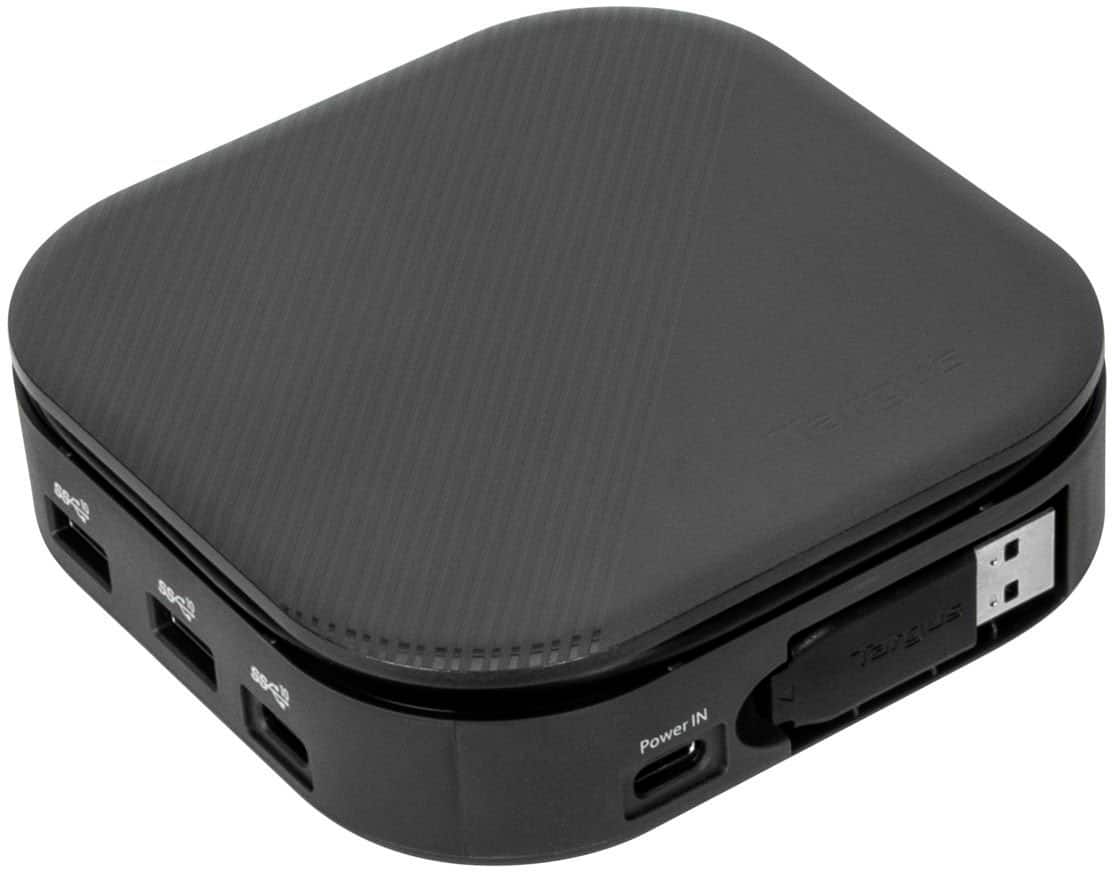
Targus - USB-C Universal Dual HD Docking Station with 80W PD Pass-Thru - Black
SKU: J7QXPVCPL9Love It....Easy set up and works great! I was able to set it up and get it working in minutes....Great for multiple screens...At first it was a bit confusing. but then things work great....I really love...
See all Docking StationsProduct Description
A compact black docking station supporting dual HD displays, 80W PD pass-thru, and universal laptop compatibility.Your price for this item is $48.99Save $21The previous price was $69.99 -
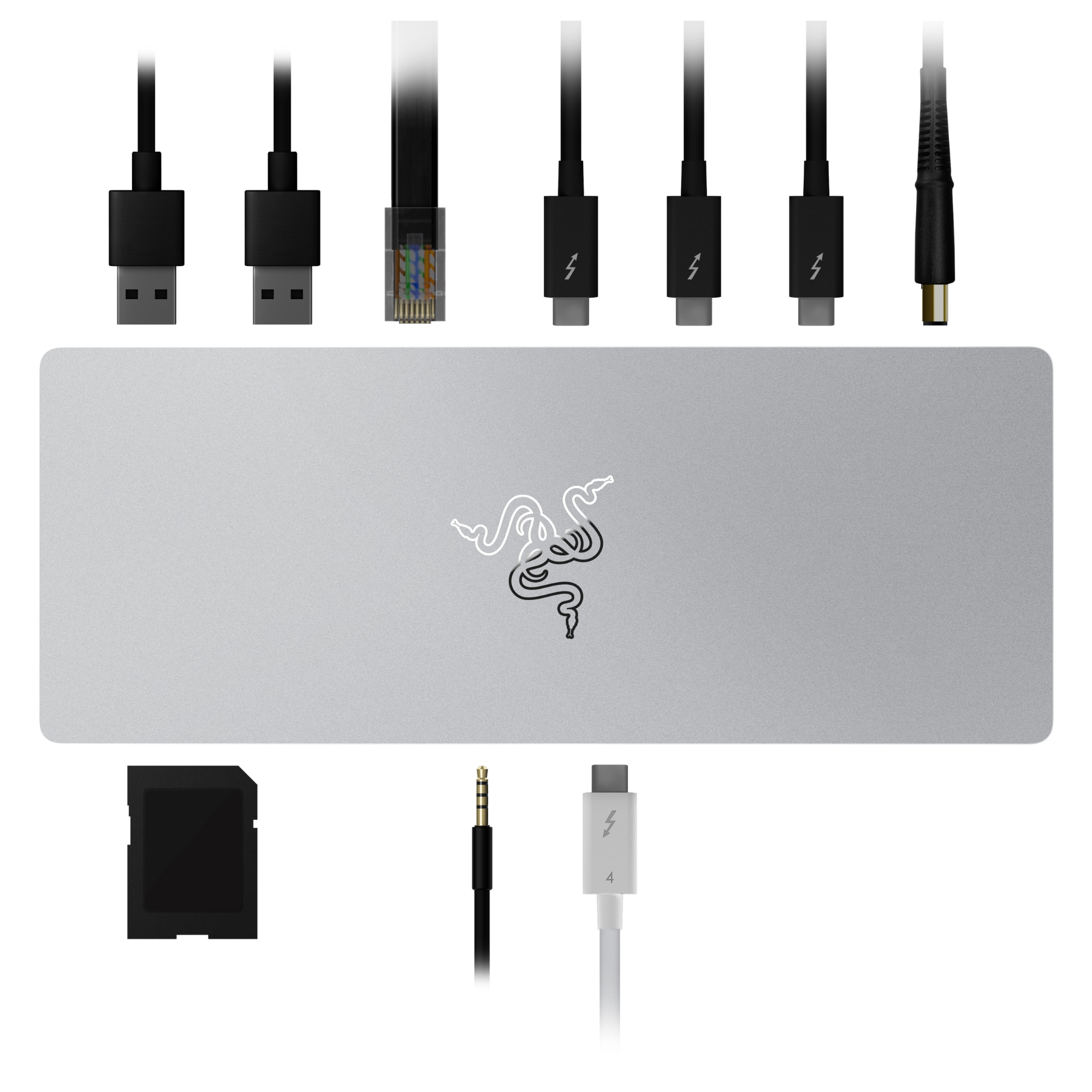
Razer - Thunderbolt 4 Certified Dock with 10 Ports for PC and Mac - Mercury
SKU: J3GTVWW2VGGreat dock. Incorrect Description....Great combination of ports....Do keep in mind that the Best Buy product description is inaccurate....Great doc...Great universal dock, for the priceI van use my surrsce...
See all Docking StationsProduct Description
A sleek mercury-colored dock offering 10 ports, Thunderbolt 4 connectivity, and dual 4K video output.Your price for this item is $319.99 -
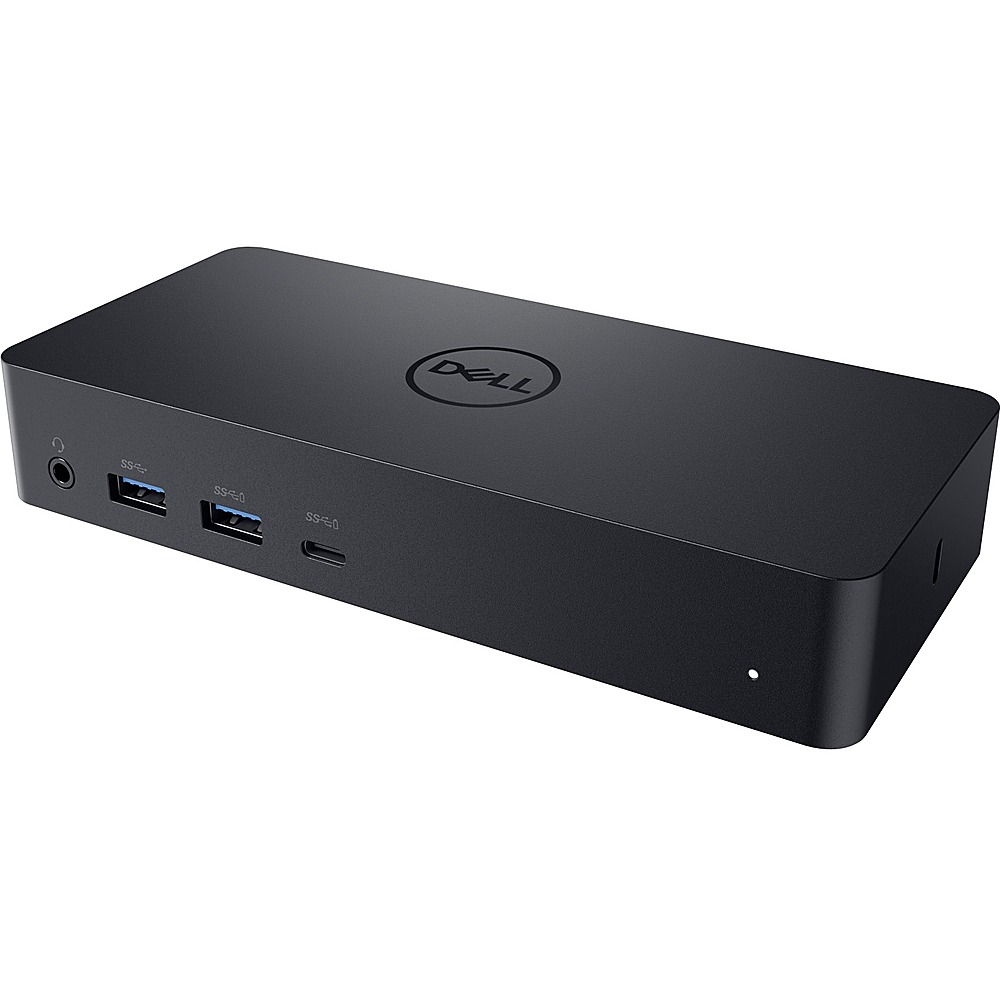
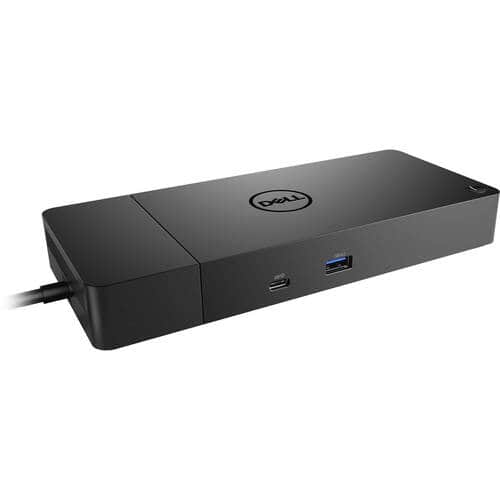
Dell - Docking Station - Black
SKU: J3K4L9H3P4See all Docking StationsProduct Description
A versatile black docking station offering universal compatibility and support for up to two external displays.Your price for this item is $239.00Save $10The previous price was $249.99 -
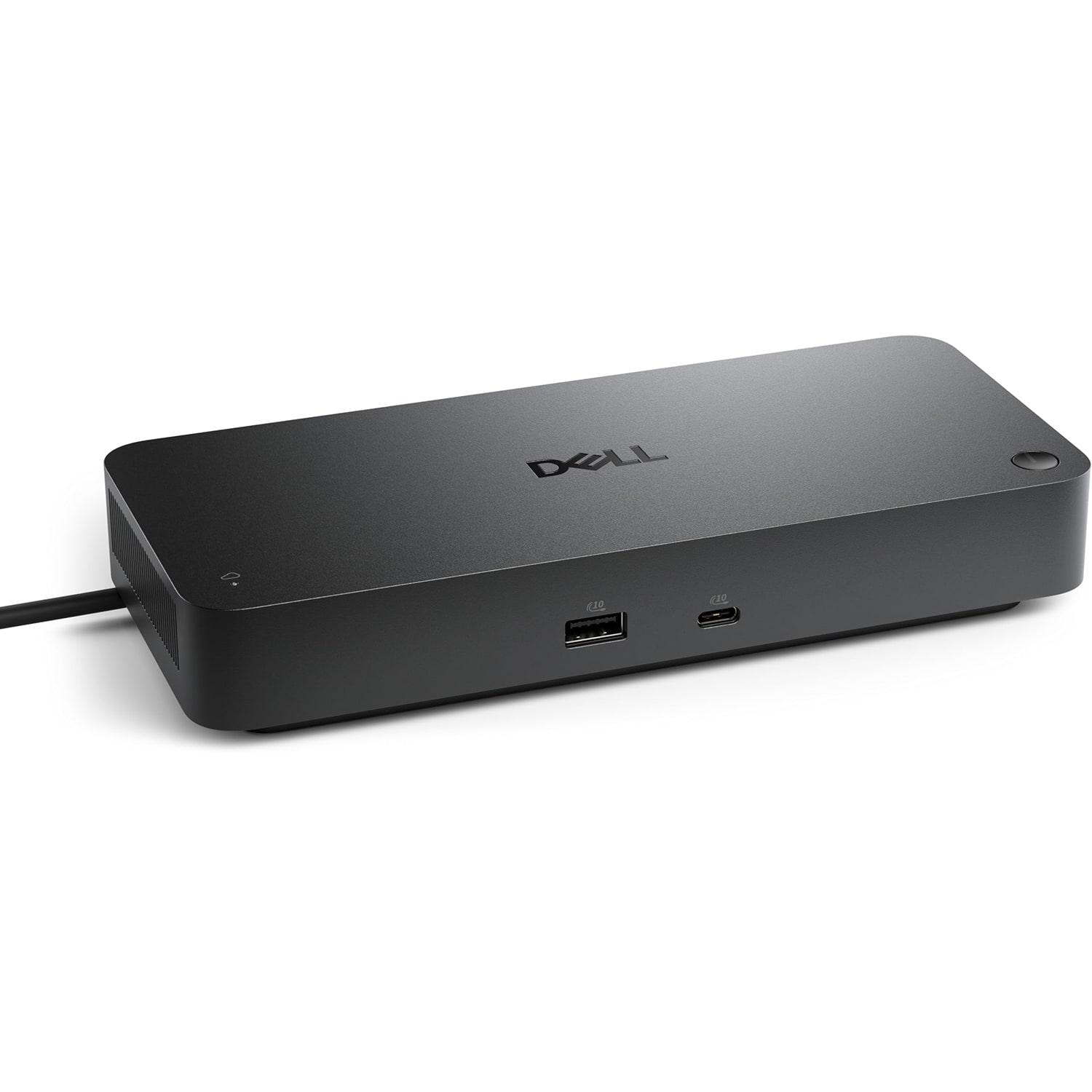
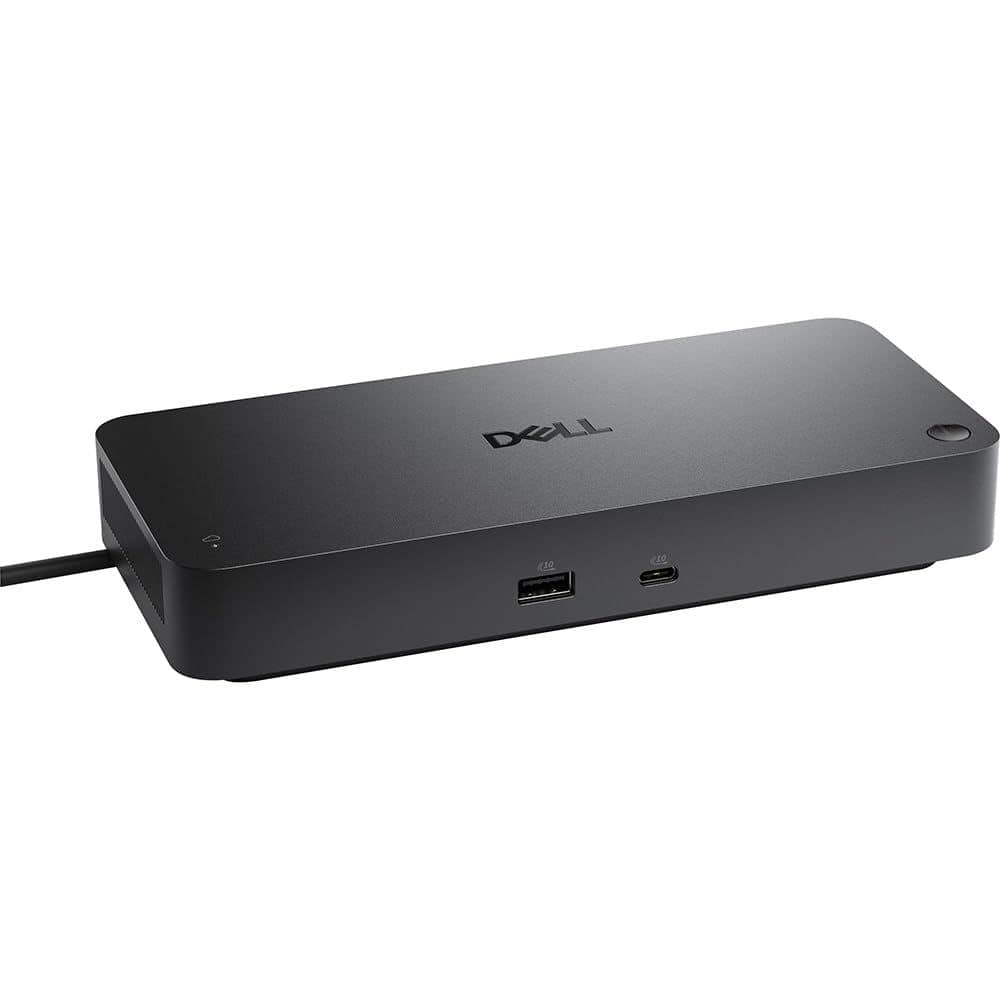
Dell - Pro Smart Dock DELL-SD25 - Black
SKU: J3K4L63RFYVery easy to hook up and works Great!! Using it to run 3 monitors...Great Dell Docking Station
See all Docking StationsProduct Description
A versatile USB-C dock supporting four displays, six USB ports, and 2.5G Ethernet connectivity.Your price for this item is $179.99Save $75The previous price was $254.99 -
Dell - WD19DCS (Dell FMDC0) Performance Dock - Power Delivery - 210 Watts - USB-C - RJ45 - HDMI - Windows
SKU: J3K4L9V9Y6See all Docking StationsProduct Description
A powered docking station supporting up to three displays and six USB ports for enhanced connectivity.Your price for this item is $299.00 -
Dell - DELL-SD25TB5 Pro Thunderbolt 5 Smart Dock
SKU: JJG3SJS8TWSee all Docking StationsProduct Description
A high-performance smart dock with Thunderbolt 5, supports up to four 4K displays and 300W charging.Your price for this item is $449.00Save $20The previous price was $469.00 -
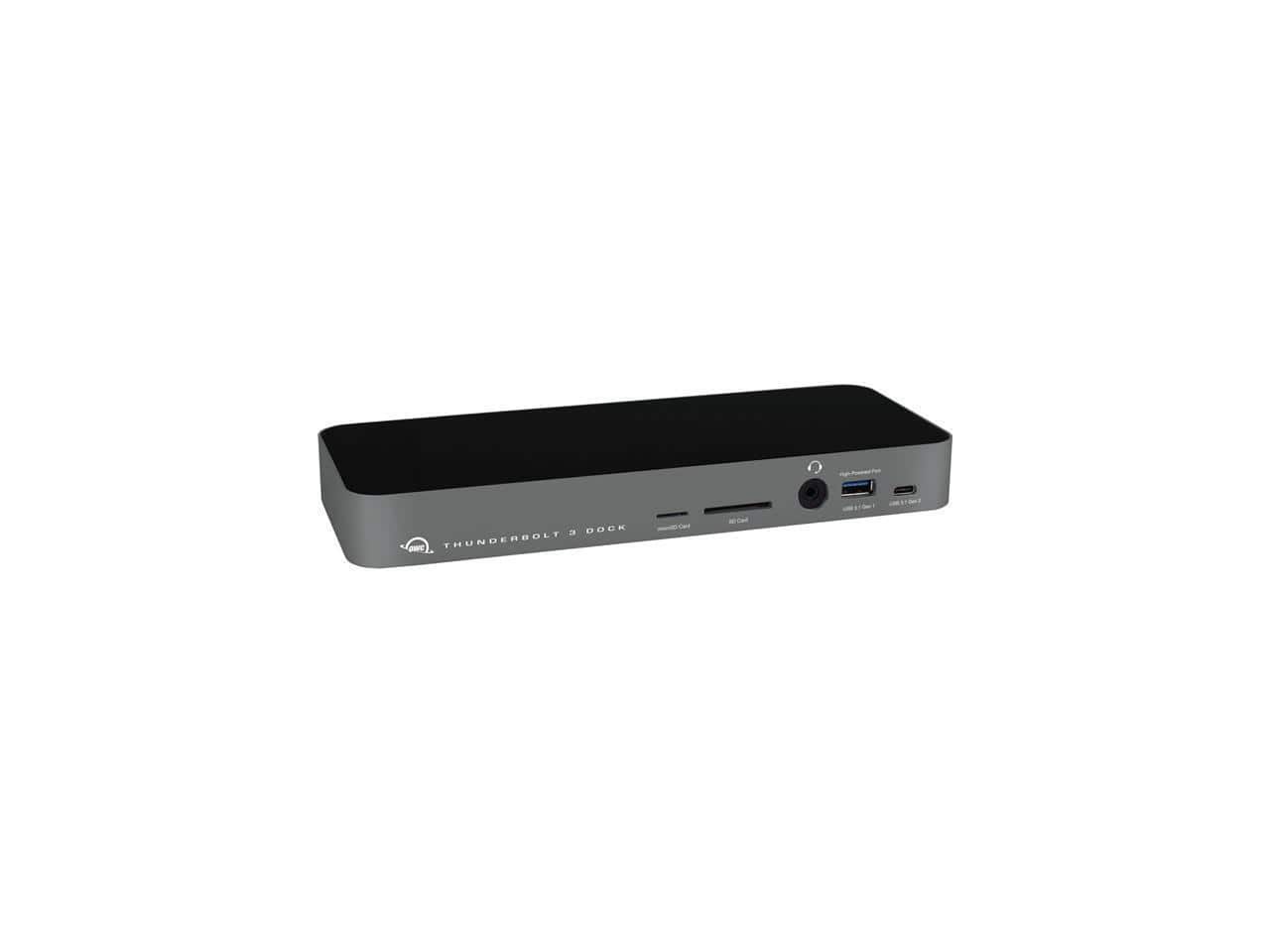
OWC - 14-Port Thunderbolt 3 Dock with Cable, Compatible with Windows PC and Mac, Space Gray - Space Gray|Black
SKU: J3GZX73F4QSee all Docking StationsProduct Description
A space gray and black dock offering 14 ports, Thunderbolt 3 connectivity, and compatibility with Windows and Mac.Your price for this item is $179.74 -
Dell - WD19S180W (Dell 210-AZBM) WD19S Power Delivery Docking Station - 3840 x 2160 - 60 Hz - 180 Watts - Linux - Windows - 130 - Black
SKU: J3K4L9V9LVSee all Docking StationsProduct Description
A black USB-C docking station supporting three displays, five USB ports, and 180W power delivery for multiple brands.Your price for this item is $197.89Save $21The previous price was $219.00 -
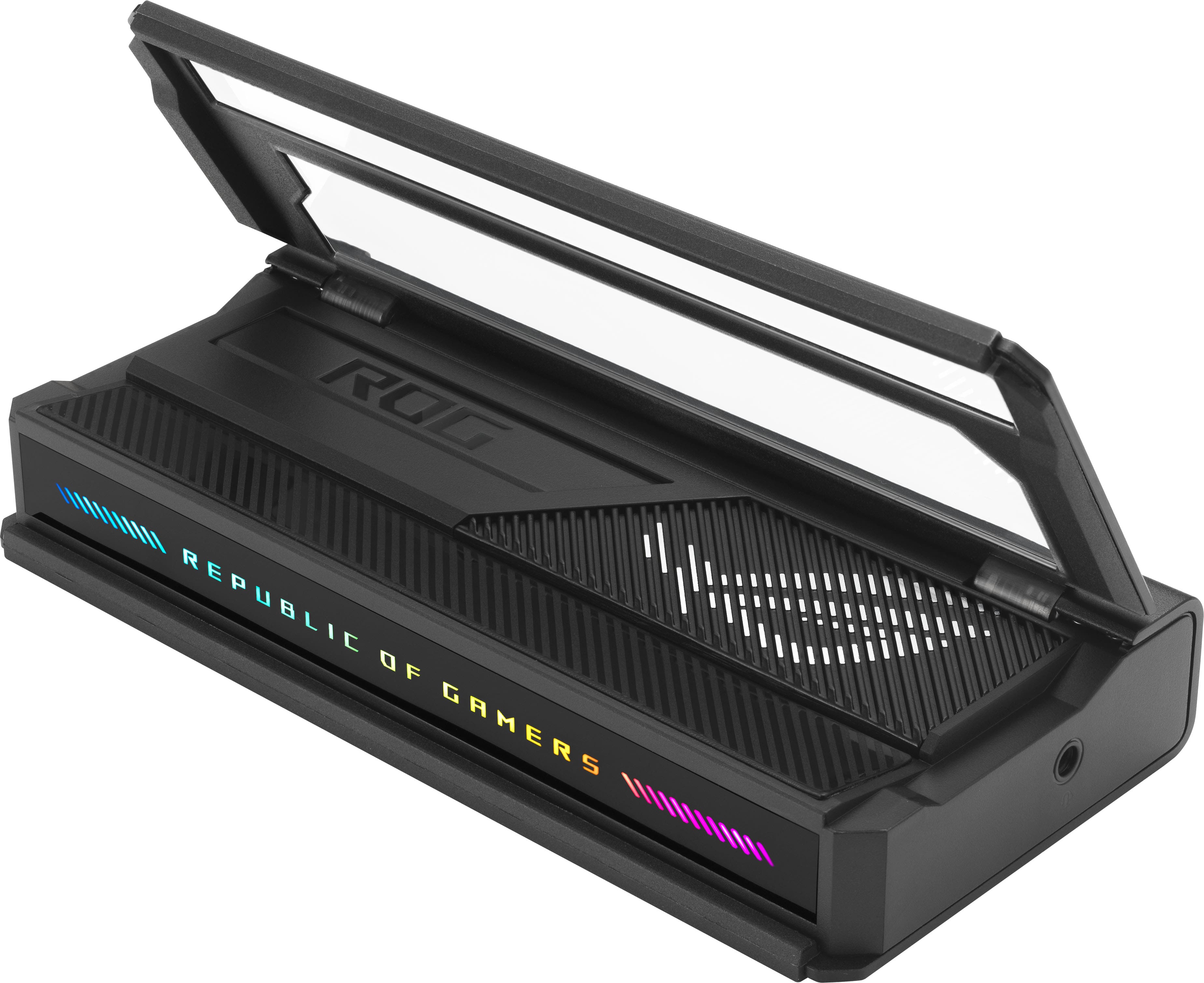
ASUS - ROG Bulwark 7-in-1 Charging Dock for ROG Xbox Ally (HDMI 2.1, USB-A 3.2, USB-C 3.2) - Black
SKU: JJGGLH2Y42All my rog products from Best Buy have been a great investment....The best dock...The best Dock for portable console with great add there to see in the TV
See all Docking StationsProduct Description
A sleek black plastic and metal dock offering 4K HDMI, fast USB ports, Ethernet, and audio connectivity.Your price for this item is $139.99

Best Sellers


Related Pages








FAQ
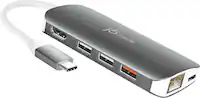
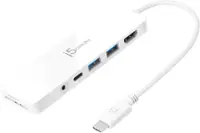
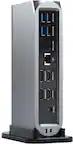
A Windows dock is a device that allows you to connect your Windows laptop or tablet to multiple peripherals, such as monitors, keyboards, mice, and external storage. By plugging your device into the dock, you can expand its connectivity and easily switch between a mobile and desktop-like setup.
Most Windows docks are designed to be compatible with a wide range of Windows laptops, but compatibility can depend on factors like the type of connection port (USB-C, Thunderbolt, or proprietary connectors). It's important to check your laptop's specifications and the dock's compatibility list before purchasing.
Yes, many Windows docks support multiple monitor setups. Depending on the dock, you may be able to connect two or more external displays using HDMI, DisplayPort, or other video output options. Be sure to check the dock's specifications for supported monitor configurations.
Windows docks typically offer a variety of ports, including USB-A, USB-C, HDMI, DisplayPort, Ethernet, SD card readers, and audio jacks. The exact selection of ports varies by model, so you can choose a dock that fits your connectivity needs.
Some Windows docks are plug-and-play and work immediately when connected, while others may require the installation of drivers or software for full functionality. It's a good idea to review the manufacturer's instructions to ensure you have the best experience with your dock.