Xbox Series X|S Storage Expansion Cards
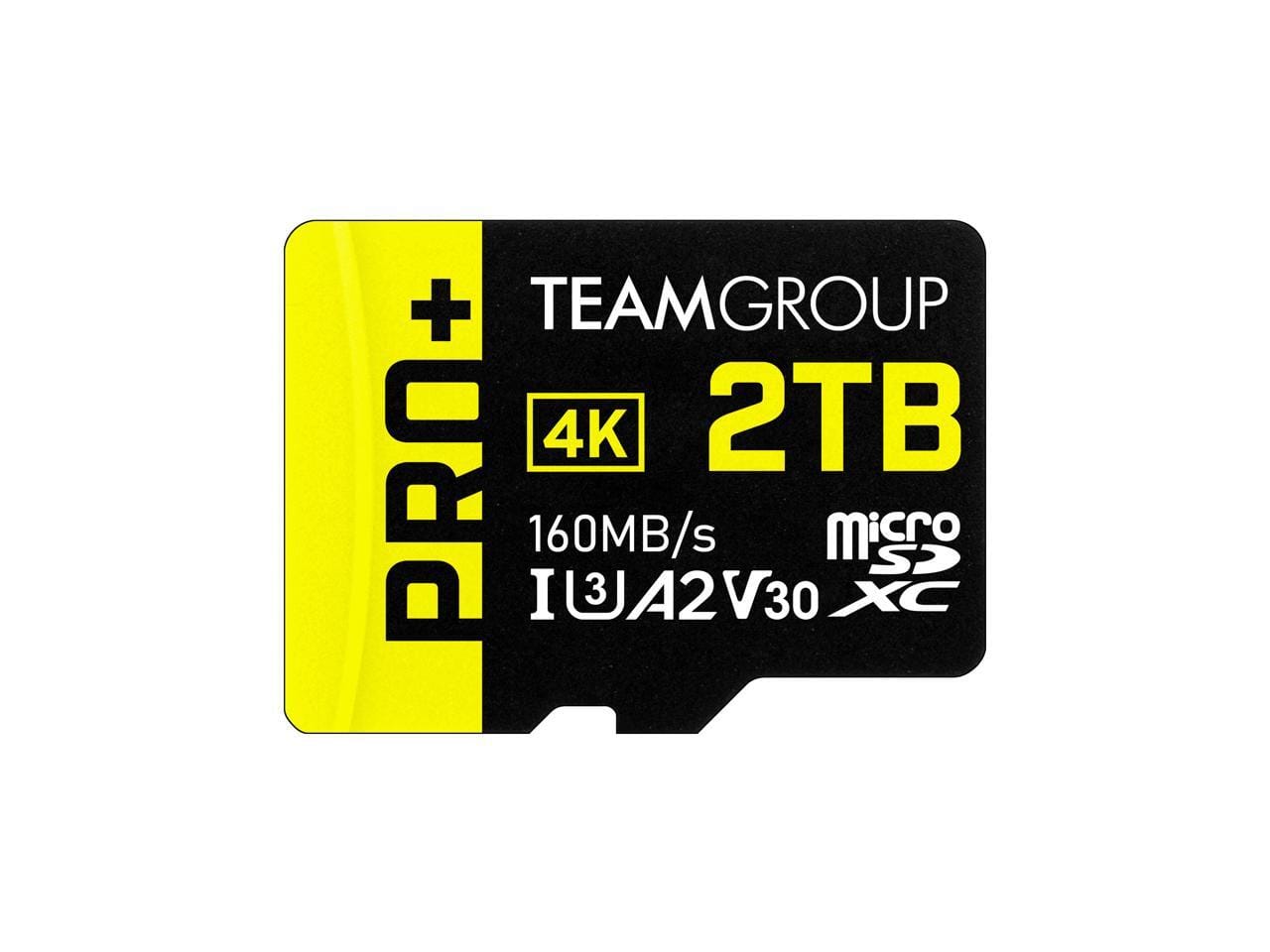
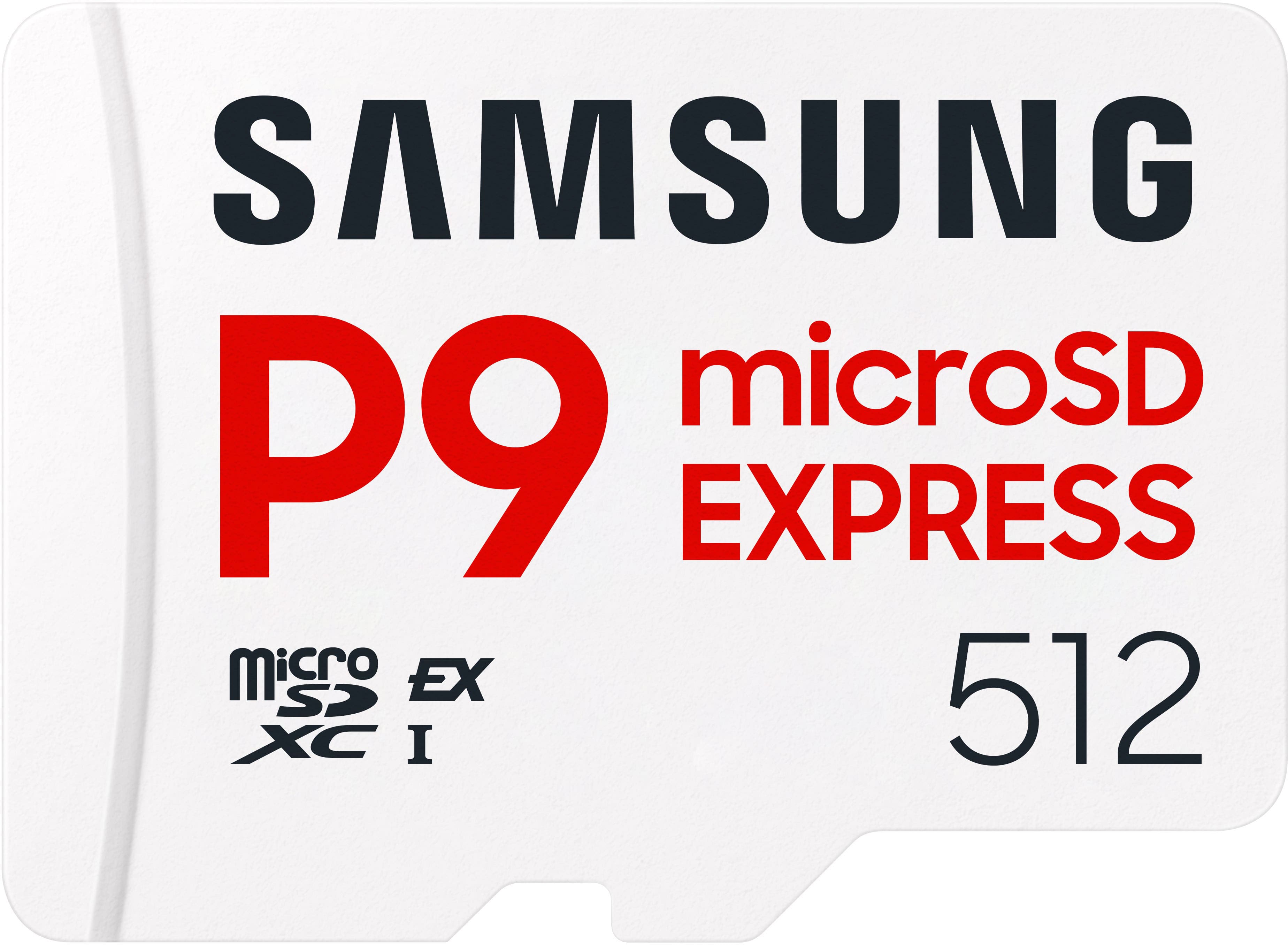
Xbox Series X|S storage expansion cards add space for game downloads and updates, helping you keep more of your library installed. Compare expansion card capacities to find the extra storage you need without having to delete games to make room for new titles.
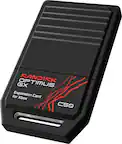
Xbox Series X|S Storage Expansion Cards
FAQs
Xbox Series X|S storage expansion cards plug into the dedicated Storage Expansion port on the back of an Xbox Series X or Xbox Series S console. They do not use a USB port or require a separate power cable.
Xbox Series X|S storage expansion cards are designed for Xbox Series X and Xbox Series S consoles. Xbox One consoles do not have the dedicated expansion port required to connect these cards.
Open My games & apps, select Manage, and then choose Storage devices. From there, select the source drive and follow the options to move or copy installed games to the expansion card or back to internal storage.
You can move a compatible expansion card between Xbox Series X and Xbox Series S consoles. To play games stored on the card, you still need the appropriate game license, subscription, or game disc, depending on how you access the game.
Game saves are managed separately from installed game files, so moving a game does not require manually transferring its saved progress. Use the same Xbox profile to access your saves. When your console is connected to the Xbox network, saved progress syncs with the cloud.