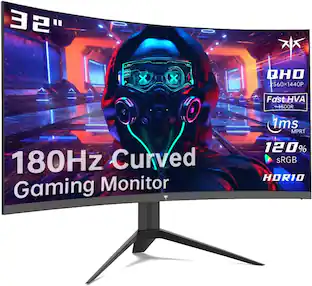
Acer - Vero CB343CUR J0 34" QHD Curved Monitor, 120Hz, USB-C, Adaptive Sync, Ergonomic Stand, HDMI/DP, Black
Reviews coming soon
About this product
Acer Vero CB343CUR J0 34" UltraWide QHD Curved IPS Monitor, 3440 x 1440, 120Hz, USB-C, Adaptive Sync, Ergonomic Stand, HDMI & DisplayPort, Black
Highlights
Features
Spacious 34" QHD UltraWide Screen
34" UltraWide QHD Display – Expansive 3440 x 1440 resolution and 21:9 aspect ratio provide ample screen space for multitasking and productivity.
Curved Screen Design – Immersive curved display enhances viewing comfort and helps keep content within your natural field of view.
120Hz Refresh Rate – Smooth scrolling, responsive performance, and fluid visuals for work and entertainment.
IPS Panel Technology – Delivers vibrant colors, excellent image consistency, and wide viewing angles.
USB-C Connectivity – Simplifies workstation setup with a single cable for video, data, and device connectivity.
Specifications
- Refresh Rate120HzMaximum Resolution3440 x 1440Screen Size34.0 inchesDisplay Connector(s)1 x HDMI 2.0
Reviews
This product doesn't have any reviews yet.

Compare similar products
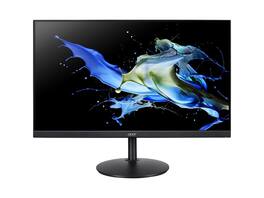
Acer Vero CB343CUR J0 34" UltraWide QHD Curved IPS Monitor, 3440 x 1440, 120Hz, USB-C, Adaptive Sync, Ergonomic Stand, HDMI & DisplayPort, Black
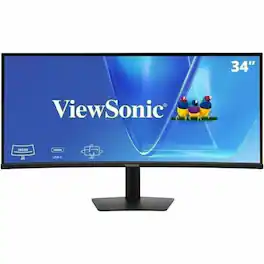
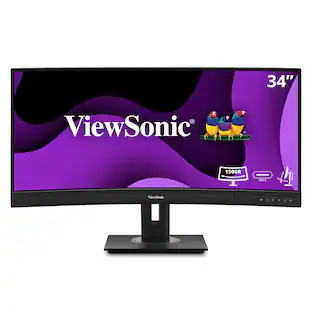
The ViewSonic VG3420C is a 34" ultrawide curved display designed to elevate productivity in modern professional environments. Its expansive UWQHD 21:9 screen delivers an immersive, unified workspace that streamlines multitasking-making it easy to organize documents, dashboards, and applications side by side without the complexity of a multi-monitor setup. With a convenient USB-C single-cable solution providing audiovisual signal, data transfer, and up to 96W of power, it helps minimize desktop clutter and keeps laptops charged and connected throughout the day. A smooth 120Hz refresh rate, a low blue light screen, and advanced ergonomics ensure consistent, comfortable viewing across long work sessions. With its versatile connectivity options and energy-efficient design, the VG3420C enables focused workflows, seamless multitasking, and a cleaner, more adaptable workspace.
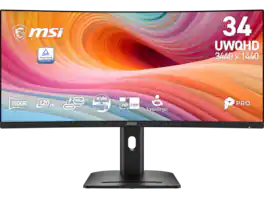
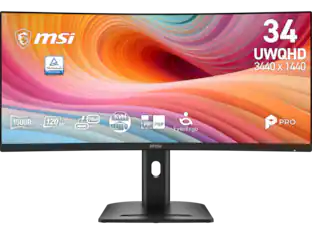
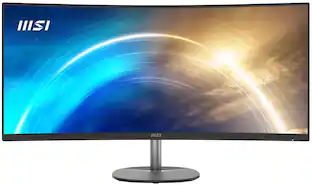
MSI 34 inch UltraWide QHD 2K 1440P 120Hz 1ms USB-C Curved Computer Monitor with Height Adjustable, Swivel, Pivot & Tilt Stand PRO MP341CQPHG E12
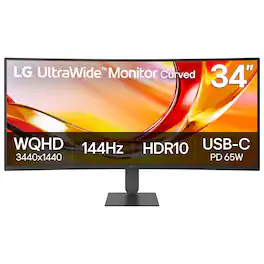
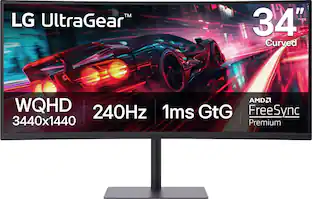
The 34U640B-B LG UltraWide monitor is built to elevate productivity, creativity, and everyday comfort. Its expansive 34" 21:9 UltraWide WQHD (3440×1440) display gives you more room to multitask across multiple windows—reducing clutter and helping you stay focused. A subtle 1800R curve and slim, virtually borderless design create a more natural, distraction-free workspace. A 144Hz refresh rate¹ and 5ms response time keep visuals smooth and clear for video calls, streaming, and gaming. AMD FreeSync Premium reduces tearing and stutter for controlled responsive motion. With up to 99% sRGB coverage and HDR10 support, content appears vibrant and consistent across documents, media, and HDR visuals. Simplify your setup with USB-C connectivity, delivering display, data, and up to 65W laptop charging through a single cable. HDMI, DisplayPort, and dual USB ports make it easy to connect multiple devices while keeping your desk clean and organized. Control two PCs with one monitor, keyboard, and mouse, and move files between systems with simple drag-and-drop—no extra hardware required. The Switch app² enhances productivity by letting you split the screen into up to six sections, customize layouts, or launch video calls instantly with a hotkey. Reader Mode reduces blue light with warmer tones for easier reading and browsing. The slim stand saves desk space, while height and tilt adjustment help you find a comfortable viewing position. One-click mounting makes setup quick and effortless.
Specs
Be the first to ask a question.
We’ll try to get your question answered within 24 hours by a Best Buy customer or brand representative.
Customers often buy these together
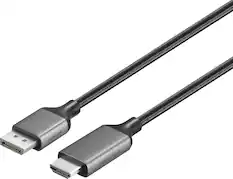
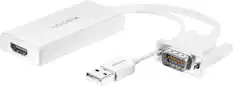
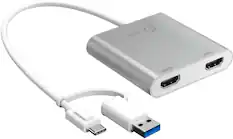
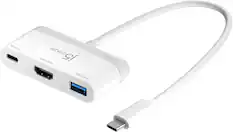
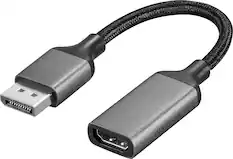
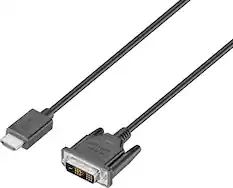
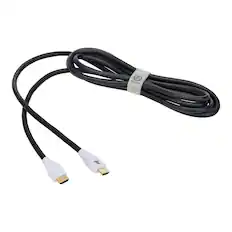
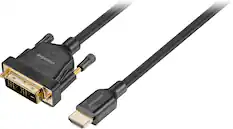
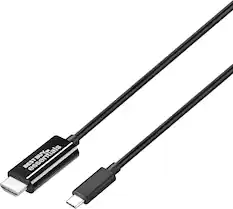
Monitor and Video Cables
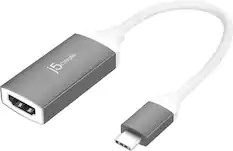
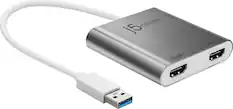
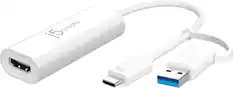
j5create - USB-C to 4K HDMI Adapter - Space Gray/White
$21.99The price was $24.99


More to consider
 $269.99The price was $369.06
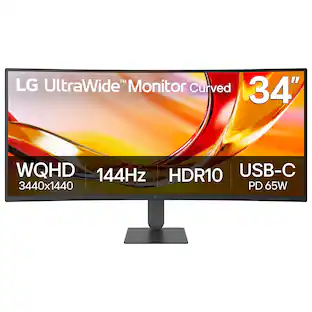 Techtober Deal$299.99The price was $349.99
 Techtober Deal$319.99The price was $349.99
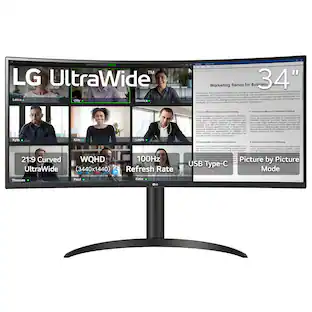 $329.99The price was $399.99
 Techtober Deal$299.99The price was $379.99
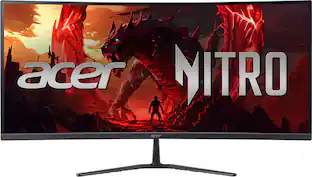 Techtober Deal$249.99The price was $349.99
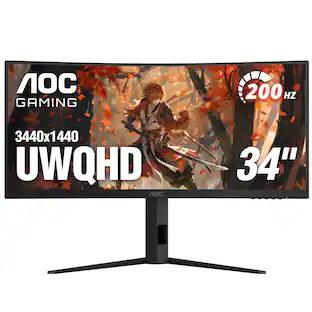 Techtober Deal$249.99The price was $349.99
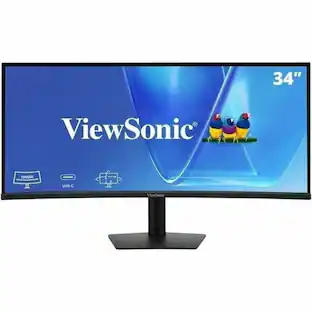
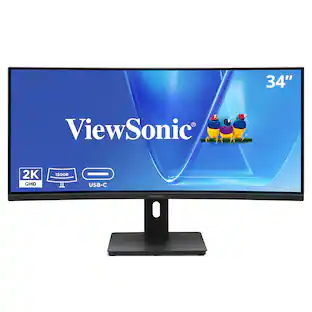
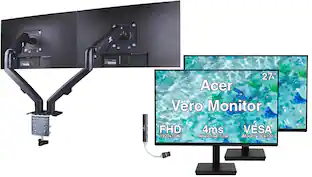
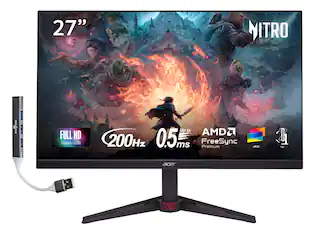
Explore tech essentials Sponsored
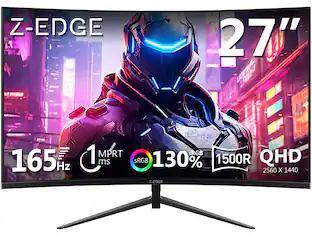 $149.99The price was $169.99
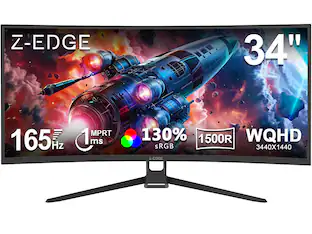 $229.99The price was $249.99
 Techtober Deal$649.99The price was $699.99
 Techtober Deal$474.99The price was $549.99

Keep exploring
 $755.99The price was $971.99
 $899.99The price was $1,299.99
 $299.99The price was $312.00