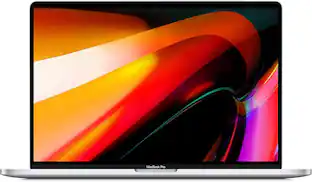
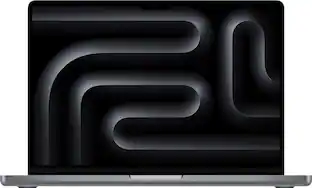
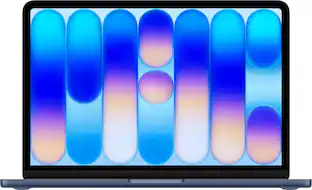
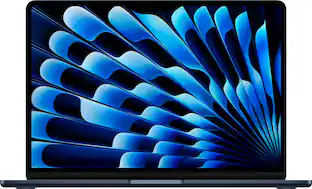
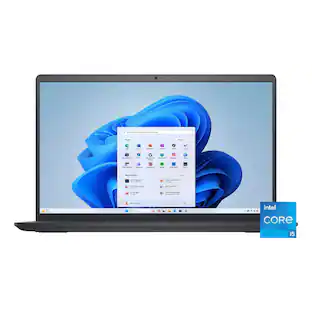
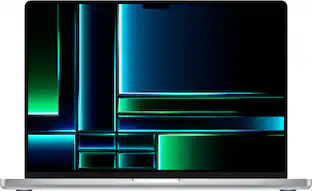
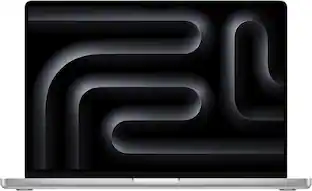
Apple - MacBook Pro 16" Laptop - M2 Pro chip - 16GB Memory - 512GB SSD - Space Gray
Customers are saying
Customers frequently mention that the product delivers excellent overall performance. Users appreciate how quickly and efficiently it handles all of their necessary tasks.
Configure your Mac
Color
Space GrayTotal Storage Capacity
512GBHighlights
Features
Stunning 16-inch Liquid Retina XDR display with extreme dynamic range and contrast ratio²
M2 Pro or M2 Max chip for exceptional speed and power
Up to 12-core CPU delivers speeds up to 20 percent faster to fly through pro workflows quicker than ever³
Up to 38-core GPU with speeds up to 30 percent faster for graphics-intensive apps and games³
Up to 96GB of unified memory makes everything you do fast and fluid
Up to 22 hours of battery life¹
Up to 8TB of superfast SSD storage launches apps and opens files in an instant
1080p FaceTime HD camera
Six-speaker sound system with force-cancelling woofers
Studio-quality three-microphone array captures your voice more clearly
Three Thunderbolt 4 ports, HDMI port, SDXC card slot, headphone jack, MagSafe charging port
Wi-Fi 6E wireless connectivity for up to 2x faster throughput⁴
Backlit Magic Keyboard with Touch ID for secure unlock and payments
macOS Ventura gives you powerful new ways to get more done, share, and collaborate—across all your Apple devices
Available in space gray and silver
Configurable options are available.
¹ Battery life varies by use and configuration. See apple.com/batteries for more information.
² The display on the 16-inch MacBook Pro has rounded corners at the top. When measured as a standard rectangular shape, the screen is 16.2 inches diagonally (actual viewable area is less).
³ Compared with previous generation.
⁴ Speeds are based on theoretical throughput and may vary. Wi-Fi 6E not available in China mainland. Requires macOS 13.2 or later in Japan.
Specifications
- Screen TypeRetina DisplayScreen Size16.2 inchesScreen Resolution3456 x 2234Touch ScreenNoProcessor ModelApple M2 Pro
Reviews
Rating 5 out of 5 stars with 6 reviews
- Overall Performance (4)
Customer Images
The vast majority of our reviews come from verified purchases. Reviews from customers may include My Best Buy members, employees, and Tech Insider Network members (as tagged). Select reviewers may receive discounted products, promotional considerations or entries into drawings for honest, helpful reviews.
Compare similar products
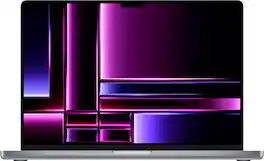
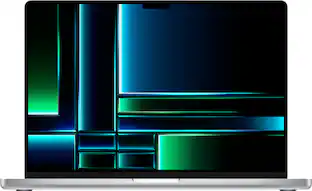
The 16-inch MacBook Pro with M2 Pro and M2 Max takes power and speed to the next level, whether it’s on battery or plugged in. With a stunning Liquid Retina XDR display, all the ports you need, and all-day battery life—this pro laptop goes anywhere you need.

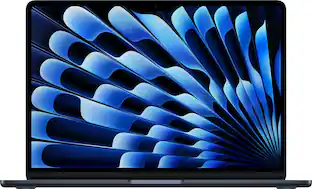
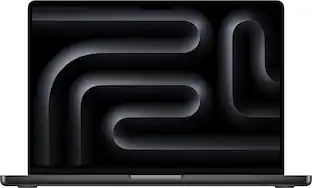
The 14-inch MacBook Pro with M5 brings next-generation speed and powerful on-device AI to personal, professional, and creative tasks. Featuring up to 24 hours of battery life and a Liquid Retina XDR display.
The 14-inch MacBook Pro with M5 brings next-generation speed and powerful on-device AI to personal, professional, and creative tasks. Featuring up to 24 hours of battery life and a Liquid Retina XDR display.

The 16-inch MacBook Pro with M2 Pro and M2 Max takes power and speed to the next level, whether it’s on battery or plugged in. With a stunning Liquid Retina XDR display, all the ports you need, and all-day battery life—this pro laptop goes anywhere you need.
| Pros for Apple - MacBook Pro 16" Laptop - M2 Pro chip - 16GB Memory - 512GB SSD - Space Gray | |||
|---|---|---|---|
| Overall Performance | Overall Performance, Battery Life, Processor Speed, Portability, Storage Capacity | Overall Performance, Battery Life, Processor Speed, Portability, Storage Capacity | There were no pros for this product— |
| Cons for Apple - MacBook Pro 16" Laptop - M2 Pro chip - 16GB Memory - 512GB SSD - Space Gray | |||
| There were no cons for this product— | Weight, Screen Quality | Weight, Connectivity | There were no cons for this product— |
Specs
Customers often buy these together
Cases and Sleeves
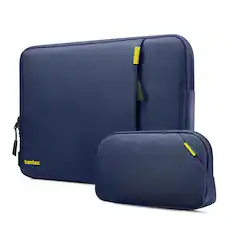
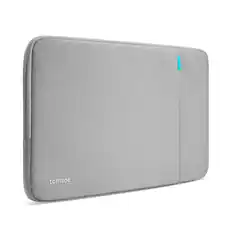
Wireless Keyboards

![The text on the image reads:
888 DD DI DD 4 DSC i F2 F3 4 FS T6 ET 1. 1N IN F.. 11 1.. 114 1n F1 F12 118 in9 - a ee 1 8F 2 3 $ 4 % 5 A 6 & 7 . 8 I 9 I 0 ee I + = delete fn home page up clear - / + tab Q W E R T Y U I 0 P { [ ] ] | I delete end page down 7 8 9 ee caps lock A S D F G H J K L : I - return 4 5 6 + shift Z X C V N M < F > ? / shift a 1 2 3 control option 2 command 3 command option control Y - 0 enter
After grouping and correcting the text, it reads:
888 DD DI DD 4 DSC i F2 F3 4 FS T6 ET 1. 1N IN F.. 11 1.. 114 1n F1 F12 118 in9 - a ee 1 8F 2 3 $ 4 % 5 A 6 & 7 . 8 I 9 I 0 ee I + = delete fn home page up clear - / + tab Q W E R T Y U I 0 P { [ ] ] | I delete end page down 7 8 9 ee caps lock A S D F G H J K L : I - return 4 5 6 + shift Z X C V N M < F > ? / shift a 1 2 3 control option 2 command 3 command option control Y - 0 enter](https://pisces.bbystatic.com/image2/BestBuy_US/images/products/f4059d3a-0c2a-46ef-bcfd-4e11b9b26d5d.jpg;maxHeight=232;maxWidth=233?format=webp)
![esc
F1
F2
F3
F4
F5
F6
F7
F8
F9
F10
F11
F12
F13
F14
F15
F16
F17
F18
F19
` 1
@ 2
# 3
$ 4
% 5
^ 6
& 7
* 8
( 9
) 0
- -
+ =
Q
W
E
R
T
Y
U
I
O
P
{ [
} ]
|
7
8
9
-
A
S
D
F
G
H
J
K
L
: ;
" "
Z
X
C
V
B
N
M
, <
. >
/ ?
fn
control
option
command
command
option
control
0](https://pisces.bbystatic.com/image2/BestBuy_US/images/products/61efe0f6-0bb8-4d06-a37e-e95c7bba95ca.jpg;maxHeight=232;maxWidth=233?format=webp)
![logi esc 1 F1 2 F2 3 F3 F4 F5 F6 F7 F8 x F9 NI F10 x F11 F12 ins del ~ ! 1 2 # 3 $ 4 % 5 ^ 6 & 7 8 ( 9 ) 0 e - + = backspace tab Q W E R T Y U I O P { [ } ] I / caps lock A S D F G H J - K L : ; " enter shift Z X C V B N M < > ? / shift ctrl fn L start opt H alt cmd alt cmd ctrl opt](https://pisces.bbystatic.com/image2/BestBuy_US/images/products/6478/6478163_sd.jpg;maxHeight=232;maxWidth=233?format=webp)
![esc ! - 1 tab caps lock shift ctrl F2 F3 # 2 3 Q W E R T Y U I O P A S D F G H J K L Z X C V B N M start opt alt cmd logi 44 HI . F10 F8 F7 F6 * ( ) - - & 0 8 9 7 O P U I Y K L H J > < N M B F + = { [ : I : ? I alt cmd 2 30 3 1 FQ page insert home up backspace page 1 delete end down ) ] / I I & shift ctrl fn opt 6 / + / clear 8 9 + 7 & P9 up home 5 6 4 a 4 2 3 enter 1 dn pg end = 0 del ins](https://pisces.bbystatic.com/image2/BestBuy_US/images/products/6539/6539508_sd.jpg;maxHeight=232;maxWidth=233?format=webp)
![esc
F1
F2
F3
F4
F5
F6
F7
F8
F9
F10
F11
F12
~ /
! 1
@ 2
# 3
$ 4
% 5
^ 6
& 7
* 8
( 9
) 0
- -
+ =
Q
W
E
R
T
Y
U
I
O
P
{ [
} ]
A
S
D
F
G
H
J
K
L
: ;
" '
Z
X
C
V
B
N
M
< >
? /
control
option
command
command
option](https://pisces.bbystatic.com/image2/BestBuy_US/images/products/b0b8a609-507c-46fa-8954-8a8f3577c8ae.jpg;maxHeight=232;maxWidth=233?format=webp)
More recommended items
 Wireless Headphones
 Business Software
 Cables and Adapters
 Antivirus Software
 Monitors
 Flash Drives
 Wireless Mice
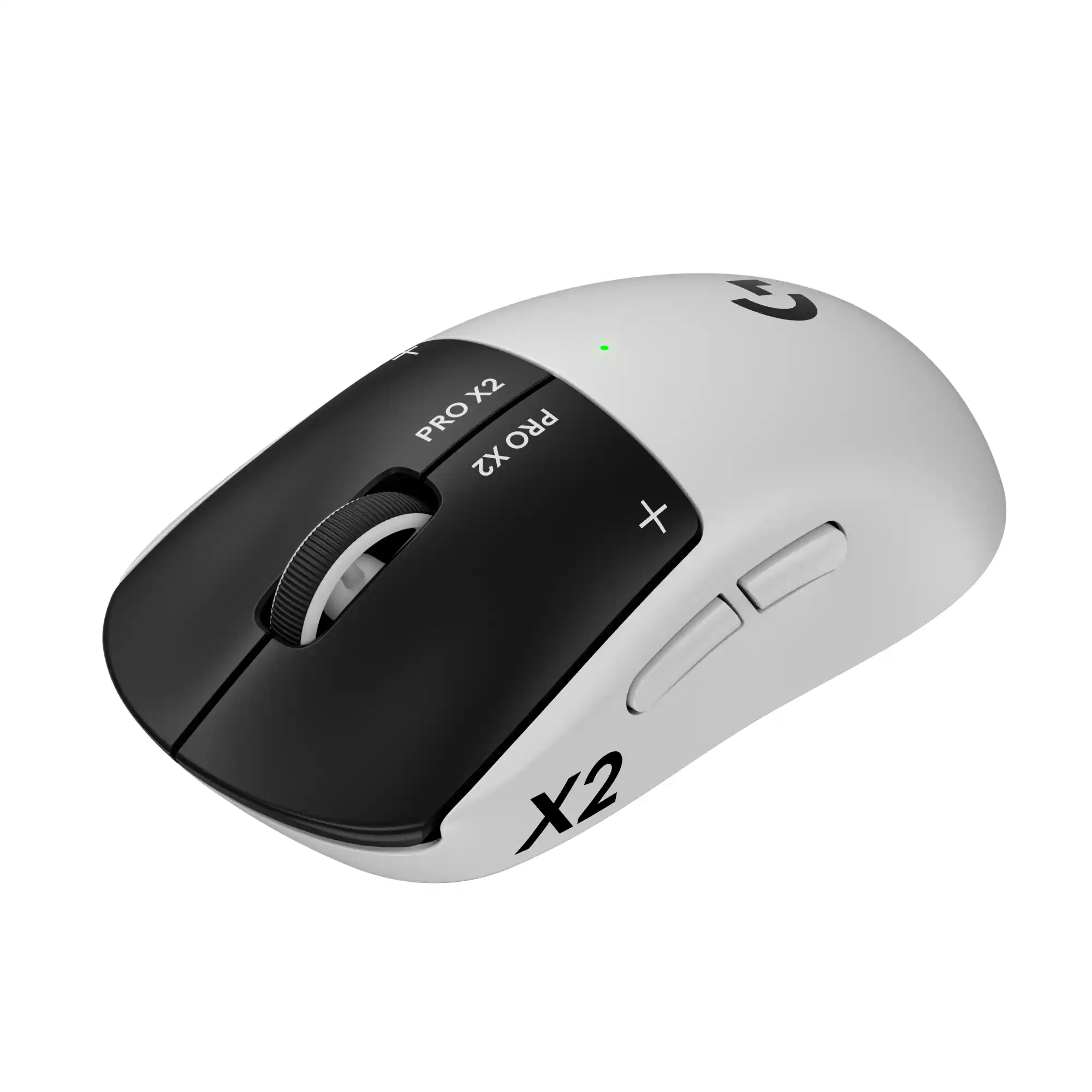 Wired Mice
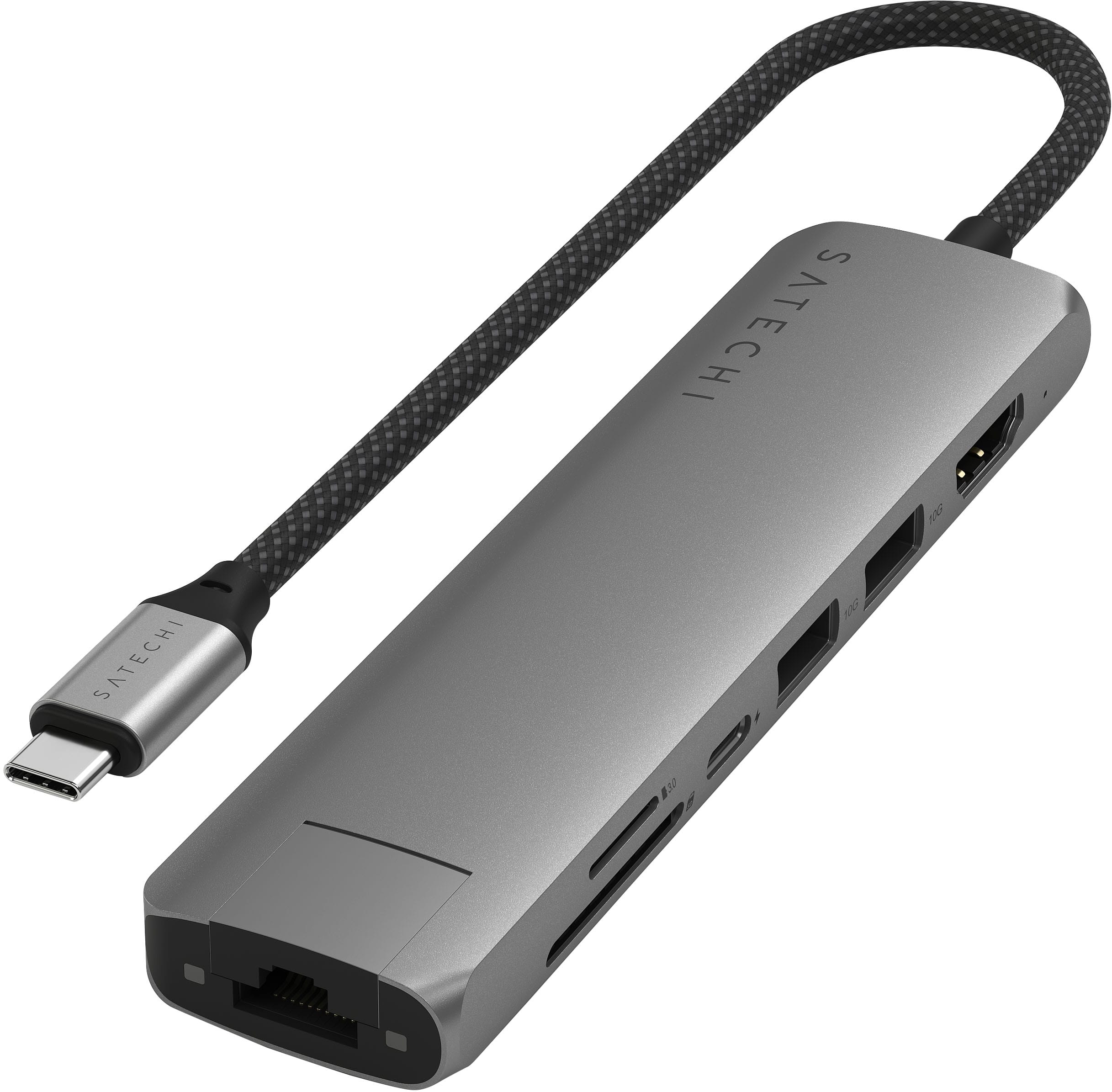 Docking Stations
More to consider
Apple MacBook Pro 14-inch Laptop - M5 chip with 10-core CPU and 10-core GPU - 16GB Memory - 1TB SSD
$1,849.00The price was $1,999.00Apple MacBook Pro 16" Laptop - M2 Pro chip - 16GB Memory - 512GB SSD
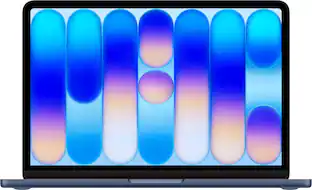
$2,374.99The price was $2,499.00Apple MacBook Air 13-inch Laptop - M5 chip with 10-core CPU and 8-core GPU - 16GB Memory - 512GB SSD
$1,149.00The price was $1,299.00Apple MacBook Pro 14-inch Laptop - M5 Pro chip with 15-core CPU and 16-core GPU - 24GB Memory - 1TB SSD
$2,299.00The price was $2,499.00Apple MacBook Pro 14-inch Laptop - M5 chip with 10-core CPU and 10-core GPU - 24GB Memory - 1TB SSD
$2,049.00The price was $2,199.00Apple MacBook Pro 16-inch Laptop - M5 Max chip with 18-core CPU and 32-core GPU - 36GB Memory - 2TB SSD
$3,799.00The price was $4,399.00Apple MacBook Air 13-inch Laptop - M5 chip with 10-core CPU and 10-core GPU - 24GB Memory - 1TB SSD
$1,649.00The price was $1,799.00



Explore tech essentials Sponsored
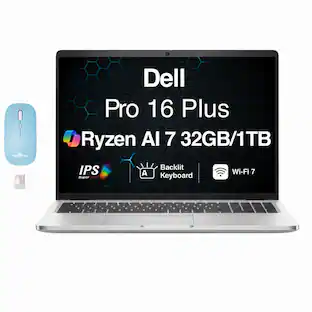
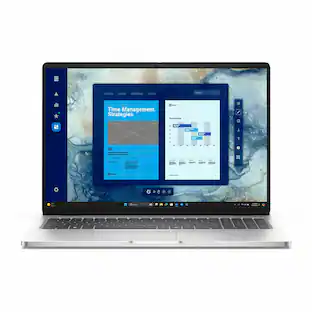
Dell 16S - 16" 2K Touchscreen Laptop - AMD Ryzen AI 7 445 2026 - 32GB Memory - 512GB Storage - Copilot+ PC
$1,299.99The price was $1,799.99HP OmniBook X - 17.3" Full HD Touchscreen Laptop - Intel Core Ultra 9 (2026) - 32GB Memory - 1TB SSD - Copilot+ PC
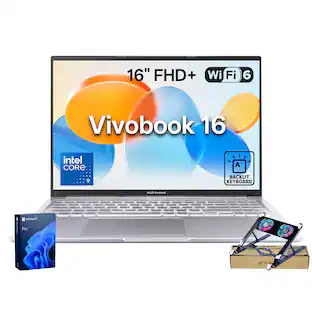
$1,799.99The price was $2,299.99ASUS Vivobook 16 16" FHD+ Laptop - Intel Core 9 270H - 32GB RAM 2TB SSD- Backlit KB - Numeric Keypad - Cooler
$1,769.00The price was $2,489.00


Discover related products
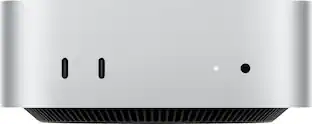
Apple Mac mini Desktop - M4 chip - Built for Apple Intelligence - 16GB Memory - 512GB SSD
$899.99The price was $999.00Apple Mac mini Desktop - M4 chip - Built for Apple Intelligence - 24GB Memory - 512GB SSD
$1,099.99The price was $1,199.00Apple Mac mini Desktop - M4 chip - Built for Apple Intelligence - 16GB Memory - 256GB SSD
$749.99The price was $799.00


Keep exploring
Lenovo IdeaPad Slim 3 15.6" Full HD Touchscreen Laptop - AMD Ryzen 7 5825U 2022 - 16GB Memory - 512GB SSD
$672.00The price was $699.99Apple MacBook Pro 14" Laptop - Apple M1 Pro chip - 16GB Memory - 512GB SSD
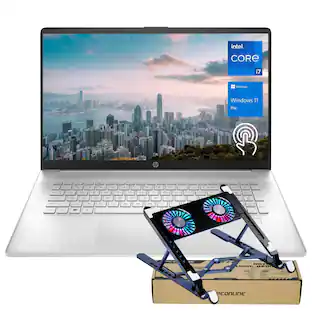
$1,099.99The price was $1,999.00HP 17.3'' Touchscreen Laptop - Intel Core i7 - 64GB RAM - 2TB SSD - FP Reader & Backlit KB - Win 11 Pro - PCO Laptop Cooler
$1,599.00The price was $1,969.00Apple MacBook Pro 14" Laptop - M3 chip - 8GB Memory - 10-core GPU - 512GB SSD
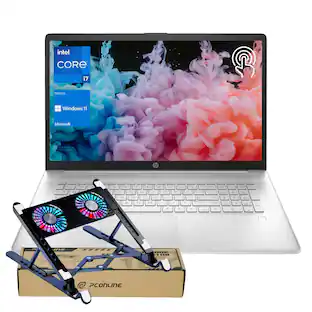
$1,259.99The price was $1,399.00HP 17.3'' Touchscreen Laptop - Intel Core i7-1355U - 64GB RAM - 2TB SSD - FP Reader & Backlit KB - With PCO Laptop Cooler
$1,349.00The price was $1,949.00Apple MacBook Air 13.3" Laptop - Intel Core i3 - 8GB Memory - 256GB Solid State Drive
$499.99The price was $949.99Dell 15.6" 2K Touchscreen Laptop,Intel i5 1334U,8GB RAM,512GB SSD,Intel UHD Graphics,Numeric Pad,Win 11
$550.00The price was $559.00Acer Nitro V 15 15.6" Core 5 210H 16GB 512GB SSD RTX 4050 Windows 11 Home
$810.30The price was $920.49