Copeland - Sensi Lite Smart Programmable Wi-Fi Thermostat-Works with Alexa - Black
About this product
Smart thermostats have never been so easy! Give your family’s comfort a smart upgrade. With the Sensi Lite smart thermostat, it’s never been easier. It all starts with a quick and simple installation—no common wire required with most systems. Our top-rated mobile app lets you manage your home’s HVAC from anywhere, anytime. Plus, your usage activity and personal data stays private. That’s the power of putting Sensi’s over 100 years of HVAC experience on your wall.
Features
Control from anywhere
The top-rated mobile app for Android and iOS devices makes it easy to control your comfort from a smartphone or tablet
Privacy Protection**
Sensi won’t sell your personal information to third parties or leverage your thermostat activity data for targeting or advertising purposes
Save about 23% on HVAC Energy***
ENERGY STAR-certified and packed with features that help you save money, including flexible scheduling, geofencing, remote access and usage reports
Easy DIY Installation
Do it yourself fast with a built-in level and simple step-by-step instructions. Works with the HVAC equipment found in most homes. No common wire (c-wire) required on most systems
Smart Maintenance
Sensi can help monitor the performance and efficiency of your HVAC system by delivering usage reports, alerts about your equipment, and maintenance reminders like filter replacement
Backed by HVAC Expertise
More than 100 years of experience with HVAC systems went into the development of Sensi
** PRIVACY PROTECTION: For full details, review the Sensi Privacy Policy under "Product Disclosures"
*** ENERGY SAVINGS: Calculated by comparing operation time for a nationwide example of Sensi users with temperature adjustments averages 4 degrees F vs. users with no adjustments. Savings vary based on equipment type/condition, insulation, climate temperature adjustment size/frequency
Specifications
- App CompatibleYesCompatible with 24V CoolingYesCompatible with 24V HeatingYesWorks WithAmazon Alexa, Google Home, SmartThingsVoice Assistant Built-inNoTouch ScreenNo
Reviews
Rating 4.5 out of 5 stars with 80 reviews
Top Mentions
- Ease of Use (33)
- Overall Performance (20)
- Connectivity (8)
- Design (7)
- Installation (7)
- Temperature Accuracy (3)
Customer Images
The vast majority of our reviews come from verified purchases. Reviews from customers may include My Best Buy members, employees, and Tech Insider Network members (as tagged). Select reviewers may receive discounted products, promotional considerations or entries into drawings for honest, helpful reviews.

Compare similar products
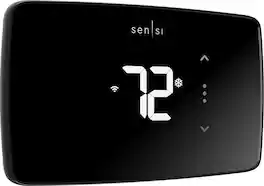
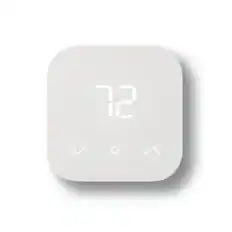
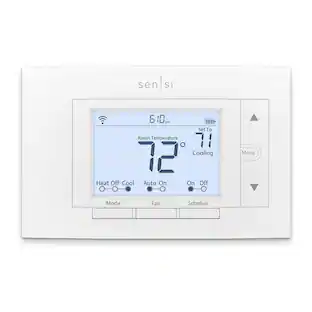
Smart thermostats have never been so easy! Give your family’s comfort a smart upgrade. With the Sensi Lite smart thermostat, it’s never been easier. It all starts with a quick and simple installation—no common wire required with most systems. Our top-rated mobile app lets you manage your home’s HVAC from anywhere, anytime. Plus, your usage activity and personal data stays private. That’s the power of putting Sensi’s over 100 years of HVAC experience on your wall.
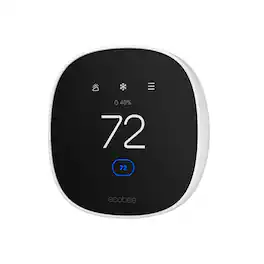
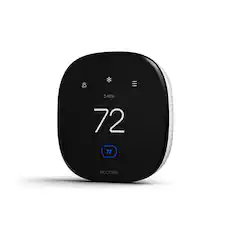
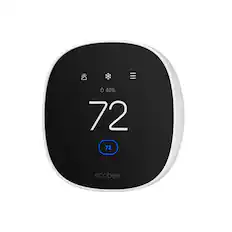
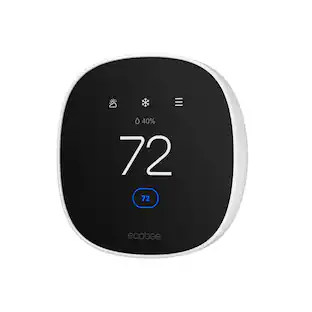
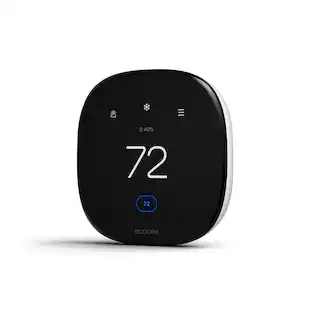
Join the millions who love and trust ecobee products with our most affordable thermostat yet: Smart Thermostat Essential. It saves you up to 23%* on your energy bills and is so efficient that it pays for itself in just six months. You'll love how easy it is to use and control, and with effortless installation, you can set it and forget it. *Compared to a hold of 72°F/22°C. Check your system’s compatibility on the ecobee support page. ecobee.com/compatibility/thermostat
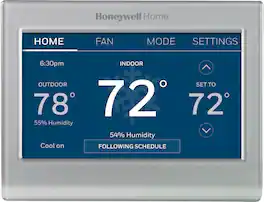
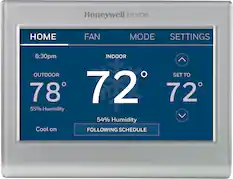
Completely customize your Wi-Fi Smart Color Thermostat to match your lifestyle and decor. The ENERGY STAR® certified smart thermostat lets you choose the temperature, schedule, display color and the devices you use to control it all.

From across the room or across the country, Sensi makes it easy for you to remotely control and schedule your home comfort - Anytime. Anywhere.
| Pros for Copeland - Sensi Lite Smart Programmable Wi-Fi Thermostat-Works with Alexa - Black | |||
|---|---|---|---|
| Ease of Use, Overall Performance, Connectivity, Design, Installation | Ease of Use, Overall Performance, Installation, App Usability, Design | Ease of Use, Overall Performance, Installation, Connectivity, Remote Control | Overall Performance, Connectivity, App Usability, Installation Ease, Temperature Control |
| Cons for Copeland - Sensi Lite Smart Programmable Wi-Fi Thermostat-Works with Alexa - Black | |||
| Temperature Accuracy | Screen Size | Temperature Accuracy, Compatibility, Size, App Functionality | Style |
Specs
Customers often buy these together
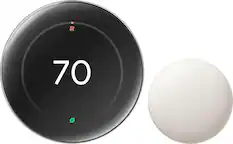
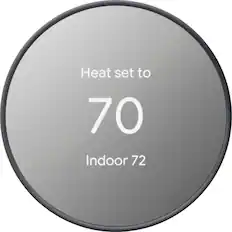
Google - Nest Learning Thermostat (4th gen) with Nest Temperature Sensor (2nd gen) - Polished Silver
$225.99The price was $279.99
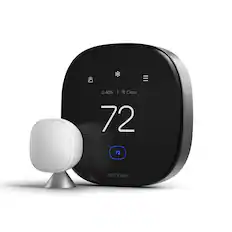


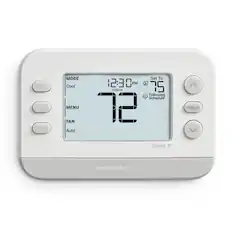
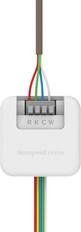
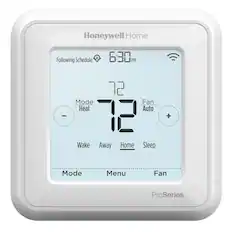
Customers ultimately bought
ecobee Smart Thermostat Essential - WiFi Thermostat, Energy Star Certified
$128.00The price was $139.99
Control, Comfort, Convenience Sponsored

Discover related products
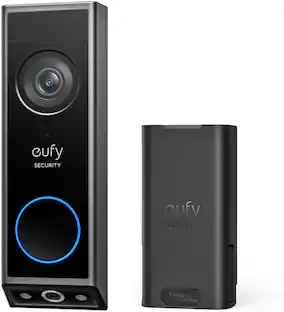
eufy Video Doorbell E340, Dual Cameras, 2K Full HD, Battery Powered, Rechargeable, No Monthly Fee
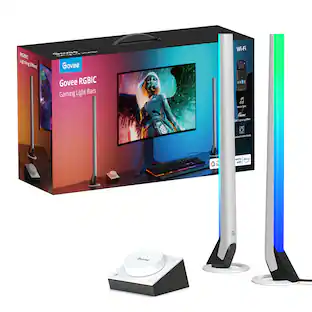
$139.99The price was $199.99Govee RGBIC Gaming Light Bars,Smart Dial, Audio Visualizer & 40 Scene Modes
$69.99The price was $79.99

Keep exploring
Amber Sporting Goods Honeywell Home 5-2 Day Programmable Thermostat Electric Baseboard Heaters
$74.21The price was $76.04Honeywell Home TH8321WF1001/U VisionPRO 8000 Wi-Fi Programmable Thermostat
$183.49The price was $200.49