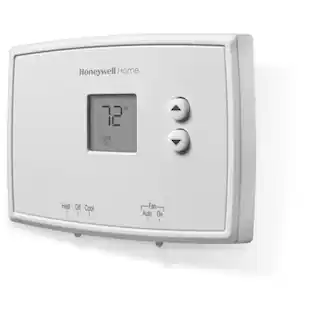
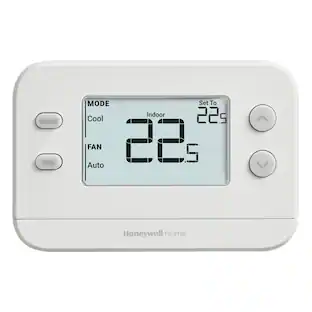
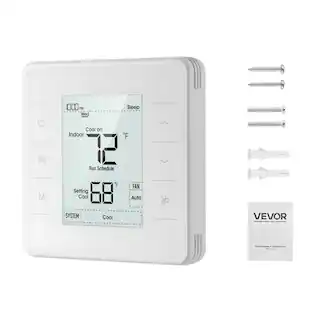
Honeywell Home - RTH2CWF - Gray
About this product
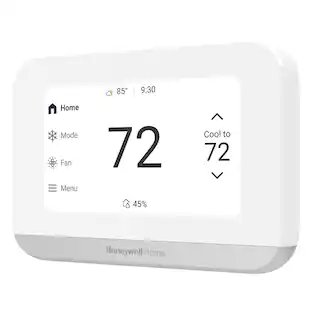
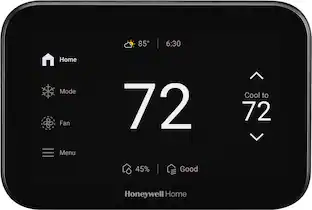
Honeywell Home X2S Smart Thermostat
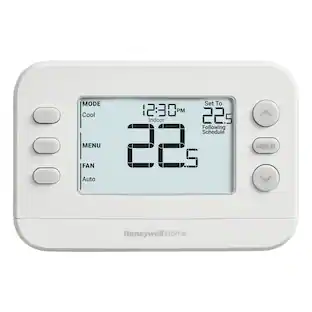
Honeywell Home X2S Smart Thermostat With WiFi Connectivity
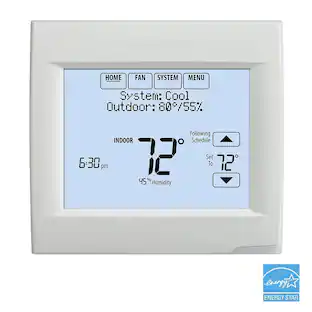
The Honeywell Home X2S Smart Thermostat is optimized for conventional and heat pump systems. This ENERGY STAR certified WiFi thermostat features flexible scheduling and auto-away functionality. Device works with Google Assistant, Apple Home Kit and Amazon Alexa.
Control
Connect to WiFi and control from anywhere using the First Alert by Resideo app - also compatible with Google Assistant, Apple Home Kit* and Amazon Alexa. *Matter certified.
Customize
Choose to receive change air filter reminders, monitor indoor humidity, and select display settings to optimize this WiFi thermostat for home.
Schedule
ENERGY STAR certified smart WiFi thermostat features scheduled programming and auto-away functionality. Personalize programming in 5-1-1 day, 5-2 day, 7 day, or 1 week increments - there's even a non-programmable option.
Save Energy
Help keep energy use low with energy program participation and rebate opportunities.
- App CompatibleYesCompatible with 24V CoolingYesCompatible with 24V HeatingYesWorks WithAmazon Alexa, Apple Home, Google Home, CortanaTouch ScreenNoENERGY STAR CertifiedYes
Reviews
Rating 5 out of 5 stars with 3 reviews
Customer Images
The vast majority of our reviews come from verified purchases. Reviews from customers may include My Best Buy members, employees, and Tech Insider Network members (as tagged). Select reviewers may receive discounted products, promotional considerations or entries into drawings for honest, helpful reviews.

Compare similar products
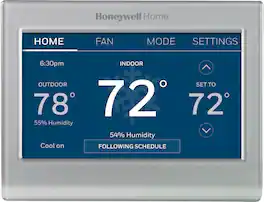
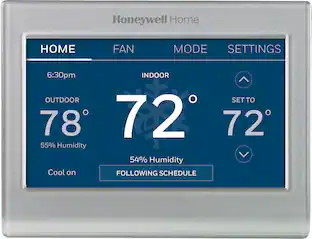
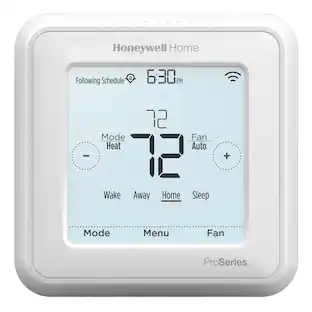
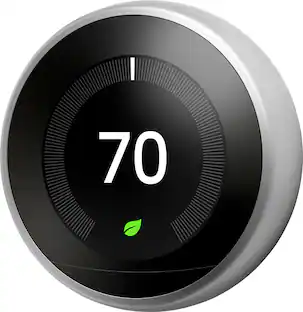
Completely customize your Wi-Fi Smart Color Thermostat to match your lifestyle and decor. The ENERGY STAR® certified smart thermostat lets you choose the temperature, schedule, display color and the devices you use to control it all.
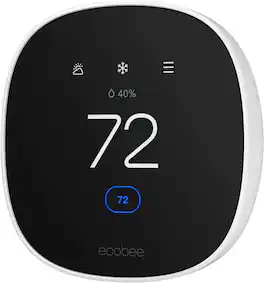
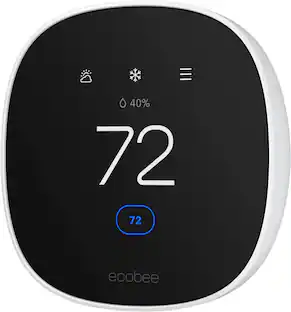
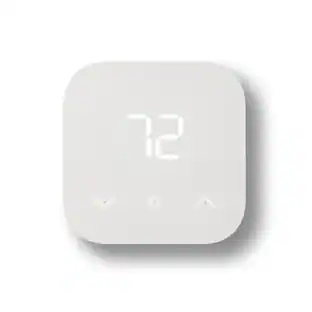
Join the millions who love and trust ecobee products with our most affordable thermostat yet: Smart Thermostat Essential. It saves you up to 23%* on your energy bills and is so efficient that it pays for itself in just six months. You'll love how easy it is to use and control, and with effortless installation, you can set it and forget it. *Compared to a hold of 72°F
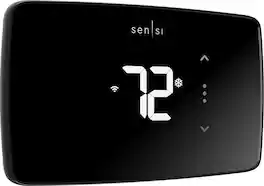
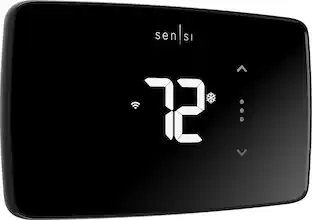
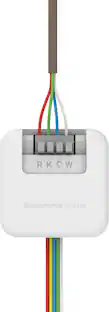
Smart thermostats have never been so easy! Give your family’s comfort a smart upgrade. With the Sensi Lite smart thermostat, it’s never been easier. It all starts with a quick and simple installation—no common wire required with most systems. Our top-rated mobile app lets you manage your home’s HVAC from anywhere, anytime. Plus, your usage activity and personal data stays private. That’s the power of putting Sensi’s over 100 years of HVAC experience on your wall.
| Pros for Honeywell Home - RTH2CWF - Gray | |||
|---|---|---|---|
| There were no pros for this product— | Ease of Use, Overall Performance, Installation, Connectivity, Remote Control | Ease of Use, Overall Performance, Installation, Design, App Usability | Ease of Use, Overall Performance, Connectivity, Design, Installation |
| Cons for Honeywell Home - RTH2CWF - Gray | |||
| There were no cons for this product— | Temperature Accuracy, Compatibility, Size, App Functionality | Screen Size | Temperature Accuracy |
Specs
Customers often buy these together
Smart Doorbell




Security Camera



More recommended items
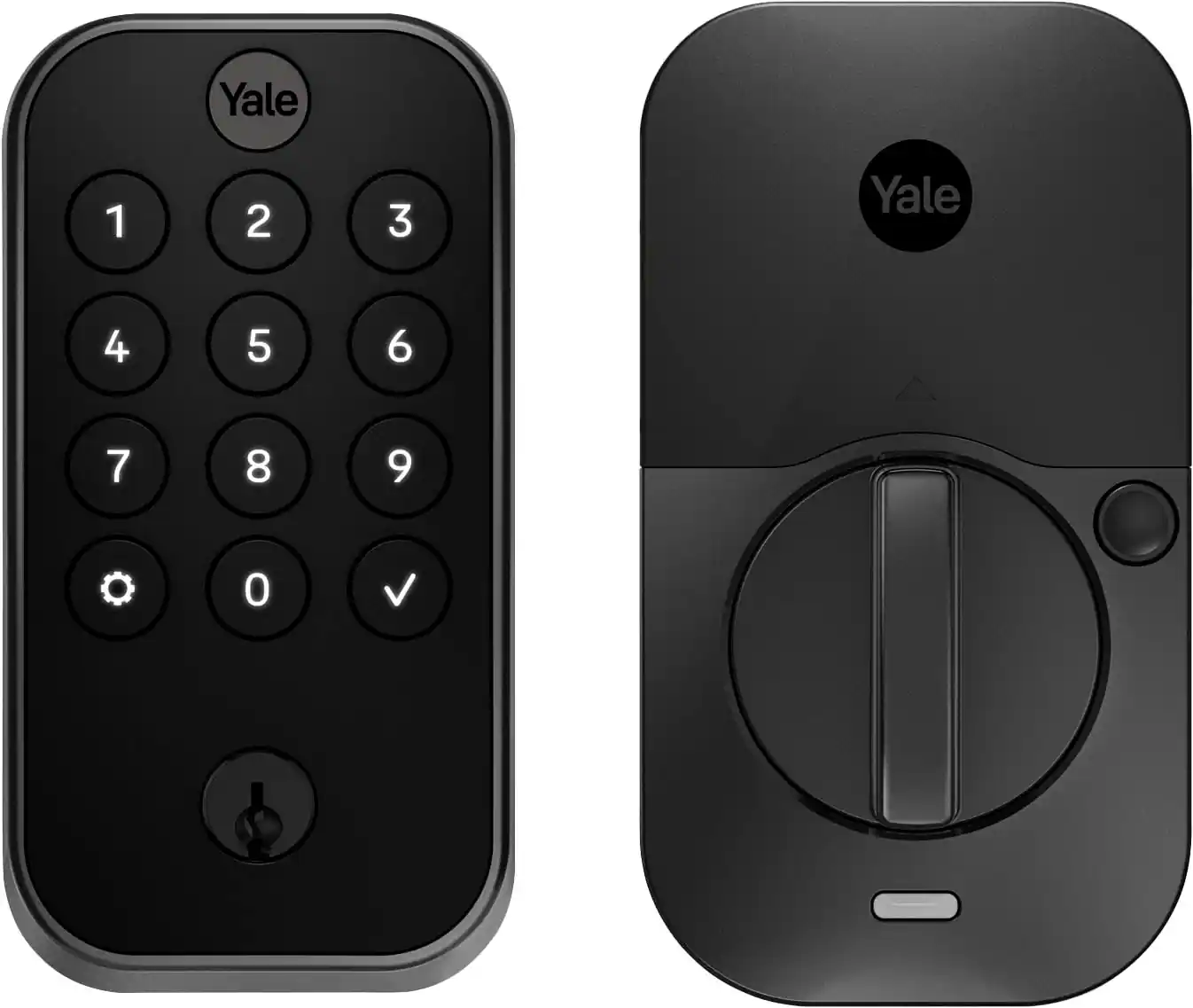 Home Security System
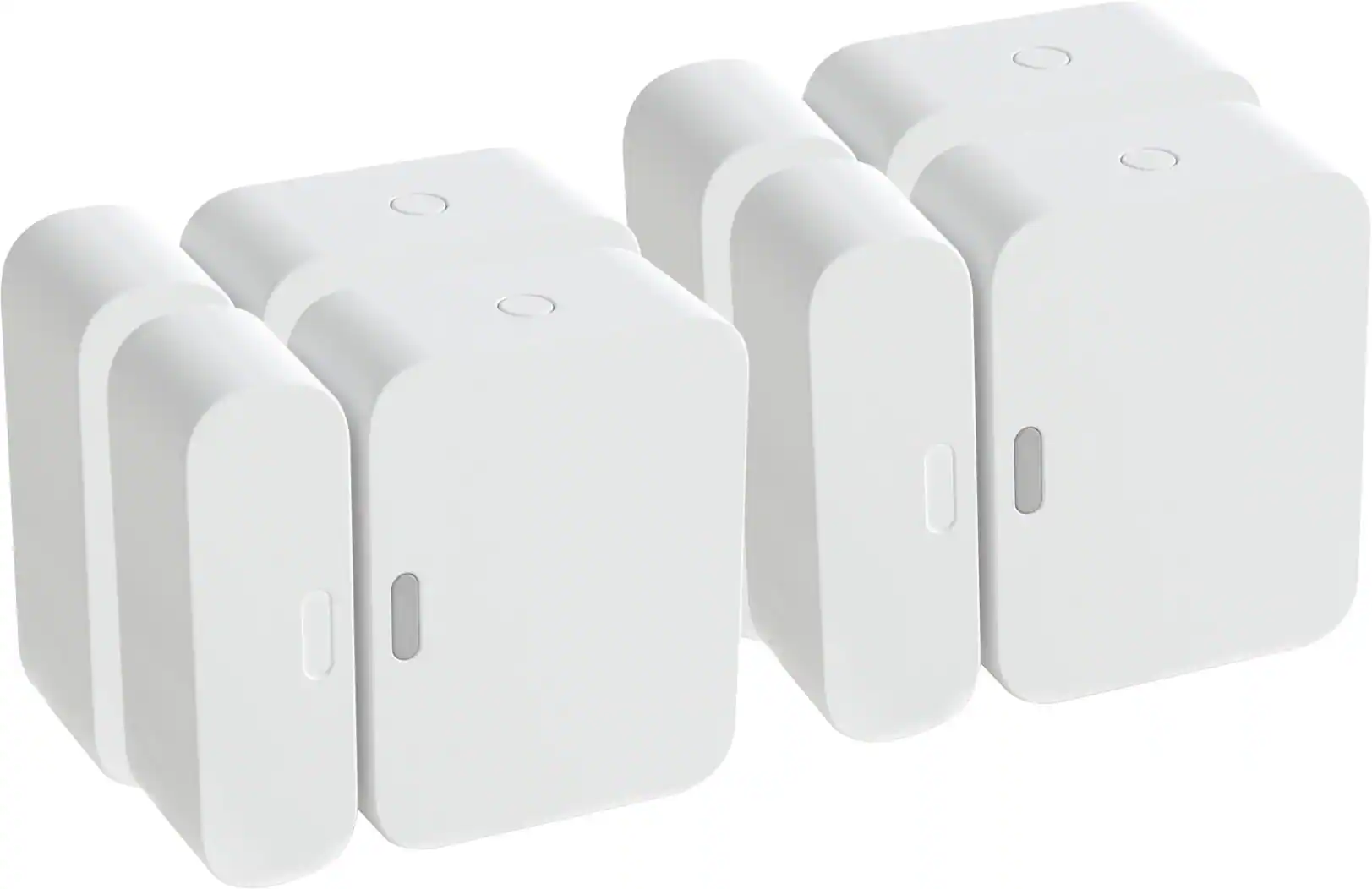 Sensors and Detectors
 Smart Speakers and Displays
More to consider
Control, Comfort, Convenience Sponsored
 $197.99The price was $239.99

Discover related products
 $59.99The price was $69.99
 $139.99The price was $199.99