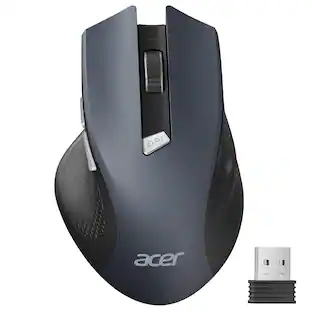
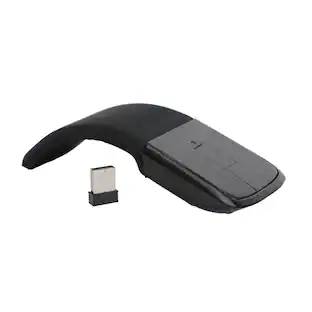
Core Tech - Ergonomic 2.4GHz Wireless Optical Mouse with USB-C Adapter and 3 DPI Settings - Wireless - Pink
Reviews coming soon
About this product
Use this Pink wireless optical mouse for everyday work at a desk or while travelling. The compact right-hand shape includes a thumb rest and textured grip. Connect the USB-A nano receiver directly to your computer, or use the included USB-C adapter with a compatible USB-C device. Select 800, 1200 or 1600 DPI for cursor control and use the forward/back buttons for supported navigation. Quiet clicks help reduce distraction. Automatic sleep saves power when the mouse is idle. Requires one AA battery, not included. Mobile devices must support USB OTG and an external mouse; available button functions vary by operating system.
Color
PinkFeatures
USB-A receiver and USB-C adapter
Includes a 2.4GHz USB-A nano receiver and a USB-C adapter for compatible computers and devices. This is an RF wireless connection, not Bluetooth.
Three DPI settings
Choose 800, 1200 or 1600 DPI using the DPI button to adjust cursor sensitivity.
Right-hand ergonomic shape
A compact asymmetrical body with a thumb rest supports small and medium right hands. Textured sides help maintain a comfortable grip.
Quiet clicks and navigation
Quiet button operation suits shared workspaces. Forward and back thumb buttons support navigation where the operating system and application allow.
Replaceable battery and sleep mode
Requires one AA battery, sold separately. Automatic sleep helps conserve power between uses.
Specifications
- Lighting TypeNoneMaximum Sensitivity1600 dots per inchNumber of Buttons (Total)6Connection TypeWireless
Reviews
This product doesn't have any reviews yet.

Compare similar products

Use this Pink wireless optical mouse for everyday work at a desk or while travelling. The compact right-hand shape includes a thumb rest and textured grip. Connect the USB-A nano receiver directly to your computer, or use the included USB-C adapter with a compatible USB-C device. Select 800, 1200 or 1600 DPI for cursor control and use the forward/back buttons for supported navigation. Quiet clicks help reduce distraction. Automatic sleep saves power when the mouse is idle. Requires one AA battery, not included. Mobile devices must support USB OTG and an external mouse; available button functions vary by operating system.

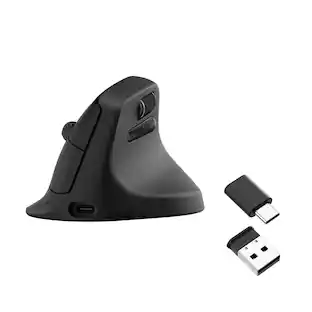
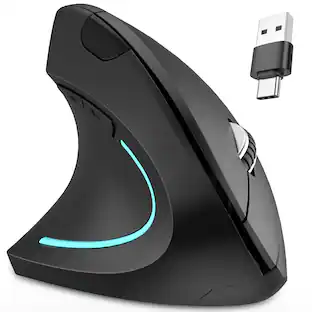
Ergonomic Vertical Mouse, Perfect for Small to Medium Hands (Under 7.5"), Reduce Wrist Strain, Natural Grip, 3-Device Connection (Dual Bluetooth + 2.4G USB-A), Rechargeable 500mAh Battery, Type-C Charging, Adjustable DPI (1000/1600/2400), Forward & Back Buttons, Quiet Click, Wide Compatibility

Brighten your desk with the Core Tech RGB rabbit wireless mouse. The glossy purple shell features long rabbit-ear buttons and illuminated eyes with seven-color cyclic breathing backlighting. Connect through Bluetooth 5.0 or 2.4 GHz wireless for everyday work and navigation. Silent clicks help keep your workspace quiet, while 1200 DPI sensitivity supports cursor control. A 600 mAh rechargeable battery powers the mouse and charges through USB-C. Suitable for compatible Windows computers, Mac computers and iPad devices. Backed by a one-year Core Tech parts and labor warranty.
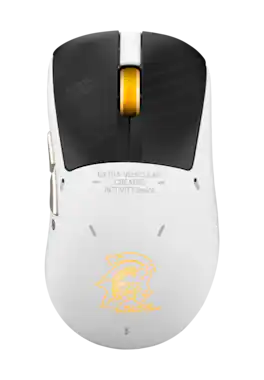
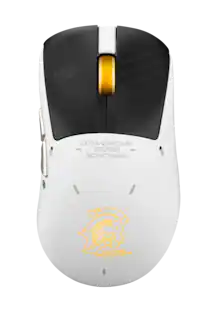
This exclusive edition of the ROG Keris II Origin features a striking design and spirit, capturing the essence of Kojima Production’s legendary identity. At just 63g, this ultra-lightweight mouse pairs RGB lighting and ergonomics, ensuring peak performance. ROG SpeedNova technology delivers seamless, lag-free connectivity, keeping you locked into the action.
| Pros for Core Tech - Ergonomic 2.4GHz Wireless Optical Mouse with USB-C Adapter and 3 DPI Settings - Wireless - Pink | |||
|---|---|---|---|
| There were no pros for this product— | There were no pros for this product— | There were no pros for this product— | Weight, Design, Responsiveness, Battery Life |
Specs
Be the first to ask a question.
We’ll try to get your question answered within 24 hours by a Best Buy customer or brand representative.
Customers often buy these together
Computer Keyboards




![The text on the image reads:
888 DD DI DD 4 DSC i F2 F3 4 FS T6 ET 1. 1N IN F.. 11 1.. 114 1n F1 F12 118 in9 - a ee 1 8F 2 3 $ 4 % 5 A 6 & 7 . 8 I 9 I 0 ee I + = delete fn home page up clear - / + tab Q W E R T Y U I 0 P { [ ] ] | I delete end page down 7 8 9 ee caps lock A S D F G H J K L : I - return 4 5 6 + shift Z X C V N M < F > ? / shift a 1 2 3 control option 2 command 3 command option control Y - 0 enter
After grouping and correcting the text, it reads:
888 DD DI DD 4 DSC i F2 F3 4 FS T6 ET 1. 1N IN F.. 11 1.. 114 1n F1 F12 118 in9 - a ee 1 8F 2 3 $ 4 % 5 A 6 & 7 . 8 I 9 I 0 ee I + = delete fn home page up clear - / + tab Q W E R T Y U I 0 P { [ ] ] | I delete end page down 7 8 9 ee caps lock A S D F G H J K L : I - return 4 5 6 + shift Z X C V N M < F > ? / shift a 1 2 3 control option 2 command 3 command option control Y - 0 enter](https://pisces.bbystatic.com/image2/BestBuy_US/images/products/f4059d3a-0c2a-46ef-bcfd-4e11b9b26d5d.jpg;maxHeight=232;maxWidth=233?format=webp)
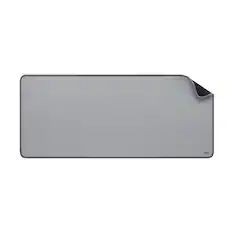
Mouse Pads

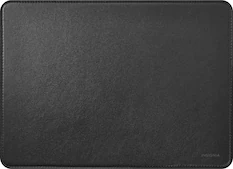
Insignia™ - Desk Mat - Black
Black Friday Deal$12.49The price was $24.99



More to consider
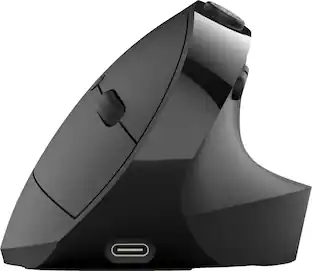
ProtoArc EM11 NL Wireless Ergonomic Vertical Mouse, Bluetooth Rechargeable Mouse, 58° Vertical Design
$29.99The price was $45.99Core Tech RGB Rabbit Wireless Mouse with Bluetooth 5.0, 2.4 GHz, USB-C Charging and 1200 DPI
$28.97The price was $39.99ASUS ROG Keris II Origin Ultralight Wireless Optical Gaming Mouse with ROG SpeedNova Wireless Technology
Clearance$152.99The price was $169.99








Explore tech essentials Sponsored
Logitech MX Master 4 for Mac - Wireless Laser Ergonomic Mouse with Advanced Performance Haptic Feedback
$109.99The price was $119.99Logitech MX Master 4 - Adobe Edition - Wireless Laser Ergonomic Mouse with Advanced Performance Haptic Feedback
Black Friday Deal$109.99The price was $119.99Logitech MX Anywhere 3S Wireless Bluetooth Optical Fast Scrolling Mouse with Programmable Buttons
Black Friday Deal$69.99The price was $89.99Logitech MK850 Performance Full-size Wireless Membrane Keyboard and Mouse Combo for PC and Mac
Black Friday Deal$69.99The price was $99.99




Keep exploring
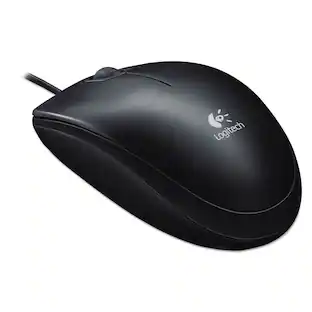
Logitech 910-001439 B100 Optical USB 2.0 Left/Right Hand Mouse
Black Friday Deal$11.49The price was $20.06ASUS ROG Gladius III Wireless Mouse - 36000 DPI, 6 Buttons, 2.4GHz/Bluetooth/Wired
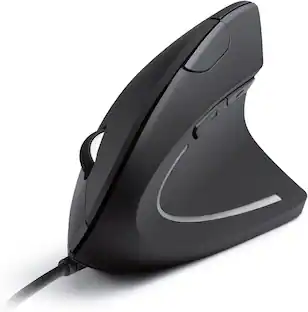
$77.49The price was $102.99Anker Ergonomic Optical USB Wired Vertical Mouse 1000/1600 DPI, 5 Buttons CE100
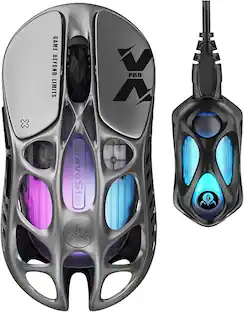
$16.14The price was $25.99GravaStar Mercury X Pro Wireless 8K Hz Gaming Mouse with 32000 DPI and 49g Magnesium Alloy Frame
$104.95The price was $139.95Acer Wireless Mouse for Laptop, 2.4GHz Computer Mouse 3 Adjustable DPI Office Cordless USB Mice with USBA Receiver
Black Friday Deal$10.99The price was $12.99