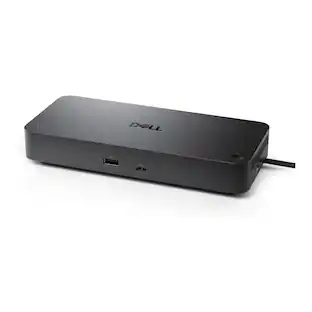
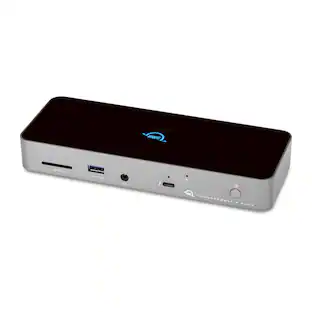
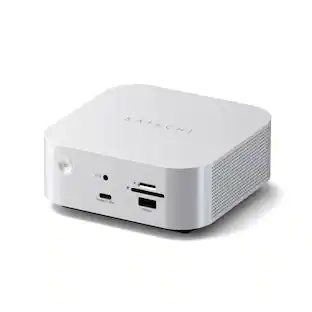
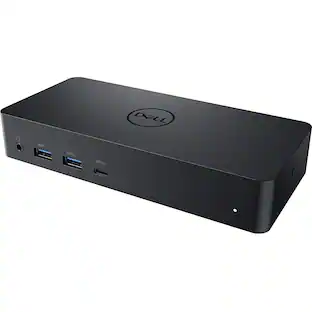
Dell - UD22 Universal USBC Docking Station - Black
About this product
With the Dell UD22 Universal Dock connect to any USB-C notebook, regardless of the manufacturer, and run any operating system and enhance your coworking spaces with consistent display support across different systems. Achieve a fast-charging experience with up to 96W power delivery for any USB-C notebook.
Features
Docking station
Docking station with a variety of ports and fast data transfer speeds that allow you to revolutionise your laptop and notebook experience
Wired connectivity technology
With the wired connectivity, no more worries about low signals and low latency
130W maximum power supply wattage
130W power supply unit (PSU) fulfills your system power requirements
Color
Premium look and feel with black color
Specifications
- Maximum Number of Displays Supported2Number of DisplayPort Outputs (Total)2Passthrough PowerNo
Reviews
Rating 4.4 out of 5 stars with 23 reviews
The vast majority of our reviews come from verified purchases. Reviews from customers may include My Best Buy members, employees, and Tech Insider Network members (as tagged). Select reviewers may receive discounted products, promotional considerations or entries into drawings for honest, helpful reviews.




Compare similar products
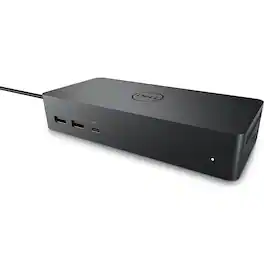
With the Dell UD22 Universal Dock connect to any USB-C notebook, regardless of the manufacturer, and run any operating system and enhance your coworking spaces with consistent display support across different systems. Achieve a fast-charging experience with up to 96W power delivery for any USB-C notebook.
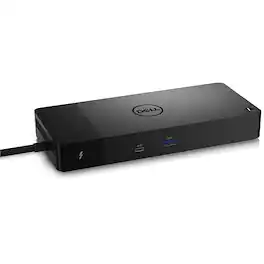
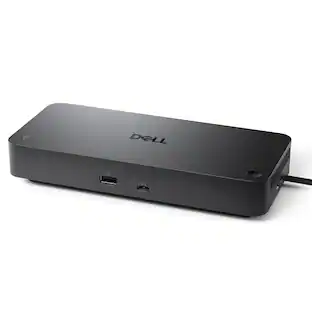
Connect displays and peripherals to your system with a single cable for ultimate productivity with the Dell WD22TB4 Thunderbolt Dock. This Thunderbolt 4 dock has ports to connect multiple 4K displays and Thunderbolt peripherals allowing you to not compromise with your work setup. Get the maximum from your peripherals with data transfer of 40 GB/s.
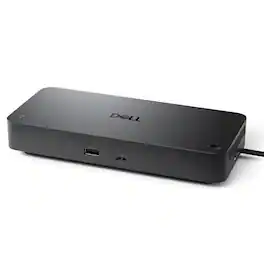
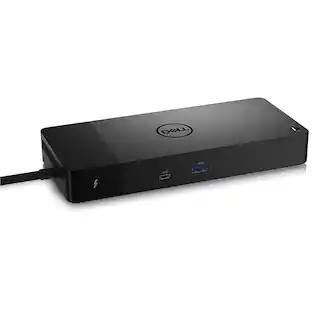
Take on intensive workloads with the latest Thunderbolt 4 smart dock delivering up to 130W of power and remote management capabilities.Engineered for successMaximize your AI PC productivity by seamlessly using Gen AI tools across up to four 4K 60Hz displays, staying powered with up to 130W power delivery, and connecting all your peripherals effortlessly.Most manageable and secureElevate the IT management experience by directly managing your smart docks from the Dell Device Management Console - no PC connection or software required.Most manageable commercial dockReduce IT efforts by scheduling updates during off-hours, while ensuring fleetwide firmware compliance and eliminating end user interruptions.Effortless maintenanceRemotely configure, deploy and update smart Docks over Wi-Fi via industry's first holistic peripheral management solution.Unlock out-of-band management on select Intel vPro PCs with Intel Active Management Technology (Intel AMT) over Thunderbolt via the connected dock.Work SmarterKeep users working confidently with enterprise-grade WPA-3 192-bit encryption for secure Wi-Fi communication. Safeguard your sensitive data with tamper-resistant, hardware-based encryption built into your Dell Pro Thunderbolt 4 Smart Dock.Connect your wayConfigure your workspace to your liking with an ambidextrous USB-C cable that can be routed left or right.Designed for sustainabilityThe Dell Pro Thunderbolt 4 Smart Dock is built with at least 65% post-consumer recycled materials and packaged with 100% recycled or renewable packaging.
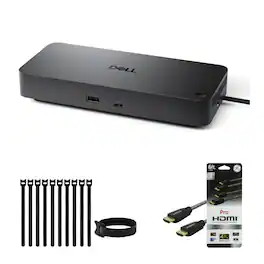
Up to 100W USB-C power delivery. Supports up to 4 external displays. Dual 5K or single 6K resolution. 2 × DP 1.4, 1 × HDMI 2.1, 1 × USB-C DP 1.44 × USB-A.
Specs
Questions & Answers
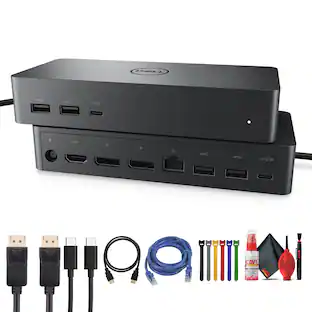
Does this device have two HDMI ports? I think I only see one in the photo.
Answered by YourDellTeamThis docking station has one HDMI 2.0 port.

Is this docking station compatible with Dell Inspiron 16 Plus? Does it have a power cord?
Answered by YourDellTeamThis dock is compatible with Inspiron 16 plus (Inspiron 16 7620) laptop. This dock includes a 130W AC power adapter.
Does this docking station have a wired connection?
Yes, this docking station uses a wired connection for fast data transfer speeds.
This question and answer was generated by AI based on customer and product data.What type of power supply input does the docking station use?
The docking station uses a DC jack (7.4mm) for power supply input.
This question and answer was generated by AI based on customer and product data.What is the maximum power supply wattage of this docking station?
The maximum power supply wattage of this docking station is 130W.
This question and answer was generated by AI based on customer and product data.
Customers often buy these together
Samsung 24" G3 (G31H) IPS FHD 144Hz 1ms AMD FreeSync Monitor (HDMI, DisplayPort)
Black Friday Deal$79.99The price was $119.99Logitech H390 Wired USB-A On-Ear Stereo Headphones with Noise Canceling Microphone
$20.99The price was $24.99Dell SE2426HS 24" IPS LCD FHD 144Hz FreeSync Height Adjustable Monitor (HDMI, USB)
Black Friday Deal$89.99The price was $119.99

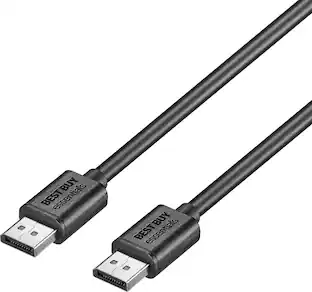
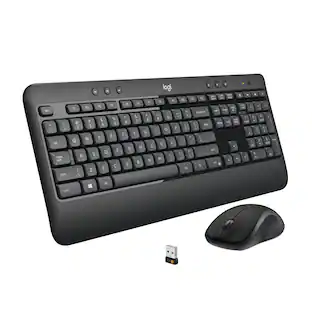
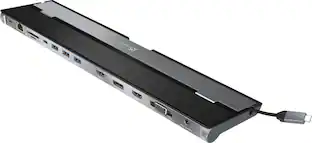

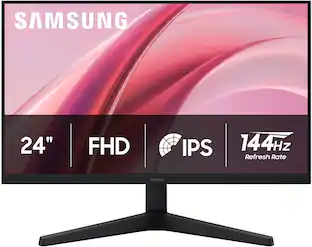





Customers ultimately bought
Dell SD25TB4 Pro 13-in-1 Quad Display Thunderbolt 4 Smart Docking Station
$229.00The price was $333.99

Explore tech essentials Sponsored
Discover related products
ViprTech Stryker Gaming PC - AMD Ryzen 7 (4.1GHz), AMD RX 580 8GB, 16GB DDR4, 500GB SSD, Desktop Computer
Holiday Deal$599.99The price was $799.99Acer USB C to HDMI Cable for Home Office 6.6FT (4K@60Hz), High-Speed Type C to HDMI 2.0 Braided Cord
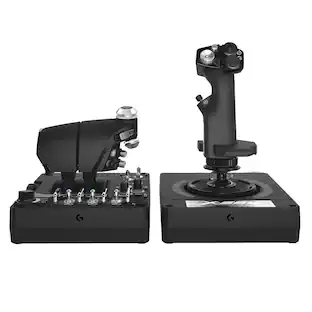
$12.99The price was $13.99Logitech X56 HOTAS Microsoft Flight Simulator RGB Dual-Throttle and Joystick
$249.99The price was $275.00Intel Core i5-14400F 14th Gen 10-Core 16-Thread - 4.7GHz Turbo Socket LGA1700 Unlocked Desktop Processor
$165.87The price was $197.23








Keep exploring
Acer USB C to HDMI Adapter, 4K USB C Hub with 100W PD, USBA 3.0 Port, HDMI to USBC Multiport Digital AV Converter for MacBook
Holiday Deal$14.99The price was $16.99Dockztorm 11-in-1 Steam Deck Dock with 4K@120Hz HDMI, 140W PD Charging, Compatible with Steam Deck, ROG Ally, Legion Go, MSI Claw
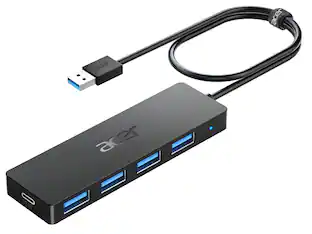
Holiday Deal$49.99The price was $59.99Acer USB Hub 4 Ports, Multiple USB 3.0 Hub, USBA Splitter with Type C Power Port, Extender for Laptop, PC and More
Holiday Deal$10.95The price was $12.99Dockztorm 11-in-1 RGB Docking Station for ROG Xbox Ally, ROG Ally X, ROG Ally, Steam Deck (OLED), Legion Go, MSI Claw
Holiday Deal$49.99The price was $59.99