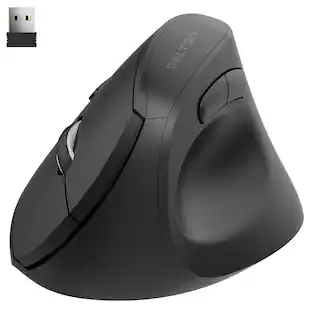
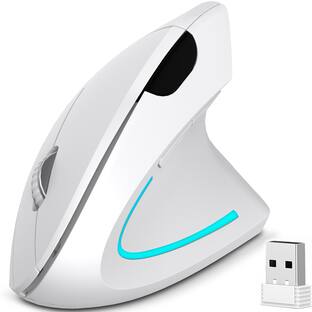
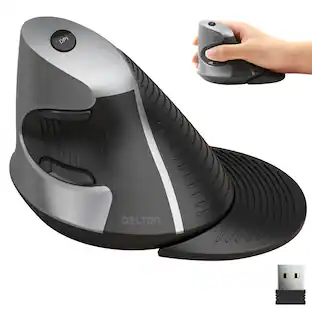
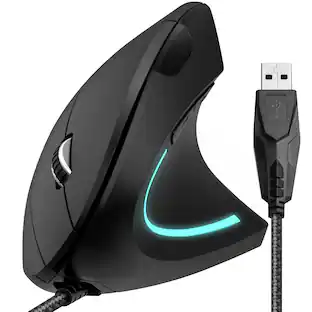
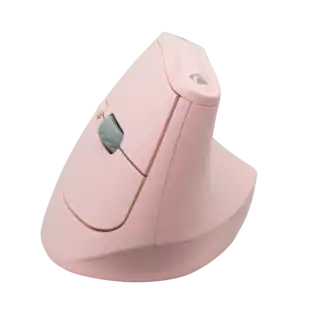
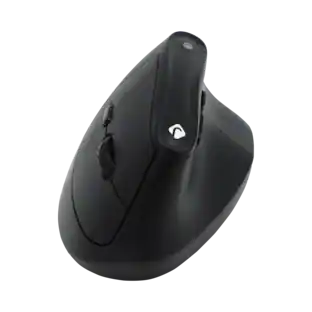
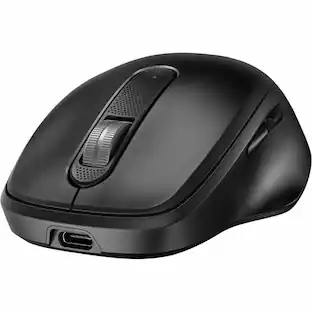
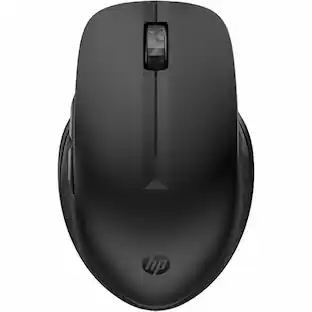
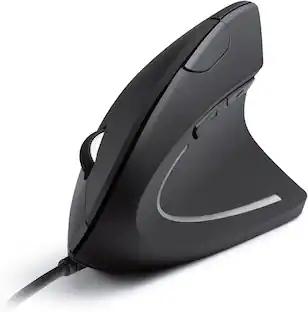
Delton - S12 Ergonomic Wireless Vertical Mouse (DMERG12-WB) - Wireless - Black
Reviews coming soon
Specifications
- Lighting TypeNoneMaximum Sensitivity2400 dots per inchNumber of Buttons (Total)6Connection TypeWireless
- Key Specs
- Lighting Type: None
- Maximum Sensitivity: 2400 dots per inch (Mouse sensitivity is measured in dots per inch (DPI). The higher the DPI, the more sensitive the mouse is and may be more useful for high-density pixel screens. Lower DPI typically means more precision and accuracy in mouse movement.)
- Number of Buttons (Total): 6
- Connection Type: Wireless
- General
- Brand: Delton
- Model Number: S12
- Product Name: Delton S12 Ergonomic Wireless Vertical Mouse (Black) (DMERG12-WB)
- Color: Black
- Features
- Mouse Type: Standard
- Lighting Type: None
- Performance
- Mouse Grip Style: Ergonomic (In comparison to many palm and claw grips, ergonomic grip mice are designed for a specific handedness and put the hand and wrist in a position to promote comfort. Customizable grips feature buttons/keys that can be configured to perform specific actions and may also have customizable calibration and sensitivity settings.)
- Handedness: Right-handed
- Tracking Method: Optical (There are several types of computer mice, optical and laser being among the most common. Optical mice detect less detail and provide more precise and accurate movement. Laser mice detect more detail and can be used on a wider variety of surfaces, but are more sensitive to small movements.)
- Maximum Sensitivity: 2400 dots per inch (Mouse sensitivity is measured in dots per inch (DPI). The higher the DPI, the more sensitive the mouse is and may be more useful for high-density pixel screens. Lower DPI typically means more precision and accuracy in mouse movement.)
- Minimum Sensitivity: 800 dots per inch (Mouse sensitivity is measured in dots per inch (DPI). The higher the DPI, the more sensitive the mouse is. Lower DPI typically means more precision and accuracy in mouse movement, but higher DPI may be useful for high-density pixel screens.)
- Number of Buttons (Total): 6
- Number of Thumb Buttons: 2
- Adjustable Weight: false
- Connectivity
- Connection Type: Wireless
- Maximum Wireless Range: 30 feet
- Operating System Compatibility: Universal
- Plug and Play Operation: true
- Number of Devices Connectable Simultaneously: 1
- Power
- Mouse Power Source: Battery-powered
- On/Off Switch: false
- Rechargeable Battery (Mouse): true
- Wireless Charging: false
- Battery Chemistry: Alkaline
- Dimensions
- Product Height: 2.94 inches (The out of box height of the item. Height is measured as the vertical distance from the bottom of the item to the top as it would be primarily used or placed.)
- Product Length: 5 inches (The out of box length of the item. Length is measured as the longest dimension of the item.)
- Product Width: 2.47 inches (The out of box width of the item. Width is measured as the horizontal distance from one side of the item to the other as it would be primarily used or placed.)
- Product Weight: 0.3 grams (The out of box weight of the item.)
- Warranty
- Warranty - Parts: 1 Year Warranty
- Warranty - Labor: 1 Year Warranty
- Other
- UPC: 802029084012
Discover the wireless S12, boasting superior CMOS sensors for everyday computing needs, providing comfort, functionality, and wireless freedom across diverse operating systems.
- Ergonomic Design for Less Strain: Supports a natural hand position to help reduce wrist fatigue during long hours
- Precise Tracking That Keeps Up: High-precision optical sensor gives you smooth, accurate movement every time
- Easy Wireless Setup: 2.4GHz USB dongle auto-pairs for a stable connection with no setup hassle
- Custom DPI with Quick Toggle: Switch between 800, 1200, and 2400 DPI with a color-coded LED indicator to match your task
- Built to Last and Travel Friendly: Lightweight yet durable design with up to 30 days of use on just 2 AAA batteries
Whats Included
- Ergonomic Mouse, Auto Pair USB Dongle, and User Manual
Compare similar products

Discover the wireless S12, boasting superior CMOS sensors for everyday computing needs, providing comfort, functionality, and wireless freedom across diverse operating systems.

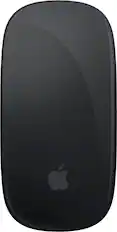
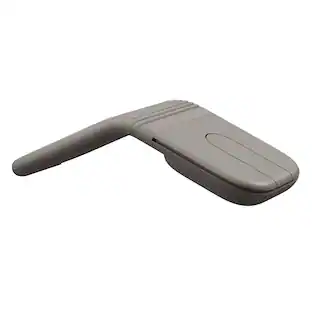
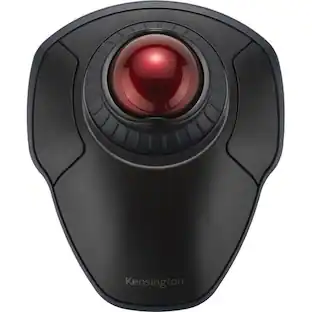
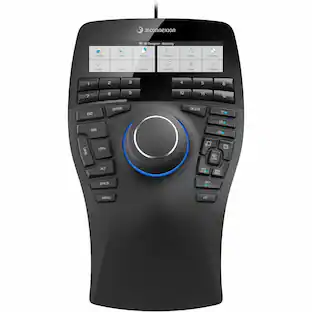
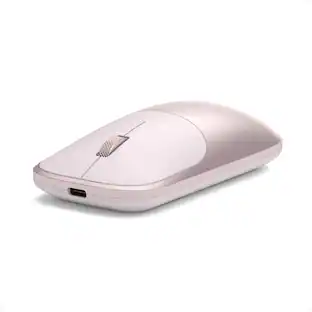
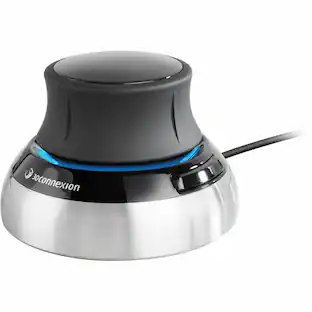
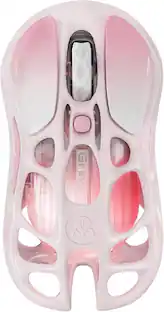
Magic Mouse is wireless and rechargeable, with an optimized foot design that lets it glide smoothly across your desk. The Multi-Touch surface allows you to perform simple gestures such as swiping between web pages and scrolling through documents. The rechargeable battery will power your Magic Mouse for about a month or more between charges.* It’s ready to go right out of the box and pairs automatically with your Mac. It features a USB-C port and includes a woven USB-C Charge Cable that lets you pair and charge by connecting to a USB-C port on your Mac, so you can charge all of your favorite devices with just a single cable.

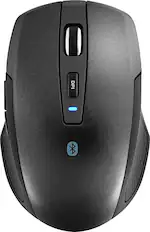
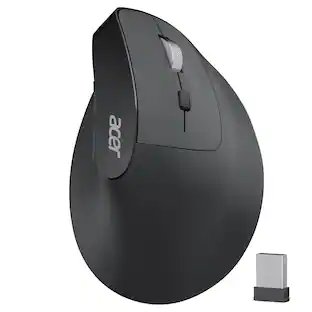
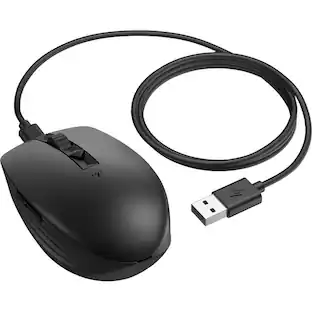
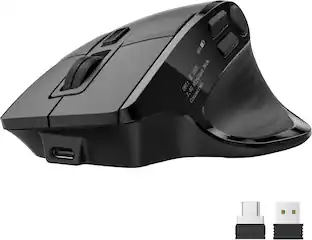
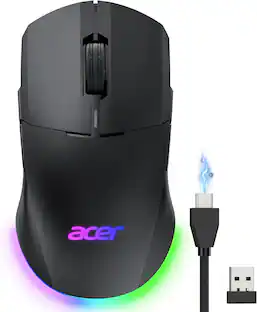
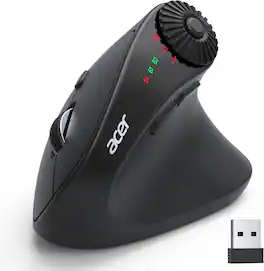
acer Ergonomic Mouse Wireless with Side Scroll Wheel, Bluetooth Mouse for Laptop(BT5.2+2.4GHz), Office Vertical Computer Mice, Right Hand Ergo Mice, 8 Buttons, 2.4GHz USB Receiver for PC and Desktop
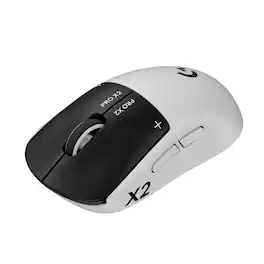
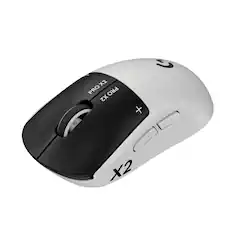
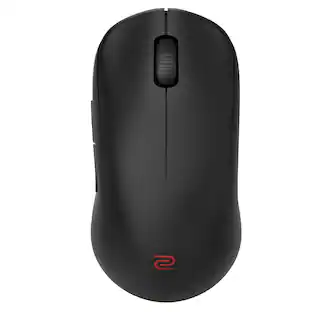
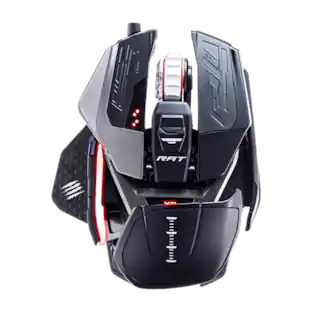
Logitech G partnered with top esports athletes to create The Fastest, Fully Customizable Click. Equipped with the Haptic Inductive Trigger System, the advanced HERO 2 sensor, and the robust LIGHTSPEED wireless. PRO X2 SUPERSTRIKE is a revolutionary PRO mouse delivering The Winning Click.
| Pros for Delton - S12 Ergonomic Wireless Vertical Mouse (DMERG12-WB) - Wireless - Black | |||
|---|---|---|---|
| There were no pros for this product— | Overall Performance, Battery Life, Ease of Use, Design, Connectivity | Ergonomics, Connection Stability, Scroll Wheel | Overall Performance, Battery Life, Weight, Click Quality, Haptic Feedback |
| Cons for Delton - S12 Ergonomic Wireless Vertical Mouse (DMERG12-WB) - Wireless - Black | |||
| There were no cons for this product— | Charging Port Placement, Size, Scrolling | There were no cons for this product— | Skate Quality |
Specs
Reviews
This product doesn't have any reviews yet.


![esc ~ ! 1 tab caps lock shift ctrl F2 Fl # 2 3 Q W A S Z start opt L F3 $ 4 E D X alt cmd3 ) FS F4 A % 5 6 R T F G V C logi 44 HI & F9 FID FB F7 F6 * ) - - & 0 8 9 7 O P U I Y K L H J > < N M 1 B PM + = { [ : I ; ? I alt cmd D 2 4 300 3 1 F12 . * page I insert home up clear backspace 8 9 + 7 page A pg up end down home } I delete ] / 6 4 5 4 enter 2 3 enter 1 dn Pg end shift = 0 del ins etrl fn opt](https://pisces.bbystatic.com/image2/BestBuy_US/images/products/6539/6539505_sd.jpg;maxHeight=232;maxWidth=233?format=webp)
![Esc F1 F2 F3 F4 F5 F6 F7 F8 F9 F10 F11 F12 Print Screen Scroll Lock Pause Break 1 2 3 4 5 6 7 8 9 0 - + = Backspace Insert Home H Page Up A Num Look 1 I Tab Q W E R T Y U I o P { [ } ] I I Delete End IN Page Down 7 Home 8 9 Pg Up Caps A Lock A S D F G H J K L ; : DE g Enter 4 5 6 Shift Z X C V N M < > ? I Shift 1 End 2 3 Pp Dn Enter Ctrl Alt Alt Ctrl 0 Ins Del](https://pisces.bbystatic.com/image2/BestBuy_US/images/products/a588d446-5678-40ae-86b8-1f15e0026e66.jpg;maxHeight=232;maxWidth=233?format=webp)


![The text on the image reads:
888 DD DI DD 4 DSC i F2 F3 4 FS T6 ET 1. 1N IN F.. 11 1.. 114 1n F1 F12 118 in9 - a ee 1 8F 2 3 $ 4 % 5 A 6 & 7 . 8 I 9 I 0 ee I + = delete fn home page up clear - / + tab Q W E R T Y U I 0 P { [ ] ] | I delete end page down 7 8 9 ee caps lock A S D F G H J K L : I - return 4 5 6 + shift Z X C V N M < F > ? / shift a 1 2 3 control option 2 command 3 command option control Y - 0 enter
After grouping and correcting the text, it reads:
888 DD DI DD 4 DSC i F2 F3 4 FS T6 ET 1. 1N IN F.. 11 1.. 114 1n F1 F12 118 in9 - a ee 1 8F 2 3 $ 4 % 5 A 6 & 7 . 8 I 9 I 0 ee I + = delete fn home page up clear - / + tab Q W E R T Y U I 0 P { [ ] ] | I delete end page down 7 8 9 ee caps lock A S D F G H J K L : I - return 4 5 6 + shift Z X C V N M < F > ? / shift a 1 2 3 control option 2 command 3 command option control Y - 0 enter](https://pisces.bbystatic.com/image2/BestBuy_US/images/products/f4059d3a-0c2a-46ef-bcfd-4e11b9b26d5d.jpg;maxHeight=232;maxWidth=233?format=webp)