Elgato - Stream Deck Mini – Discord Edition - Blurple
Customers are saying
Customers have good things to say about the overall performance and the intuitive ease of use of this product. Users are particularly pleased with the software functionality and have expressed appreciation for the appealing color options available.
Purpose-Built for Discord
Instantly access essential Discord actions like mute, deafen, and screen share with a single tap.
Iconic Blurple Design
Wrapped in Discord’s legendary blurple color to stand out on your desk and match your setup.
Includes Discord Nitro
Comes with a 1-month free Discord Nitro voucher to unlock enhanced features and perks.
Pre-Configured Shortcuts
Fully loaded with top Discord plugin actions – no setup needed, just plug in and go.
Compact Powerhouse
Six customizable LCD keys in a space-saving form factor – ideal for any gamer setup.
Switch Profiles in Seconds
Jump from Discord control to stream management, music playback, or app shortcuts seamlessly.
Instant Visual Feedback
Animated key icons give real-time visual confirmation so you always know what’s active.
Stream Deck Ecosystem
Expand beyond Discord with access to thousands of plugins and actions via the Elgato Stream Deck software.
Plug & Play Simplicity
USB-connected and works out of the box with Windows and macOS – no drivers required.
Custom Collectible Packaging
Comes in a uniquely Discord-branded box you’ll want to display instead of toss it.
- Lighting TypeMulticolorForm FactorTenkeyless (TKL)Keyboard TechnologyMembrane, MembraneConnection TypeWired
Reviews
Rating 4.9 out of 5 stars with 42 reviews
- Overall Performance (14)
- Ease of Use (12)
- Color (3)
Customer Images
The vast majority of our reviews come from verified purchases. Reviews from customers may include My Best Buy members, employees, and Tech Insider Network members (as tagged). Select reviewers may receive discounted products, promotional considerations or entries into drawings for honest, helpful reviews.

Compare similar products
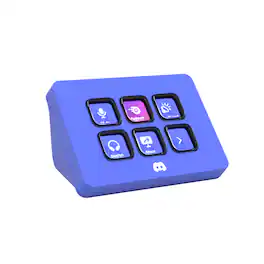
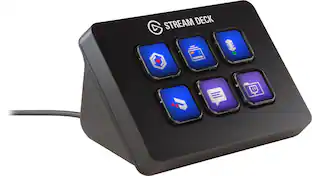
Meet the Elgato Stream Deck Mini – Discord Edition, the ultimate companion for Discord power users. With six fully customizable LCD keys and preloaded Discord actions, you can mute, deafen, screen share, and switch chats in a single tap. Wrapped in Discord’s iconic blurple and bundled with a free 1-month Discord Nitro voucher, this Stream Deck Mini goes beyond voice and chat. Whether you’re in-game, live streaming, or just hanging with friends, it lets you move fast, stay organized, and express yourself with ease. Plug it in, power up, and take control—because it’s your deck, your rules.
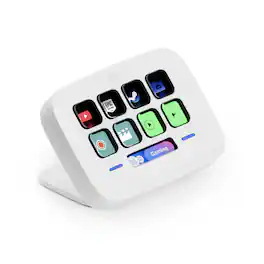
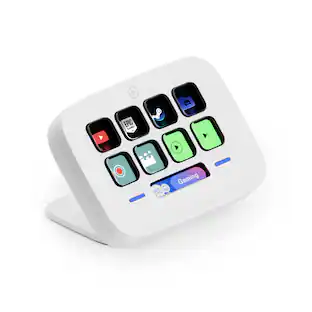
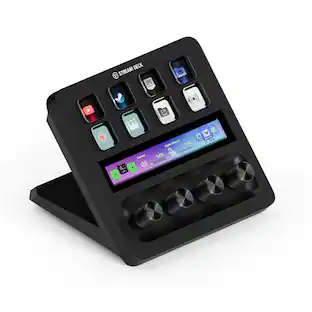
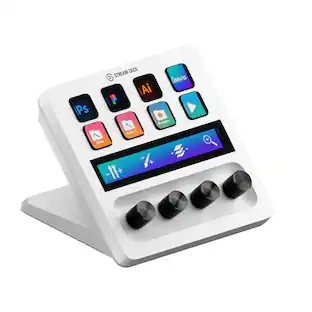
Great workflows made easy. Meet Stream Deck Neo, an eight-key controller that makes everyday tasks fast and fun. It automates the little repetitive stuff, such as pasting text or browsing folders, so you can focus on bigger things. Tap to manage Spotify music or mute your mic in Teams, even when apps are running in the background. Customize your keys with a simple drag-’n-drop, all insid efree software for Windows or Mac. It’s got an Infobar that shows your most important info in real time, plus two Touch Points to tap between pages of actions. Others will wonder how you do it.

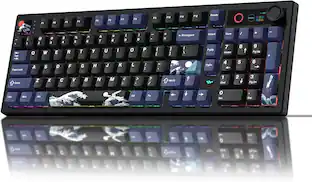
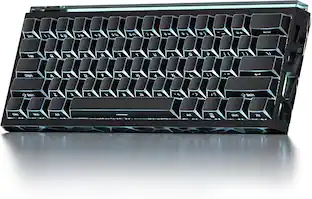
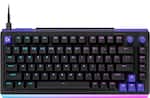
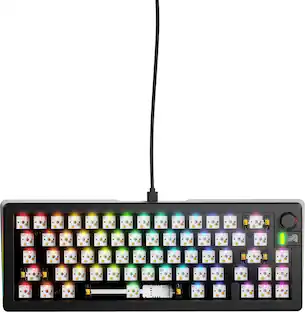
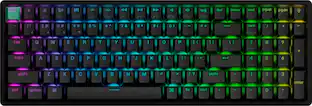
CORSAIR’s VANGUARD 96 pulls off the astonishing feat of shrinking a full keyboard with arrow keys, a tenkey pad, an LCD screen, rotary dial, and 6 programmable G-keys into a super-compact frame. Featuring wobble-free pre-lubricated CORSAIR MLX switches, it’s also hotswappable, supporting compatible 3-pin and 5-pin switches. The stunning LCD screen takes keyboard personalization to the next level with animations, stats, and game integration support. Quadlayer sound dampening provides satisfying keypress acoustics, and 8,000Hz hyper-polling delivers lightning-fast inputs. VANGUARD 96 also features Elgato Virtual Stream Deck integration, FlashTap SOCD handling, and easy customization via our web-based utility, CORSAIR Web Hub.

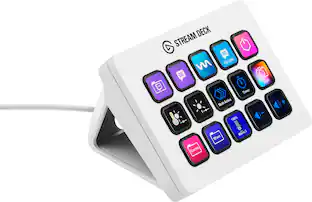
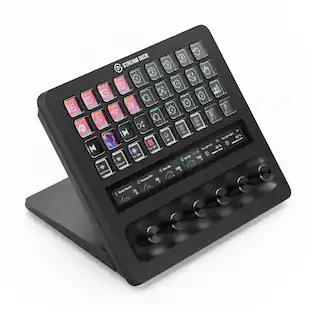
Stream Deck gives you 15 LCD keys to control your apps and tools. Trigger actions, launch social posts, adjust audio, play sound clips, activate lights, and much more. Get visual feedback to confirm your commands. Set Stream Deck to automatically switch key configurations as you jump between apps. It’s the ultimate workflow hack, and it’s fully customizable. Personalize your Stream Deck with custom icons, screensavers, and a growing range of interchangeable faceplates. Use the app to configure keys with ease, and hit the Stream Deck Store for app plugins, icon packs, thousands of royalty free tracks, effects, and more.
| Pros for Elgato - Stream Deck Mini – Discord Edition - Blurple | |||
|---|---|---|---|
| Overall Performance, Ease of Use, Color | Ease of use, Customization, Overall Performance, Button Functionality | Build Quality, Feel, Noise Level, RGB Lighting, Size | Ease of use, Overall Performance, Customization, LCD Keys, Software |
| Cons for Elgato - Stream Deck Mini – Discord Edition - Blurple | |||
| There were no cons for this product— | There were no cons for this product— | Software, Key Sensitivity, Port Placement | Price, Stand |
Specs
Customers often buy these together
Mice
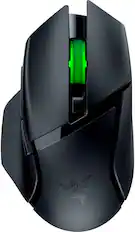
Razer - Basilisk V3 X HyperSpeed Optical Gaming Mouse with 9 Customizable Controls - Wireless - Black
$48.99The price was $69.99
Mouse Pads






More recommended items
 PC Gaming Headsets
 Web Cameras
 Computer Speakers
 Computer Keyboard Accessories
More to consider
 $119.99The price was $179.99
 $299.99The price was $349.99
 $134.99The price was $149.99
Explore tech essentials Sponsored
 $59.99The price was $79.99
Discover related products
 $12.99The price was $13.99
 $30.99The price was $32.99











Keep exploring
 $143.99The price was $144.99
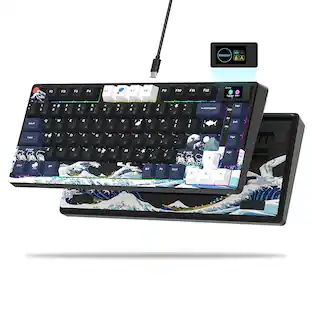 $55.99The price was $62.99
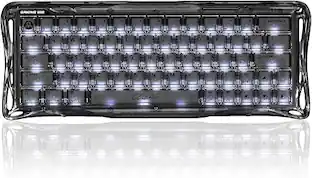 $129.95The price was $159.95
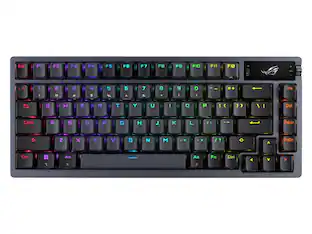 $228.99The price was $283.49