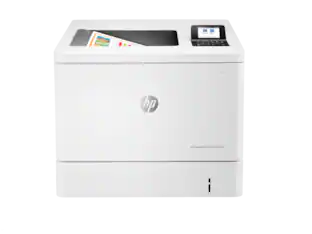
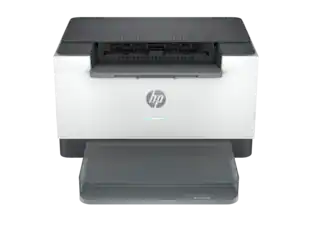
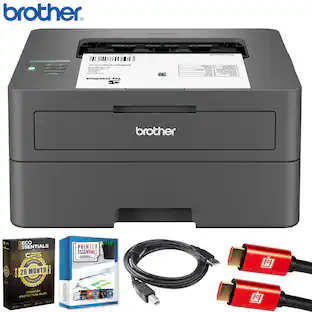
HP - LaserJet Pro m452dw Color Printer - White
About this product
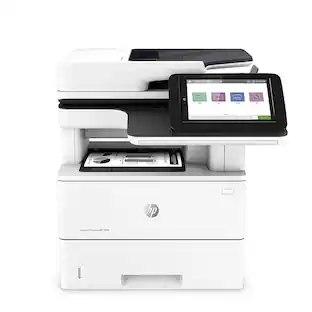
HP LaserJet Pro m452dw Printer: With fast speeds up to 28 ppm* in color and black, it's easy to accomplish all your printing tasks quickly. Built-in Wi-Fi and NFC touch-to-print technology allow you to connect your compatible smartphone for wireless printing.
Features
Easy Replenish
With a printer set up for Easy Replenish, you'll automatically receive shipments of the ink you need. The printer monitors its own ink levels, so you'll only receive ink when you need it.
>Laser printers are best for high-volume printing
They handle large volumes quickly and at a low cost per page. Toner (powder) is used instead of ink, so you get smudge-free images and text.
Be sure you have the right cartridge
Enter your printer's model number into our Ink and Toner Finder to find compatible cartridges.
Wireless and mobile printing capability
Connect this printer to your home or office network with built-in Ethernet or wireless LAN. Plus, print from your mobile device with the free HP ePrint app, Apple® AirPrint or Google Cloud Print.
Print from compatible mobile devices with just a touch
NFC (near-field communication) technology simplifies wireless pairing.
600 dpi (dots per inch) for good print quality
Sufficient resolution for producing good quality documents and photos.
4 individual print cartridges are economical
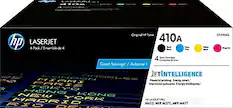
Only replace toner cartridges (black, cyan, magenta and yellow) when a color runs out. JetIntelligence enables efficient printing.
Large paper trays for your high-volume printing
Reload less often with the 250-sheet input tray and 150-sheet output tray.
3" color touch-screen display
Intuitive touch screen and 3 buttons offer simple operation.
1 USB port for simple connectivity
1 high-speed USB 2.0 port offers a standard connection to your PC or a simple way to plug in and print with a USB drive, camera or other device.
Built-in duplex printing
Print on both sides of the page without turning it over manually to minimize your printing costs and help the environment.
Protect your information for secure printing
JetAdvantage Private Print and data encryption keep your information safe.
Apple, the Apple logo, iPod, iPad and Apple AirPrint are trademarks of Apple Computer, Inc., registered in the U.S. and other countries.
*Requires a high-speed Internet connection.
Print speeds vary with use. See manufacturer for info on print speeds.
Specifications
- NetworkingWirelessENERGY STAR CertifiedNoPrinter TypePrinterDuty CycleUp to 50,000ISO Color Print Speed28 pages per minuteISO Mono Print Speed28 pages per minute
Reviews
Rating 4.6 out of 5 stars with 68 reviews
The vast majority of our reviews come from verified purchases. Reviews from customers may include My Best Buy members, employees, and Tech Insider Network members (as tagged). Select reviewers may receive discounted products, promotional considerations or entries into drawings for honest, helpful reviews.
Compare similar products
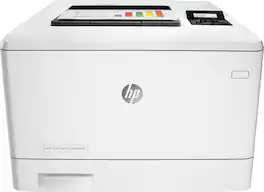
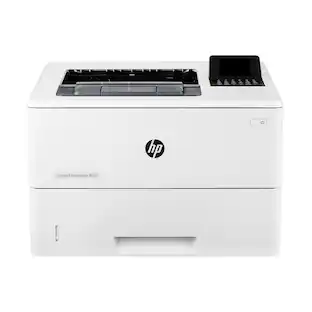
HP LaserJet Pro m452dw Printer: With fast speeds up to 28 ppm* in color and black, it's easy to accomplish all your printing tasks quickly. Built-in Wi-Fi and NFC touch-to-print technology allow you to connect your compatible smartphone for wireless printing.

HP LaserJet Pro Printer: Print crisp, easy-to-read documents quickly with this printer, which features up to 28 ISO ppm* print speeds and built-in duplex printing for efficient operation. The free HP ePrint app lets you print right from your mobile device.

Get strong security, enhanced productivity and sustainability with the HP Color LaserJet Enterprise M455dn Printer. This color laser printer's dynamic security continually monitors memory activity to detect and stop attacks in real time, and automatically checks firmware during startup. With print speeds up to 29 ppm and first page out as fast as 9.3 seconds (black) and 10.9 seconds (color), this entry-level enterprise printer empowers your team to complete tasks quickly. Save paper with automatic two-sided printing and help reduce wasted supplies with HP Roam for Business. Protect your color printer and produce high-quality color graphics while avoiding reprints with Original HP toner cartridges with JetIntelligence.

Designed for business work teams that need professional performance with fast, high quality two-sided color printing, laser productivity, and award-winning reliability in a space-saving design. Reliable, high-quality color wireless printing for your office or small business.
| Pros for HP - LaserJet Pro m452dw Color Printer - White | |||
|---|---|---|---|
| There were no pros for this product— | There were no pros for this product— | There were no pros for this product— | Print Quality, Ease of use, Overall Performance, Size, Noise Level |
| Cons for HP - LaserJet Pro m452dw Color Printer - White | |||
| There were no cons for this product— | There were no cons for this product— | There were no cons for this product— | Connectivity |
Specs
Questions & Answers
Will this printer work with Windows 10 computers?
Answered by HP TeamGreat question. Yes, this printer will work with Windows 10 computers. All new printers are compatible with Windows 10. You can download the printer driver from the HP website or use the software CD that comes with the printer. I hope this helps.

How many prints can you get with the temp set & with the high yeild sets?
Answered by HP TeamGood question. The standard toners all have a yield of up to 2,300 pages. The black XL toner can print up to 6,500 pages and the colors can print up to 5,000 pages. I hope this helps.
Does this printer accept and print on transparent paper? If how is the quality?
Answered by HP TeamGood question. Yes, you can print on transparency paper. You have to make sure the transparency paper is made for laser printers AND also change the paper type settings on the printer itself. The print quality will be the same as any laser print. Here is the print resolution for this printer: Black (best): 600 x 600 dpi, Up to 38,400 x 600 enhanced dpi Color (best): 600 x 600 dpi, Up to 38,400 x 600 enhanced dpi I hope this helps.
Would I be able to print borderless when printing brochures or flyers?
Answered by HP TeamGood question. Unfortunately, this printer does not support borderless prints. I recommend the OfficeJet Pro 8710 for borderless printing. For more information on the 8710, please visit the following link: http://store.hp.com/wcsstore/hpusstore/pdf/m9l66a.pdf I hope this helps.
What is the difference between the "dn" and "dw" models?
Answered by khaihonThe d in both cases means it can print duplex (front and back) printing The n is for wired networking. The w is for wireless (AND wired) networking.
Customers often buy these together
Toner Cartridges


Customers ultimately bought
HP LaserJet Pro 4301fdw Wireless AI-Enabled Color All-in-One Laser Printer
$659.99The price was $859.00
Explore tech essentials Sponsored
Discover related products
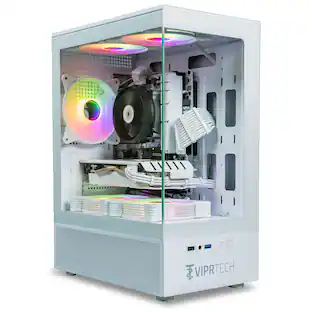
ViprTech Stryker Gaming PC - AMD Ryzen 7 (4.1GHz), AMD RX 580 8GB, 16GB DDR4, 500GB SSD, Desktop Computer
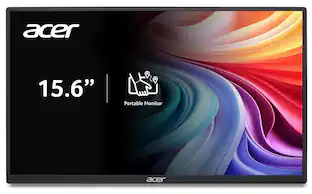
$649.99The price was $799.99Acer PM161Q 15.6" Portable Monitor Full HD 1920x1080 IPS USB-C HDMI Refurbished
$47.34The price was $48.99Acer USB C Docking Station With 2 HDMI, 9-IN-1 Docking Hub with USB A&C 3.0, SD/Micro SD, 100W Charging
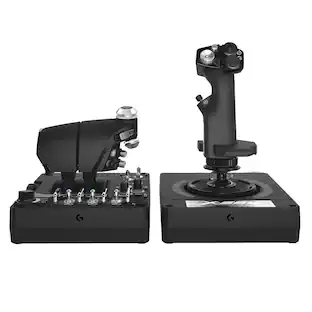
$42.99The price was $47.99Logitech X56 HOTAS Microsoft Flight Simulator RGB Dual-Throttle and Joystick
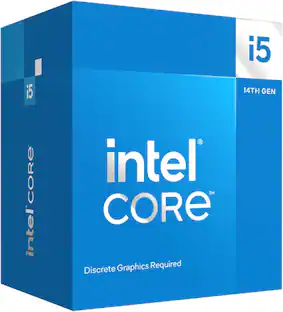
$244.99The price was $275.00Intel Core i5-14400F 14th Gen 10-Core 16-Thread - 4.7GHz Turbo Socket LGA1700 Unlocked Desktop Processor
$164.99The price was $197.23



Keep exploring
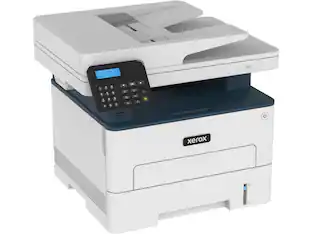
Xerox B225/DNI MFC / All-In-One Up to 34 ppm Monochrome Ethernet (RJ-45) / USB / Wi-Fi Laser Printer
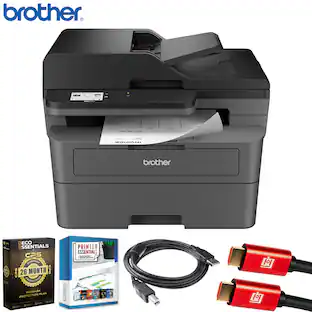
$229.99The price was $290.82Brother MFC-L2820DW Wireless Monochrome Laser Printer + 26-Month Warranty Protection Package
$349.99The price was $422.92Xerox VersaLink C625 Multifunction Duplex Color Laser Printer #C625/DN
$3,199.00The price was $3,308.84Lexmark CX635adwe 50M7080 Multifunction Color Laser Printer - 1200 x 1200 dpi - 42 ppm - Color Touch Screen - USB
$1,769.06The price was $1,868.89HP Laserjet Enterprise Multifunction M528dn with One-Year, Next-Business Day, Onsite Warranty (1PV64A)
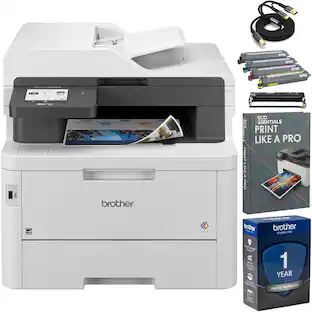
$1,629.00The price was $2,069.95Brother MFC-L3780CDW Digital Color All-in-One Laser Printer + Print Like A Pro Bundle
$679.99The price was $723.98Brother HL-L2405W Wireless Monochrome Laser Printer + 26-Month Warranty Protection Package
$189.99The price was $277.92