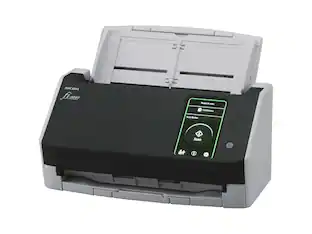
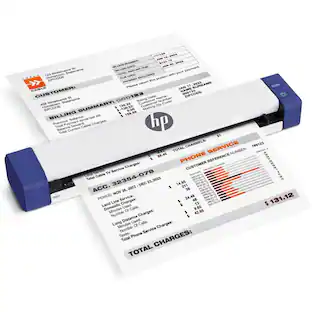
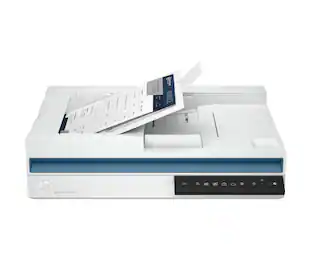
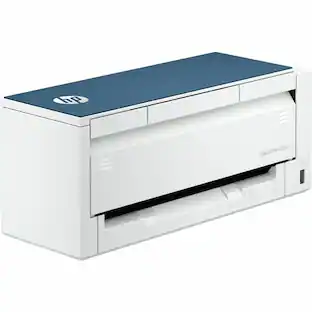
HP - ScanJet Pro 3000 S4 Sheetfed Scanner - 600 dpi Optical - 40 ppm (Mono) - 40 ppm - Grayscale - Color
About this product
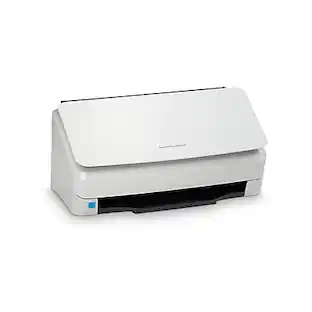
Fast, affordable, and designed to handle everything from simple color jobs to complex workflows. Quickly and reliably digitize larger projects with scan speeds up to 40 ppm/80 ipm and a 50-page ADF. Recommended for 4,000 pages per day. Small size. Fast scans. Same reliable results. Produce scans at up to 40 ppm/80 ipm with two-sided scanning that captures both sides at once. Free up space for work. This HP ScanJet Pro is small and slim-a modern design perfect for the desktop. Don't wait for warm-up-HP Instant-on Scanning lets you begin scanning quickly. Load up to 50 pages into the automatic document feeder for fast, unattended scanning. Optimize workflows with one-touch scanningStreamline routine work with one-touch scanning-create one-button, custom settings for recurring scan jobs. Scan images directly into applications with included and full-featured TWAIN and ISIS®. Easily transfer scans into editable text, searchable PDF files, and more file types, using built-in OCR. Quickly share or archive scans directly to popular cloud destinations with HP Scan software. Capture business documents like a proDefine scan profiles for common document types, and scan to multiple destinations with HP Scan software. Capture and organize documents, business cards, and other file types with feature-rich software. Produce clear, legible scans-up to 1,200-dpi resolution.
HP ScanJet Pro 3000 S4 Sheetfed Scanner - 600 dpi Optical
Fast, affordable, and designed to handle everything from simple color jobs to complex workflows. Quickly and reliably digitize larger projects with scan speeds up to 40 ppm/80 ipm and a 50-page ADF. Recommended for 4,000 pages per day. Small size. Fast scans. Same reliable results. Produce scans at up to 40 ppm/80 ipm with two-sided scanning that captures both sides at once. Free up space for work. This HP ScanJet Pro is small and
- Scan MethodSingle pass
Reviews
This product doesn't have any reviews yet.

Compare similar products

Fast, affordable, and designed to handle everything from simple color jobs to complex workflows. Quickly and reliably digitize larger projects with scan speeds up to 40 ppm/80 ipm and a 50-page ADF. Recommended for 4,000 pages per day. Small size. Fast scans. Same reliable results. Produce scans at up to 40 ppm/80 ipm with two-sided scanning that captures both sides at once. Free up space for work. This HP ScanJet Pro is small and slim-a modern design perfect for the desktop. Don't wait for warm-up-HP Instant-on Scanning lets you begin scanning quickly. Load up to 50 pages into the automatic document feeder for fast, unattended scanning. Optimize workflows with one-touch scanningStreamline routine work with one-touch scanning-create one-button, custom settings for recurring scan jobs. Scan images directly into applications with included and full-featured TWAIN and ISIS®. Easily transfer scans into editable text, searchable PDF files, and more file types, using built-in OCR. Quickly share or archive scans directly to popular cloud destinations with HP Scan software. Capture business documents like a proDefine scan profiles for common document types, and scan to multiple destinations with HP Scan software. Capture and organize documents, business cards, and other file types with feature-rich software. Produce clear, legible scans-up to 1,200-dpi resolution.
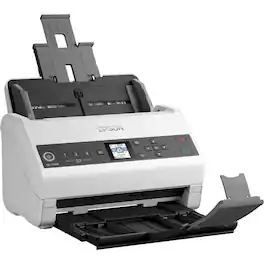
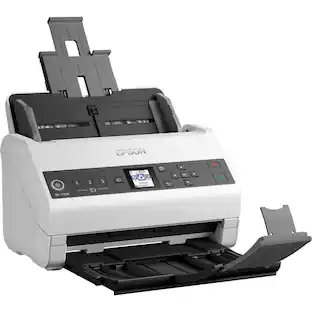
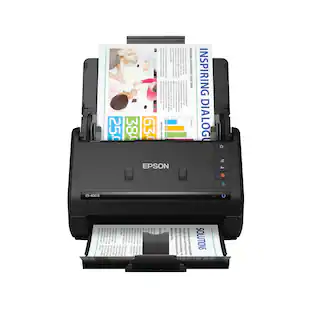
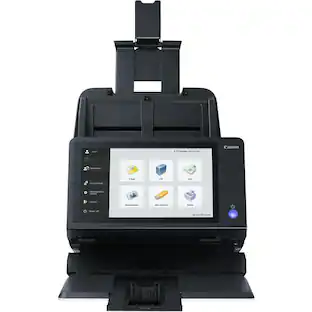
Designed for ease and versatility, this high-value, DS-730N Network Document Scanner delivers premium-quality scans up to 40 ppm with a peak daily cycle up to 4,500 sheets. Dedicated, "Quick Send" buttons simplify scanning and let you send files without a PC. Built-in network interface allows you to easily share files to any device on the network. Scan files to online storage accounts, email and more. The 100-page automatic document feeder (ADF) and color LCD ensure fast, easy scanning of business/ID cards, single sheets, folded pages and other paper types up to 11" x 17". Included TWAIN and ISIS drivers allow integration with existing document-management systems. Connect using the included, USB 2.0 cable.
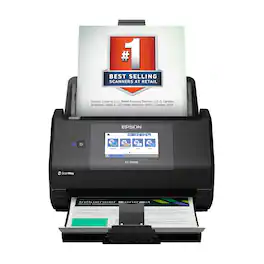
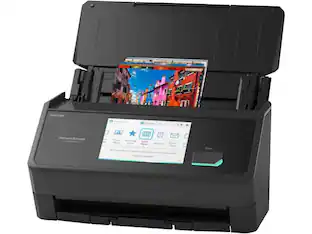
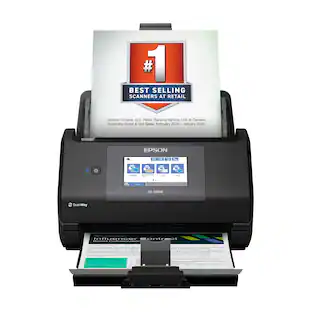
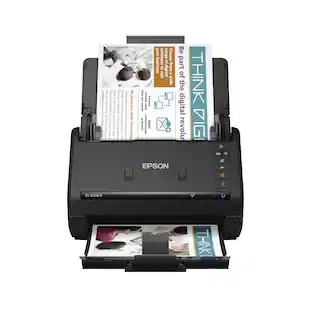
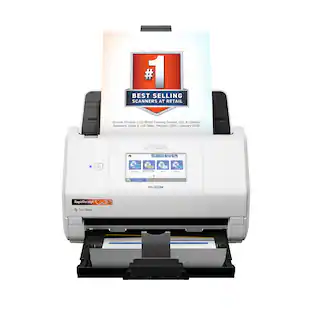
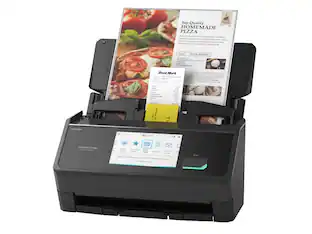
The Epson WorkForce ES-590W makes scanning simple, smart and seamless in virtually any workspace. With a sleek, wireless design, it’s built to handle everything from daily paperwork to important business and personal documents with speed and simplicity. Powered by Epson ScanSmart¹ AI technology, your scans instantly become smart, searchable digital files that are ready to use across the latest AI applications². With ScanWay technology, the intuitive, large 4.3" color touchscreen makes scanning, reviewing and sending documents simple, with no computer or complicated steps required. The high-capacity Auto Document Feeder holds up to 100 sheets and scans both sides in a single pass—up to 12 times faster³—delivering speeds of up to 45 ppm⁴ to make even large jobs feel effortless. And thanks to intelligent features such as paper and staple protection and blank page deletion, the WorkForce ES-590W is engineered for reliability from start to finish. With built-in Wi-Fi connectivity, you can place the scanner anywhere that’s convenient and wirelessly scan documents directly to your computer, mobile device⁵, email account⁶, USB flash drive⁷ or cloud storage⁵. Plus, with the Epson Smart Panel app⁸ for iOS and Android devices, you can scan, organize and share files directly from your smartphone or tablet. And with ARM-based Windows support, you’re fully prepared for the next wave of AI-powered Windows devices. From a leader in digital imaging innovation, the WorkForce ES-590W wireless desktop color document scanner is built for reliability and delivers the speed and simplicity you need to stay productive.
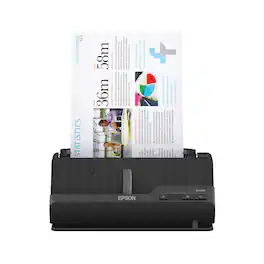
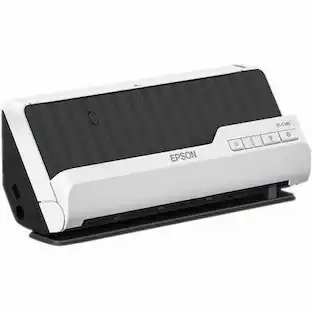
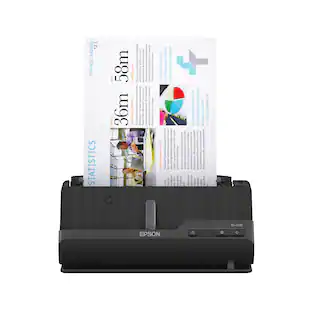
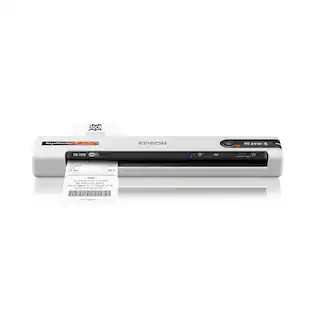
A compact modern wonder, the WorkForce ES-C220 keeps things simple with its intuitive design and exceptional flexibility. With the ES-C220, you can organize stacks of documents and make keeping piles of paperwork for your records a thing of the past. Ideal for the home or office, this easy-to-use scanner is the definition of innovation, saving 60% of desk space and scanning two sides at once as fast as 30 ppm/60 ipm. Offering a robust solution to managing your workflow, the included Epson ScanSmart software allows you to preview, email and upload your scans. In addition, help save valuable time with automatic file name suggestion for streamlined file management. The scanner features a 20-page Auto Document Feeder that makes it easy to scan in batches. In addition, the versatile ES-C220 scans papers of varying sizes up to 8.5" x 120". Maintain amazing quality with intelligent image adjustments such as cropping, paper skew correction and dirt detection. The ES-C220 proves bigger isn’t always better.
| Pros for HP - ScanJet Pro 3000 S4 Sheetfed Scanner - 600 dpi Optical - 40 ppm (Mono) - 40 ppm - Grayscale - Color | |||
|---|---|---|---|
| There were no pros for this product— | There were no pros for this product— | Scanning Speed, Overall Performance | Scanning Speed, Overall Performance, Ease of use, Size, Setup |
| Cons for HP - ScanJet Pro 3000 S4 Sheetfed Scanner - 600 dpi Optical - 40 ppm (Mono) - 40 ppm - Grayscale - Color | |||
| There were no cons for this product— | There were no cons for this product— | There were no cons for this product— | Connectivity |
Specs
Customers often buy these together

More to consider
 Top Deal$559.99The price was $629.99

Discover lifestyle innovations Sponsored
 $229.99The price was $279.99
- Top Deal$559.99The price was $629.99
Keep exploring
 $58.99The price was $73.09
 $849.00The price was $1,288.03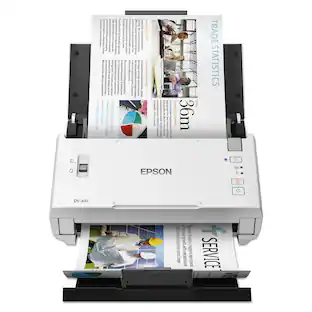
Epson - DS-410 Sheetfed Scanner - 600 dpi Optical - 48-bit 16-bit Grayscale - 26 ppm (Mono) - 26 ppm
$489.00The price was $490.53