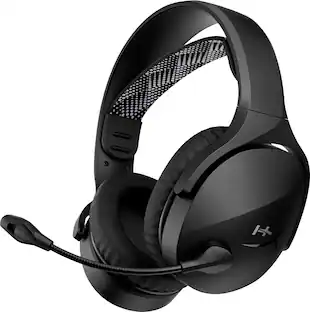
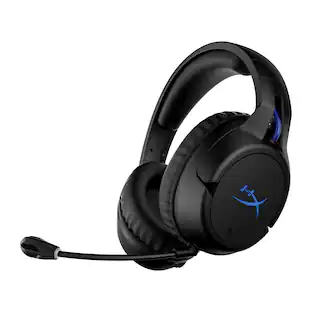
HyperX - Cloud Flight 2 Wireless Gaming Headset for PC, PS5, PS4, Nintendo Switch, Mac, Mobile, and Bluetooth - Black
Customers are saying
Customers frequently mention the Cloud Flight 2 Wireless Gaming Headset's fantastic sound quality and comfortable design. Many appreciate the reliable connectivity of both Bluetooth and wireless modes, as well as the long-lasting battery life. Some users noted that the headset can get warm after extended use. The RGB lighting on the earcups is also a popular feature.
Color
BlackHyperX Signature Comfort and Durability
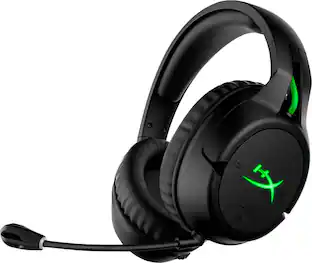
Memory foam ear pads, 90° rotating earcups, and steel sliders provide comfort during marathon sessions and withstand everyday wear and tear.
Angled 50mm Drivers Tuned by HyperX
Angled, HyperX-tuned 50mm drivers deliver sound directly to your ears, delivering esports-level accuracy, punchy lows, and crystal-clear cues.
Detachable Boom Microphone and Built-in Internal Mic
Use the detachable 10mm boom mic for pro comms or switch to the internal mic for a cleaner look in either wireless mode. An LED clearly signals when you’re muted or active with the boom mic and an audible notification indicates status in both boom and boomless options.
Convenient Wireless and Media Controls
Switch modes, control media, and manage volume — all from the earcup. Stay focused with convenient onboard controls, plus a quick lighting toggle to conserve battery.
Versatile Compatibility via USB-C, USB-A, and Bluetooth³
Connect to PC, PS5, PS4, Nintendo Switch6, and mobile devices. A USB-C dongle and a USB-C to USB-A adapter are included for seamless multi-platform compatibility right out of the box.
Removable Accessories⁴
Customize your look with removable earcup plates, ear pads, headband pad, and mic. Mix colors, match your setup, and upgrade parts to refresh your headset instead of replacing it.
- Sound ModeStereoConnection TypeWireless, WiredWireless ConnectivityBluetooth, Radio Frequency (RF - 2.4 Ghz/Low Latency)True WirelessNoMaximum Wireless Range65.6 feetBuilt-In MicrophoneYes
Reviews
Rating 4.6 out of 5 stars with 64 reviews
- Sound Quality (32)
- Comfort (31)
- Connectivity (15)
- Battery Life (14)
- RGB Lighting (6)
- Heat Dissipation (3)
Customer Images
The vast majority of our reviews come from verified purchases. Reviews from customers may include My Best Buy members, employees, and Tech Insider Network members (as tagged). Select reviewers may receive discounted products, promotional considerations or entries into drawings for honest, helpful reviews.





Compare similar products
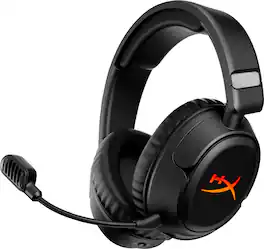
The HyperX Cloud Flight 2 lights up every match with full-panel RGB paired with magnetic ear-cup plates you can pop off and swap in seconds — no tools, no downtime. Change the look, save one lighting profile onboard, and match your headset to your playstyle, rank, or stream setup. Designed for endurance, turn the lighting off to conserve battery and keep going with up to 100 hours¹ of 2.4GHz gameplay or 150 hours¹ via Bluetooth². Instant Pair³ support lets you connect to select OMEN laptops without a dongle, while a simple switch toggles between 2.4GHz wireless and Bluetooth modes. Stay comfortable through every round with plush memory foam ear cushions, 90° rotating earcups, and steel sliders built to withstand daily wear. The angled 50mm drivers deliver immersive, game-optimized sound. Use the detachable 10mm boom mic for clear communications or go boomless with the built-in mic when you’re off duty. Onboard controls for audio, microphone, media, and lighting put you in control with convenience — no menus, no distractions. Whether you're gaming, streaming music or videos, browsing Twitch, or completing assignments, the HyperX Cloud Flight 2 keeps you comfortable and stylish with all-day comfort and customizable RGB.

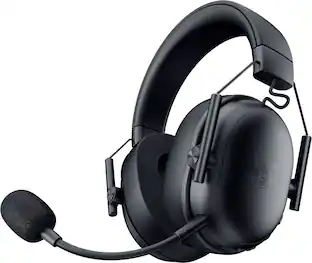
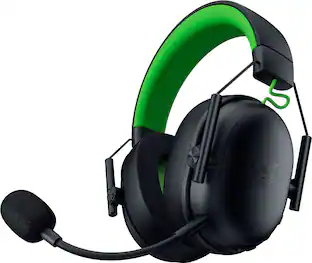
Compete without limits with the Razer BlackShark V3 X HyperSpeed—an ultra-lightweight wireless esports headset. Featuring next-gen drivers and a crystal-clear mic backed by ultra-fast 2.4 GHz wireless technology, achieving more than you thought possible is within reach.

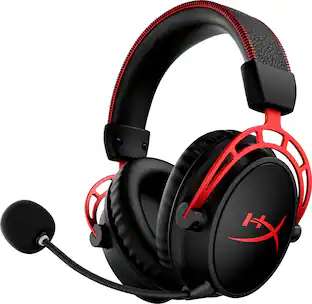
Get a massive 300 hours¹ of battery life and play for over a week without the battery getting low. Clear multiple game campaigns without needing to charge, and enjoy every minute in comfort with Cloud Alpha Wireless’ plush HyperX signature memory foam and breathable leatherette ear cushions. HyperX Dual Chamber Drivers produce incredibly clear audio, as the dual chamber system separates the mids and the highs from the bassy lows. When combined with DTS Headphone:X Spatial Audio, which offers precise sound localization and immersive surround sound, you can escape into your favorite fantasy game worlds or stay laser-focused on the competition. Check battery life, tune the equalizer, and access more customization options via the easy-to-use HyperX NGENUITY software.

Designed for both rising gamers and those upgrading from entry-level gear, the HyperX Cloud Jet dual wireless headset offers a seamless experience with 2.4GHz and Bluetooth 5.3 connectivity. Effortlessly switch between PC, console, and mobile devices while enjoying rich audio delivered by 40mm drivers for an immersive gaming experience. Stay connected with a swivel-to-mute boom mic that ensures clear communication with your squad. With up to 25 hours of battery life, you can dive into longer gaming sessions without interruptions. The onboard controls make it easy to adjust volume, mute the mic, and toggle between connections. Plus, its lightweight design, breathable mesh earpads, and elastic suspension headband provide ultimate comfort for marathon gaming. Elevate your gaming experience with the HyperX Cloud Jet!
| Pros for HyperX - Cloud Flight 2 Wireless Gaming Headset for PC, PS5, PS4, Nintendo Switch, Mac, Mobile, and Bluetooth - Black | |||
|---|---|---|---|
| Sound Quality, Comfort, Connectivity, Battery Life, RGB Lighting | Sound Quality, Comfort, Battery Life, Connectivity, Weight | Sound Quality, Battery Life, Comfort, Connectivity, Weight | Sound Quality, Comfort, Battery Life, Connectivity, Weight |
| Cons for HyperX - Cloud Flight 2 Wireless Gaming Headset for PC, PS5, PS4, Nintendo Switch, Mac, Mobile, and Bluetooth - Black | |||
| Heat Dissipation | There were no cons for this product— | Software, Price | There were no cons for this product— |
Specs
Customers often buy these together
Computer Keyboards
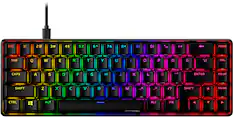
![ESC 1 ! 2@ 3# 4$ 5% 6^ 7& 8 * 9( 0) = + DEL .- ... .. .. ... KOE TAB Q W E R T Y U I O P [{ [ I ] } 1/ HOME m E... CAPS A S D F G H J K L : ENTER PG UP . 1- SHIFT Z X C V B N M < > / ? SHIFT PG DN CTRL ALT ALT FN](https://pisces.bbystatic.com/image2/BestBuy_US/images/products/9b221add-4794-46b8-a559-7d835833e518.jpg;maxHeight=232;maxWidth=233?format=webp)
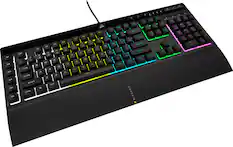
HyperX - Origins 2 Pro 65% Wired Magnetic Linear Switch Gaming Keyboard with RGB Back Lighting - Black
$99.99The price was $149.99![esc 1 ! 2 @ 3 # 4 $ 5 % 6 ^ 7 & 8 * 9 ( 0 ) - = | F1 F2 F3 F4 F5 F6 F7 F8 F9 F10 F11 F12 tab Q W E R T Y U I O P [ ] { } | caps A S D F G H J K L : : enter shift Z X C V B N M , < > ? shift ctrl alt fn ctrl](https://pisces.bbystatic.com/image2/BestBuy_US/images/products/bc5bce35-ca08-45da-bcc3-8d6fb215154b.jpg;maxHeight=232;maxWidth=233?format=webp)
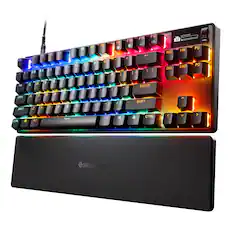
Razer - Huntsman Mini 60% Wired Optical Clicky Switch Gaming Keyboard with Chroma RGB Backlighting - Black
$99.99The price was $119.99
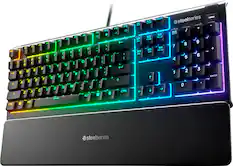
![Sure, here is the corrected and grouped text from the image:
**Top Row:**
- ESC
- F1
- F2
- F3
- F4
- F5
- F6
- F7
- F8
- F9
- F10
- F11
- F12
- PRTSC
- DEL
**Number Row:**
- 1
- 2
- 3
- 4
- 5
- 6
- 7
- 8
- 9
- 0
- -
- =
- \
**Letter Row:**
- TAB
- Q
- W
- E
- R
- T
- Y
- U
- I
- O
- P
- [
- ]
- \
**Letter Row:**
- CAPS
- A
- S
- D
- F
- G
- H
- J
- K
- L
- ;
- '
**Letter Row:**
- SHIFT
- Z
- X
- C
- V
- B
- N
- M
- ,
- .
- /
**Function Row:**
-](https://pisces.bbystatic.com/image2/BestBuy_US/images/products/9be10b95-8e90-4a5d-b85f-cbc6a7d8e8df.png;maxHeight=232;maxWidth=233?format=webp)
![ESC F1 F2 F3 F4 F5 F6 F7 FB F9 F10 F11 F12 DEL PRTSC P6 UP PD ON ... 1 A - 1! 2 3# 4$ 5% 6^ 7& 8* 9( 0 ) = + NUM / - TAB Q W E R T Y U I O P [ ] \ | HOME B + 9 PB UP + CAPS A S D F G H J K L : : 1 ENTER 4 5 6 SHIFT Z X C V B N M ? SHIFT 1 END S + 3 PG ON ENT CTRL ALT ALT FN O INS DEL](https://pisces.bbystatic.com/image2/BestBuy_US/images/products/a921344c-ee7b-4281-ba27-e7c65f14d628.jpg;maxHeight=232;maxWidth=233?format=webp)
Mice
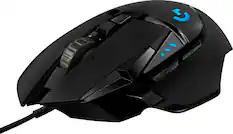
Logitech - G502 HERO Wired Optical Gaming Mouse with RGB Lighting - Wired - Black
$37.99The price was $69.99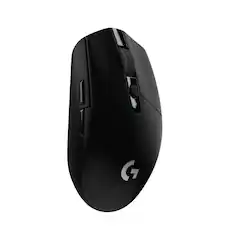
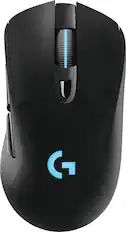
Logitech - G305 LIGHTSPEED Wireless Optical 6 Programmable Button Gaming Mouse with 12,000 DPI HERO Sensor - Wireless - Black
Top Deal$29.99The price was $49.99
More recommended items
 Mouse Pads
 Gaming Controllers
 Microphones
 Web Cameras
More to consider
 $49.99The price was $79.99
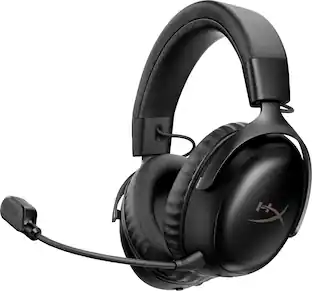 $129.99The price was $179.99
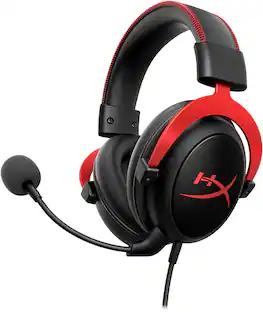 $49.99The price was $79.99
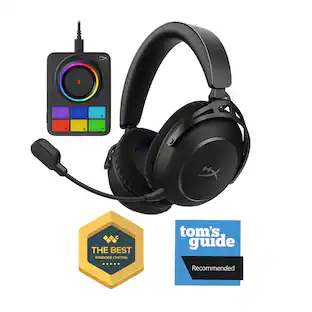 $229.99The price was $299.99
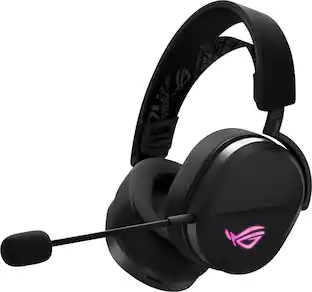 $115.99The price was $129.99
 $64.99The price was $69.99
 $89.99The price was $129.99
Explore tech essentials Sponsored
 $1,319.99The price was $1,499.99
 $119.99The price was $149.99
 $89.99The price was $149.99
 $99.99The price was $149.99
Discover related products
 $199.99The price was $229.99
 $111.49The price was $121.92
 $12.99The price was $13.99
 $143.99The price was $144.99







Keep exploring
 $149.99The price was $169.99