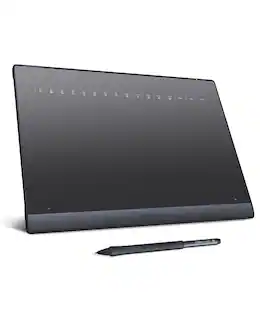
IMAGE - Graphics Drawing Tablet 10 x 6 Inch Large Active Area with 8192 Levels Battery-Free Pen and 12 Hot Keys - Black
Reviews coming soon
About this product
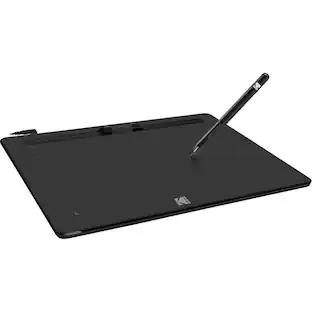
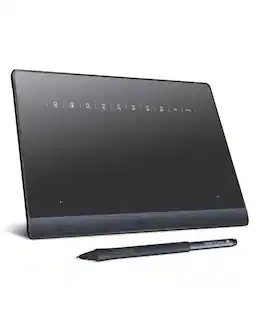
Boasting a spacious 10 x 6 inch active drawing area with a natural paper-like texture, the IMAGE graphic drawing tablet delivers a smooth, lag-free experience ideal for digital artwork. It comes equipped with a passive stylus featuring 8192 levels of pressure sensitivity and ±60° tilt support, enabling precise control over line weight, opacity, and natural shading—just like traditional tools. With 12 customizable shortcut keys and 10 multimedia keys (Windows-compatible), your workflow is streamlined for greater efficiency. This versatile tablet supports a wide range of systems and creative software, including Photoshop, Illustrator, SAI, and many others on Windows, Mac OS, and Android platforms. (For Mac users, please enable necessary permissions during setup for full functionality.)
Large Active Drawing Space
IMAGE graphic drawing tablet features 10 x 6 inch large active drawing space with papery texture surface, provides enormous and smooth drawing for your digital artwork creation, offers no-lag sketch, painting experience.
8192 Passive Stylus Technology
A more affordable passive stylus technology offers 8192 levels of pressure sensitivity allows you to draw accurate lines of any weight and opacity according to the pressure you apply to the pen, sharper line with light pressure and thick line with hard pressure, perfect for artistry design or unique brush effect for photo retouching.
60° Tilt Function
Effortlessly add shading & natural stroke transitions like a real pencil—no need to adjust brush direction in software. Tilt for smooth line variations instantly, saving time on repetitive settings while pressure detection & ±60° sensitivity mimic traditional tools for lifelike texture.
Convenient Shortcut Keys
Designed with 12 customizable shortcut keys and 10 multimedia Keys (Only Compatible for Windows), provides more convenience to help improve productivity and efficiency when creating tablet drivers with graphics tablet that allow shortcuts to many different software.
Compatible with Multiple System & Softwares
IMAGE Upgraded Graphics Tablet is compatible with Windows XP, 7, 8, 10. Android 4.0 and above; Mac OS 10.7 and above (Not compatible with iPhone/iPad/Chromebook). Driver program works with creative software such as Photoshop, Illustrator, Macromedia Flash, Comic Studio, SAI, Infinite Stratos, 3D MAX, Autodesk MAYA, Pixologic ZBrush and more.
- Screen Size10 inchesActive Area10Total Storage Capacity0 gigabytesOperating SystemWindows 10Battery ChemistryNot battery powered
Reviews
This product doesn't have any reviews yet.
Compare similar products
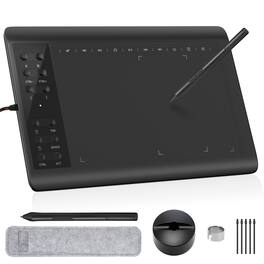
Boasting a spacious 10 x 6 inch active drawing area with a natural paper-like texture, the IMAGE graphic drawing tablet delivers a smooth, lag-free experience ideal for digital artwork. It comes equipped with a passive stylus featuring 8192 levels of pressure sensitivity and ±60° tilt support, enabling precise control over line weight, opacity, and natural shading—just like traditional tools. With 12 customizable shortcut keys and 10 multimedia keys (Windows-compatible), your workflow is streamlined for greater efficiency. This versatile tablet supports a wide range of systems and creative software, including Photoshop, Illustrator, SAI, and many others on Windows, Mac OS, and Android platforms. (For Mac users, please enable necessary permissions during setup for full functionality.)
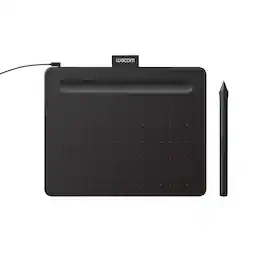
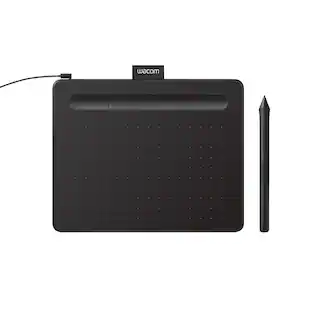
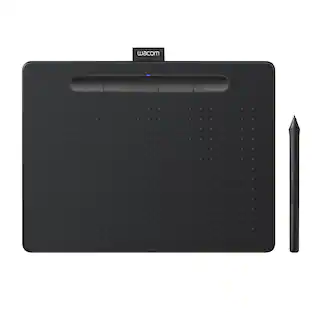
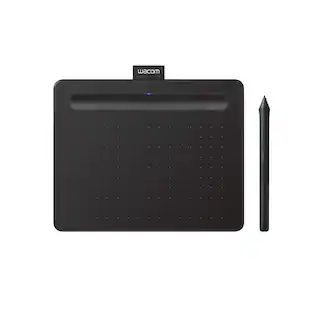
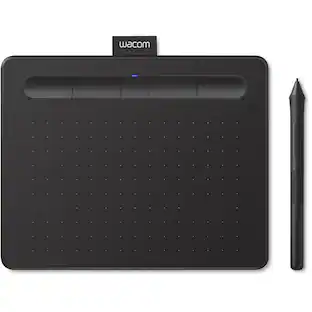
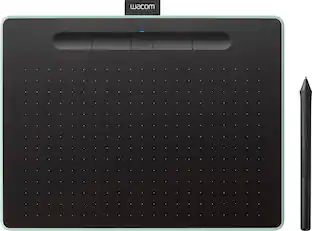
Transform your creative ideas into digital reality with Wacom Intuos drawing tablets. Perfect for casual or aspiring artists this compact graphics tablet delivers reliable Wacom-quality precision at an accessible price. The battery-free, pressure-sensitive pen provides natural, responsive drawing with no charging needed - just pick up and draw, with smooth, jitter-free lines and consistent pressure response. Get started immediately with over $240 in included downloadable creative software and trials, including 2 years of Clip Studio Paint Pro, 12 months of Boris FX Optics, and much more. The paper-like surface texture and four customizable ExpressKeys make digital art, photo editing, illustration, and design feel natural and efficient. Select models (CTL4100WL, CTL6100WL) offer Bluetooth wireless connectivity, letting you create freely at your desk, sofa, or anywhere in the room - with the option to switch to wired mode for ultimate flexibility. The wireless freedom is especially popular with educators and presenters who use the drawing tablet to control their computer while moving around a classroom or conference room. Certified to work with Chromebook and compatible with Windows and Mac, Wacom Intuos seamlessly integrates with Adobe, Corel, and all major creative applications. Backed by Wacom's 40+ years of industry leadership, you're choosing the same pen technology trusted by professional studios worldwide - at a creator-friendly price.
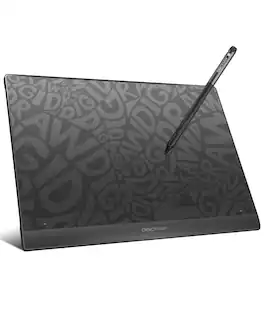
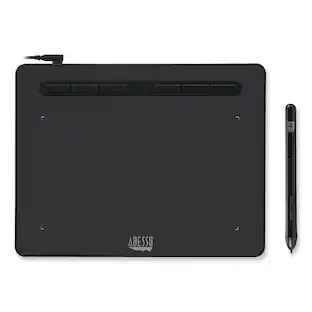
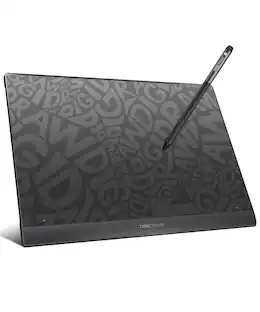
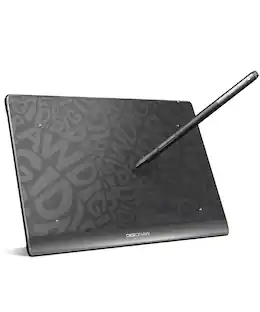
Unlock your full creative potential with DIGIDRAW T610, a streamlined USB-C graphics tablet built for digital artists, students, and design professionals who value precision and control. Combining a finely textured, paper-like drawing surface with high-accuracy stylus performance, T610 delivers a natural, intuitive workflow for sketching, illustrating, editing, and note-taking. Optimized for seamless compatibility with Windows, Mac, and Chromebook, T610 transforms every stroke into a smooth, responsive digital experience—empowering you to bring ideas to life with confidence and consistency.
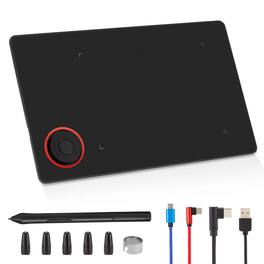
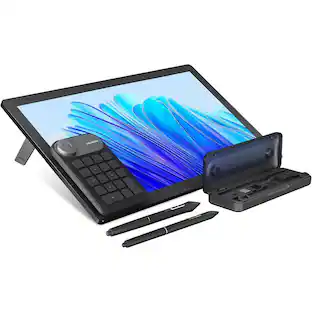
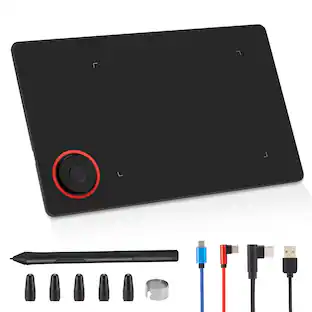
The IMAGE graphic drawing tablet delivers professional performance in a portable design, measuring just 8.9×5.3 inches—similar in size to an iPad mini. It offers a spacious paper-textured drawing surface that ensures smooth, lag-free sketching and painting. Equipped with a passive stylus featuring 8192 levels of pressure sensitivity and ±60° tilt support, it provides precise control over line weight, shading, and natural transitions, closely mimicking the feel of traditional pencils and brushes. A standout feature is the on-screen shortcut "Magic Circle"—with its rotatable flywheel and central M-KEY, users can intuitively perform and customize a wide range of commands, such as brush adjustment, canvas zoom, undo/redo, and more, all directly on the screen. Fully compatible with Windows, Mac OS, and Android, it works seamlessly with popular creative software including Photoshop, Illustrator, SAI, and many others. (Mac users should grant necessary permissions in Security & Privacy after installation.)
| Pros for IMAGE - Graphics Drawing Tablet 10 x 6 Inch Large Active Area with 8192 Levels Battery-Free Pen and 12 Hot Keys - Black | |||
|---|---|---|---|
| There were no pros for this product— | Ease of use, Overall Performance, Size, Price, Software | There were no pros for this product— | There were no pros for this product— |
| Cons for IMAGE - Graphics Drawing Tablet 10 x 6 Inch Large Active Area with 8192 Levels Battery-Free Pen and 12 Hot Keys - Black | |||
| There were no cons for this product— | Connectivity, Pen, Setup, Features | There were no cons for this product— | There were no cons for this product— |
Specs
Be the first to ask a question.
We’ll try to get your question answered within 24 hours by a Best Buy customer or brand representative.
Customers often buy these together



More to consider
 $295.00The price was $365.00
Explore tech essentials Sponsored
 $387.99The price was $465.99
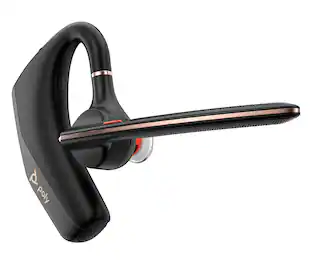 Top Deal$89.99The price was $115.99
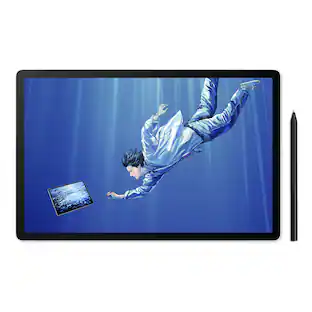


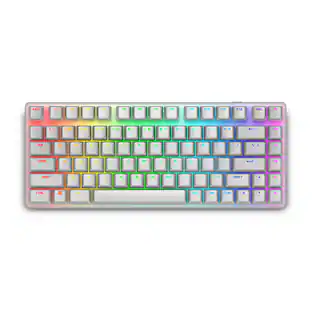
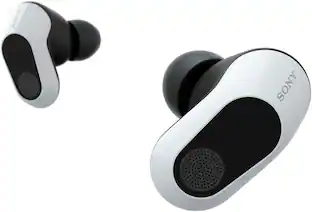

Keep exploring
 $199.00The price was $299.00
 $249.00The price was $299.00