In-Home Data Transfer or Backup: Up to 500GB
Customers are saying
Customers frequently mention the data transfer feature works well and is easy to use. Customers also appreciate the excellent and professional service provided by knowledgeable, polite, and efficient technicians.
Before we begin
When we arrive at your home, we'll discuss the scope of work for your selected service to ensure it meets your needs and expectations.
Transferring or backing up your data
We’ll transfer or backup up to 500GB of data from 1 computer to a network-attached storage (NAS), hard drive or other storage medium. We’ll then duplicate the file paths/folder structure of the original device.
Showing how it works
We’ll confirm with you that your data has been properly transferred and then demonstrate how to navigate and access the data on your destination device.
Final steps
We’ll discuss best practices to keep your data, devices and network safe.
*Does not include transferring or backing up data beyond 500 GB; data recovery; setting up, diagnosing or repairing devices; or transferring software applications.
- BrandGeek Squad®Product NameIn-Home Data Transfer or Backup: Up to 500GBEstimated Time to Complete Service280 minutesUPC400064748984BSINJCQ6HQWFYYSKU6474898
Reviews
Rating 4.7 out of 5 stars with 70 reviews
- Data Transfer (23)
- Ease of use (9)
- Knowledge (4)
- Service (4)
Customer Images
The vast majority of our reviews come from verified purchases. Reviews from customers may include My Best Buy members, employees, and Tech Insider Network members (as tagged). Select reviewers may receive discounted products, promotional considerations or entries into drawings for honest, helpful reviews.
Compare similar products

Save yourself time and have the job done right. A skilled Agent will visit your home and transfer or backup up to 500GB of data from 1 computer to a network-attached storage (NAS), hard drive or other storage medium.
Save yourself time and have the job done right. A skilled Agent will visit your home and transfer or backup up to 100GB of data from 1 computer to a network-attached storage (NAS), hard drive or other storage medium.
Save yourself time and have the job done right. A skilled Agent will visit your home and transfer or backup up to 200GB of data from 1 computer to a network-attached storage (NAS), hard drive or other storage medium.
Moving into or out of a home with smart home technology? We can reset up to 10 devices of all types (TVs, smart thermostats, monitoring systems, etc.), so you don't have to worry about a different owner being able to get access. Do you just need a fresh start with some of your devices? We can get them back to square one, even if you didn't purchase them at Best Buy.
| Pros for In-Home Data Transfer or Backup: Up to 500GB | |||
|---|---|---|---|
| Data Transfer, Ease of use, Knowledge, Service | Data Transfer, Overall Performance, Service, Ease of use, Setup | Data Transfer, Service, Knowledge, Computer Setup | Service, Knowledge, Ease of use, Overall Performance, Professionalism |
| Cons for In-Home Data Transfer or Backup: Up to 500GB | |||
| There were no cons for this product— | There were no cons for this product— | There were no cons for this product— | Battery Life, Camera, Sound Bar |
Specs
Customers often buy these together
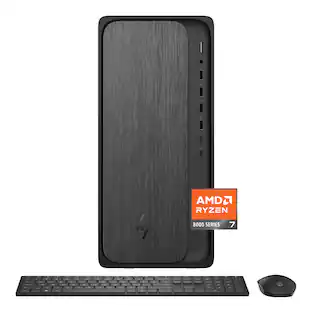 $999.99The price was $1,409.99
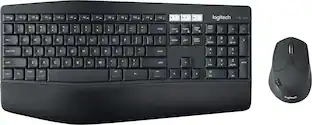 $93.46The price was $99.99
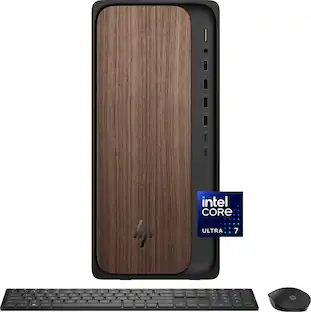 $1,099.00The price was $1,419.99
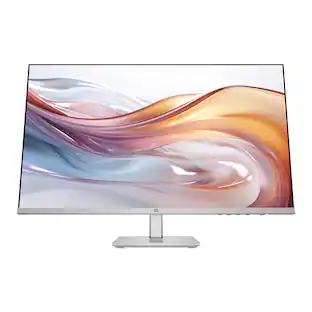 Top Deal$149.99The price was $229.99
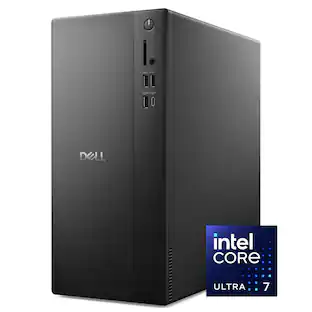 $1,899.00The price was $1,989.99
 $1,019.99The price was $1,109.99