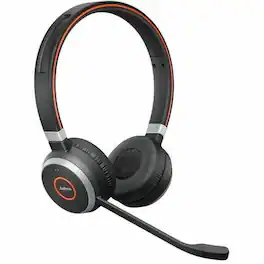
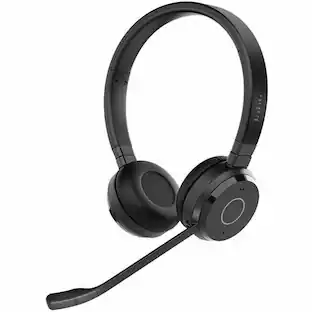
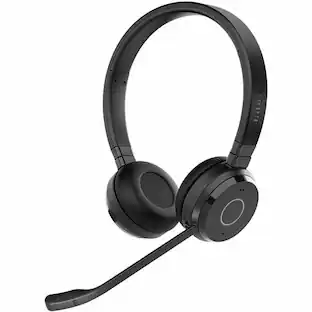
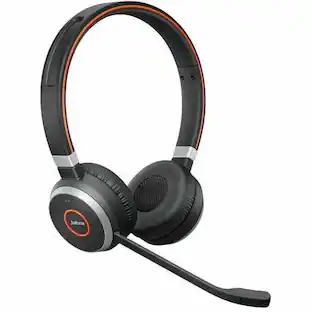
Jabra - Evolve 65 TE Headset - Stereo - Wireless - Bluetooth - 100 ft - 20 Hz to 20 kHz - Over-the-head, On-ear - Binaural - Blue
Reviews coming soon
About this product
EVOLVE 65 TEProfessional wireless headset with dual connectivity and amazing sound for calls and music Dual Bluetooth® connectivityUp to 16 hours talk timeUp to 30m/100ft wireless rangeIntegrated Busylight
Color
BlueFeatures
Jabra Evolve 65 TE Headset - Stereo - Wireless - Bluetooth
EVOLVE 65 TEProfessional wireless headset with dual connectivity and amazing sound for calls and music Dual Bluetooth® connectivityUp to 16 hours talk timeUp to 30m/100ft wireless rangeIntegrated Busylight
Specifications
- Connection TypeWirelessHeadphone FitOn-Ear
Reviews
This product doesn't have any reviews yet.

Compare similar products
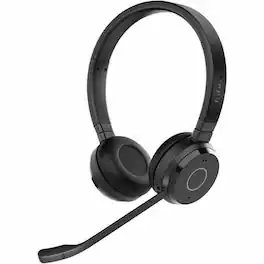
EVOLVE 65 TEProfessional wireless headset with dual connectivity and amazing sound for calls and music Dual Bluetooth® connectivityUp to 16 hours talk timeUp to 30m/100ft wireless rangeIntegrated Busylight
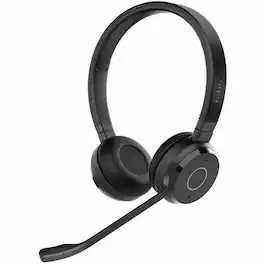
EVOLVE 65 TEProfessional wireless headset with dual connectivity and amazing sound for calls and musicDual Bluetooth® connectivityUp to 16 hours talk timeUp to 30m/100ft wireless rangeIntegrated Busylight

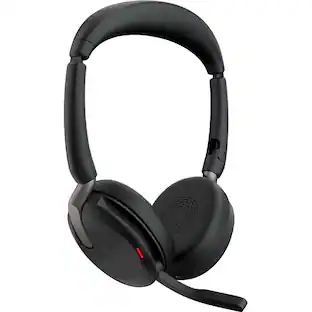
Jabra Evolve2 65 Flex Headset - Stereo - Wireless - Bluetooth - 98.4 ft - 20 Hz to 20 kHz - On-ear - Binaural - Supra-aural - MEMS Technology, Noise Cancelling Microphone - Noise Canceling
Evolve 65 TEProfessional wireless headset with dual connectivity and amazing sound for calls and musicDual Bluetooth® connectivityUp to 16 hours talk timeUp to 30m/100ft wireless rangeIntegrated Busylight
Specs
Be the first to ask a question.
We’ll try to get your question answered within 24 hours by a Best Buy customer or brand representative.
Customers often buy these together
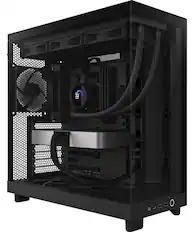
NZXT - H6 Flow ATX Mid-Tower PC Case with Dual Chamber - Black
$79.99The price was $109.99








More to consider
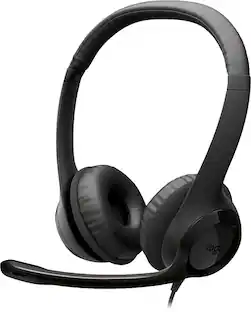
Logitech H390 Wired USB-C On-Ear Stereo Headphones with Noise Canceling Microphone
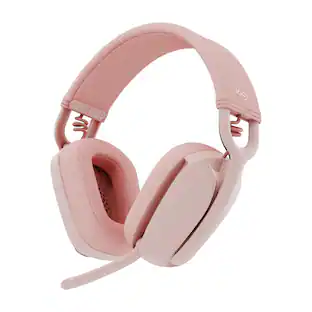
$20.99The price was $24.99Logitech Zone Vibe 100 Bluetooth Over Ear Headphones with Noise-Cancelling Microphone
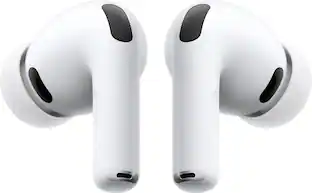
$86.49The price was $130.99Apple AirPods Pro 3, Wireless Active Noise Cancelling Earbuds with Heart Rate Sensing Feature
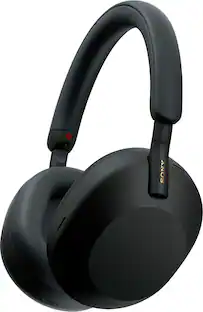
$179.99The price was $249.99Sony WH-1000XM5 Wireless Noise Cancelling Over-the-Ear Headphones
Doorbuster$169.99The price was $398.00Beats Studio Pro - Wireless Noise Cancelling Over-the-Ear Headphones
Black Friday Deal$149.99The price was $299.99
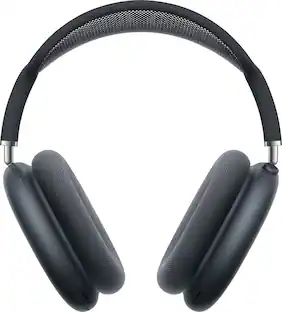
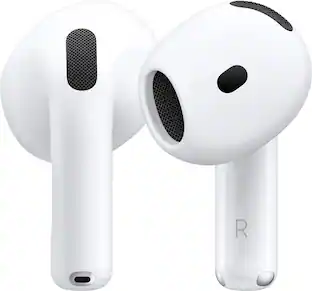

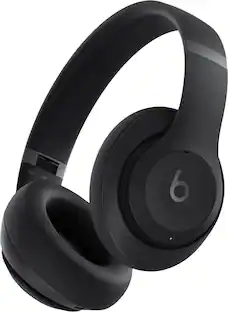
Explore tech essentials Sponsored
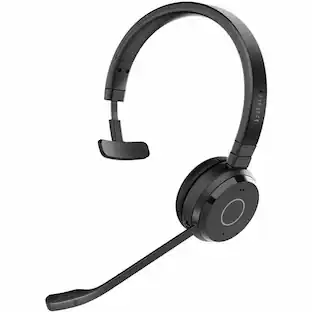
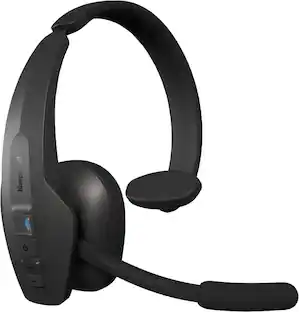
BlueParrott Pro B450 Wireless Bluetooth Mono Headset with 98% AI Voice Isolation Mics, ANC audio, and All-Day Comfort
Black Friday Deal$149.99The price was $199.99Speck Smartshell Case for Macbook Pro 14" M6/M5/M4/M3/M2/M1 (2021-2026)
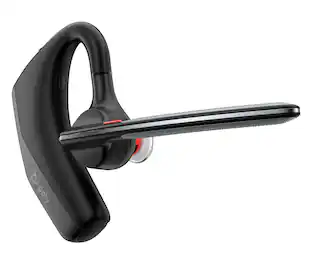
Black Friday Deal$24.98The price was $49.99HP Poly Voyager Legend 30 Wireless Noise Cancelling In-Ear Headset
Black Friday Deal$69.99The price was $92.99
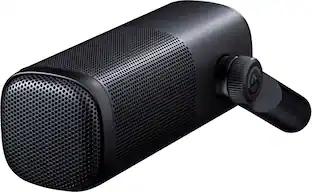
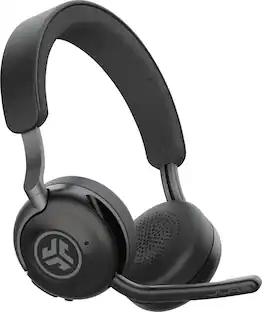
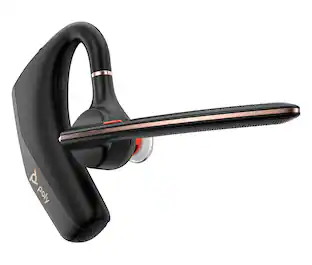
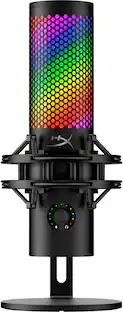

Keep exploring
JLab JBuds Lux ANC Wireless Bluetooth Over-Ear Headphones with Active Noise Cancelling, Spatial Audio & 70+ Hour Battery
Black Friday Deal$49.99The price was $99.99Beats Studio Pro Bluetooth Wireless Noise Cancellation Headphones - Matte
$159.99The price was $199.99Beats Solo Buds Bluetooth Wireless Noise Cancelling Earbuds with Charging Case - Arctic
$55.00The price was $68.97Anker Soundcore AeroClip 2 Wireless Open-Ear Clip-On Bluetooth Earbuds - with Guinness Records-Certified Call Quality
Black Friday Deal$143.99The price was $169.99TOZO Real-Time AI Translation Open Ear Earbuds, 60H Play, Adjustable Ear Hooks, Bluetooth 5.4, Waterproof for Sports Travel
Black Friday Deal$27.99The price was $99.99