JLab - Go Charge Wireless Scroll Mouse - Wireless - Black
Customers are saying
Customers enjoy the exceptional portability and intuitive connectivity of this mouse, which makes it a convenient choice for users on the go. Many appreciate the silent operation and soft click sound, noting that the device feels both lightweight and solidly built. Overall, users find the performance reliable and are satisfied with the long-lasting battery life and quick charging capabilities.
Connectivity
The GO Charge Mouse connects via Bluetooth and allows you to save up to three device connections, making it easy to switch between your laptop, tablet, and smartphone.
Multiple Devices
The GO Charge Mouse supports seamless switching between three saved devices, enabling you to effortlessly move from one device to another.
Charging
The GO Charge Mouse is rechargeable via USB-C, providing a convenient and fast charging experience without the need for batteries.
Portable
The GO Charge Mouse is compact and lightweight, making it easy to carry with you wherever you go, whether you're working at a desk, in a café, or at a coworking space.
- Connection TypeWireless
Reviews
Rating 4.7 out of 5 stars with 190 reviews
- Portability (44)
- Overall Performance (40)
- Connectivity (39)
- Battery Life (36)
- Noise Level (17)
Customer Images
The vast majority of our reviews come from verified purchases. Reviews from customers may include My Best Buy members, employees, and Tech Insider Network members (as tagged). Select reviewers may receive discounted products, promotional considerations or entries into drawings for honest, helpful reviews.
Compare similar products

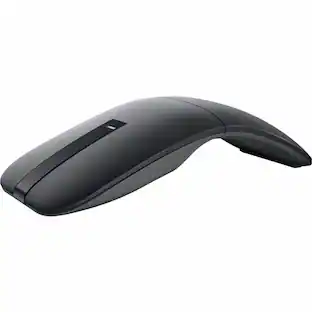
The GO Charge Wireless Bluetooth Mouse is small, comfortable in your hand, and dare we say—kind of cute? Your everything go-to, it goes with you from desk to café to coworking space and beyond. We see you digital nomads. Three saved device connections means you can seamlessly switch connections as easily as you switch filters.

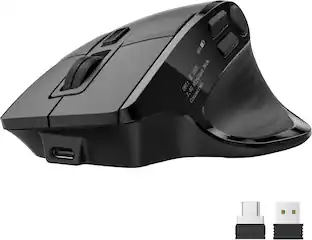
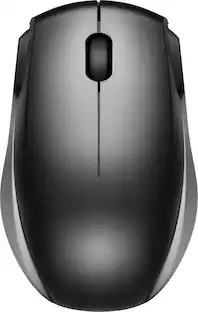
Eliminate the most common computer mouse issue—the cord. With the Best Buy Essentials Wireless Mouse with USB Receiver, you can navigate the web with speed and accuracy. Compatible with both Windows and Mac computers, simply insert the included nano receiver into one of your computer’s USB ports to wirelessly connect the mouse. It has just 3 buttons and an ambidextrous design for simple control. Optical technology detects when the mouse moves to deliver an accurate 1600 DPI response. We also included a AA battery, so you won’t have to worry about keeping the mouse powered until the LED indicator starts to blink. Let us improve your computer navigation by going wireless with this Best Buy-backed mouse.

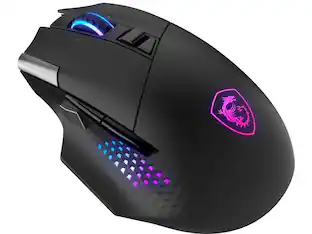
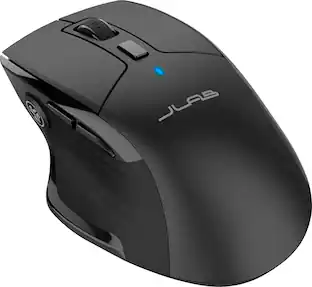
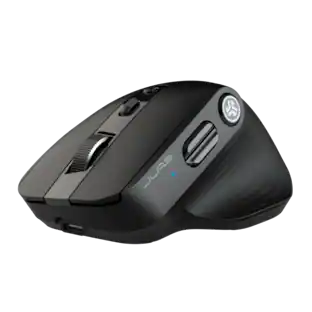
The JBuds Wireless Bluetooth Mouse offers full-sized functionality with a personalized approach. With seven buttons and a comfortable feel, you have everything you need to reach WFH greatness and you can save up to three user profiles. Switching between your favorite functions.

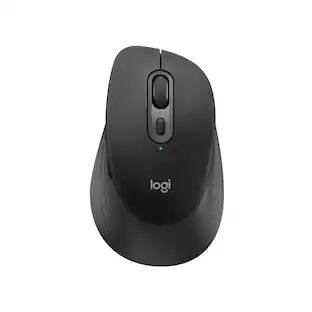
Upgrade to smarter scrolling, better comfort, and more productivity with the Signature M650 L. The versatile mouse features an adaptive scroll SmartWheel that delivers line-by-line precision, and auto-switches to super-fast free spin mode with the flick of a finger. A choice of sizes for smaller, larger and left hands means there's a perfect fit for anyone. Seamless wireless connectivity, customizable side buttons, and a comfort shape keep you comfortably and productive hour after hour. Logitech’s SilentTouch technology delivers silent clicks to keep you focused – while the up to 24-month battery life and universal operating system compatibility ensure hassle-free performance.
| Pros for JLab - Go Charge Wireless Scroll Mouse - Wireless - Black | |||
|---|---|---|---|
| Overall Performance, Connectivity, Battery Life, Portability, Noise Level | Ease of use, Overall Performance, Size, Price, Wireless | Battery Life, Overall Performance, Ergonomics, Ease of use, Connectivity | Overall Performance, Ease of use, Size, Ergonomics, Connectivity |
| Cons for JLab - Go Charge Wireless Scroll Mouse - Wireless - Black | |||
| There were no cons for this product— | Click Sound, Grip | Scroll Wheel, Click Noise, Lag, Charging | Scroll Wheel, Side Buttons, Price, Weight |
Specs
Customers often buy these together
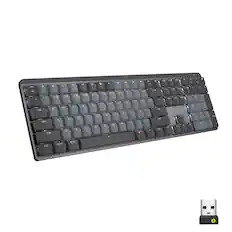
Computer Keyboards

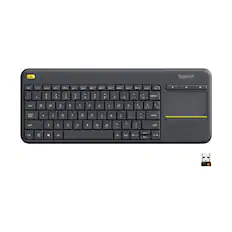

![Esc F1 F2 F3 F4 F5 F6 F7 F8 F9 F10 F11 F12 Print Screen Scroll Lock Pause Break 1 2 3 4 5 6 7 8 9 0 - + = Backspace Insert Home H Page Up A Num Look 1 I Tab Q W E R T Y U I o P { [ } ] I I Delete End IN Page Down 7 Home 8 9 Pg Up Caps A Lock A S D F G H J K L ; : DE g Enter 4 5 6 Shift Z X C V N M < > ? I Shift 1 End 2 3 Pp Dn Enter Ctrl Alt Alt Ctrl 0 Ins Del](https://pisces.bbystatic.com/image2/BestBuy_US/images/products/a588d446-5678-40ae-86b8-1f15e0026e66.jpg;maxHeight=232;maxWidth=233?format=webp)
![logi esc 1 F1 2 F2 3 F3 F4 F5 F6 F7 F8 x F9 NI F10 x F11 F12 ins del ~ ! 1 2 # 3 $ 4 % 5 ^ 6 & 7 8 ( 9 ) 0 e - + = backspace tab Q W E R T Y U I O P { [ } ] I / caps lock A S D F G H J - K L : ; " enter shift Z X C V B N M < > ? / shift ctrl fn L start opt H alt cmd alt cmd ctrl opt](https://pisces.bbystatic.com/image2/BestBuy_US/images/products/6478/6478163_sd.jpg;maxHeight=232;maxWidth=233?format=webp)
Mouse Pads



Laptop Docking Stations
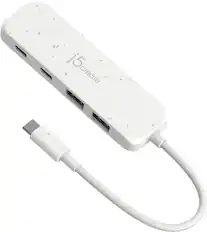
j5create - Eco-Friendly USB-C to Type-C & Type-A Gen2 4 Port Hub - White
$32.99The price was $34.99
More to consider
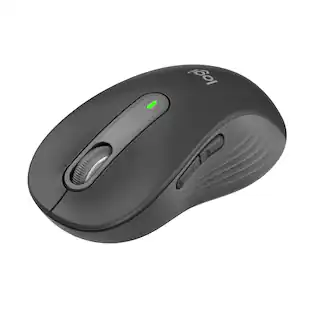 $29.99The price was $39.99
Explore tech essentials Sponsored


Discover related products
 $7.99The price was $14.99
 $9.99The price was $14.99
 $9.99The price was $17.99
 $13.99The price was $19.99
 $30.99The price was $32.99
 $24.99The price was $27.99
 $21.99The price was $40.66