Keyscaper - USC Trojans Wireless USB Computer Mouse - Wireless - Multicolor
About this product
Give your office a touch of USC Trojans spirit with this Wireless USB Computer Mouse.
Color
MulticolorFeatures
Officially Licensed Merchandise
Easy plug-and-play installation
Laser-optical precision for fast accurate clicks
Brand: Keyscaper
Brand: Keyscaper
USC Trojans Wireless USB Computer Mouse
Specifications
- Lighting TypeNoneConnection TypeWireless
Reviews
Rating 2 out of 5 stars with 1 review
The vast majority of our reviews come from verified purchases. Reviews from customers may include My Best Buy members, employees, and Tech Insider Network members (as tagged). Select reviewers may receive discounted products, promotional considerations or entries into drawings for honest, helpful reviews.


Compare similar products
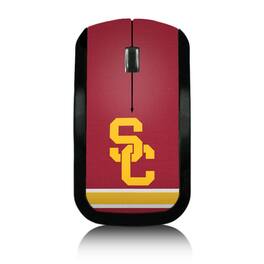
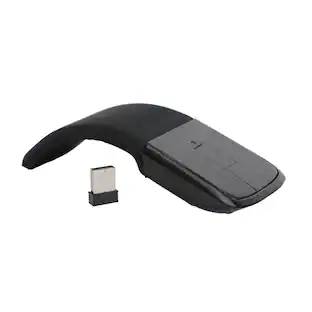
Give your office a touch of USC Trojans spirit with this Wireless USB Computer Mouse.

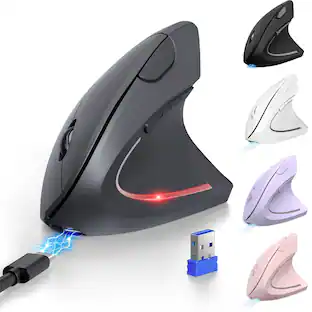
Give your office a touch of Auburn Tigers spirit with this Wireless USB Computer Mouse.

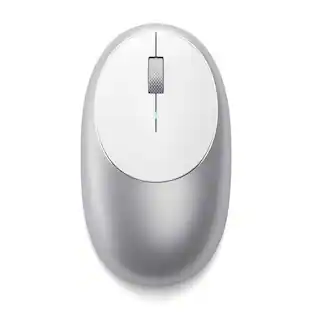
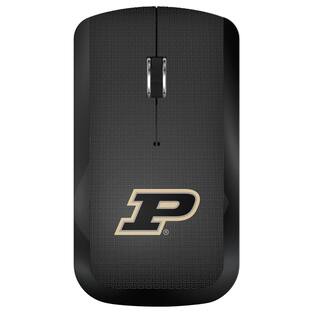
Give your office a touch of Purdue Boilermakers spirit with this Wireless USB Computer Mouse.

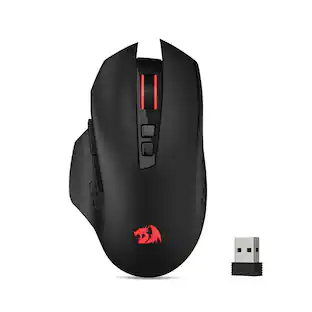
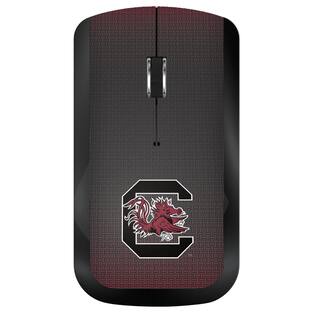
Give your office a touch of South Carolina Gamecocks spirit with this Wireless USB Computer Mouse.
Specs
Be the first to ask a question.
We’ll try to get your question answered within 24 hours by a Best Buy customer or brand representative.
Customers often buy these together
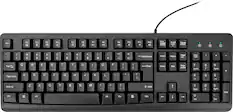
Computer Keyboards

![The text on the image reads:
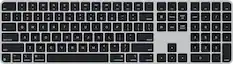
888 DD DI DD 4 DSC i F2 F3 4 FS T6 ET 1. 1N IN F.. 11 1.. 114 1n F1 F12 118 in9 - a ee 1 8F 2 3 $ 4 % 5 A 6 & 7 . 8 I 9 I 0 ee I + = delete fn home page up clear - / + tab Q W E R T Y U I 0 P { [ ] ] | I delete end page down 7 8 9 ee caps lock A S D F G H J K L : I - return 4 5 6 + shift Z X C V N M < F > ? / shift a 1 2 3 control option 2 command 3 command option control Y - 0 enter
After grouping and correcting the text, it reads:
888 DD DI DD 4 DSC i F2 F3 4 FS T6 ET 1. 1N IN F.. 11 1.. 114 1n F1 F12 118 in9 - a ee 1 8F 2 3 $ 4 % 5 A 6 & 7 . 8 I 9 I 0 ee I + = delete fn home page up clear - / + tab Q W E R T Y U I 0 P { [ ] ] | I delete end page down 7 8 9 ee caps lock A S D F G H J K L : I - return 4 5 6 + shift Z X C V N M < F > ? / shift a 1 2 3 control option 2 command 3 command option control Y - 0 enter](https://pisces.bbystatic.com/image2/BestBuy_US/images/products/f4059d3a-0c2a-46ef-bcfd-4e11b9b26d5d.jpg;maxHeight=232;maxWidth=233?format=webp)


More to consider




Explore tech essentials Sponsored
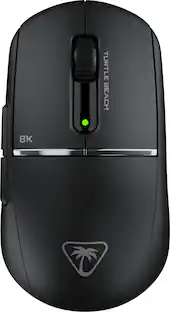
Turtle Beach Burst II Pro High-Performance Ultra-Lightweight Wireless Optical Esports Gaming Mouse
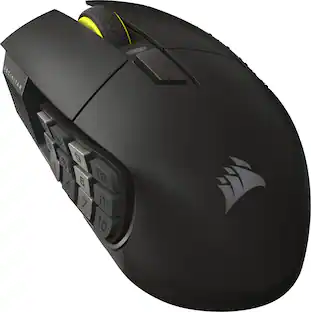
$99.99The price was $139.99CORSAIR Scimitar Elite Wireless SE MOBA/MMO Optical Gaming Mouse with 16 Programmable Buttons
Holiday Deal$99.99The price was $139.99
Keep exploring
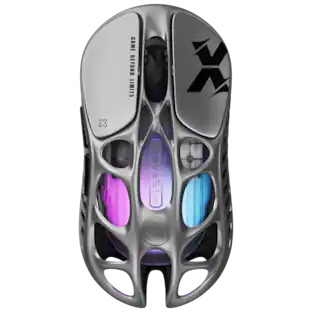
GravaStar Mercury X Wireless Optical Gaming Mouse with 32000 DPI and 49g Magnesium Alloy Frame
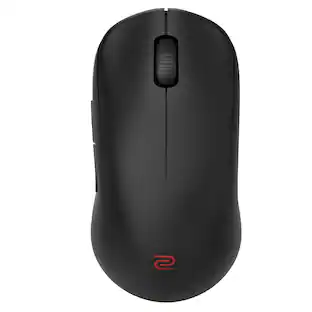
$79.95The price was $109.95BenQ Zowie U2-DW 4K Wireless Gaming Mouse 3950 Sensor 4K Polling Rate 7-Button Symmetrical Design
$59.99The price was $71.49