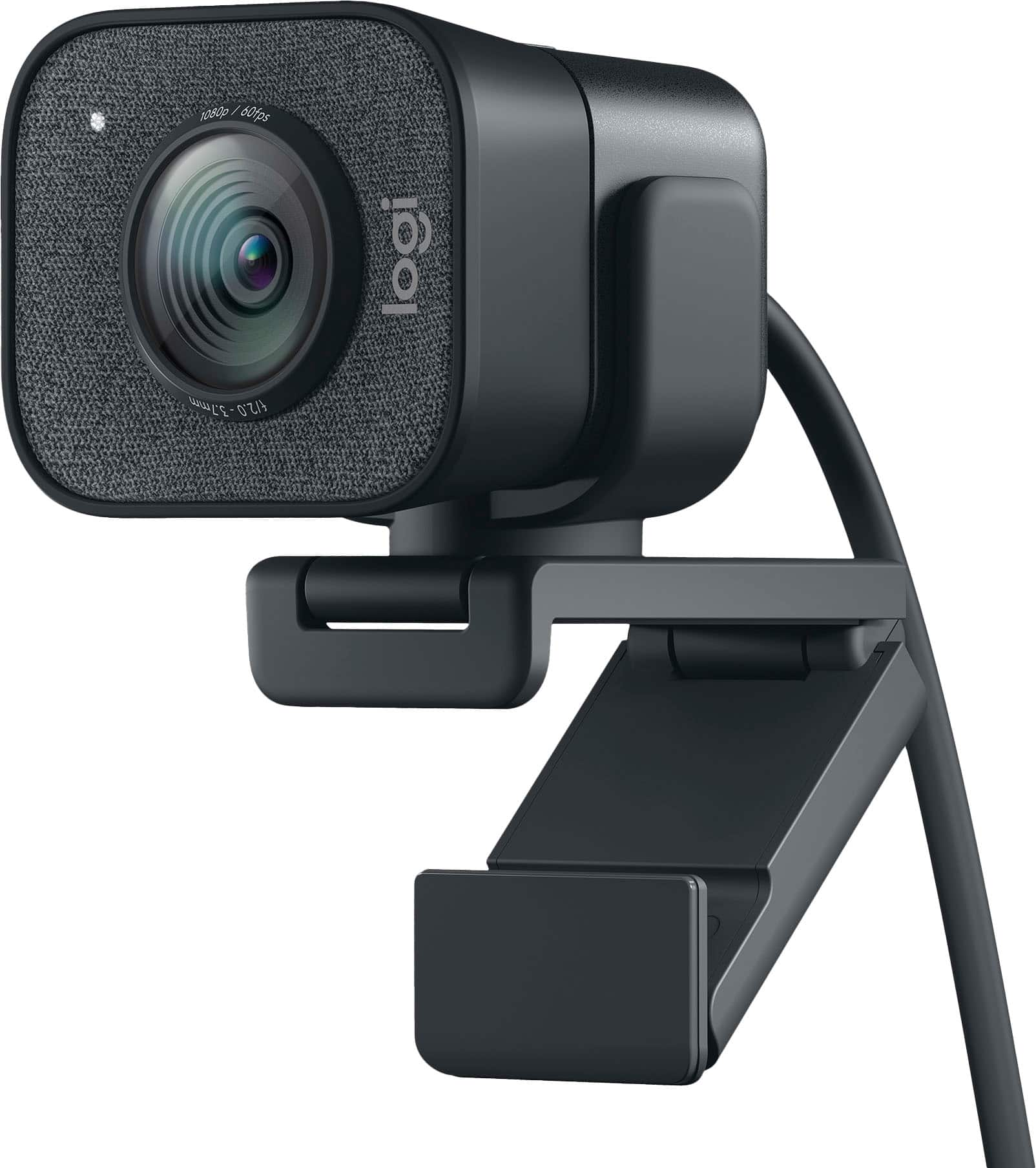
Logitech - StreamCam Plus 1080 Webcam for Live Streaming and Content Creation - Graphite
Customers are saying
Customers are positive about the product's excellent image quality, user-friendly interface, and simple plug-and-play setup process. However, customers are negative about the limited connectivity options, the short length of the included cable, and the bulky physical design. Some users also expressed a preference for a wider field of view and noted minor concerns regarding the accompanying software.
Features
Full HD 1080p at 60 fps
Stream and record in full 1080p HD resolution at 60 fps for sharp, natural video with smooth motion for creating professional quality live streams and videos.
Premium glass lens with smart autofocus
Capture vibrant, true-to-life image quality with crisp details using StreamCam's premium glass lens and smart autofocus system.
StreamCam advanced features
Auto-framing keeps you in the center of the shot, even as you move left or right, while intelligent exposure ensures you look good in varying lighting conditions.
Optimized for popular live streaming software
Effortlessly stream to Twitch, YouTube and more using popular live streaming software like Open Broadcaster Software (OBS), XSplit and Streamlabs OBS.
Versatile mounting options
Achieve the optimal framing with landscape or portrait modes and mount the external web camera on your desktop monitor or laptop, or directly on a standard tripod.
Fast USB-C connection
High-bandwidth USB-C connection ensures stable and reliable HD video quality for your gaming streams, YouTube videos, Zoom conferencing, Skype meetings, podcasting and more.
Enhanced control with Logitech Capture software
Combine StreamCam full HD webcam with the included Logitech Capture software to unlock powerful features that automate focus, exposure and more.
More sustainable
Certified carbon neutral: the carbon impact of the product and packaging has been reduced to zero.
Specifications
- Video ResolutionFull HD (1080p)
Reviews
Rating 4.5 out of 5 stars with 911 reviews
- Image Quality (487)
- Ease of Use (67)
- Setup (43)
- Connectivity (32)
- Cable Length (13)
- Size (10)
- Field of View (7)
- Software (6)
Customer Images
The vast majority of our reviews come from verified purchases. Reviews from customers may include My Best Buy members, employees, and Tech Insider Network members (as tagged). Select reviewers may receive discounted products, promotional considerations or entries into drawings for honest, helpful reviews.
Compare similar products

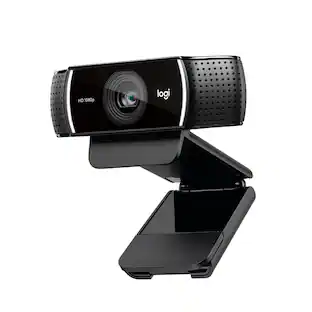
The Logitech StreamCam premium webcam streams and records in full 1080p HD resolution at 60 fps, delivering professional-quality results for YouTube videos and Twitch streaming. Create sharp, natural video with smooth motion and crisp details thanks to a premium glass lens and smart features like autofocus. The external computer camera's glass lens delivers vibrant, true-to-life image quality with crisp details. A 78-degree field of view keeps you upfront and center, while autofocus intelligently adjusts the lens in real-time soyou always stay in focus, even when you move toward or away from the camera. The live streaming webcam's intelligent exposure system adjusts the aperture and ISO speed in real-time to ensure accurate skin tones for a more natural, healthy look —even in varying lighting conditions. With StreamCam, you can be confident that you’ll always look great.

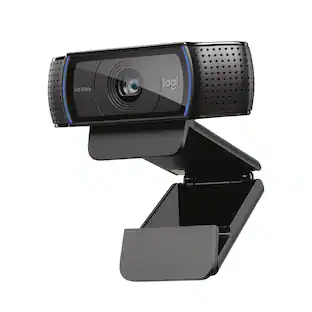
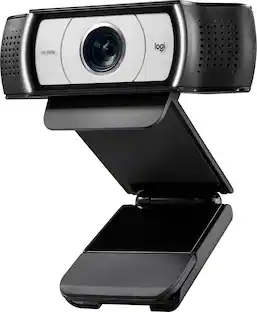
Logitech C920s is a budget-friendly, work-from-anywhere webcam that delivers a professional video meeting experience. It includes features designed to make you look and sound great in your next meeting. A 78º diagonal field of view perfectly frames you and your space, while autofocus adjusts smoothly and precisely. RightLight 2 technology automatically adjusts to your lighting situation even in low-light or backlit conditions. And dual integrated mics accurately capture your voice from multiple angles for greater nuance. If you’re streaming or recording, use Logitech’s Capture app to edit and customize. Flip down the lens cover at any point to protect your privacy.

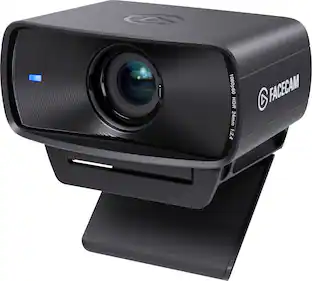
We think webcams should do more. With Facecam, you get not only 1080p 60fps capture, but also uncompressed, low-latency video in lifelike detail and color. Adept in low-light conditions, Facecam even overcomes tricky high-contrast lighting—like bright office windows—thanks to HDR capability. Its software, Camera Hub, offers not just superficial settings, but instead deep DSLR-style control such as ISO and shutter speed to customize your image. What’s more, your settings won’t disappear when you reboot or change computers. Whether you’re shooting landscape or vertical for social media, Facecam delivers—because “good enough” is no longer good enough.
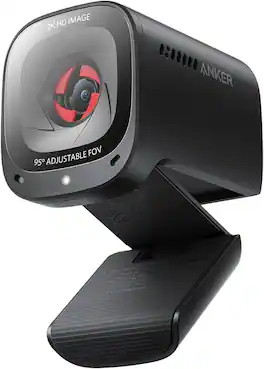
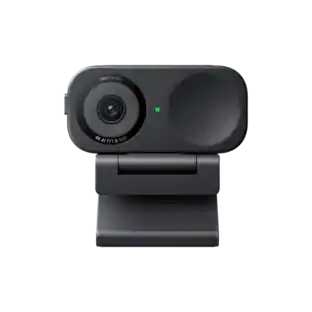
The Anker PowerConf C200 is a premium 2K webcam designed to deliver professional-grade clarity and convenience for your virtual meetings, online classes, and streaming sessions. Whether you're working from home, collaborating with a remote team, or connecting with friends, this webcam ensures you look and sound your best, every time.
| Pros for Logitech - StreamCam Plus 1080 Webcam for Live Streaming and Content Creation - Graphite | |||
|---|---|---|---|
| Image Quality, Ease of Use, Setup | Ease of Use, Setup, Overall Performance, Video Quality, Privacy Feature | Image Quality, Setup, Ease of Use, Frame Rate, Field of View | There were no pros for this product— |
| Cons for Logitech - StreamCam Plus 1080 Webcam for Live Streaming and Content Creation - Graphite | |||
| Connectivity, Cable Length, Field of View, Size, Software | Cable Length, Field of View, Focus, Autofocus, Compatibility | Connectivity | There were no cons for this product— |
Specs
Package deals that include this item
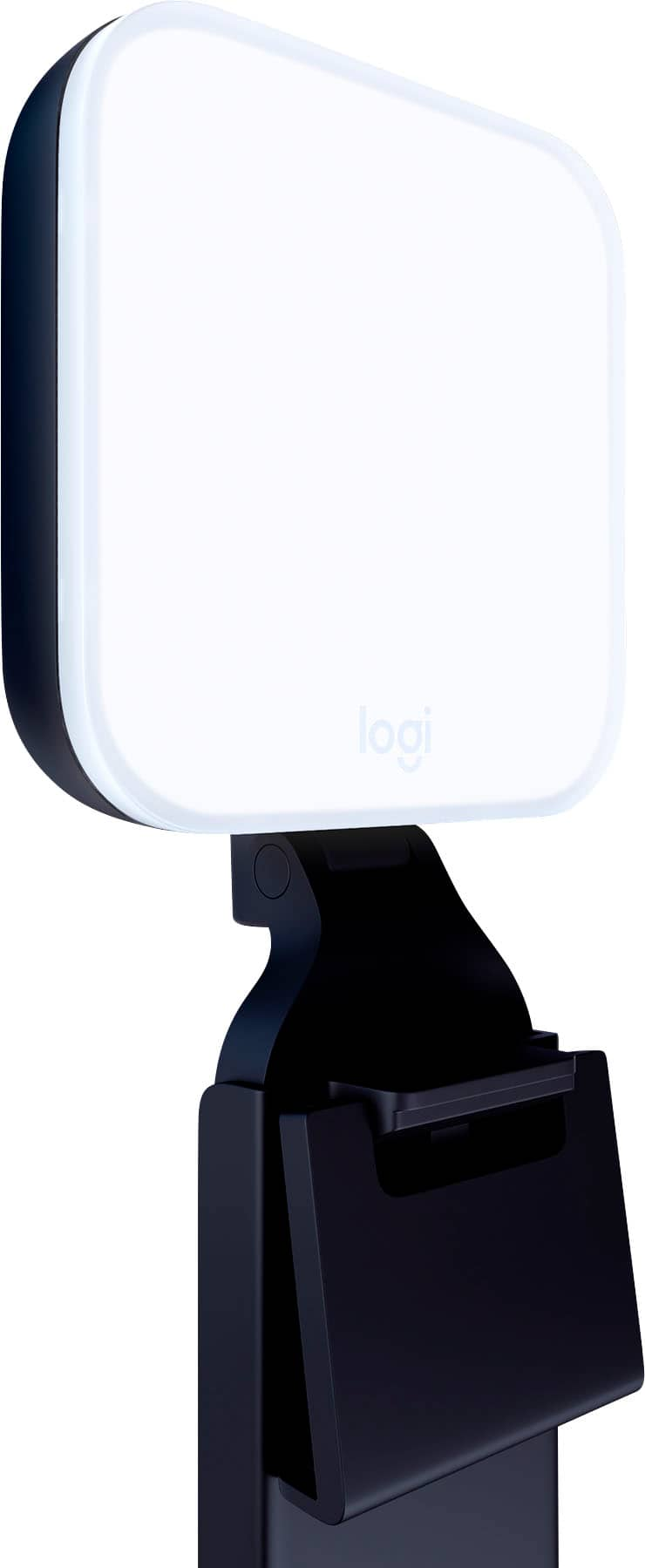
Customers often buy these together
Photo and Video Lights
Microphones
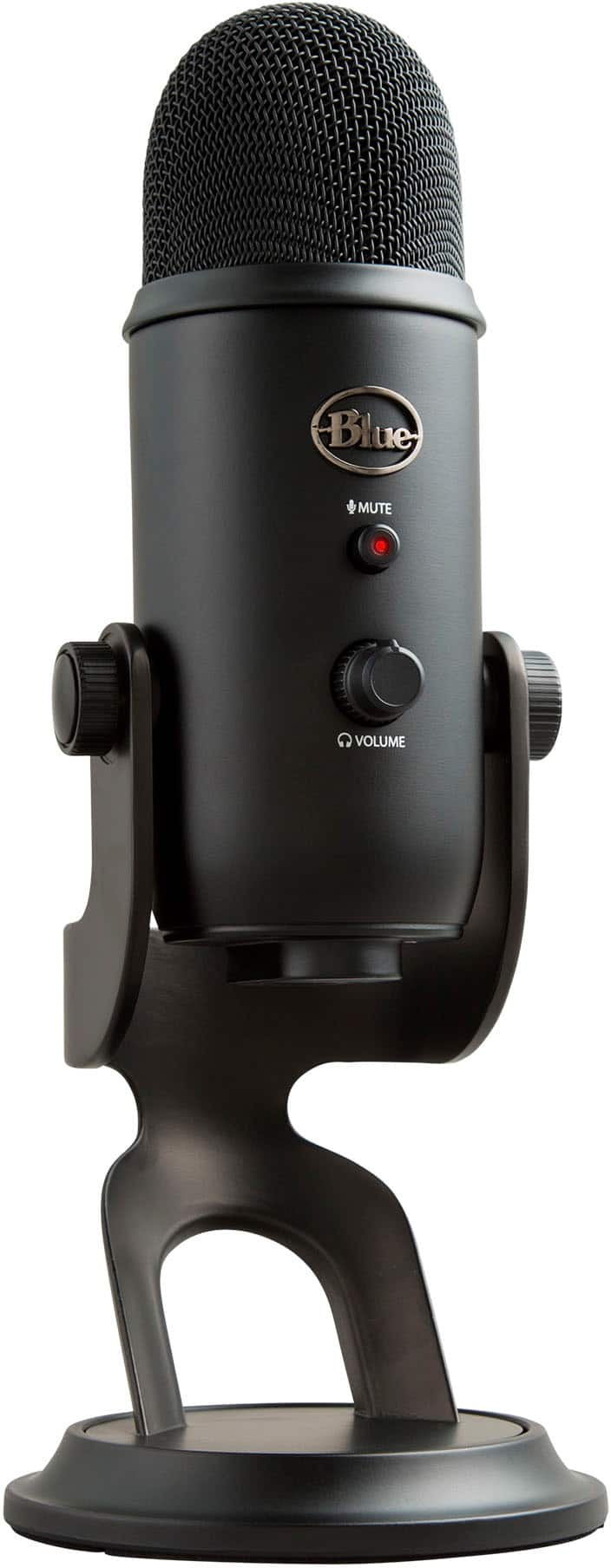
Blue Microphones - Blue Yeti Professional Multi-Pattern USB Condenser Microphone - Blackout
Holiday Deal$107.99The price was $139.99
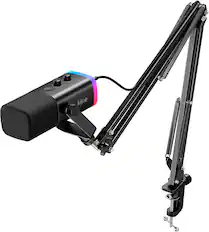
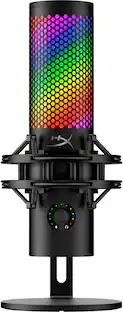
HyperX - QuadCast 2 S Wired Multi-Pattern USB Electret Condenser Microphone - Black
$149.99The price was $199.99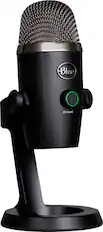
Blue Microphones - Blue Yeti Nano Premium Wired Multi-Pattern USB Condenser Microphone - Black
Holiday Deal$86.99The price was $119.99

More recommended items
 Computer Speakers
 Video Capture Devices
 Computer Keyboards
 Laptop Docking Stations
 Monitor and Video Cables
 Mice
More to consider

Explore tech essentials Sponsored
HyperX QuadCast 2 S Wired Multi-Pattern USB Electret Condenser Microphone
$149.99The price was $199.99
Discover related products
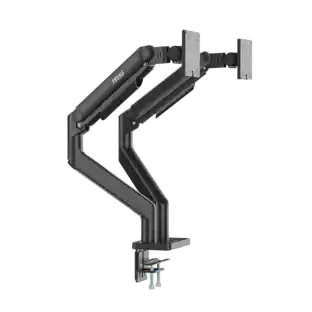
Arozzi Alzare Neo Duo Gas Spring Dual Monitor Arm – Height Adjustable Desk Mount –
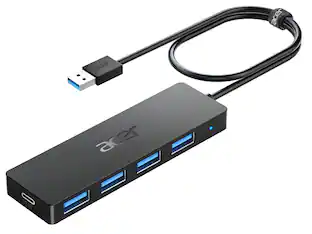
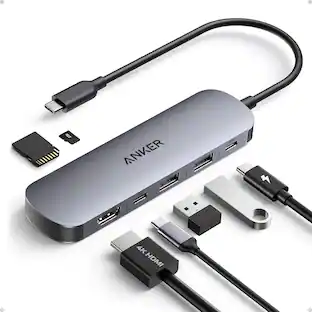
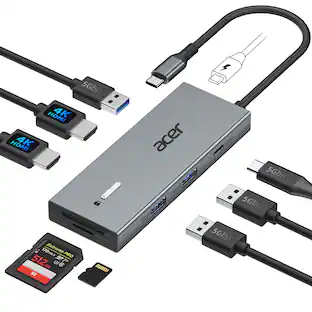
$99.99The price was $129.99Acer USB C Docking Station With 2 HDMI, 9-IN-1 Docking Hub with USB A&C 3.0, SD/Micro SD, 100W Charging
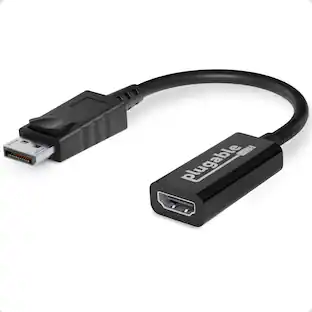
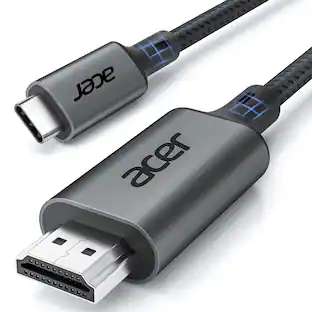
$42.99The price was $47.99Acer USB C to HDMI Cable for Home Office 6.6FT (4K@60Hz), High-Speed Type C to HDMI 2.0 Braided Cord
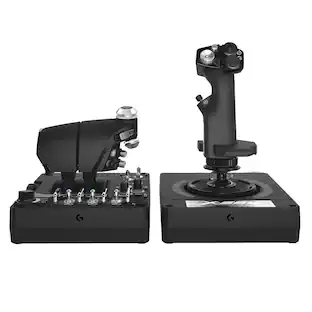
$12.99The price was $13.99Logitech X56 HOTAS Microsoft Flight Simulator RGB Dual-Throttle and Joystick
$247.00The price was $275.00


Keep exploring
Logitech BRIO Webcam - 8.5 Megapixel - 60 fps - USB 3.0 - 4K - 3840 x 2160 Video - STARVIS Sensor
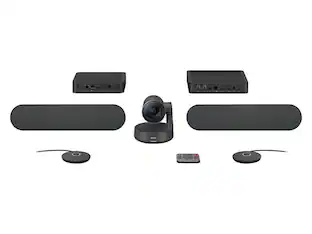
$289.99The price was $299.99Logitech Rally Plus Video Video Conference System for large to extra large rooms | 960-001225
$2,709.70The price was $2,899.00