Macally - Wired Mouse for Mac and PC - Dual USB C + A Plug - Simple Ambidextrous 3 Button USB Mouse Wired - Wired - Purple
Reviews coming soon
About this product
Keep your setup simple with the Macally wired mouse featuring dual USB C and USB A connectivity. Its three button layout, scroll wheel, 1200 DPI optical sensor, and ambidextrous design provide smooth, reliable control for Mac, Windows, Chromebook, and Linux computers. Just plug it in and start using it with no drivers, batteries, or pairing required. Wired optical computer mouse Connection: Dual USB C and USB A connector Batteries Required: No Sensor Type: Optical 1200 DPI Button Layout: 3 buttons Hand Orientation: Ambidextrous Cable Length: 5 ft / 1.5 m Compatibility: Mac and Windows computers Product Dimensions: 4.1 × 2.5 in Color: Purple
Color
PurpleFeatures
Connect with USB C or USB A:
Connect to newer and traditional computers with one convenient wired mac mouse usb c solution. The dual connector works with either USB C or USB A ports without requiring a separate adapter.
Easy 3 Button Navigation:
Equipped with left click, right click, and a scroll wheel, our usb c mouse wired provides the essential controls needed for browsing, documents, spreadsheets, and other common computer tasks.
Smooth, Accurate Cursor Control:
The optical sensor delivers smooth and responsive cursor movement, making our wired mouse for laptop easy to use when navigating webpages, documents, applications, and more.
Comfortable for Either Hand:
The contoured shape supports comfortable use with either the left or right hand, making the imac mouse suitable for shared home, office, or classroom setups.
Ready to Use in Seconds:
Compatible with Mac, PC, and Chromebook. Just connect the usb wired mouse and start using it with no drivers, batteries, charging, or wireless pairing required.
Specifications
- Connection TypeWired
Reviews
This product doesn't have any reviews yet.
Compare similar products

Keep your setup simple with the Macally wired mouse featuring dual USB C and USB A connectivity. Its three button layout, scroll wheel, 1200 DPI optical sensor, and ambidextrous design provide smooth, reliable control for Mac, Windows, Chromebook, and Linux computers. Just plug it in and start using it with no drivers, batteries, or pairing required. Wired optical computer mouse Connection: Dual USB C and USB A connector Batteries Required: No Sensor Type: Optical 1200 DPI Button Layout: 3 buttons Hand Orientation: Ambidextrous Cable Length: 5 ft / 1.5 m Compatibility: Mac and Windows computers Product Dimensions: 4.1 × 2.5 in Color: Purple
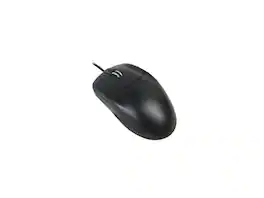
Adesso HC-3003US Desktop 1000 dpi Optical metal scroll USB mouse

The MC 1000 Mouse is designed for both personal and professional use, featuring a symmetrical design that accommodates left and right-handed users. With a resolution of 1200 DPI and a scroll wheel, it ensures precise control and ease of use. Built with durability in mind, this mouse is perfect for office environments.

Introducing the Macally UCROCKET—a USB-C wired mouse designed with the perfect combination of ergonomics, performance, and simplicity. Whether you need a mouse USB C for your MacBook, iPad, or any newer generation laptop, the UCROCKET offers an unparalleled user experience. Here’s why the UCROCKET is the ideal choice for you: CLEAN, SIMPLE, & EFFECTIVE: Sometimes simple is all you need. The UCROCKET allows you to spend more time working and less time worrying about extra buttons, making it the perfect wired computer mouse. MADE FOR USB-C DEVICES: This USB C mouse for Mac is the perfect solution if you have a MacBook, iPad, or newer gen laptop that only accepts USB-C ports. RELIABLE WIRED CONNECTION: Unlike wireless and Bluetooth mice that often have connectivity issues, our mouse with cord features a 5ft cable to ensure a stable connection. COMFORT FOCUSED DESIGN: The ambidextrous body of our mouse conforms perfectly to the palm of your hand, ensuring comfort during long use. It's an ideal mouse for iMac and other extended work sessions. EFFECTIVE MOUSE LAYOUT: With a 3-button and scroll wheel layout, you can focus on getting work done without worrying about unnecessary buttons. This mouse type C keeps things straightforward and efficient. WIDE DPI ADJUSTABILITY: Simply press the DPI switch and choose between 800, 1200, 1600, and 2400 mouse sensitivity settings to suit your needs. SEAMLESS COMPATIBILITY: The UCROCKET works with MacBooks, iPads, Chromebooks, Surface devices, and more. It’s compatible with Mac, Windows, iOS, and Android, making it a versatile computer mouse USB C. So there's no point in waiting. Enjoy increased productivity with the UCROCKET, your go-to usb c wired mouse. Worry-Free Warranty: At Macally, we believe in our products. That’s why we back them all with a one-year warranty and provide friendly, easy-to-reach support for any of your questions. Upgrade your setup with the Macally UCROCKET, the ultimate mouse for MacBook Air USB C. Its silent mouse wired design ensures a quiet workspace, while its USB wired mouse reliability offers peace of mind. Ideal for those looking for a mouse with USB C connector, this mouse corded device is perfect for anyone needing a wired USB mouse. Choose the Macally mouse and experience the difference of a high-quality, ergonomic, and USB mouse wired solution. Perfect for any macbook mouse USB C, the UCROCKET is ready to enhance your workflow and comfort.
Specs
Be the first to ask a question.
We’ll try to get your question answered within 24 hours by a Best Buy customer or brand representative.
Customers often buy these together
Computer Keyboards


![The text on the image reads:
888 DD DI DD 4 DSC i F2 F3 4 FS T6 ET 1. 1N IN F.. 11 1.. 114 1n F1 F12 118 in9 - a ee 1 8F 2 3 $ 4 % 5 A 6 & 7 . 8 I 9 I 0 ee I + = delete fn home page up clear - / + tab Q W E R T Y U I 0 P { [ ] ] | I delete end page down 7 8 9 ee caps lock A S D F G H J K L : I - return 4 5 6 + shift Z X C V N M < F > ? / shift a 1 2 3 control option 2 command 3 command option control Y - 0 enter
After grouping and correcting the text, it reads:
888 DD DI DD 4 DSC i F2 F3 4 FS T6 ET 1. 1N IN F.. 11 1.. 114 1n F1 F12 118 in9 - a ee 1 8F 2 3 $ 4 % 5 A 6 & 7 . 8 I 9 I 0 ee I + = delete fn home page up clear - / + tab Q W E R T Y U I 0 P { [ ] ] | I delete end page down 7 8 9 ee caps lock A S D F G H J K L : I - return 4 5 6 + shift Z X C V N M < F > ? / shift a 1 2 3 control option 2 command 3 command option control Y - 0 enter](https://pisces.bbystatic.com/image2/BestBuy_US/images/products/f4059d3a-0c2a-46ef-bcfd-4e11b9b26d5d.jpg;maxHeight=232;maxWidth=233?format=webp)

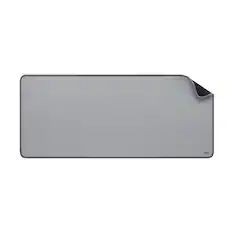
Customers ultimately bought
Logitech Design Mouse Limited Edition Wireless Optical 3-button Mouse with Broad Compatibility
$9.99The price was $22.99
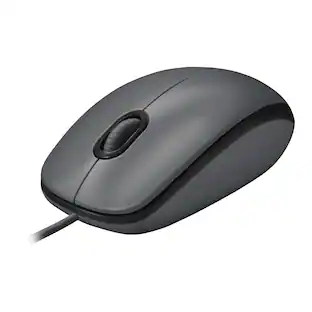


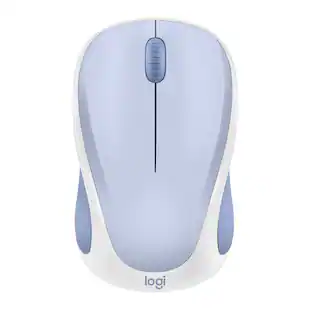
Explore tech essentials Sponsored
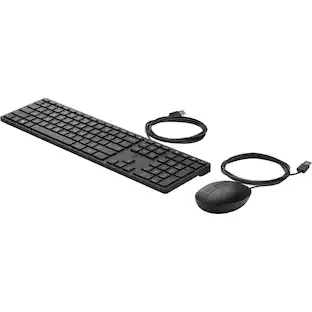
HP Wired Desktop 320MK Mouse and Keyboard - USB Cable Keyboard - English - Cable Mouse - Compatible with
$19.00The price was $26.00
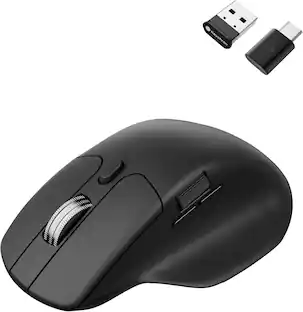
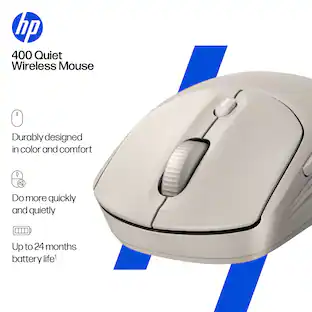
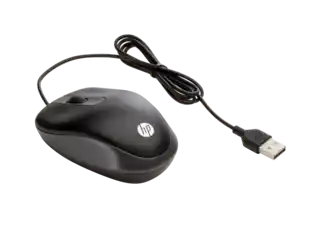
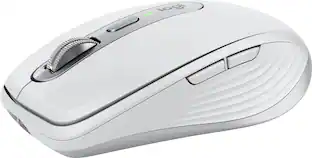
Keep exploring
GravaStar Mercury X Wireless Optical Gaming Mouse with 32000 DPI and 49g Magnesium Alloy Frame
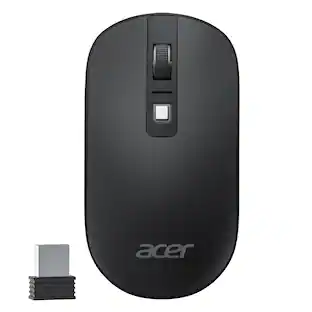
$75.95The price was $109.95Acer Computer Mouse Wireless, 2.4G Slim USB Wireless Mice with USB Receiver, 800/1200/1600 Adjustable DPI
Holiday Deal$12.99The price was $14.99GravaStar Mercury M2 Wireless Gaming Mouse with 26000 DPI, PAW3395 Sensor and 79g Lightweight Design
$75.95The price was $79.95Logitech MX Master 4 - Wireless Bluetooth Mouse, Ergo, Haptic Feedback, Custom Vibration
$119.99The price was $127.73