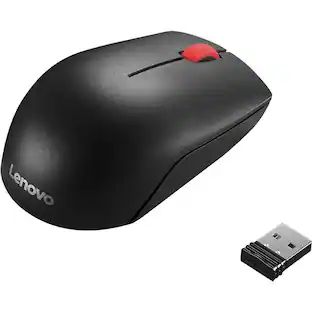
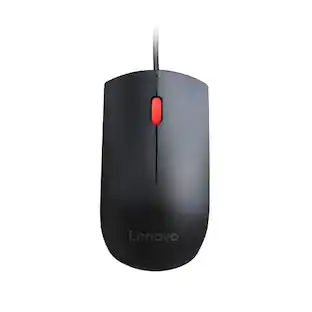
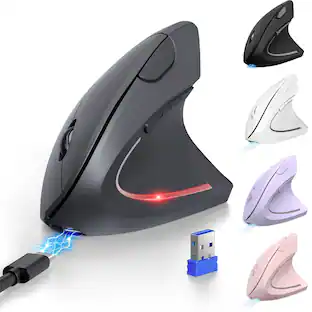
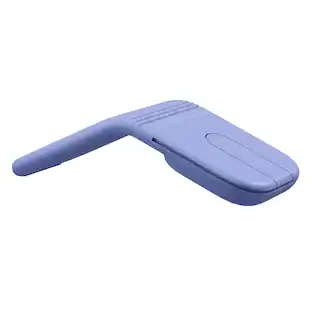
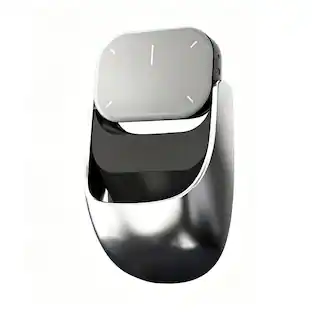
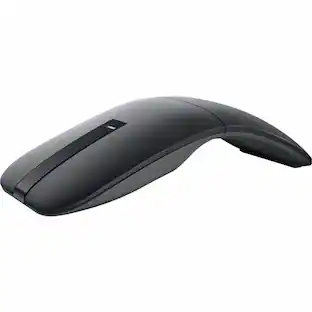
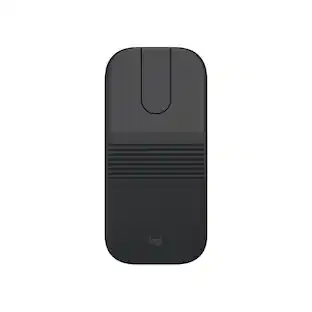
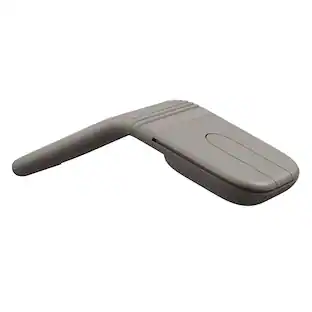
Mobile Pixels - Portable Mouse - Wireless - Gray
About this product
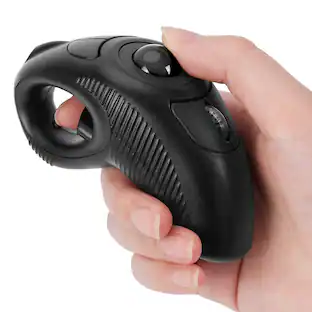
Mouse & presentation remote 2-in-1 fully functional mouse with scroll wheel
Features
Portable Mouse
Mouse & presentation remote 2-in-1,Fully functional mouse with scroll wheel
Specifications
- Connection TypeWireless
Reviews
This product doesn't have any reviews yet.


Compare similar products

Mouse & presentation remote 2-in-1 fully functional mouse with scroll wheel

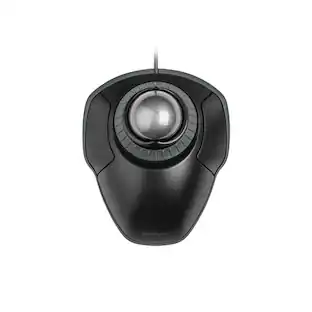
Wireless, Powered by AAA battery (not provided), plug and play, easy to install. Simple to use with either the left or right hand or cradled between the both Press for laser pointer appearance for presentation. Off table and without limits of operational space. Your thumb can easily manage the scrolling function. USB 2.0 interface, plug and play, no software required. Handheld trackball mouse wireless, which can avoid any harm on your wrist and muscle, greatly reducing the chances for Arthritis and CTS suffers. Perfect for both desktops and laptops. Put your thumb on the roller ball and the tip of your index or middle finger on the trigger.
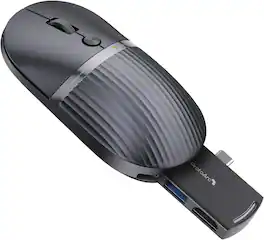
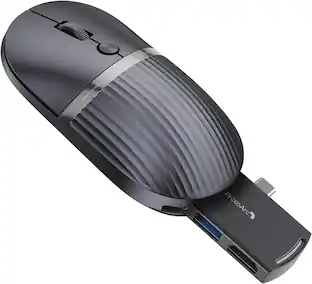
portable mouse rechargeable for Laptop, iPad, MacBook, Surface Pro, connects 3 devices via BT/USBC.More than a mouse — a portable hub for hassle‑free presentations and travel
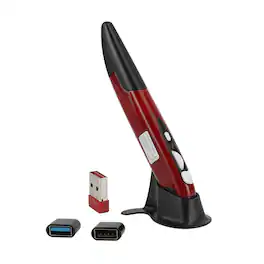
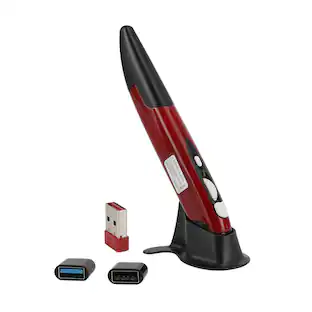
Redefine mobility and precision with this innovative Wireless Trackball Pen Mouse. Combining the familiar control of a mouse with the sleek, portable form of a pen, it delivers desktop-grade accuracy on the go. Featuring adjustable DPI up to 1600, plug-and-play 2.4GHz connectivity up to 33ft, and universal OTG compatibility for phones and tablets, it’s the perfect tool for presentations, travel, digital art, and multi-device workflows. Weighing just 29g and pocket-sized, this versatile mouse goes anywhere you do.
Specs
Be the first to ask a question.
We’ll try to get your question answered within 24 hours by a Best Buy customer or brand representative.
Customers often buy these together
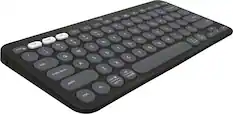
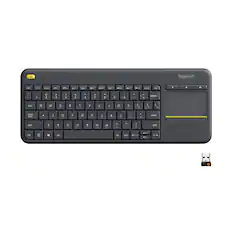
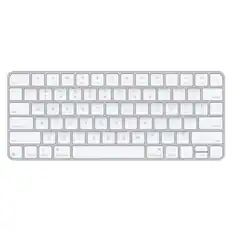
Computer Keyboards

![The text on the image reads:
888 DD DI DD 4 DSC i F2 F3 4 FS T6 ET 1. 1N IN F.. 11 1.. 114 1n F1 F12 118 in9 - a ee 1 8F 2 3 $ 4 % 5 A 6 & 7 . 8 I 9 I 0 ee I + = delete fn home page up clear - / + tab Q W E R T Y U I 0 P { [ ] ] | I delete end page down 7 8 9 ee caps lock A S D F G H J K L : I - return 4 5 6 + shift Z X C V N M < F > ? / shift a 1 2 3 control option 2 command 3 command option control Y - 0 enter
After grouping and correcting the text, it reads:
888 DD DI DD 4 DSC i F2 F3 4 FS T6 ET 1. 1N IN F.. 11 1.. 114 1n F1 F12 118 in9 - a ee 1 8F 2 3 $ 4 % 5 A 6 & 7 . 8 I 9 I 0 ee I + = delete fn home page up clear - / + tab Q W E R T Y U I 0 P { [ ] ] | I delete end page down 7 8 9 ee caps lock A S D F G H J K L : I - return 4 5 6 + shift Z X C V N M < F > ? / shift a 1 2 3 control option 2 command 3 command option control Y - 0 enter](https://pisces.bbystatic.com/image2/BestBuy_US/images/products/f4059d3a-0c2a-46ef-bcfd-4e11b9b26d5d.jpg;maxHeight=232;maxWidth=233?format=webp)




More to consider
Logitech Pebble Mouse 2 M350s Slim Lightweight Wireless Bluetooth Optical Silent Ambidextrous Mouse with Customizable Buttons
Holiday Deal$19.99The price was $24.99





Explore tech essentials Sponsored

Keep exploring
Logitech MX Master 4 - Wireless Bluetooth Mouse, Ergo, Haptic Feedback, Custom Vibration
$119.99The price was $127.73