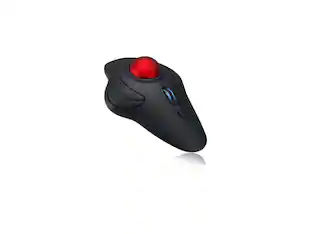
AGPtek - Wireless USB Handheld Finger Trackball Mouse with Laser Pointer - Wireless - Black - Black Ball
About this product
Wireless, Powered by AAA battery (not provided), plug and play, easy to install. Simple to use with either the left or right hand or cradled between the both Press for laser pointer appearance for presentation. Off table and without limits of operational space. Your thumb can easily manage the scrolling function. USB 2.0 interface, plug and play, no software required. Handheld trackball mouse wireless, which can avoid any harm on your wrist and muscle, greatly reducing the chances for Arthritis and CTS suffers. Perfect for both desktops and laptops. Put your thumb on the roller ball and the tip of your index or middle finger on the trigger.
Wireless
Charged by AAA battery, plug and play, easy to install.
Easy to use
Left or right hand, or cradled between both. Press then appear laser pointer for presentation
Ergonomic Design
Handheld trackball mouse wireless, which can avoid any harm on your wrist and muscle, greatly reducing the chances for arthritis and cts suffers
Compatible With
Win7/ Win10/ Windows XP / VISTA /Linux / Unix / Mac OS.
Note
Ideal for laptops and desktops, NOT for mobile phone and tablet.
- Connection TypeWireless
Reviews
Rating 3.5 out of 5 stars with 2 reviews
The vast majority of our reviews come from verified purchases. Reviews from customers may include My Best Buy members, employees, and Tech Insider Network members (as tagged). Select reviewers may receive discounted products, promotional considerations or entries into drawings for honest, helpful reviews.





Compare similar products
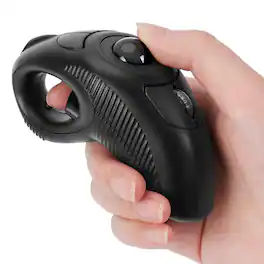
Wireless, Powered by AAA battery (not provided), plug and play, easy to install. Simple to use with either the left or right hand or cradled between the both Press for laser pointer appearance for presentation. Off table and without limits of operational space. Your thumb can easily manage the scrolling function. USB 2.0 interface, plug and play, no software required. Handheld trackball mouse wireless, which can avoid any harm on your wrist and muscle, greatly reducing the chances for Arthritis and CTS suffers. Perfect for both desktops and laptops. Put your thumb on the roller ball and the tip of your index or middle finger on the trigger.

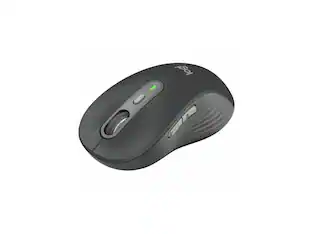
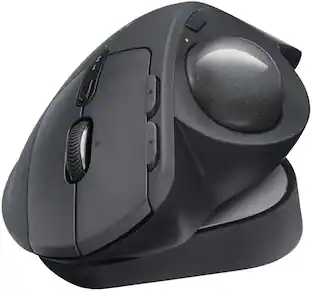
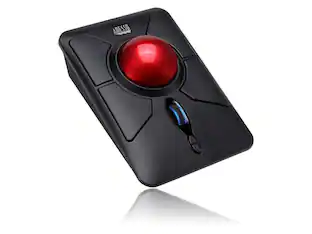
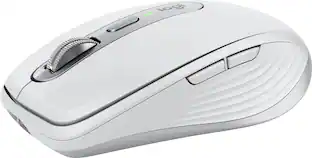
The MX Ergo S Plus is Logitech’s most advanced ergonomic trackball mouse yet, with a 20-degree tilt angle and a 10-degree detachable wedge, and precise thumb control - user-tested and certified by United States Ergonomics. The MX Ergo S wireless ergonomic mouse is sculpted to fit the palm of your hand while keeping it relaxed, and it tilts 20 to 30 degrees for 27% less muscle activity in the forearm, providing elevated comfort throughout your day. Work faster with 6 customizable buttons and a DPI button to effortlessly switch between speed and high-precision tracking. Now with 80% quieter clicks. For even more control that's tailored to your needs, assign time-saving shortcuts and Smart Actions using the Logi Options+ App. Connect your wireless mouse to 2 devices via Bluetooth or the included Logi Bolt receiver and switch between devices with a click of the Easy-Switch button.

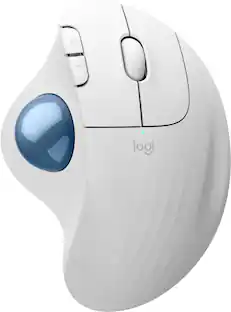
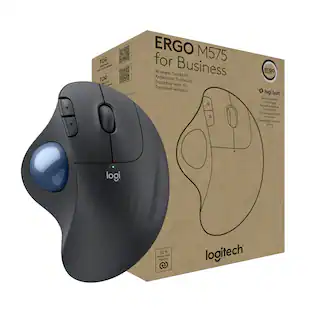
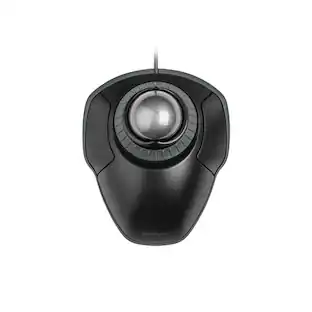
Minimize movement and maximize comfort with the Logitech ERGO M575S wireless trackball mouse. Thumb control lets you move the cursor without moving your arm, while the sculpted ergonomic design fully supports your hand and keeps your forearm in a more natural position. This wireless ergonomic mouse has been developed by Logi Ergo Lab experts, user-tested and certified by ergonomists to give you 25% less muscle strain in your forearm . The smooth and responsive thumb control can be used anywhere – and since it doesn’t need to be moved, the ERGO M575S is perfect for tight setups and busy desks.
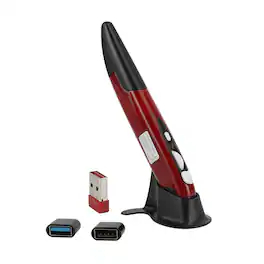
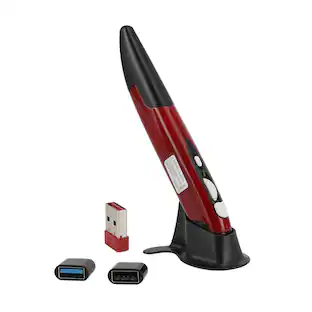
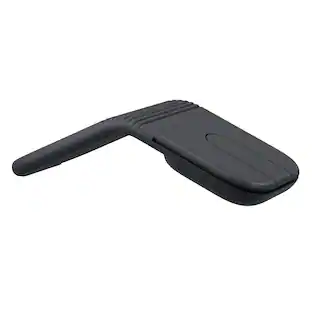
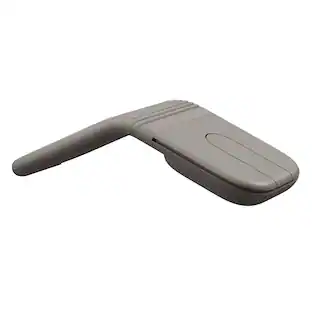
Redefine mobility and precision with this innovative Wireless Trackball Pen Mouse. Combining the familiar control of a mouse with the sleek, portable form of a pen, it delivers desktop-grade accuracy on the go. Featuring adjustable DPI up to 1600, plug-and-play 2.4GHz connectivity up to 33ft, and universal OTG compatibility for phones and tablets, it’s the perfect tool for presentations, travel, digital art, and multi-device workflows. Weighing just 29g and pocket-sized, this versatile mouse goes anywhere you do.
| Pros for AGPtek - Wireless USB Handheld Finger Trackball Mouse with Laser Pointer - Wireless - Black - Black Ball | |||
|---|---|---|---|
| There were no pros for this product— | Ergonomics, Overall Performance, Battery Life, Connectivity, Ease of Use | Ergonomics, Overall Performance, Ease of Use, Connectivity, Battery Life | There were no pros for this product— |
| Cons for AGPtek - Wireless USB Handheld Finger Trackball Mouse with Laser Pointer - Wireless - Black - Black Ball | |||
| There were no cons for this product— | Weight | Button Sensitivity | There were no cons for this product— |
Specs
Customers often buy these together
Computer Keyboards
![esc ~ ! 1 tab caps lock shift ctrl F2 Fl # 2 3 Q W A S Z start opt L F3 $ 4 E D X alt cmd3 ) FS F4 A % 5 6 R T F G V C logi 44 HI & F9 FID FB F7 F6 * ) - - & 0 8 9 7 O P U I Y K L H J > < N M 1 B PM + = { [ : I ; ? I alt cmd D 2 4 300 3 1 F12 . * page I insert home up clear backspace 8 9 + 7 page A pg up end down home } I delete ] / 6 4 5 4 enter 2 3 enter 1 dn Pg end shift = 0 del ins etrl fn opt](https://pisces.bbystatic.com/image2/BestBuy_US/images/products/6539/6539505_sd.jpg;maxHeight=232;maxWidth=233?format=webp)
Logitech - MX Keys S Universal Full-size Wireless Scissor Keyboard for PC and Mac with Backlit keys - Black
$119.99The price was $129.99

![Esc F1 F2 F3 F4 F5 F6 F7 F8 F9 F10 F11 F12 Print Screen Scroll Lock Pause Break 1 2 3 4 5 6 7 8 9 0 - + = Backspace Insert Home H Page Up A Num Look 1 I Tab Q W E R T Y U I o P { [ } ] I I Delete End IN Page Down 7 Home 8 9 Pg Up Caps A Lock A S D F G H J K L ; : DE g Enter 4 5 6 Shift Z X C V N M < > ? I Shift 1 End 2 3 Pp Dn Enter Ctrl Alt Alt Ctrl 0 Ins Del](https://pisces.bbystatic.com/image2/BestBuy_US/images/products/a588d446-5678-40ae-86b8-1f15e0026e66.jpg;maxHeight=232;maxWidth=233?format=webp)


![The text on the image reads:
888 DD DI DD 4 DSC i F2 F3 4 FS T6 ET 1. 1N IN F.. 11 1.. 114 1n F1 F12 118 in9 - a ee 1 8F 2 3 $ 4 % 5 A 6 & 7 . 8 I 9 I 0 ee I + = delete fn home page up clear - / + tab Q W E R T Y U I 0 P { [ ] ] | I delete end page down 7 8 9 ee caps lock A S D F G H J K L : I - return 4 5 6 + shift Z X C V N M < F > ? / shift a 1 2 3 control option 2 command 3 command option control Y - 0 enter
After grouping and correcting the text, it reads:
888 DD DI DD 4 DSC i F2 F3 4 FS T6 ET 1. 1N IN F.. 11 1.. 114 1n F1 F12 118 in9 - a ee 1 8F 2 3 $ 4 % 5 A 6 & 7 . 8 I 9 I 0 ee I + = delete fn home page up clear - / + tab Q W E R T Y U I 0 P { [ ] ] | I delete end page down 7 8 9 ee caps lock A S D F G H J K L : I - return 4 5 6 + shift Z X C V N M < F > ? / shift a 1 2 3 control option 2 command 3 command option control Y - 0 enter](https://pisces.bbystatic.com/image2/BestBuy_US/images/products/f4059d3a-0c2a-46ef-bcfd-4e11b9b26d5d.jpg;maxHeight=232;maxWidth=233?format=webp)




More to consider
 Top Deal$109.99The price was $119.99
 $84.99The price was $119.99


Explore tech essentials Sponsored

Keep exploring
 $79.95The price was $109.95