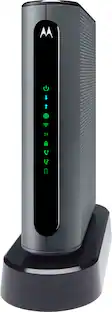
Motorola - MB8600 32x8 DOCSIS 3.1 Cable Modem 1 GB Ethernet - Gray
About this product
The Motorola MB8600 Ultra-fast DOCSIS 3.1 cable modem supports true Gigabit speed with a 1 GB Ethernet port. Approved for Comcast Xfinity, Cox, and Charter Spectrum services, only. This cable modem is backward compatible with 32x8 DOCSIS 3.0.
Highlights
Features
Ultra-fast DOCSIS 3.1 performance
Get the speed you’re paying for. DOCSIS 3.1 supports speeds up to 10x faster with higher efficiency. Designed for fast internet plans and backwards compatible with 32x8 DOCSIS 3.0.
True Gigabit speed
Experience next-level gaming, streaming, and conferencing with a 1 Gbps Ethernet port for faster downloads and uninterrupted connections.
Superior, but pays for itself
Savings up to $168 per year on modem rental fees with your internet provider. Certified for Comcast Xfinity, Cox, and Spectrum and compatible with IPv6.
Works with any router
Seamlessly pair with any WiFi router to connect all your wireless devices. This cable modem does not have a built-in wireless router or telephone capability.
Simple setup and use
Easy self-installation. Comes with a 2-year warranty and free support from our team of US-based technicians.
Specifications
- Internet Service Provider (ISP) CompatibilityXFINITY from Comcast, Cox Communications, Charter Communications, SpectrumDOCSIS Certification3.1Downstream Data Speed1000 megabits per secondUpstream Data Speed766 megabits per secondChannel Bonding32 x 8
Reviews
Rating 4.7 out of 5 stars with 1003 reviews
Customer Images
The vast majority of our reviews come from verified purchases. Reviews from customers may include My Best Buy members, employees, and Tech Insider Network members (as tagged). Select reviewers may receive discounted products, promotional considerations or entries into drawings for honest, helpful reviews.
Compare similar products
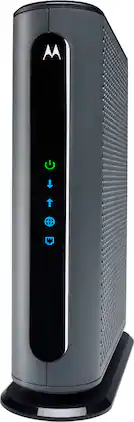
The Motorola MB8600 Ultra-fast DOCSIS 3.1 cable modem supports true Gigabit speed with a 1 GB Ethernet port. Approved for Comcast Xfinity, Cox, and Charter Spectrum services, only. This cable modem is backward compatible with 32x8 DOCSIS 3.0.

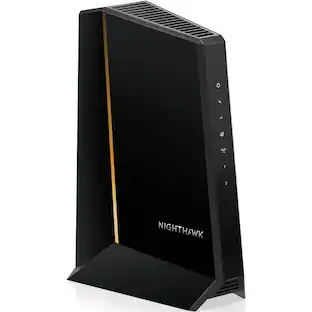
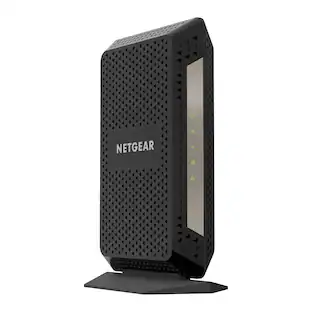
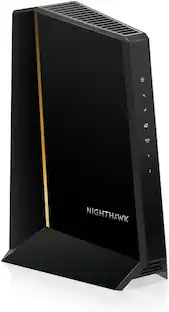
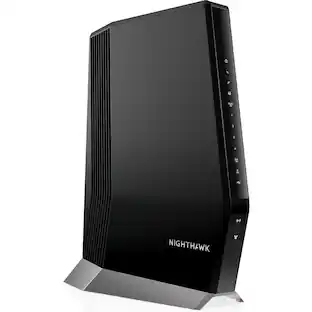
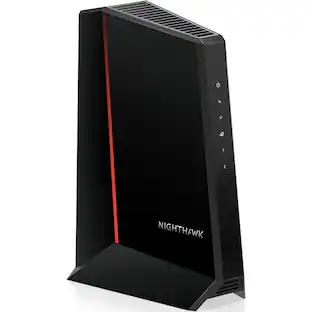
The Nighthawk CM3000 multi-gigabit speed cable modem by NETGEAR supports link aggregation to deliver true multi-gigabit Internet speeds. The future-proof cable modem supports fast Internet speeds. This DOCSIS 3.1 cable modem is ready for any of today's service plans and future upgrades. Take a big leap forward with the next-generation Nighthawk CM3000 DOCSIS 3.1 high-speed cable modem with mid/high-split technology, specifically engineered to handle fast cable Internet speeds. With upload speeds up to 1Gbps and 2.5Gbps download speeds, your entire family can enjoy 10 times faster upload and download speeds for lag-free gaming, crisp videoconferencing, smoother music and video streaming, and instant app downloads over DOCSIS 3.0.2. To push your performance even further, simply pair it with a NETGEAR Wi-Fi 7 router or Orbi system (sold separately). The Nighthawk CM3000 works seamlessly with most major US cable service providers, easily supporting 2Gbps home Internet speeds and even up to 200 Mbps upload speeds delivered by Xfinity.
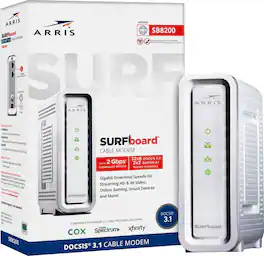
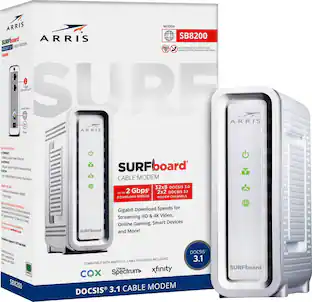
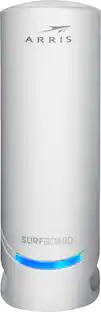
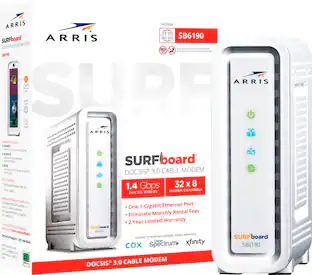
The ARRIS SURFboard SB8200 DOCSIS 3.1 Cable Modem is capable of delivering true Gigabit speeds. It's approved for use with Cox, Spectrum, Xfinity and others supporting cable internet speed plans up to 1 Gbps. Upgrading your home network starts with your modem.

Upgrade your home network with the ARRIS SURFboard G34. It's a DOCSIS 3.1 Cable Modem & Wi-Fi 6 Router combo. Wi-Fi 6 supports smooth 4K video streaming and low latency online gaming. This ARRIS SURFboard cable modem router features four 1-Gigabit Ethernet ports to connect your wired devices, and the compatible SURFboard Central mobile app allows for quick and secure setup. The G34 is best for gig-speed cable internet plans and compatible with major U.S. cable internet providers including Cox, Spectrum, Xfinity and others.
| Pros for Motorola - MB8600 32x8 DOCSIS 3.1 Cable Modem 1 GB Ethernet - Gray | |||
|---|---|---|---|
| There were no pros for this product— | Overall Performance, Speed, Setup, Connectivity, Signal Strength | Speed, Overall Performance, Setup, Connectivity, Ease of use | Overall Performance, Speed, Range |
| Cons for Motorola - MB8600 32x8 DOCSIS 3.1 Cable Modem 1 GB Ethernet - Gray | |||
| There were no cons for this product— | There were no cons for this product— | Heat, Lag | Connectivity, Signal Strength, App, Setup Difficulty |
Specs
Customers often buy these together
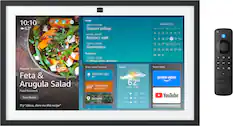
Smart Speakers and Displays









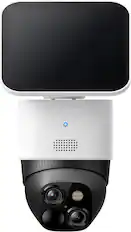
Security Camera






More recommended items
 Smart Doorbell
 Home Security System
 Smart Thermostat
More to consider

Explore tech essentials Sponsored


Discover related products
 $249.00The price was $275.00
 Techtober Deal$10.99The price was $13.99












