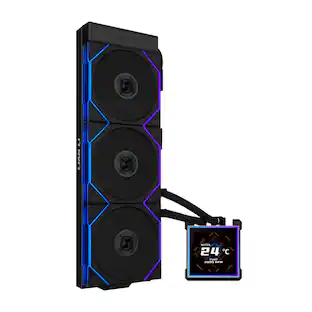
NZXT - Kraken 120mm Radiator CPU Liquid Cooler (1 x 120mm Aer P Fan) with RGB Display - Black
Customers are saying
Customers value the product's excellent cooling performance, which effectively prevents CPU overheating. Many also appreciate its ease of use, quiet operation, and good price. However, some customers desire more customizable RGB lighting and note its large size, with a few finding the installation process challenging.
Light your way
Integrates with your existing motherboard header, upgrade to an NZXT RGB controller to add advanced RGB color and lighting modes, and daisy chain to the rest of your RGB products.
Incredible performance
An updated pump chamber delivers improved thermal performance, combined with the Aer P radiator for liquid-cooling perfection. It features a chamfered intake and fluid dynamic bearing that provides silent operation, improved durability, and powerful cooling performance.
Reinforced extended tubing
Fine nylon sleeves are added to strengthen the rubber tubing. As an added protective layer, it shields your Kraken cooler tubes from potential damage during handling.
Compatible socket and CPU
Intel Socket LGA 1151, 1150, 1155, 1156, 1366, 2011, 2011-3, 2066 / AMD Socket AM4, TR4(bracket not included)
- Airflow Volume73.11 cubic feet per minuteCooling SystemLiquid, LiquidFan Size120 millimetersFan Speed1500 revolutions per minuteNoise Level36 decibels adjustedNumber of Fans Included1
Reviews
Rating 4.4 out of 5 stars with 154 reviews
- Cooling Performance (81)
- Ease of use (19)
- Noise Level (8)
- Price (4)
- RGB (8)
- Size (8)
- Installation (4)
Customer Images
The vast majority of our reviews come from verified purchases. Reviews from customers may include My Best Buy members, employees, and Tech Insider Network members (as tagged). Select reviewers may receive discounted products, promotional considerations or entries into drawings for honest, helpful reviews.
From the manufacturer
Compare similar products

The Kraken 120 combines the look of an AIO cooling system with the function of a 120mm form factor set of fans, delivering coolant wherever you need it. Featuring an RGB cap and an individually addressable logo and ring RGB LEDs, the Kraken 120 is a phenomenal way to add quiet and effective liquid cooling to your build.

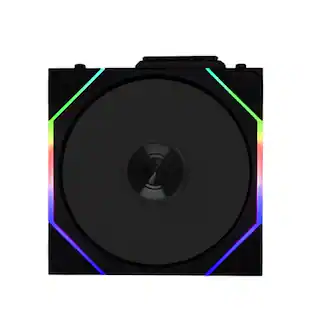
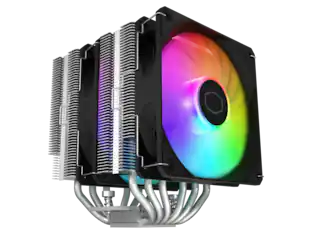
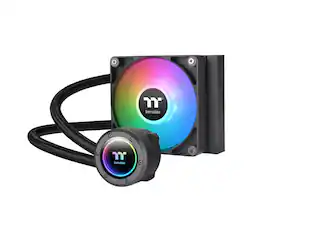
TH120 V2 ARGB has a new industrial cap with an infinity mirror light design, bringing a new vibe to the TH series. Equipped with one CT120 ARGB fan, the TH120 V2 ARGB is suitable for small chassis that can fit 120mm AIOs, and for those who seek to control lighting effects through 5V motherboard-controlled software.

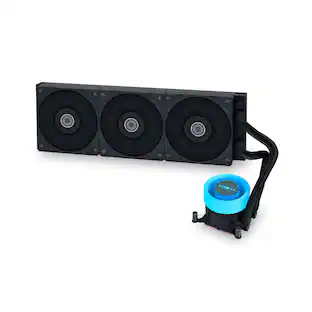
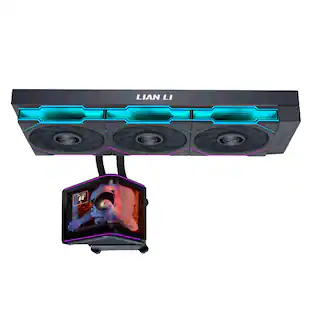
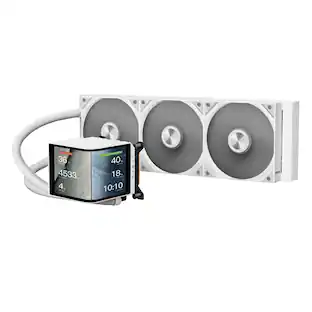
Kraken Plus delivers powerful cooling with the custom NZXT Turbine pump and high-performance fans. A vibrant 1.54" square LCD lets you personalize your build with real-time system stats, custom images, or animated GIFs. Installation is fast and clean with pre-applied thermal paste and a single breakout cable from the pump cap.

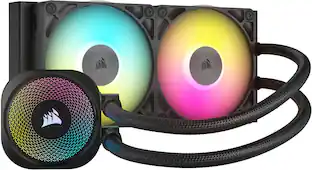
The NZXT Kraken Core RGB AIO CPU Liquid Cooler delivers powerful, quiet cooling with a high-performance pump, PWM fans, and vibrant RGB lighting. Easy to install and compatible with the latest Intel LGA 1851/1700 and AMD AM5/AM4 sockets, it keeps your CPU cool, your system quiet, and your build looking clean.
| Pros for NZXT - Kraken 120mm Radiator CPU Liquid Cooler (1 x 120mm Aer P Fan) with RGB Display - Black | |||
|---|---|---|---|
| Cooling Performance, Noise Level, Ease of use, Price | Cooling Performance, Noise Level, Installation, Size | Cooling Performance, Installation Ease, Screen Quality | Cooling Performance, Installation Ease |
| Cons for NZXT - Kraken 120mm Radiator CPU Liquid Cooler (1 x 120mm Aer P Fan) with RGB Display - Black | |||
| RGB, Size, Installation | Compatibility | There were no cons for this product— | There were no cons for this product— |
Specs
Customers often buy these together
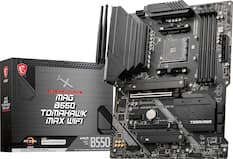
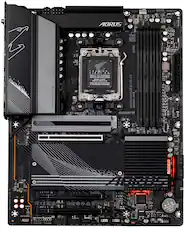
Motherboards
Computer Power Supplies
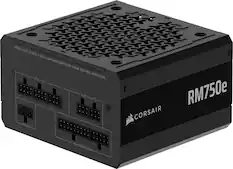
CORSAIR - RMe Series RM750e 80 PLUS Gold Fully Modular Low-Noise ATX 3.1 and PCIE 5.1 Power Supply - Black
$89.99The price was $114.99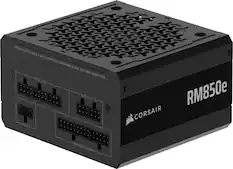
CORSAIR - RMe Series RM850e 80 PLUS Gold Fully Modular Low-Noise ATX 3.1 and PCIE 5.1 Power Supply - Black
$109.99The price was $144.99
More recommended items
 Computer Repair and Installation Tools
 Processors
More to consider
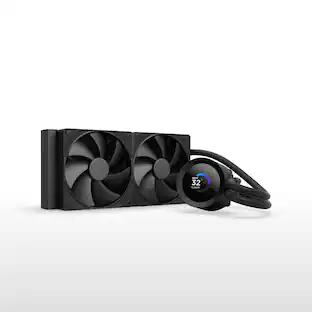 $99.99The price was $139.99
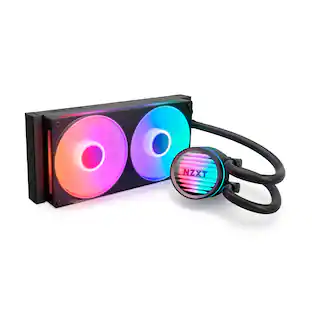 $89.99The price was $99.99
 $79.99The price was $82.99
Explore tech essentials Sponsored
 $219.99The price was $239.99
 $209.99The price was $219.89
 $219.99The price was $229.89



Discover related products
 $13.99The price was $19.99
 $30.99The price was $32.99











Keep exploring
 $129.99The price was $130.99
- $79.99The price was $82.99
 $182.99The price was $209.99
 $89.99The price was $99.99