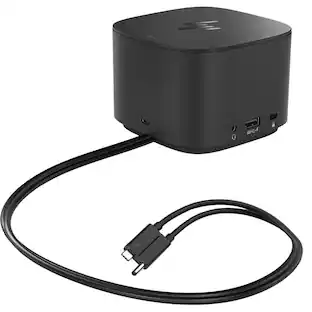
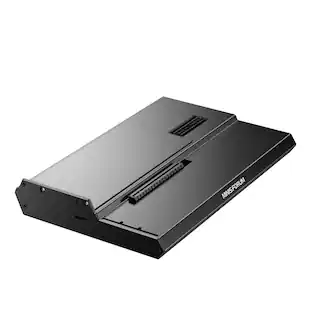
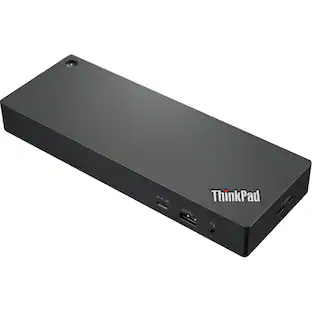
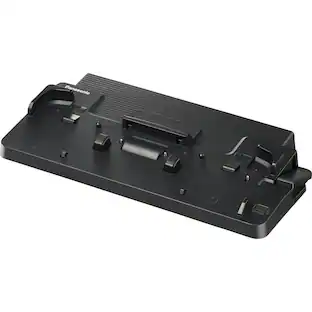
Panasonic - Desktop Dock - for Notebook - Proprietary Interface - Docking
Reviews coming soon
More Buying Options from Marketplace sellers
Related Item

About This Item
- Key Specs
- Maximum Number of Displays Supported: 2
- Number of DisplayPort Outputs (Total): 0
- General
- Brand: Panasonic
- Product Name: Panasonic Desktop Dock - for Notebook - Proprietary Interface - Docking
- Display
- Maximum Number of Displays Supported: 2
- Ports
- Display Connector(s): No external display connection (The number and type of connectors used to connect to an external display.)
- Number of DisplayPort Outputs (Total): 0
- Number of HDMI Ports (Total): 1
- Number of VGA Ports: 1 (VGA (Video Graphics Adapter or Video Graphics Array) is a display standard that transmits via analog signals. This type of interface is typically used to connect a computer to a display device such as a monitor, projector, or TV.)
- USB Ports: None (The number and type of USB ports the product has.)
- Power
- Powered: true
- Compatibility
- Brand Compatibility: Panasonic
- Model Compatibility: Panasonic Toughbook CF-54 Notebook|Universal
- Dimensions
- Product Height: 6 inches (The out of box height of the item. Height is measured as the vertical distance from the bottom of the item to the top as it would be primarily used or placed.)
- Product Length: 18 inches (The out of box length of the item. Length is measured as the longest dimension of the item.)
- Product Width: 14 inches (The out of box width of the item. Width is measured as the horizontal distance from one side of the item to the other as it would be primarily used or placed.)
- Product Weight: 5.85 ounces (The out of box weight of the item.)
- Warranty
- Warranty - Parts: Manufacturer Warranty
- Warranty - Labor: Manufacturer Warranty
- Other
- UPC: 064547916149
Panasonic Desktop Dock - for Notebook - Proprietary Interface - Docking
- Panasonic Desktop Dock - for Notebook - Proprietary: Panasonic Desktop Dock - for Notebook - Proprietary Interface - Docking
Reviews
This product doesn't have any reviews yet.
Compare similar products

Panasonic Desktop Dock - for Notebook - Proprietary Interface - Docking
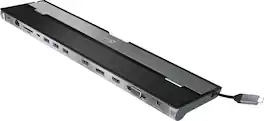
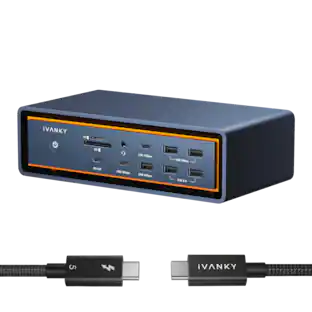
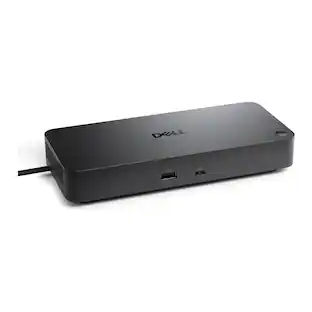
This triple display docking station turns your Mac or Windows laptop into a full workstation with a DisplayPort output, two HDMI outputs, and a VGA output, with resolution support up to 4K (3840 x 2160) on two displays and 1080p on the other one. You can also use your laptop screen for four displays in total, making it easy to access multiple applications at once. With 100W Power Delivery, three USB 3.0 ports, and a USB-C port, this docking station is perfect for your MacBook, Dell XPS, or other USB-C laptop requiring additional ports. This USB 3.0 docking station is also equipped with a RJ45 Gigabit Ethernet port, memory card reader/writer, and combo audio jack for maximum productivity. The elevated design assists with heat dissipation and, with its double-sided cable storage compartment, ensures an easy connection regardless of your USB-C port’s location. All 13 ports are combined into one slim docking station, so you’ll have all the connections you need to stay productive!

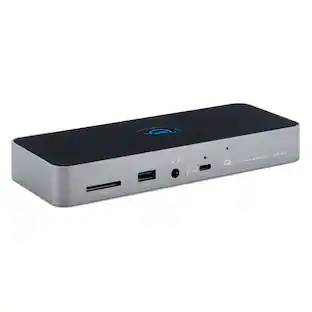
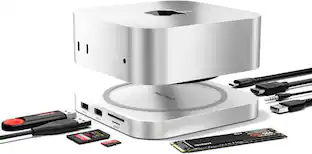
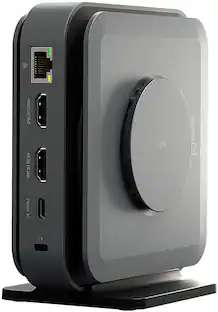
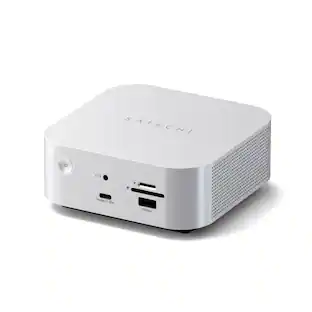
This compact multi-port dock is ideal for office application, featuring everything from the essential two HDMI outputs, USB ports, Gigabit Ethernet, SD/microSD card reader, Audio Jack and an upgraded Power Delivery 3.1 specification. It comes with a mount for saving-space vertical placement and gives you the ability to connect your MacBook or other USB-C compatible laptops to a 4K monitor or TV. With USB Power Delivery 3.1 it’ll take you to a new flexible power application, you'll be able to charge your laptop and power your peripherals with a single USB-C power adapter even if your laptop only has one USB-C port. The top of the dock functions as a wireless charging pad that supports up to 15W fast charging. Access a wired network through the Gigabit Ethernet port for a fast and stable network connection. It is also equipped with a cable storage compartment which ensures an easy connection regardless of your USB-C port’s location. Power Adapter to support Wireless Charging Sold Separately.

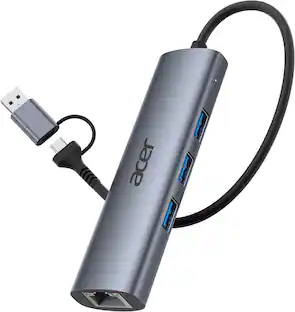
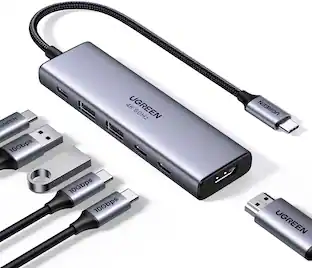
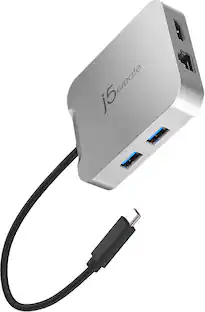
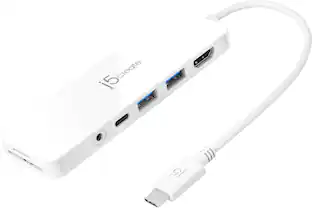
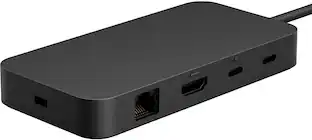
This compact multi-port adapter is ideal for travel, featuring everything from the essential HDMI™ output, USB™ ports to Gigabit Ethernet and 100W Power Delivery passthrough. It gives you the ability to connect your Chromebook™, MacBook® , or other USB-C® compatible laptops to a 4K monitor or TV with 60 Hz refresh rate and audio. With USB™ Power Delivery 3.0, you can charge your laptop and power your peripherals with a single USB-C® power adapter even if your laptop only has one USB-C® port. In addition, you can connect or charge your USB™ devices via the SuperSpeed USB™ 5Gbps ports and access a wired network through the Gigabit Ethernet port. Through a single USB-C® (Thunderbolt™ 3 and 4 compatible) host cable, this compact adapter provides all the essential connectivity you need to create a workstation virtually anywhere!
| Pros for Panasonic - Desktop Dock - for Notebook - Proprietary Interface - Docking | |||
|---|---|---|---|
| There were no pros for this product— | Ease of use, Overall Performance, Ports, USB-C, Connectivity | Ease of use, Overall Performance, Ports, Wireless Charging, HDMI | There were no pros for this product— |
| Cons for Panasonic - Desktop Dock - for Notebook - Proprietary Interface - Docking | |||
| There were no cons for this product— | Compatibility, Power Supply | Compatibility, Power Supply, Noise Level, Price | There were no cons for this product— |
Specs
More to consider
 Tech Fest Deal$99.99The price was $129.99
 Tech Fest Deal$39.99The price was $79.99
 Tech Fest Deal$36.99The price was $49.99
 Tech Fest Deal$34.99The price was $39.99
 Tech Fest Deal$49.99The price was $59.99






Explore tech essentials Sponsored

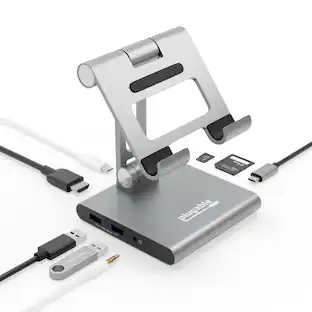
Plugable - USB 3.0 and USB-C Universal Laptop Docking Station for Windows, Mac, ChromeOS | Dual HDMI
$112.95The price was $135.35- Tech Fest Deal$36.99The price was $49.99
- Tech Fest Deal$39.99The price was $79.99

Keep exploring
 Tech Fest Deal$10.98The price was $15.99
 $64.95The price was $106.28