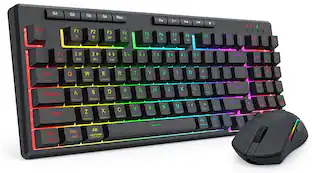
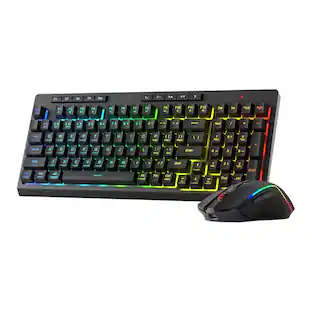
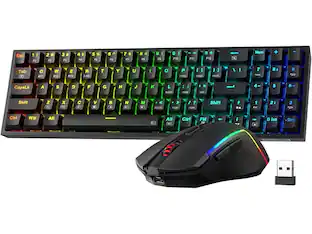
REDRAGON - BS8773 Wireless Keyboard and Mouse Combo, 78 Keys 2.4Ghz Wireless Low-Profile Mechanical Red Switch Keyboard - Gray White
About this product
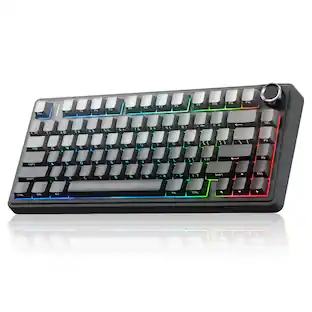
This wireless keyboard and mouse combo delivers a clean, clutter-free setup with a shared 2.4GHz wireless receiver designed for precise, stable, and low-latency connectivity. The wireless mouse features five adjustable DPI settings from 800 to 2400 DPI, making it easy to switch between precise control for detailed tasks and faster cursor movement for everyday work or entertainment. The low-profile keyboard is approximately 30% thinner than traditional designs, combining a slim base, low-profile Red switches with a 30g minimum actuation force, and low-profile keycaps to reduce key travel and provide a faster, more comfortable typing experience. Single blue backlighting works with double-shot shine-through keycaps to improve visibility for nighttime typing while adding a subtle gaming aesthetic. An integrated keyboard stand provides a more ergonomic typing angle, making this wireless keyboard and mouse combo a practical choice for office work, coding, writing, gaming, and other all-day productivity tasks.
Color
Gray WhiteFeatures
Wireless for Boundless Productivity
Experience the freedom of a clutter-free workspace with the Redragon wireless keyboard and mouse combo. An Advanced common 2.4GHz dongle shared provides precise, non-interfering and lag-free data transmission.
5 Adjustable DPI Levels
Geared with 5 DPI Settings ( 800/1200/1600/2000/2400 DPI), easy to switch between different settings to meet your needs, whether for detailed tasks or entertainment.
30% Cutted Ultra-Thin
Low profile designed throughout the whole keyboard from the bottom board, middle low-profile red switches (min actuation force: 30g) and the top keycaps aim to shorten the distance to actuation as much as possible.
Single Blue Backlit
A sleek blue backlight combines with double-shot shine-through keycaps, enabling comfortable nighttime typing while adding a cool gaming vibe to your setup.
More Ergonomic
With a keyboard stand for better typing angle, effectively extending typing comfort and endurance. The perfect companion for office professionals, coders, and writers who demand all-day comfort without compromising performance.
Specifications
- Form Factor75%Connection TypeWireless
Reviews
Rating 3 out of 5 stars with 2 reviews
The vast majority of our reviews come from verified purchases. Reviews from customers may include My Best Buy members, employees, and Tech Insider Network members (as tagged). Select reviewers may receive discounted products, promotional considerations or entries into drawings for honest, helpful reviews.

Compare similar products

This wireless keyboard and mouse combo delivers a clean, clutter-free setup with a shared 2.4GHz wireless receiver designed for precise, stable, and low-latency connectivity. The wireless mouse features five adjustable DPI settings from 800 to 2400 DPI, making it easy to switch between precise control for detailed tasks and faster cursor movement for everyday work or entertainment. The low-profile keyboard is approximately 30% thinner than traditional designs, combining a slim base, low-profile Red switches with a 30g minimum actuation force, and low-profile keycaps to reduce key travel and provide a faster, more comfortable typing experience. Single blue backlighting works with double-shot shine-through keycaps to improve visibility for nighttime typing while adding a subtle gaming aesthetic. An integrated keyboard stand provides a more ergonomic typing angle, making this wireless keyboard and mouse combo a practical choice for office work, coding, writing, gaming, and other all-day productivity tasks.
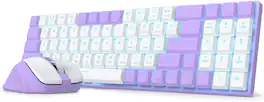
This wireless keyboard and mouse combo delivers a streamlined setup for work, gaming, and everyday use with reliable 2.4GHz wireless connectivity through a shared USB receiver. The wireless mouse offers five adjustable DPI settings from 800 to 2400 DPI, making it easy to switch between precise cursor control and faster movement for different tasks. The keyboard features an ultra-thin low-profile design that is approximately 30% slimmer than traditional keyboards, combining a low-profile Red switch design with a 30g minimum actuation force and low-profile keycaps to shorten key travel for a responsive and comfortable typing experience. Single blue backlighting paired with double-shot shine-through keycaps provides clear visibility in low-light environments while adding a gaming-inspired look. An ergonomic keyboard stand provides a comfortable typing angle to help reduce fatigue during extended use, making this wireless keyboard and mouse combo a practical choice for office professionals, coders, writers, gamers, and everyday productivity.
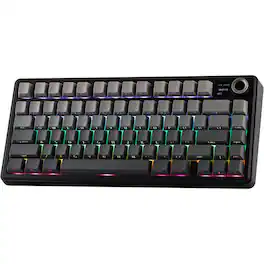
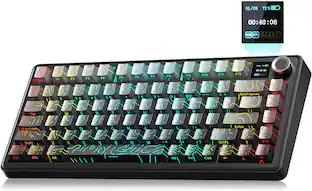
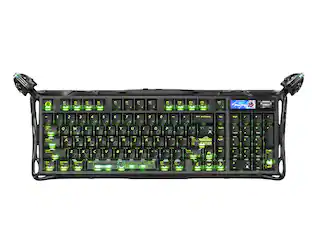
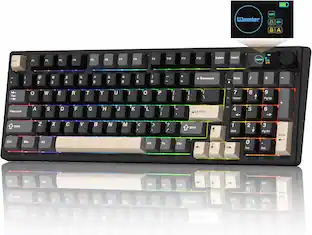
The F75 Max builds on its predecessor with 80 programmable keys, a customizable screen, and a volume knob for convenience. The TFT smart display combines connectivity, battery monitor, and indicator lights, making it an essential tool for gaming and productivity. Ergonomically designed with a 2cm-low front height and adjustable kickstand, it ensures comfort and reduces strain. The Gasket-Mount structure and flex-cut PC plate provide a soft, soothing typing experience. Enjoy a creamy sound with factory-lubed switches and stabilizers. The keyboard supports Bluetooth, 2.4GHz, and USB modes, with NKRO for gaming. Customizable RGB backlighting, hot-swappable switches, and software for remapping and macro editing make it perfect for personalized use.
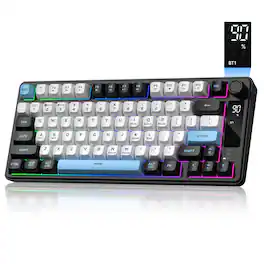
Tri-Mode 2.4GHz/USB-C/BT5.0, Anti-Ghosting No-Conflict Silent Membrane Keyboard for MAC Windows
Specs
Customers often buy these together

Logitech - MK270 Full-size Wireless Membrane Keyboard and Mouse Bundle for PC - Black
Black Friday Deal$19.99The price was $29.99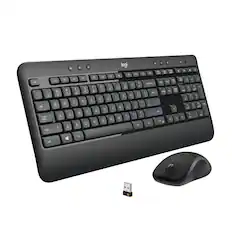
Logitech - MK540 Full-size Advanced Wireless Membrane Keyboard and Mouse Combo for PC - Black
Black Friday Deal$39.99The price was $59.99
Razer - Huntsman Mini 60% Wired Optical Clicky Switch Gaming Keyboard with Chroma RGB Backlighting - Black
Black Friday Deal$65.54The price was $119.99
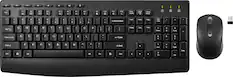

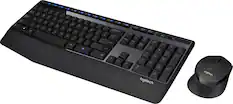



Customers ultimately bought
CORSAIR K70 CORE TKL Compact Wireless RGB Pre-Lubed Linear Mechanical Switches Gaming Keyboard with Sound Dampening
Black Friday Deal$109.99The price was $149.99Logitech MK270 Full-size Wireless Membrane Keyboard and Mouse Bundle for PC
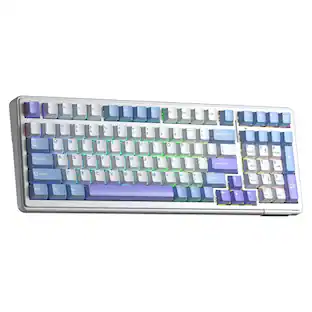
Black Friday Deal$19.99The price was $29.99Womier M98 Wireless Mechanical Keyboard w/Screen & Knob, 96% Gaming Keyboard
$63.99The price was $66.99AULA F99 99-Key Wireless Mechanical Gaming Keyboard, RGB, Tri-Mode, Hot-Swap, 96%, 8000mAh, Numpad, Programmable
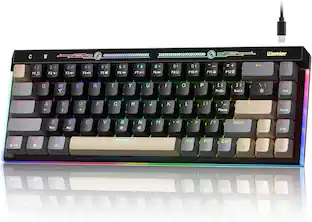
Black Friday Deal$64.99The price was $74.99Womier VK68 65% Mechanical Keyboard, Wired Backlit Mini Gaming Keyboard for PC Laptop Windows
$24.99The price was $25.99

Explore tech essentials Sponsored
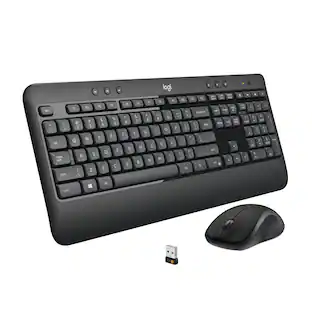
Logitech MK540 Full-size Advanced Wireless Membrane Keyboard and Mouse Combo for PC
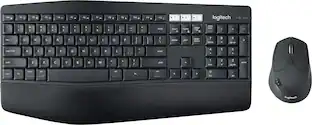
Black Friday Deal$39.99The price was $59.99Logitech MK850 Performance Full-size Wireless Membrane Keyboard and Mouse Combo for PC and Mac
Black Friday Deal$69.99The price was $99.99


Keep exploring
GravaStar Mercury V60 Ultra 60% Hall Effect Gaming Keyboard–8KHz Polling 0.001mm Rapid Trigger Aluminum
$183.95The price was $229.95REDRAGON S156 Pro 96% Tri-Mode Wireless Gaming Keyboard and Mouse Combo with RGB, Programmable Keys, 8000 DPI, Multimedia Buttons
Black Friday Deal$59.99The price was $104.99REDRAGON S142 Combo, K515 PRO Membrane Gaming Keyboard, M693 4800 DPI Mouse
$44.99The price was $62.99GravaStar Mercury K98 Pro 98% Wireless Gaming Keyboard – Tri-Mode, Gasket Mount, Hot-Swap, RGB, Numpad
$233.95The price was $259.95REDRAGON S136 75% Tri-Mode Wireless RGB Mech Keyboard & 7200 DPI Mouse Combo, Shared Dongle
$59.99The price was $64.49GravaStar Mercury V60 Pro Special Edition 60% Wired Hall Effect Gaming Keyboard
$159.95The price was $199.95