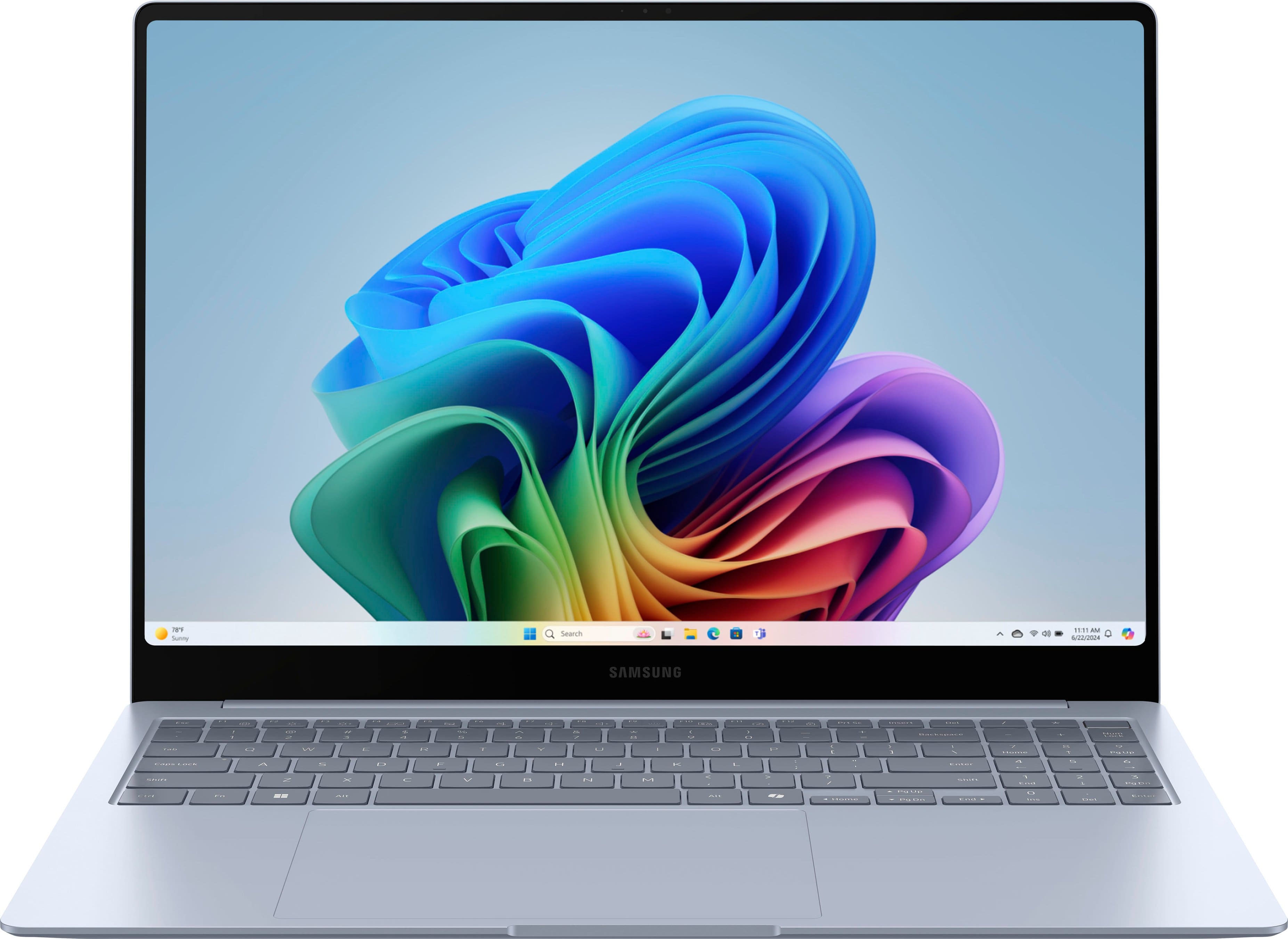
Samsung - Galaxy Book4 Edge - Copilot+ PC - 16" AMOLED Touch-Screen Laptop - Snapdragon X Elite 3.8Ghz- 16GB Memory- 1TB Storage - Sapphire Blue
Customers are saying
Customers are delighted by the beautiful, thin-bezel screen and the impressive battery life that keeps the device running throughout the day. Users also frequently praise the laptop's fast processor and overall performance, noting that it handles tasks efficiently. Additionally, the lightweight design makes it highly portable for travel, while the generous 16GB of RAM ensures a smooth user experience.
Total Storage Capacity
1000GBHighlights
Copilot+ PCs. A new AI era begins.
Turn your ideas from text prompts into generated artwork. With Recall*, search across time to find the content you need. Understand new languages instantly with Live Captions. Copilot+ PCs powered by the Snapdragon X Elite processor come with 45 Trillion Operations Per Second of NPU power, and they’re all set to transform the way you create, find and communicate.
Get a fresh perspective with Windows 11
From a rejuvenated Start menu, to new ways to connect to your favorite people, news, games, and content—Windows 11 is the place to think, express, and create in a natural way.
Brace yourself for the ultimate 16" 3K AMOLED screen experience
This bright, crisp and vivid screen experience is now a touchscreen. With Galaxy Book4 Edge, nothing comes between you and everything you need to accomplish. Handle your daily tasks and then kick back with your favorite entertainment on a spacious 16" Dynamic 3K AMOLED 2X display with a 120Hz Adaptive Refresh Rate that makes every experience supersmooth.
Plus, every detail will stand out even in bright sunlight with anti-reflective technology and Vision Booster that automatically detects light to adjust the screen.
Snapdragon X Elite Processor
The Snapdragon X Elite Processor powering Copilot+ PCs ushers in a new era of performance, intelligence, and power efficiency for creators, collaborators, and engineers alike. Get astonishing processing speeds and power efficiency from a record-breaking CPU and NPU.
Talk to your PC to tap into your Galaxy AI phone
Call family, text your friends, set reminders and much more — all from the convenience of your laptop using Galaxy AI.³ With the press of the Copilot key, type simple prompts or use the microphone button and speak to command your phone to do whatever you need. It's like having your own personal phone assistant.
Connect with Live Captions
When you never miss a word, you never miss a beat. Like the conversation in your video calls. Or the dialogue in your movies. If there are spoken words, Live Captions can turn them into English subtitles in real time on your screen.⁴
Recall instantly
Search across time to find the content you need. Then, reengage with it. With Recall*, you have an explorable timeline of your PC’s past. Just describe how you remember it and it will retrieve the moment you saw it. Any photo, link or message can be a fresh point to continue from — especially with Copilot by your side.⁴
A battery that can handle Galaxy AI
With so much to experience, the battery in Galaxy Book4 Edge helps you see and do it all. Conquer the day with a long-lasting battery that keeps you going for hours. And when it’s time to charge up, get moving again with Super Fast Charging.
Powerful. Light. Amazingly slim
Get things done from just about anywhere with a stunningly slim design. Galaxy Book4 Edge is the epitome of portability. Just slip it into your bag and you’re ready to take on the day.
Bring your Galaxy AI phone experience to your PC screen
Tap into Circle to Search with Google,⁵ Chat Assist⁶ and more Galaxy AI features on your phone from the convenience of your PC’s larger screen.³
Create with Cocreator
Light your spark. Everyone has an imagination and an ability to be an artist. Describe or draw your vision with text or image prompts and watch Cocreator generate an interpretation of it.²
Effects that enhance your calls
No need for extra lights, expensive lenses, or soundproof rooms. Windows Studio Effects automatically improves lighting and cancels noises during video calls perfect for when presentation matters.
- Screen TypeAMOLEDScreen Size16 inchesScreen Resolution2880 x 1800Touch ScreenYesRefresh Rate120Hz
Reviews
Rating 4.4 out of 5 stars with 59 reviews
- Screen Quality (21)
- Battery Life (20)
- Processor Speed (19)
- Overall Performance (8)
- Portability (6)
Customer Images
The vast majority of our reviews come from verified purchases. Reviews from customers may include My Best Buy members, employees, and Tech Insider Network members (as tagged). Select reviewers may receive discounted products, promotional considerations or entries into drawings for honest, helpful reviews.

Compare similar products

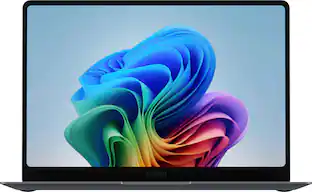
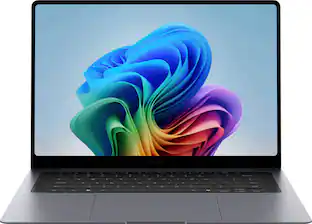
Transform all you do and how you do it with Galaxy Book4 Edge, the first Galaxy PC built for AI, now with Copilot+ PC. With an innovative Snapdragon X Elite processor powering industry leading intelligence, it’s designed to help you unlock higher levels of productivity, communication, creativity and more. Galaxy Book4 Edge revolutionizes your PC experience with intuitive AI-powered features right at your fingertips. Searching for a document, email, or web page on your PC? Now you can just describe how you remember something, and Recall* will find it, instantly. Just provide a short description of what you remember and let your PC do the rest. Controlling your Galaxy AI phone is now easier too — call, text, set reminders and more from the convenience of your PC.³ From international webinars to chatting with others overseas, get accurate subtitles in real time with automatic Live Captions¹ that translate 44 languages into English. And when you’re feeling creative, light your spark with Cocreator² and amplify your artwork on the stunning 3K AMOLED touchscreen display. Embrace the power and unlimited possibilities of AI with Galaxy Book4 Edge.
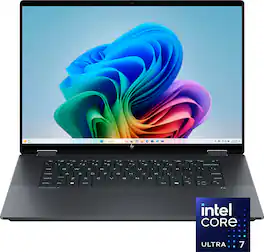
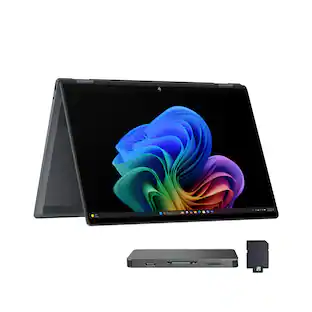
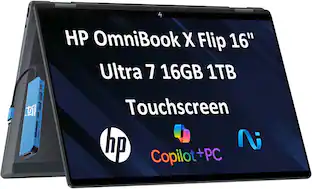
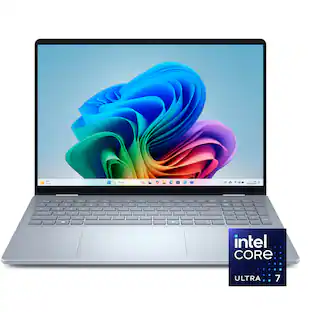
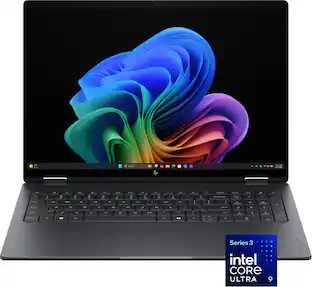
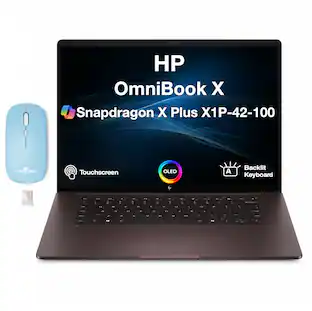
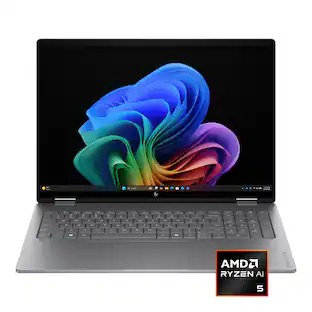
The future has arrived with HP OmniBook X Flip 16 Next Gen AI PC. Whether you want to be entertained or finish creative work, this AI-powered PC has the processor speed and performance to make it happen. Engineered with a dazzling 16" display and the ability to view it flat, folded, or flipped, you can enjoy vibrant, high-contrast colors in any angle that suits your mood. Made from sleek, recycled metal and designed with a backlit keyboard with large keycaps, your future PC is bright.
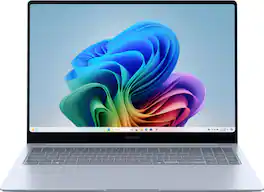
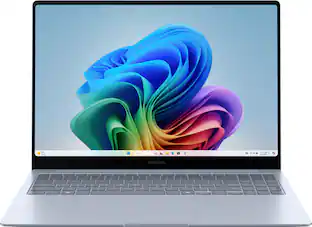
Transform all you do and how you do it with Galaxy Book4 Edge, the first Galaxy PC built for AI, now with Copilot+ PC. With an innovative Snapdragon X Elite processor powering industry leading intelligence, it’s designed to help you unlock higher levels of productivity, communication, creativity and more. Galaxy Book4 Edge revolutionizes your PC experience with intuitive AI-powered features right at your fingertips. Searching for a document, email, or web page on your PC? Now you can just describe how you remember something, and Recall* will find it, instantly. Just provide a short description of what you remember and let your PC do the rest. Controlling your Galaxy AI phone is now easier too — call, text, set reminders and more from the convenience of your PC.³ From international webinars to chatting with others overseas, get accurate subtitles in real time with automatic Live Captions¹ that translate 44 languages into English. And when you’re feeling creative, light your spark with Cocreator² and amplify your artwork on the stunning 3K AMOLED touchscreen display. Embrace the power and unlimited possibilities of AI with Galaxy Book4 Edge.
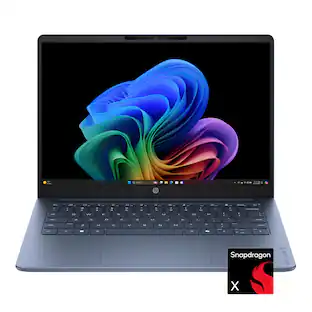
Transform all you do — and how you do it — with Galaxy Book4 Edge, a Galaxy PC built for AI. With a revolutionary Snapdragon X processor and intuitive features, it’s designed to help you unlock higher levels of productivity, communication and creativity — all at a value you'll love.
| Pros for Samsung - Galaxy Book4 Edge - Copilot+ PC - 16" AMOLED Touch-Screen Laptop - Snapdragon X Elite 3.8Ghz- 16GB Memory- 1TB Storage - Sapphire Blue | |||
|---|---|---|---|
| Screen Quality, Battery Life, Processor Speed, Overall Performance, Portability | Overall Performance, Portability, Battery Life, Speed, Storage Capacity | Overall Performance, Screen Quality, Processor Speed, Battery Life, Portability | Overall Performance, Portability, Processor Speed, Battery Life, Design |
| Cons for Samsung - Galaxy Book4 Edge - Copilot+ PC - 16" AMOLED Touch-Screen Laptop - Snapdragon X Elite 3.8Ghz- 16GB Memory- 1TB Storage - Sapphire Blue | |||
| There were no cons for this product— | Keyboard Layout, Weight, Connectivity | RAM | Touchscreen |
Specs
Customers often buy these together
Office Software





Laptop Bags and Cases
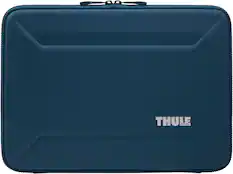
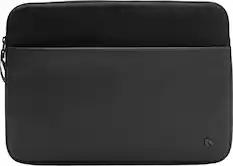
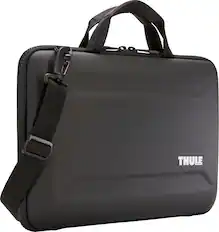
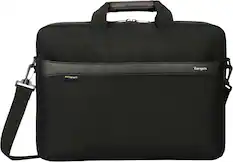

More recommended items
 Mice
Mice Antivirus and Internet Security Software
 Monitors
 Inkjet Printers
 Headphones
Customers ultimately bought
 Top Deal$999.99The price was $1,449.99
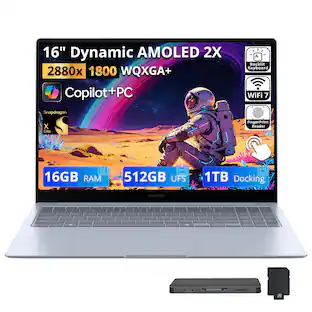
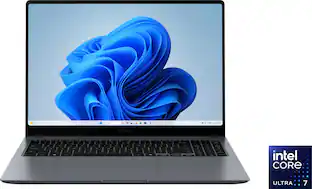 Clearance$1,487.99The price was $2,399.99
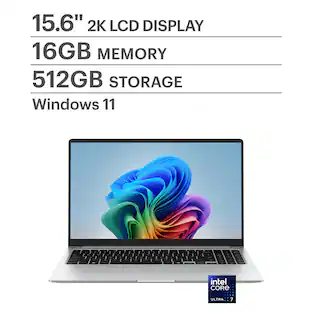
 $1,129.00The price was $2,049.00
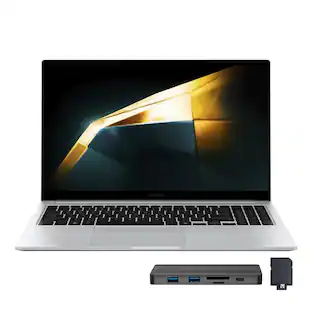
 $999.99The price was $1,299.99
 $999.00The price was $1,329.00
 $1,099.00The price was $1,308.09
 $1,599.00The price was $1,799.99
 $1,199.99The price was $1,549.99


Explore tech essentials Sponsored
- Clearance$1,487.99The price was $2,399.99
 $1,549.99The price was $1,937.49
- $999.99The price was $1,299.99
Discover related products
 $799.00The price was $899.00
 $12.99The price was $13.99
 $143.99The price was $144.99
 $239.00The price was $275.00










Keep exploring
 $1,299.99The price was $1,399.99
 $1,089.99The price was $1,099.99
 $599.99The price was $899.99
 $1,799.99The price was $1,999.99
 $518.00The price was $584.99
 $1,199.00The price was $1,279.00
 $550.00The price was $559.00