Wacom - One 13 Touch (2023 version) - 13.3" Pen & Touch Display Drawing Tablet - White
About this product
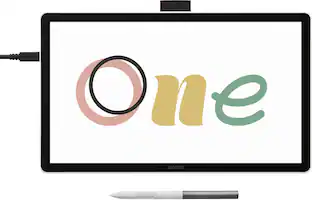
Say goodbye to traditional paper and hello to the digital canvas of the Wacom One 13 Touch, the redesigned Wacom One graphic tablet lets you express yourself with the natural feel of pen and paper on a full-color 13.3” HD touchscreen. The Wacom One 13 Touch is not just a drawing tablet with screen; it's a gateway to the world of digital art. Whether you're sketching, painting, creating animations or communicating your ideas, this graphics tablet is equipped with everything you need to express your artistic vision. With its seamless compatibility with PC, Mac, Chromebook, and Android devices, you can effortlessly bring your art to life on any platform. This product works with devices capable of running the latest version of Chrome OS and has been certified to meet Google's compatibility standards. Google is not responsible for the operation of this product or its compliance with safety requirements. Chromebook, Android, and the Works with Chromebook badge are trademarks of Google LLC.
Features
Touchscreen display
Whether sketching or brainstorming, get hands on with your creations in a full color spectrum on this 13.3" HD fully-laminated anti-glare touchscreen display designed for drawing, editing photos or visual communication.
Create with a natural pen experience
Enjoy superior control and precision with Wacom’s EMR, battery-free pen technology - that feels as natural as drawing on paper.
Software and training
Register your Wacom One and gain access to the Wacom Adventure Program including creative, education & productivity software; online training; and ongoing inspiration to help you get the most from your display.
Save time
Shortcut buttons on the pen that can be customized for your favorite keyboard shortcuts like undo or copy/paste, helping you stay immersed in your art.
Compatibility
PC (Win 10 +), Mac (OS 11 +), Chromebook (latest Chrome OS) & Android smartphones/tablets (OS version 8.0 +); connect via USB-C (some devices require second USB-C + power adapter or connection with HDMI 3-in-1 cable sold separately).
Specifications
- Screen Size13.3 inchesScreen Resolution1920 x 1080Multi-Touch ScreenYesActive Area11.6 x 6.5 inColor Gamut (Adobe RGB)99 percentTotal Storage Capacity0 gigabytes
Reviews
Rating 4.6 out of 5 stars with 5 reviews
The vast majority of our reviews come from verified purchases. Reviews from customers may include My Best Buy members, employees, and Tech Insider Network members (as tagged). Select reviewers may receive discounted products, promotional considerations or entries into drawings for honest, helpful reviews.
Compare similar products
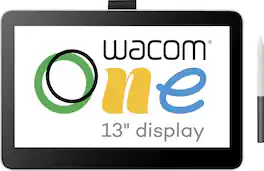
Say goodbye to traditional paper and hello to the digital canvas of the Wacom One 13 Touch, the redesigned Wacom One graphic tablet lets you express yourself with the natural feel of pen and paper on a full-color 13.3” HD touchscreen. The Wacom One 13 Touch is not just a drawing tablet with screen; it's a gateway to the world of digital art. Whether you're sketching, painting, creating animations or communicating your ideas, this graphics tablet is equipped with everything you need to express your artistic vision. With its seamless compatibility with PC, Mac, Chromebook, and Android devices, you can effortlessly bring your art to life on any platform. This product works with devices capable of running the latest version of Chrome OS and has been certified to meet Google's compatibility standards. Google is not responsible for the operation of this product or its compliance with safety requirements. Chromebook, Android, and the Works with Chromebook badge are trademarks of Google LLC.
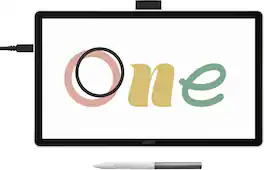
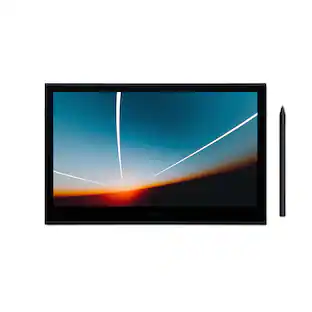
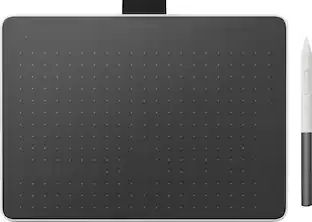
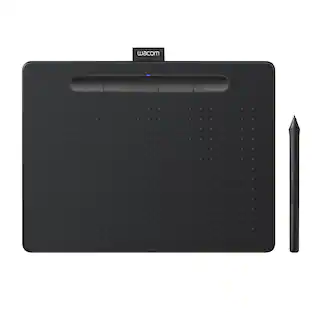
Ready to dive into digital art? The Wacom One drawing tablet is where your creative dreams begin. This graphics tablet with screen is the ideal pen display for creative beginners, casual artists, and visual thinkers looking to go digital or make the transition from traditional drawing. With a generous 14" anti-glare, anti-fingerprint screen and 98% sRGB color space coverage, you'll experience vibrant, true-to-life artwork with professional accuracy. The larger screen provides plenty of space to draw, sketch, annotate, or edit photos, while a smaller bezel means less real estate on your desk.
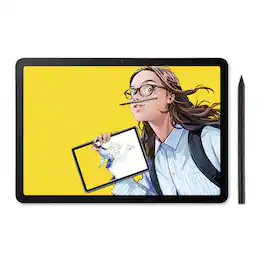
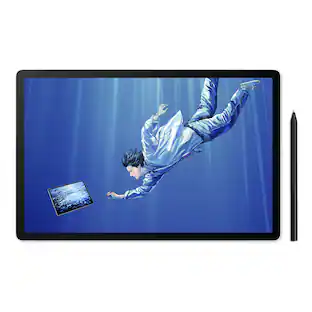
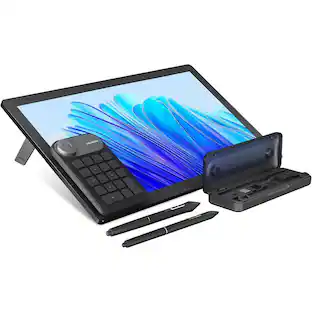
Wacom MovinkPad 11 is made for drawing - no cords, no setup, no limits. It's not just another mobile tablet. This all-in- one tablet is built by the digital pen experts for creatives who want the freedom to sketch anytime, anywhere - without needing a computer or power outlet. Just pick it up and start drawing. Its lightweight, has an 11.45" anti-glare etched glass screen, and runs on Android 14; MovinkPad 11 is always ready when inspiration hits. Just tap and hold your pen to the screen to launch Wacom Canvas and start sketching - no waiting, no fuss. Whether you're new to drawing, like to doodle on the couch, or are ready to capture ideas on the go, MovinkPad 11 delivers the pen experience Wacom is known for to help you create more, wherever you are. No limits - just draw.
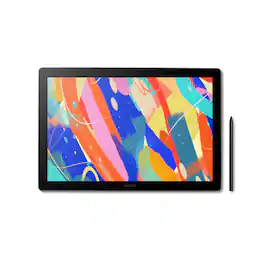
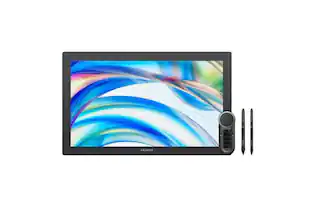
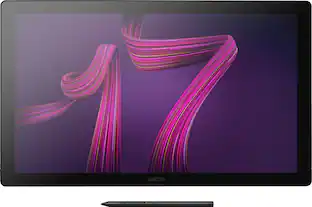
Dive into creativity with the new Wacom Cintiq 16 — a display that feels as natural as pen on paper and performs like a pro studio tool. Draw with natural feel and precision on a 2.5K WQXGA (2560 x 1600) display that brings out even the subtlest line work and textures, empowering illustrators and designers to work at a high level of precision. The anti-glare etched bonded glass surface feels like paper beneath your hand, while 99% DCI-P3 and 100% sRGB coverage ensure that colors are vibrant and adaptable to modern standards and workflows. The Pro Pen 3 captures every nuance with 8,192 pressure levels, 60° tilt support and 3 programmable side-switches. The 12ms LCD response time keeps pen movement fluid and natural — setting the standard others can only attempt to follow. With 8-bit color depth, increased brightness and exceptional contrast that makes shadows and highlights pop, you'll create your best work yet. Designed for comfort and flexibility, the Cintiq 16 comes equipped with built-in fold-out legs that raise the display to a 20-degree working angle right out of the box. For even more ergonomic versatility, an optional adjustable stand (ACK651KZ) is available separately, offering a range of angles to suit your preferred creative posture. Wacom Cintiq 16 (2025) delivers professional-grade precision at a price that puts premium creative tools within reach—because your talent deserves nothing less. Professional-grade performance. Streamlined design. Accessible price. Dive in with confidence—Cintiq 16 is ready.
| Pros for Wacom - One 13 Touch (2023 version) - 13.3" Pen & Touch Display Drawing Tablet - White | |||
|---|---|---|---|
| There were no pros for this product— | There were no pros for this product— | Overall Performance, Portability, Pen Performance, Screen Quality, Weight | There were no pros for this product— |
| Cons for Wacom - One 13 Touch (2023 version) - 13.3" Pen & Touch Display Drawing Tablet - White | |||
| There were no cons for this product— | Connectivity | There were no cons for this product— | There were no cons for this product— |
Specs
Customers often buy these together
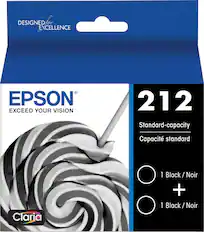
Epson - 212 2-Pack Standard Capacity Ink Cartridges - Black
$47.22The price was $54.80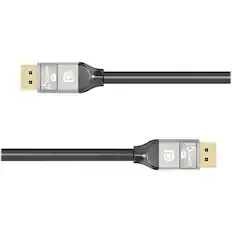
j5create - 8K DisplayPort Cable - Black
$23.89The price was $29.99


More to consider
 $295.00The price was $365.00

Discover related products
 $612.99The price was $659.99
 $249.00The price was $275.00
 $12.99The price was $13.99






Keep exploring
- $295.00The price was $365.00
 $249.00The price was $299.00
 $199.00The price was $299.00