Logitech - MK345 Wireless Ergonomic Membrane Keyboard and Mouse Bundle for PC - Black/blue
Customers are saying
Customers have good things to say about the keyboard quality, ease of use, and wireless functionality of this product. Users also frequently highlight the excellent price point and long-lasting battery life as key benefits. While the vast majority of feedback is positive, a very small number of users have noted concerns regarding occasional lag.
Features
Full-size keyboard
Comfortable, quiet typing on a familiar keyboard layout with generous palm rest, spill-resistant design, and easy-access media keys like mute, volume, and play.¹
Comfortable right-handed mouse with ergonomic design
This wireless USB mouse features a hand-friendly contoured shape for all-day comfort, plus smooth, precise tracking and scrolling for easier navigation.
Reliable wireless connection
Enjoy the reliability and convenience of 2.4 GHz connectivity with wireless range up to 33 feet away at home, or work.²
Long-lasting battery
The MK345 combo offers a keyboard battery life of up to 3 years and a mouse battery life of 18 months; batteries included.³
Plug and play
MK345 works seamlessly with Windows, macOS, and ChromeOS; experience hassle-free setup for various operating systems.
Sustainability
Plastic parts in MK345 include certified post consumer recycled plastic - 28% for the keyboard, 35% for the mouse. Certified carbon neutral: the carbon impact of the product and packaging has been reduced to zero.⁴
¹Tested under limited conditions (maximum of 60 ml liquid spillage). Do not immerse keyboard in liquid.
²Wireless range may vary based on user, environmental and computing conditions.
³Keyboard and mouse battery life may vary based on user and computing conditions.
⁴ Excludes plastic in receiver, printed wiring assembly (PWA) and packaging.
Specifications
- Lighting TypeNoneAdjustable Weight SystemNoForm FactorErgonomicKeyboard TechnologyOpticalConnection TypeWireless
Reviews
Rating 4.6 out of 5 stars with 791 reviews
- Keyboard Quality (227)
- Ease of use (141)
- Wireless (63)
- Price (58)
- Battery Life (32)
- Lag (5)
Customer Images
The vast majority of our reviews come from verified purchases. Reviews from customers may include My Best Buy members, employees, and Tech Insider Network members (as tagged). Select reviewers may receive discounted products, promotional considerations or entries into drawings for honest, helpful reviews.

Compare similar products

Experience total comfort with Logitech MK345 Wireless Combo full-sized keyboard with palm rest and comfortable right-handed mouse. Enjoy robust connections thanks to Logitech advanced wireless connectivity, providing fast data transmission and seamless connectivity. Focus on what's truly important and forego the trouble of battery replacement thanks to our energy-saving technology. With easy access to media controls, mute your computer, skip to the next song or pause a video instantly thanks to 12 F-keys.
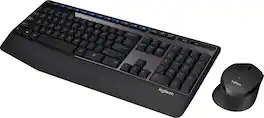
The Logitech Wireless Combo MK345 pairs a comfortable full-size keyboard with a right-handed mouse. It comes with comfortable and textured palm rest, spill-resistant design, and glossy finish. Its wireless connectivity gives the reliability of a cord plus wireless convenience and freedom. Its energy efficient engineering delivers 36-month keyboard and 18-month mouse battery life.

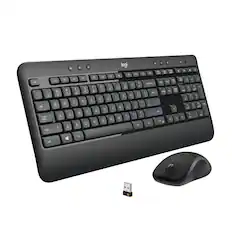
MK540 Advanced is an instantly familiar wireless keyboard and mouse combo built for precision, comfort and reliability. The full-size keyboard features a familiar key shape, size, and feeling – optimized for precision and noise reduction. The palmrest and adjustable tilt legs keep you comfortable for long stretches and the contoured mouse is designed to fit perfectly into either palm. Plug and play your keyboard and mouse with one tiny USB receiver with Logitech Unifying technology. You’ll get a reliable – and encrypted – wireless connection up to 32.8 ft away with virtually no delays or dropouts.

Durable. Simple. Wireless. The Logitech MK235 wireless keyboard and mouse combo gives you the comfort and simplicity of a traditional full-size keyboard and reliable wireless mouse. Type on the keyboard as long as three years between battery changes and use your mouse for up to one year before replacing the battery. Built to last, the USB wireless keyboard features sturdy tilt legs and durable keys. Simply plug the tiny USB receiver and enjoy a strong connection with no lag time. Use this portable keyboard mouse set with your laptop or PC wherever you get work done.
| Pros for Logitech - MK345 Wireless Ergonomic Membrane Keyboard and Mouse Bundle for PC - Black/blue | |||
|---|---|---|---|
| Keyboard Quality, Ease of use, Wireless, Price, Battery Life | Keyboard Quality, Ease of use, Wireless, Price, Battery Life | Keyboard Quality, Ease of use, Wireless, Price, Battery Life | Keyboard Quality, Ease of use, Price, Wireless, Battery Life |
| Cons for Logitech - MK345 Wireless Ergonomic Membrane Keyboard and Mouse Bundle for PC - Black/blue | |||
| Lag | Lag | Lag, Size | Caps Lock Indicator, Range |
Specs
Customers often buy these together

Razer - Huntsman Mini 60% Wired Optical Clicky Switch Gaming Keyboard with Chroma RGB Backlighting - Black
$68.99The price was $119.99







Customers ultimately bought
Logitech MK345 Full-size Wireless Membrane Keyboard and Mouse Combo for PC, Laptop with Palm Rest
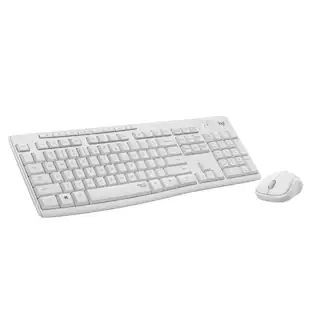
Holiday Deal$31.99The price was $34.99Logitech MK850 Performance Full-size Wireless Membrane Keyboard and Mouse Combo for PC and Mac
Black Friday Deal$69.99The price was $99.99Logitech K400 Plus TKL Wireless Membrane Keyboard for PC/TV/Laptop/Tablet with Built-in Touchpad
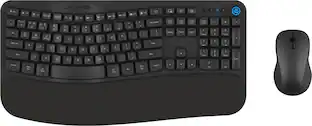
$29.99The price was $34.99JLab Flow Bundle Multi-device Wireless Ergonomic Keyboard and Mouse Set
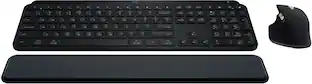
Holiday Deal$49.99The price was $59.99Logitech MX Keys S Universal Full-size Wireless Scissor Keyboard for PC and Mac with Backlit keys
Holiday Deal$119.99The price was $129.99






Explore tech essentials Sponsored
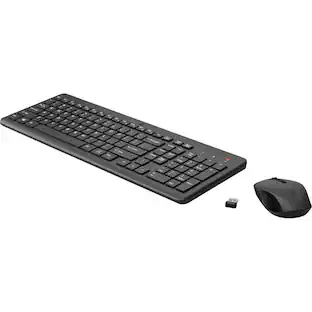
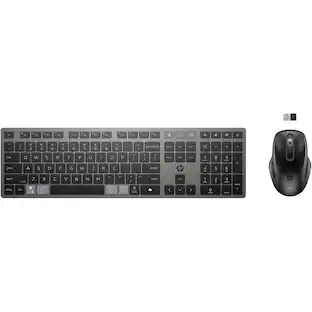
HP 725 Multi-Device Rechargeable Wireless Keyboard and Mouse Combo, Black
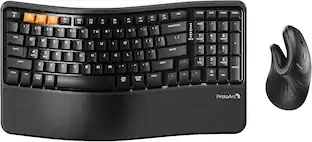
$62.00The price was $104.00ProtoArc Wireless Ergonomic Keyboard Mouse Combo ,Bluetooth Keyboard & Mouse Combo
$69.99The price was $85.99
Discover related products
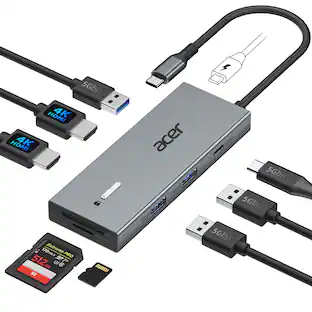
Acer USB C Docking Station With 2 HDMI, 9-IN-1 Docking Hub with USB A&C 3.0, SD/Micro SD, 100W Charging
$42.99The price was $47.99AGPtek 8 in 1 External CD/DVD Drive for Laptop, USB 3.0 Ultra Slim Portable CD Burner with 4 USB Ports
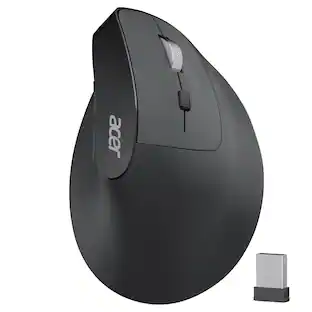
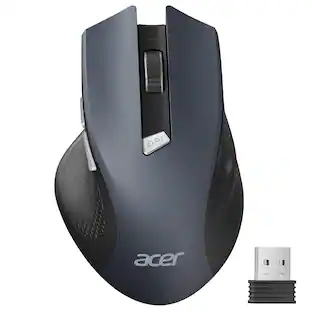
$31.99The price was $32.99Acer Wireless Mouse for Laptop, 2.4GHz Computer Mouse 3 Adjustable DPI Office Cordless USB Mice with USBA Receiver
Holiday Deal$10.99The price was $12.99





Keep exploring
GravaStar Mercury V60 Pro 60% Hall Effect Magnetic Switch Gaming Keyboard Deluxe Edition Silver Frost
$208.95The price was $219.95REDRAGON S136 75% Tri-Mode Wireless RGB Mech Keyboard & 7200 DPI Mouse Combo, Shared Dongle
$59.99The price was $64.49Logitech Wave Keys Wireless Ergonomic Keyboard with Palm Rest, Bluetooth, Logi Bolt, Multi-OS
$77.99The price was $89.99REDRAGON S107-RGB-BA Gaming Keyboard and Mouse Combo, RGB Backlit Keyboard & 10000 DPI Mouse, Plug & Play to PC/Laptop/Windows
Holiday Deal$29.99The price was $34.99