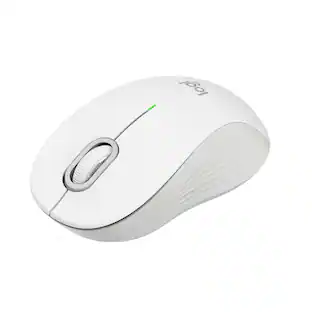
Logitech - M240 Silent Bluetooth Wireless Optical Ambidextrous Mouse - Wireless - Rose
Customers are saying
Customers praise the product for its exceptional overall performance, reliable connectivity, and user-friendly design. Users frequently highlight the convenient size, lightweight build, and silent operation as key benefits that make it easy to transport and use. While the vast majority of feedback is positive regarding its ergonomics, battery life, and reasonable price, a small number of users noted a preference for options that do not require a USB port.
Color
RoseFeatures
Pair and play
With fast, easy Bluetooth wireless technology, you’re connected in seconds to this quiet cordless mouse —no dongle or port required.
Less noise, more focus
Silent mouse with 90% reduced click sound and the same click feel, eliminating noise and distractions for you and others around you. ¹
Long-lasting battery life
Up to 18-month battery life with an energy-efficient auto sleep feature, so you can go longer between battery changes.²
Comfortable, travel-friendly design
Small enough to toss in a bag; this slim and ambidextrous portable compact mouse guides either your right or left hand into a natural position.
Long-range
Reliable, long-range Bluetooth wireless mouse works up to 10m/33 feet away from your computer.²
Works on multiple platforms
Experience seamless compatibility with Windows, macOS, Linux, ChromeOS, iPadOS, and Android operating systems; it is also a Works with Chromebook certified product.
Made with recycled plastic
Plastic parts in M240 Silent computer mouse include certified post-consumer recycled plastic (48% for Graphite, and 37% Off-white and Rose).
Specifications
- Lighting TypeNoneMaximum Sensitivity4000 dots per inchNumber of Buttons (Total)3Connection TypeWireless
Reviews
Rating 4.7 out of 5 stars with 457 reviews
- Overall Performance (102)
- Connectivity (90)
- Ease of use (87)
- Noise Level (37)
- Size (27)
- USB Port (5)
Customer Images
The vast majority of our reviews come from verified purchases. Reviews from customers may include My Best Buy members, employees, and Tech Insider Network members (as tagged). Select reviewers may receive discounted products, promotional considerations or entries into drawings for honest, helpful reviews.


Compare similar products

Meet the reliable Logitech M240 Silent Bluetooth Mouse that frees up your workspace. Pair and play with a fast, easy Bluetooth wireless connection; just seconds and you’re connected—no dongle or port required. Ultra quiet-mouse with 90% reduced click sound and same click feel eliminates noise and distractions for you and others around you. 18-month battery life with auto sleep, so you go longer between battery changes. Comfortable, travel-friendly slim mouse is small enough to toss in a bag; the ambidextrous design guides either your right or left hand into a natural position.

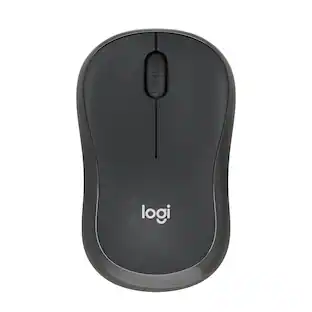
With the same click feel and 90% noise reduction compared to Logitech M170 classic mice, M220 SILENT offers a quiet experience for yourself and those around you. It has a long-lasting up to 18-month battery life with auto-sleep and a powerful 33 ft wireless range with 128-bit encryption between the mouse and the receiver. Plus, its small size is perfect to toss in a bag and go. Just plug the tiny USB receiver and it works with Windows, Mac, Chrome OS or Linux. Finally, the Logitech Advanced Optical Tracking is designed for smooth and precise moves on almost any surface.

Discover the reliable Logitech M196 Bluetooth Wireless Mouse and declutter your workspace. This convenient portable mouse pairs to your laptop or tablet in seconds via Bluetooth—no dongle or port required. Enjoy up to 12-month battery life and auto sleep feature to help you go longer between AA battery changes. Small enough to toss in a bag, this comfortable Bluetooth travel mouse has an ambidextrous design that guides either your right or left hand into a natural position. The Logitech M196 Wireless Bluetooth Mouse is made to last with recycled plastic.

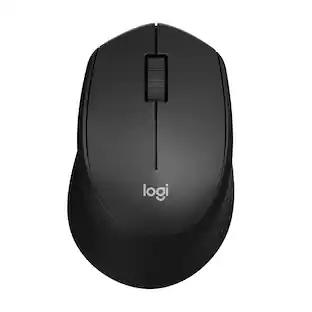
Upgrade to smarter scrolling, better comfort, and more productivity with the Signature M550 – featuring SmartWheel scrolling that delivers precision and speed in an instant. A choice of sizes for smaller or larger hands means there's a perfect fit for anyone. Seamless wireless connectivity, silent clicks, and a comfort shape keep you comfortable and productive hour after hour.
| Pros for Logitech - M240 Silent Bluetooth Wireless Optical Ambidextrous Mouse - Wireless - Rose | |||
|---|---|---|---|
| Overall Performance, Connectivity, Ease of use, Noise Level, Size | Ease of use, Overall Performance, Size, Noise Level, Connectivity | Overall Performance, Connectivity, Ease of Use, Ergonomics, Weight | Overall Performance, Ease of Use, Ergonomics, Connectivity, Noise Level |
| Cons for Logitech - M240 Silent Bluetooth Wireless Optical Ambidextrous Mouse - Wireless - Rose | |||
| USB Port | There were no cons for this product— | Noise Level | Scroll Wheel |
Specs
Customers often buy these together
Computer Keyboards

![The text on the image reads:
888 DD DI DD 4 DSC i F2 F3 4 FS T6 ET 1. 1N IN F.. 11 1.. 114 1n F1 F12 118 in9 - a ee 1 8F 2 3 $ 4 % 5 A 6 & 7 . 8 I 9 I 0 ee I + = delete fn home page up clear - / + tab Q W E R T Y U I 0 P { [ ] ] | I delete end page down 7 8 9 ee caps lock A S D F G H J K L : I - return 4 5 6 + shift Z X C V N M < F > ? / shift a 1 2 3 control option 2 command 3 command option control Y - 0 enter
After grouping and correcting the text, it reads:
888 DD DI DD 4 DSC i F2 F3 4 FS T6 ET 1. 1N IN F.. 11 1.. 114 1n F1 F12 118 in9 - a ee 1 8F 2 3 $ 4 % 5 A 6 & 7 . 8 I 9 I 0 ee I + = delete fn home page up clear - / + tab Q W E R T Y U I 0 P { [ ] ] | I delete end page down 7 8 9 ee caps lock A S D F G H J K L : I - return 4 5 6 + shift Z X C V N M < F > ? / shift a 1 2 3 control option 2 command 3 command option control Y - 0 enter](https://pisces.bbystatic.com/image2/BestBuy_US/images/products/f4059d3a-0c2a-46ef-bcfd-4e11b9b26d5d.jpg;maxHeight=232;maxWidth=233?format=webp)








More to consider





Explore tech essentials Sponsored



Discover related products
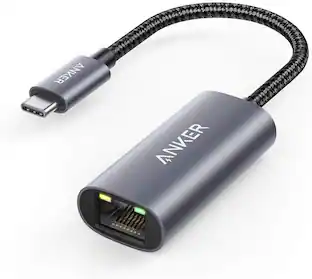
Acer USB C Docking Station With 2 HDMI, 9-IN-1 Docking Hub with USB A&C 3.0, SD/Micro SD, 100W Charging
Holiday Deal$36.99The price was $47.99Acer USB C to HDMI Cable for Home Office 6.6FT (4K@60Hz), High-Speed Type C to HDMI 2.0 Braided Cord
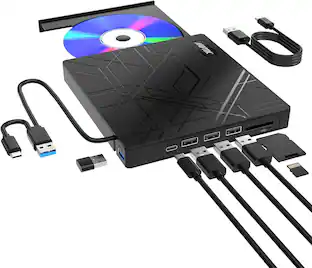
$12.99The price was $13.99AGPtek 8 in 1 External CD/DVD Drive for Laptop, USB 3.0 Ultra Slim Portable CD Burner with 4 USB Ports
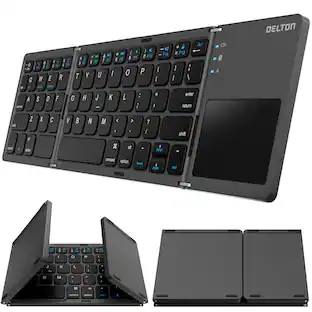
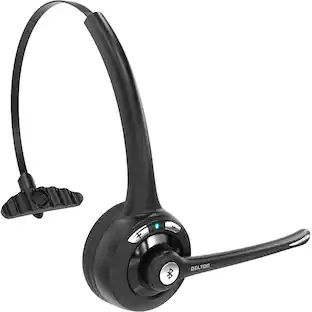
$31.99The price was $32.99Delton 10X Noise Isolating Bluetooth Over-the-Head Headset for Office & Remote Work (DBTHEAD10X)
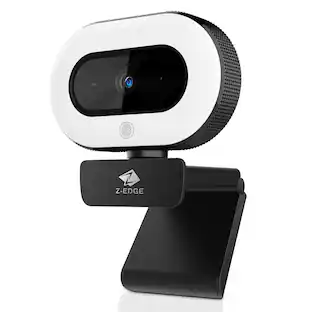
$29.99The price was $32.82Z Z-Edge 2K 2592x1944 Stream Webcam Auto Focus Web Camera for PC/Desktop/Laptop
$24.99The price was $39.99






Keep exploring
Acer Wired Gaming Mouse, 12,800 DPI Optical Sensor RGB Ergonomic Mouse with 8 Programmable Buttons, 12 Backlit Modes
Holiday Deal$17.99The price was $21.99Logitech Design Mouse Limited Edition Wireless Optical 3-button Mouse with Broad Compatibility
$29.46The price was $55.07GravaStar Mercury X Wireless Optical Gaming Mouse with 32000 DPI and 49g Magnesium Alloy Frame
$79.95The price was $109.95