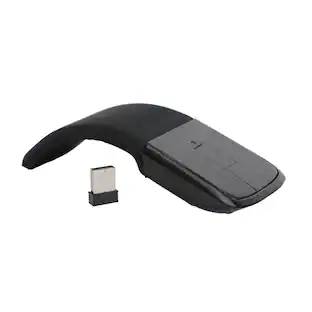
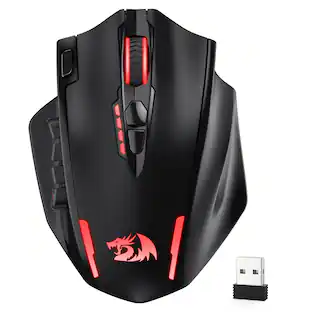
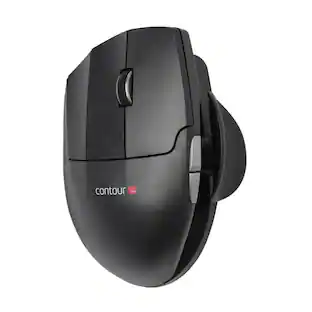
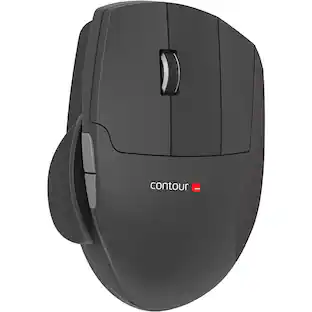
Contour Design - Unimouse Ergonomic Wireless Mouse for Left-Handed - Wireless - Black
Reviews coming soon
About this product
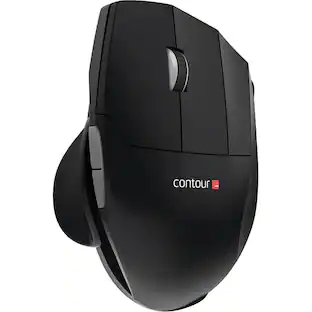
Unimouse is designed with your comfort in focus. The ergonomic shape reduces the strain on your hands and wrists, allowing you to work without discomfort. With the patented articulated hinge, you can adjust the angle of the Unimouse to any position from 35 to 70 degrees. The friction-based locking system is easy to use and stable in any position.
Features
Wireless connection
This mouse connects to your computer using a wireless USB receiver
Optical technology
LED lights scan the surface beneath the mouse to detect movement with a fair amount of accuracy
7-button design with back button
Features back button and 6 programmable buttons
Right-hand design
Can be used comfortably you're right-handed
Compatible with most Windows and Mac computers
Works across a wide array of computers
Specifications
- Number of Buttons (Total)7Connection TypeWireless
Reviews
This product doesn't have any reviews yet.

Compare similar products
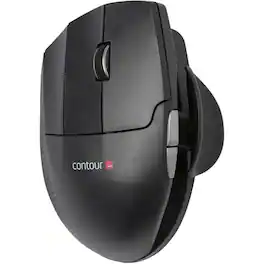
Unimouse is designed with your comfort in focus. The ergonomic shape reduces the strain on your hands and wrists, allowing you to work without discomfort. With the patented articulated hinge, you can adjust the angle of the Unimouse to any position from 35 to 70 degrees. The friction-based locking system is easy to use and stable in any position.
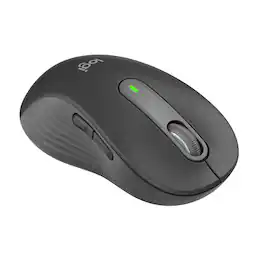
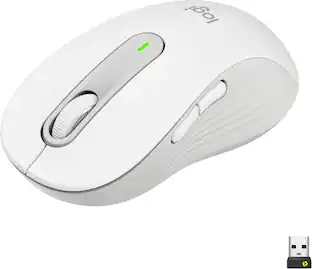
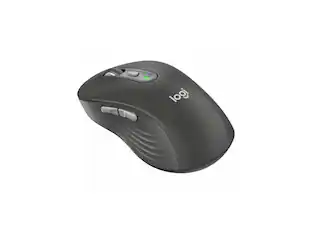
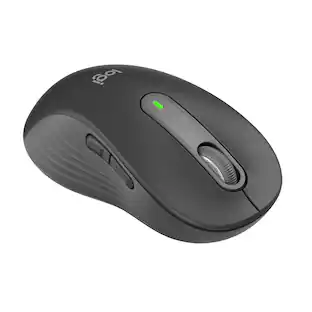
Upgrade to smarter scrolling, better comfort, and more productivity with the Signature M650 L Left. The versatile mouse features an adaptive scroll SmartWheel that delivers line-by-line precision, and auto-switches to super-fast free spin mode with the flick of a finger. A choice of sizes for smaller, larger and left hands means there's a perfect fit for anyone. Seamless wireless connectivity, customizable side buttons, and a comfort shape keep you comfortably and productive hour after hour. Logitech’s SilentTouch technology delivers silent clicks to keep you focused – while the up to 24-month battery life and universal operating system compatibility ensure hassle-free performance.
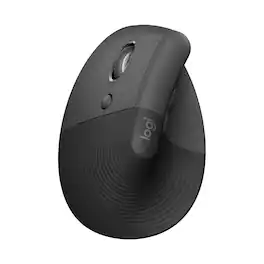
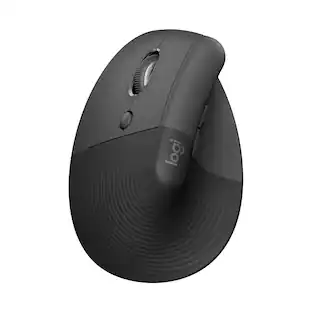
Desk life getting you down? Lift yourself up with Lift Vertical Ergonomic Mouse – a comfy and intuitive wireless mouse with quiet clicks crafted specially for small-to-medium hands. Available in right and left. Lift’s unique 57-degree angle elevates your wrist to give a feeling of relief — and sends a wave of comfort through the forearm and upper body. Scrolling feels second nature with SmartWheel, which easily shifts from precision to speed-scroll. Customize Lift ergo mouse using intuitive Logi Options+ Software.
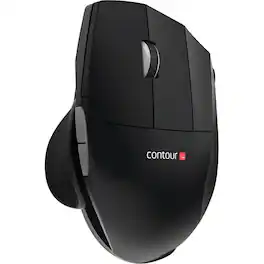
Unimouse is designed with your comfort in focus. The ergonomic shape reduces the strain on your hands and wrists, allowing you to work without discomfort. With the patented articulated hinge, you can adjust the angle of the Unimouse to any position from 35 to 70 degrees. The friction-based locking system is easy to use and stable in any position.
| Pros for Contour Design - Unimouse Ergonomic Wireless Mouse for Left-Handed - Wireless - Black | |||
|---|---|---|---|
| There were no pros for this product— | There were no pros for this product— | Ergonomics, Connectivity, Build Quality, Glide Smoothness, Performance | There were no pros for this product— |
| Cons for Contour Design - Unimouse Ergonomic Wireless Mouse for Left-Handed - Wireless - Black | |||
| There were no cons for this product— | There were no cons for this product— | Size | There were no cons for this product— |
Specs
Customers often buy these together
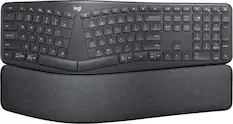
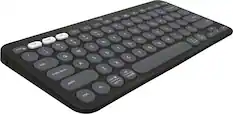
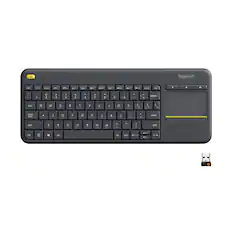
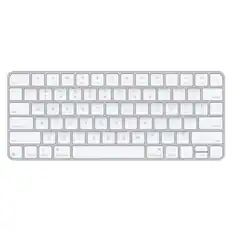
Computer Keyboards

![The text on the image reads:
888 DD DI DD 4 DSC i F2 F3 4 FS T6 ET 1. 1N IN F.. 11 1.. 114 1n F1 F12 118 in9 - a ee 1 8F 2 3 $ 4 % 5 A 6 & 7 . 8 I 9 I 0 ee I + = delete fn home page up clear - / + tab Q W E R T Y U I 0 P { [ ] ] | I delete end page down 7 8 9 ee caps lock A S D F G H J K L : I - return 4 5 6 + shift Z X C V N M < F > ? / shift a 1 2 3 control option 2 command 3 command option control Y - 0 enter
After grouping and correcting the text, it reads:
888 DD DI DD 4 DSC i F2 F3 4 FS T6 ET 1. 1N IN F.. 11 1.. 114 1n F1 F12 118 in9 - a ee 1 8F 2 3 $ 4 % 5 A 6 & 7 . 8 I 9 I 0 ee I + = delete fn home page up clear - / + tab Q W E R T Y U I 0 P { [ ] ] | I delete end page down 7 8 9 ee caps lock A S D F G H J K L : I - return 4 5 6 + shift Z X C V N M < F > ? / shift a 1 2 3 control option 2 command 3 command option control Y - 0 enter](https://pisces.bbystatic.com/image2/BestBuy_US/images/products/f4059d3a-0c2a-46ef-bcfd-4e11b9b26d5d.jpg;maxHeight=232;maxWidth=233?format=webp)
Mouse Pads
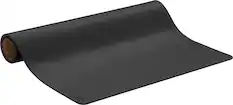
Insignia™ - Desk Mat - Black
Black Friday Deal$12.49The price was $24.99

More to consider
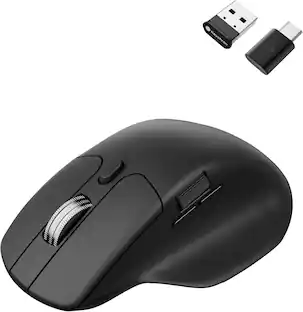
Logitech Signature M650 L Wireless Left-Handed Scroll Mouse with Silent Clicks
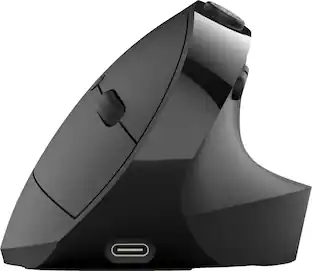
$39.99The price was $59.00Logitech Lift Left Vertical Wireless Ergonomic Left-Handed Mouse with 4 Customizable Buttons
$59.99The price was $99.00Logitech MX ERGO S PLUS Wireless Ergonomic Trackball Mouse with 6 Programmable Buttons
Black Friday Deal$94.99The price was $119.99
Explore tech essentials Sponsored
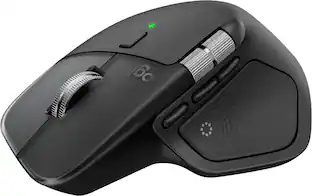
Logitech MX Master 4 - Adobe Edition - Wireless Laser Ergonomic Mouse with Advanced Performance Haptic Feedback
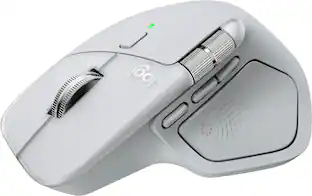
Black Friday Deal$109.99The price was $119.99Logitech MX Master 4 for Mac - Wireless Laser Ergonomic Mouse with Advanced Performance Haptic Feedback
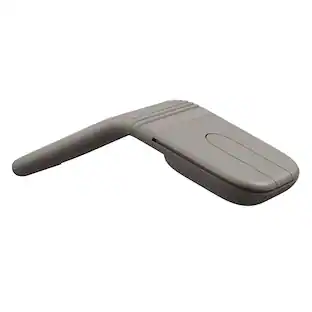
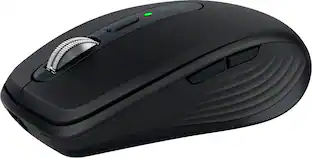
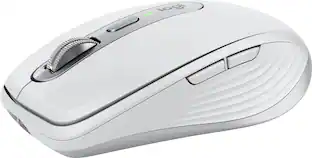
Black Friday Deal$109.99The price was $119.99Logitech MX Anywhere 3S Wireless Bluetooth Optical Fast Scrolling Mouse with Programmable Buttons
Black Friday Deal$69.99The price was $89.99
Discover related products
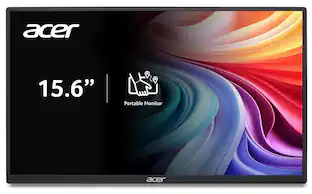
Acer PM161Q 15.6" Portable Monitor Full HD 1920x1080 IPS USB-C HDMI Refurbished
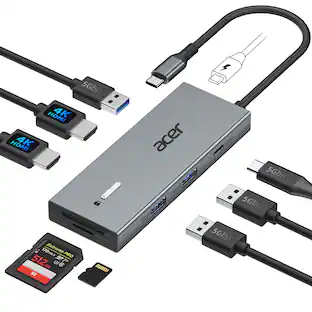
$44.99The price was $48.99Acer USB C Docking Station With 2 HDMI, 9-IN-1 Docking Hub with USB A&C 3.0, SD/Micro SD, 100W Charging
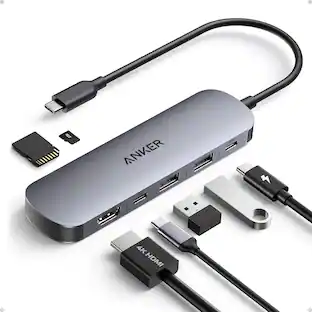
$42.99The price was $47.99Anker Laptop Charger, 140W MAX USB C Charger, 4-Port GaN and Fast Charging Power Adapter
Black Friday Deal$59.99The price was $89.99Intel Core i5-14400F 14th Gen 10-Core 16-Thread - 4.7GHz Turbo Socket LGA1700 Unlocked Desktop Processor
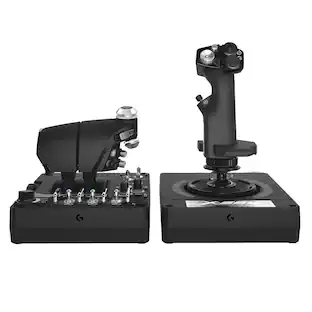
$149.99The price was $197.23Logitech X56 HOTAS Microsoft Flight Simulator RGB Dual-Throttle and Joystick
$248.62The price was $297.23


Keep exploring
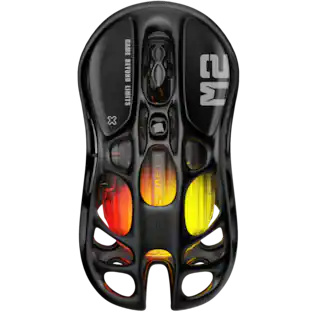
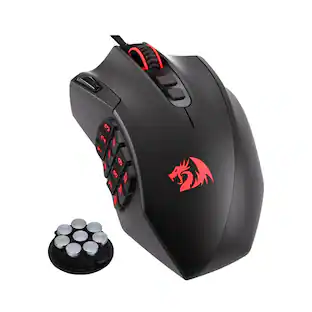
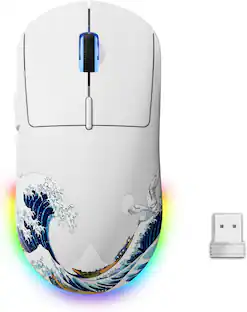
GravaStar Mercury M2 Wireless Gaming Mouse with 26000 DPI PAW3395 Sensor and 79g Lightweight Design
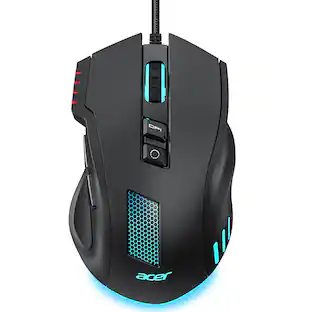
$59.95The price was $79.95Acer Wired Gaming Mouse, 12,800 DPI Optical Sensor RGB Ergonomic Mouse with 8 Programmable Buttons, 12 Backlit Modes
Black Friday Deal$17.99The price was $21.99Kensington Orbit Wireless Trackball with Scroll Ring - Optical - Wireless - Bluetooth/Radio Frequency - 2.40 GHz
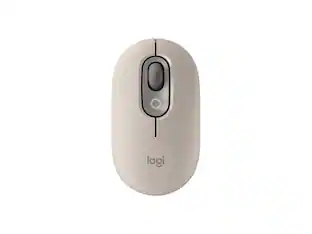
Black Friday Deal$49.99The price was $71.00Logitech POP Wireless Mouse with Customizable Emoji - Wireless - Bluetooth - Scroll Wheel
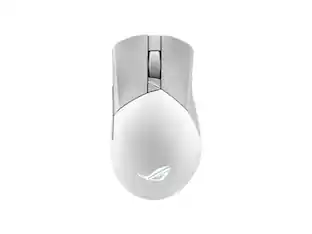
$35.00The price was $37.95ASUS ROG Gladius III Wireless Mouse - 36000 DPI, 6 Buttons, 2.4GHz/Bluetooth/Wired
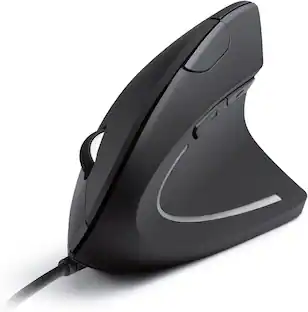
$77.49The price was $102.99Anker Ergonomic Optical USB Wired Vertical Mouse 1000/1600 DPI, 5 Buttons CE100
$16.14The price was $25.99