ASUS - ZenScreen 16" FHD+ IPS Portable Monitor with Ergo Kickstand (Mini-HDMI, USB-C) - Black
Customers are saying
Customers are enthusiastic about the portability and impressive display quality of this screen, which users describe as bright and crisp. Many appreciate the low-maintenance connectivity and the convenience of the included accessories. Additionally, users frequently highlight the high resolution, lightweight design, and seamless compatibility with their laptops.
Highlights
ZenScreen MB16FC
ASUS ZenScreen MB16FC is a 16-inch portable IPS monitor featuring a WUXGA (1920 x 1200) resolution. This 16:10 display provides more viewing area, making it the ideal secondary display to extend workspace for hybrid workers. With an autorotation feature, it gives ZenScreen the versatility to be used in either landscape or portrait orientation. Also, with a power pass-through feature and USB-C ports, you can have two-way power delivery function that offers flexibility on the go
More Immersive
Brings you a stunning 16:10 display that’s both wider and more vibrant, supporting up to 1920x1200 resolution and an impressive 84% screen-to-body ratio. Enjoy an expansive, vivid view all packed into a sleek, lightweight extended portable monitor
Power Pass-Through
There is a two-way power delivery function built in. The MB16FC portable monitor can be powered by a laptop, or deliver power to a laptop via pass-through charging when plugged into a USB-C power bank or AC adapter and outlet*
One Cable is All You Need
MB16FC features rich connectivity with dual USB-C and mini-HDMI ports. A single USB-C cable* is all you need to duplicate or extend your laptop screen. USB-C handles both power and video signal transmission, so it’s simply a matter of plug-and-play when it’s time to level up your work efficiency
Automatic Screen Orientation
When connected to a Windows PC, the ASUS DisplayWidget Center tool* enables MB16FC to sense its orientation and automatically switches the display between landscape and portrait modes
ASUS Blue Light Filter
The ASUS Blue Light Filter protects viewers from harmful blue light. This feature offers a range of filter settings that are easy to access via the intuitive OSD menu
ASUS Flicker Free
TÜV Rheinland-certified ASUS Flicker Free technology eliminates flicker, ensuring comfortable viewing experiences. This technology helps minimize eyestrain and other ailments typically associated with extended hours of viewing
Environmental Certification
ASUS ZenScreen MB16FC is stringently tested to meet the requirements of world-leading sustainability certifications. These tests include a comprehensive database of up-to-date criteria, independent verification, and a structured system for continuous improvement
Eco-Friendly Packaging
The sustainable packaging of ZenScreen MB16FC is FSC Mix-certified. The lightweight, eco-friendly cardboard box that it’s packed in is designed to keep overall volume to a minimum, for more efficient shipping
- Refresh Rate75HzMaximum Resolution1920 x 1200Response Time5 millisecondsPanel TypeIPSSynchronization TechnologyNot Applicable
Reviews
Rating 4.8 out of 5 stars with 61 reviews
- Portability (35)
- Display Quality (30)
- Connectivity (14)
- Included Accessories (11)
- Resolution (7)
Customer Images
The vast majority of our reviews come from verified purchases. Reviews from customers may include My Best Buy members, employees, and Tech Insider Network members (as tagged). Select reviewers may receive discounted products, promotional considerations or entries into drawings for honest, helpful reviews.
Compare similar products
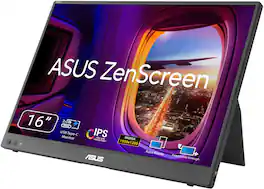
ASUS ZenScreen MB16FC is a 16-inch portable IPS monitor with a 16:10 WUXGA resolution that expands your workspace anywhere. Featuring dual USB‑C with power pass-through, mini-HDMI, auto-rotation support, and TÜV-certified eye care, it’s a lightweight, versatile second screen for hybrid work and travel, with sleek design and simple one-cable connectivity

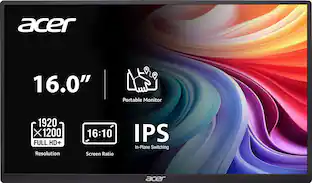
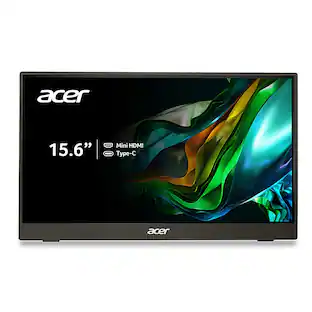
In meetings, in the classroom and anywhere in between, Acer’s PM Series portable monitor is the go-to choice for people on the move! Just fire it up and enjoy High-Definition entertainment—anywhere! Its accurate, vivid colors come to life from any viewing angle on the 16.0” IPS display that features WUXGA (1920x1200) resolution and 16:10 aspect ratio. Its slim design (0.52") and ultra-light weight (1.43 lbs.) allows it to easily fit in your laptop bag! Perfect for use as a secondary monitor for dual-monitor presentations, it’s powered by a single USB Type C cable, giving you the freedom to connect it to your laptop, smartphone or tablet—quickly and easily! Get fast refresh rates thanks to the Adaptive-Sync Support product that matches the refresh rate of your monitor with your graphics card.

Boost your productivity with this ASUS 15.6-inch ZenScreen portable monitor. The 178-degree viewing angle provides consistent picture quality, while the anti-glare coating helps reduce eye strain and increase visibility. This flicker-free ASUS 15.6-inch ZenScreen portable monitor features a USB-C port that can connect to various devices, and the Full HD panel produces stunning visuals.
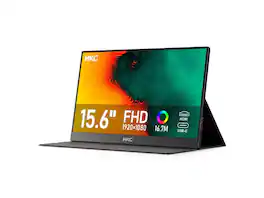
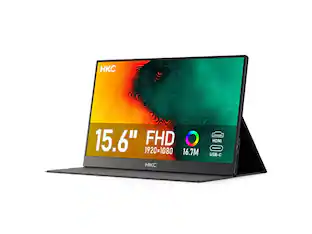
HKC V16 15.6" Portable Monitor, Full HD 1080P IPS Display, Type-C & HDMI Connectivity, Ultra-Slim Space Gray Screen with Dual Speakers, 250cd/m² Brightness, 178° Viewing Angle, 16:9 Ratio
| Pros for ASUS - ZenScreen 16" FHD+ IPS Portable Monitor with Ergo Kickstand (Mini-HDMI, USB-C) - Black | |||
|---|---|---|---|
| Portability, Connectivity, Resolution, Display Quality, Included Accessories | Portability, Connectivity, Weight, Image Quality, Viewing Angle | Portability, Weight, Resolution, Screen Size, Overall Performance | There were no pros for this product— |
| Cons for ASUS - ZenScreen 16" FHD+ IPS Portable Monitor with Ergo Kickstand (Mini-HDMI, USB-C) - Black | |||
| There were no cons for this product— | Accessories, Button Design, Port Placement | Stand, Compatibility, Price, Battery Life | There were no cons for this product— |
Specs
Can I connect iPhone 15 or apple air tablet to the zen screen?
Answered by ASUS AnswersYes, you can connect an iPhone 15 or an Apple tablet (iPad) with a USB-C port to the ZenScreen(MB16FC) monitor. Both devices natively support video output, allowing for a straightforward connection.
can you use this with the mac mini m4
Answered by ASUS AnswersThe ASUS ZenScreen MB16FC portable monitor is fully compatible with the Mac mini M4. It connects via USB‑C (DP Alt Mode) or Mini HDMI.
HDMI does not provide power; does the MB16FC include a power adapter?
Answered by ASUS AnswersThe ASUS ZenScreen MB16FC does not include a separate power adapter. It is powered directly through its USB‑C port, which carries both video and power when connected to a compatible device.
can be connected to a PC
Answered by ASUS AnswersYes, the ASUS ZenScreen MB16FC portable monitor can be connected to a PC via USB‑C.
SCREEN MIRROR OPTION AVAILABLE FOR THIS MONITOR
Answered by ASUS AnswersYes, this ZenScreen MB16FC monitor uses USB-C or Mini-HDMI connection to mirror or extend the screen.

Customers often buy these together
Computer Keyboards

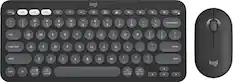
Logitech - MK470 Full-size Wireless Scissor Keyboard and Mouse Bundle for Windows with Quiet clicks - Black/Gray
Top Deal$34.99The price was $49.99

![esc ~ ! 1 tab caps lock shift ctrl F2 Fl # 2 3 Q W A S Z start opt L F3 $ 4 E D X alt cmd3 ) FS F4 A % 5 6 R T F G V C logi 44 HI & F9 FID FB F7 F6 * ) - - & 0 8 9 7 O P U I Y K L H J > < N M 1 B PM + = { [ : I ; ? I alt cmd D 2 4 300 3 1 F12 . * page I insert home up clear backspace 8 9 + 7 page A pg up end down home } I delete ] / 6 4 5 4 enter 2 3 enter 1 dn Pg end shift = 0 del ins etrl fn opt](https://pisces.bbystatic.com/image2/BestBuy_US/images/products/6539/6539505_sd.jpg;maxHeight=232;maxWidth=233?format=webp)


![esc ! i 1 tab caps lock shift F1 2 Q A aas E4 F3 F2 $ % # 4 5 3 E R W F S D X C Z FS A 6 T G V F6 & 7 Y H B 17 * 8 U J N logi HI FI0 P9 FB ) - ( - 9 0 o P I K L > < M I P + = { [ A : I : ? I alt cmd3 2 0 3 10% 1 F12 page home up backspace ins page I delete end down } ] / enter shift ctrl fn opt^= Q I * / clear 8 9 + 7 pg up home 5 6 4 , 4 2 3 enter 1 dn pg end = 0 del ins ctrl start opt alt cmd](https://pisces.bbystatic.com/image2/BestBuy_US/images/products/6571/6571662_sd.jpg;maxHeight=232;maxWidth=233?format=webp)
![logi esc to 1 F1 2 F2 3 F3 F4 F5 F6 F7 F8 x F9 NII F10 x F11 F12 Ins del ! 1 @ 2 # 3 $ 4 % 5 ^ 6 & 7 * 8 ( 9 ) 0 - ee + = backspace tab Q W E R T Y U I O P { [ } ] caps lock A S D F - G H J - K L : ; " J enter shift Z X C V B N M V , > ? / shift ctrl fn start opt H alt cmd alt cmd ctrl opt](https://pisces.bbystatic.com/image2/BestBuy_US/images/products/6478/6478160_sd.jpg;maxHeight=232;maxWidth=233?format=webp)
Monitor Stands
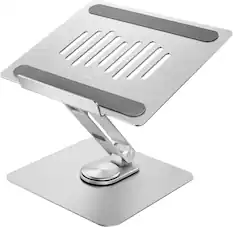
More recommended items
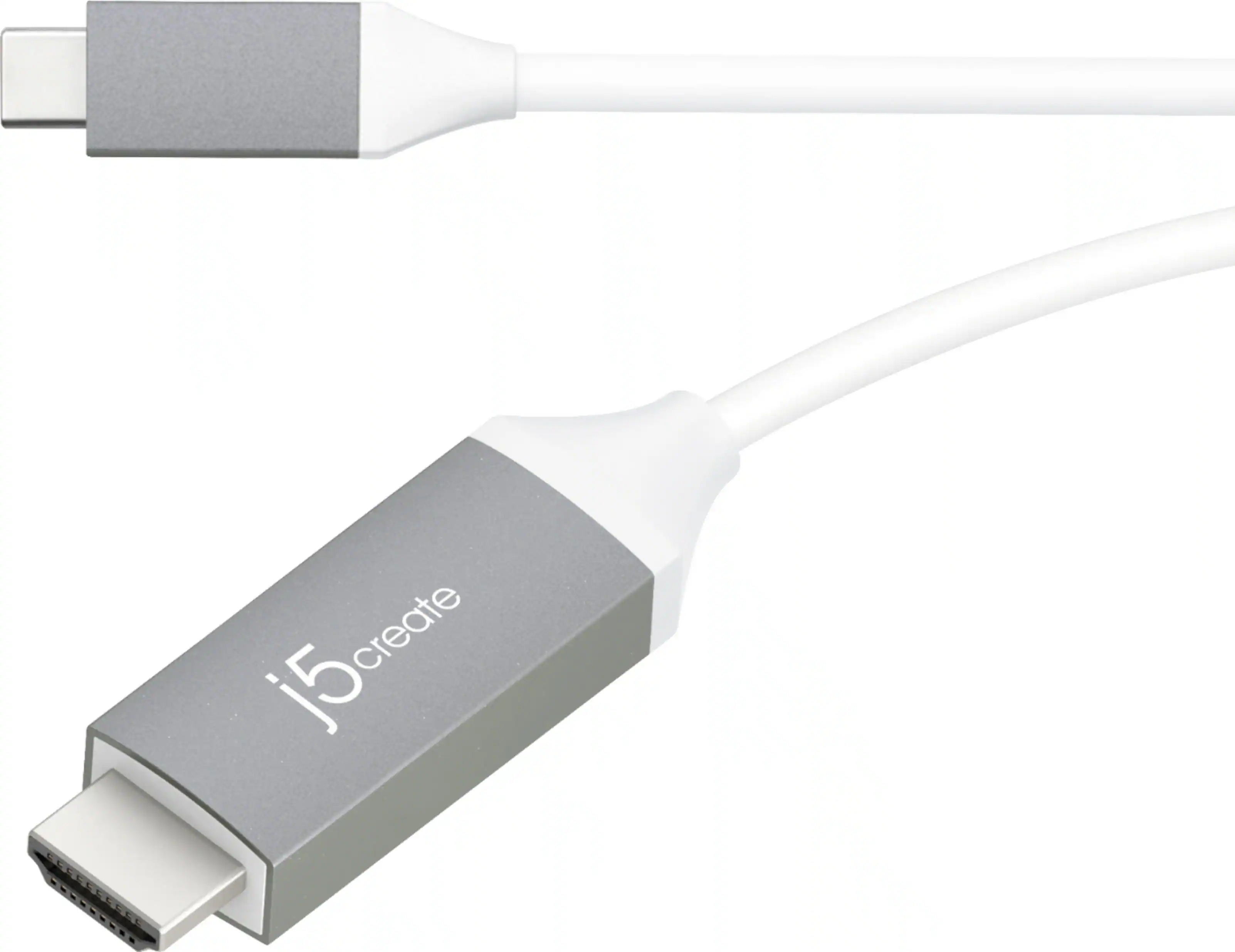 Monitor and Video Cables
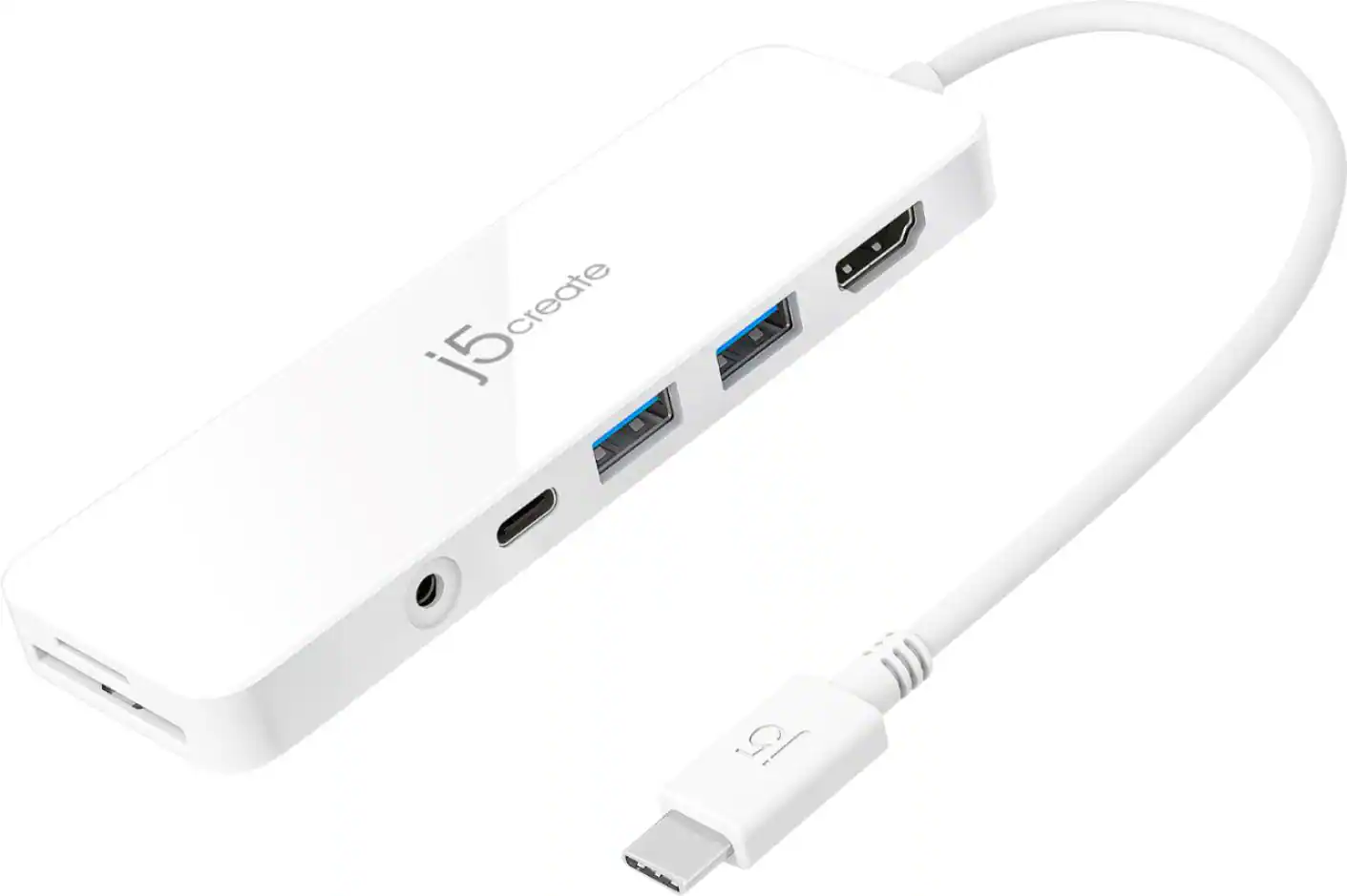 Laptop Docking Stations
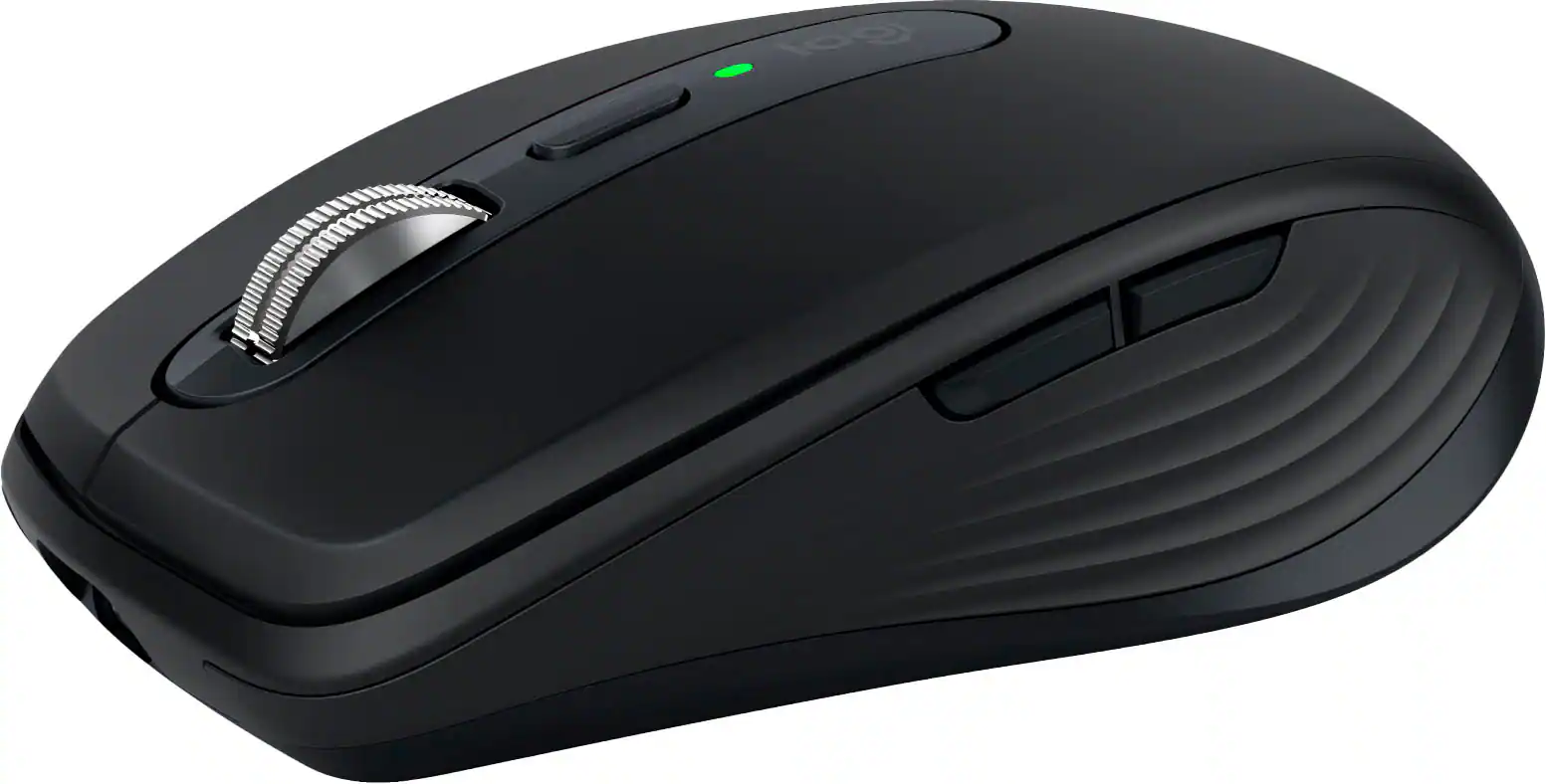 Mice
Mice Mouse Pads
 Cables and Adapters
More to consider
 $179.00The price was $210.99
 $119.99The price was $124.98
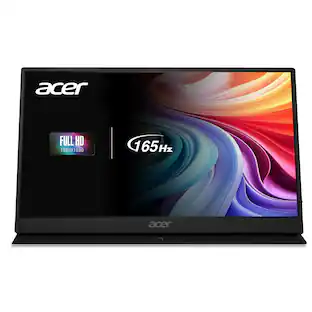 $147.99The price was $159.99
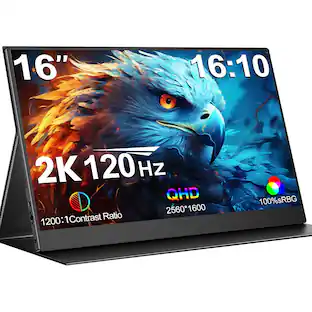 $149.99The price was $269.00
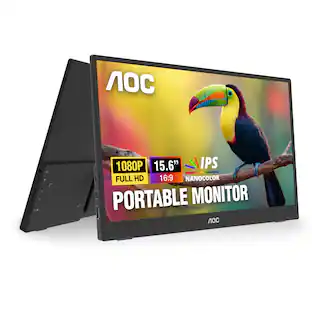

Explore tech essentials Sponsored
 $75.59The price was $86.39
 $69.99The price was $159.99
- $179.00The price was $210.99
 $89.99The price was $119.99

Discover related products
 $319.99The price was $399.99








Keep exploring
 $711.35The price was $720.02
- $75.59The price was $86.39
 $279.99The price was $312.00
 $159.99The price was $179.99
 $377.99The price was $399.99
 $199.99The price was $217.12