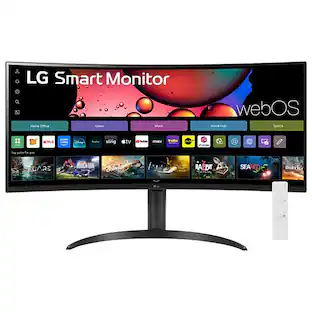
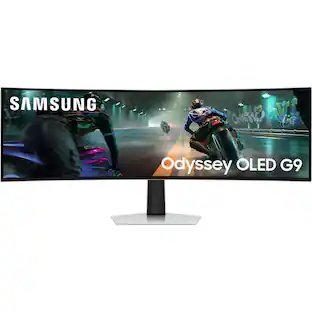
Alienware - 32" QHD 240Hz 1ms FreeSync Premium Curved Gaming Monitor with HDR (HDMI, DisplayPort) - Black
About this product
Performance meets big QHD visuals. Get drawn into your games with a large 32-inch screen featuring QHD (2560 x 1440) resolution and smooth, responsive gameplay.
Highlights
Features
Performance meets big QHD visuals
Get drawn into your games with a large 32” screen featuring QHD (2560 x 1440) resolution and smooth, responsive gameplay.
HDR with Dolby Vision
Dolby Vision and VESA DisplayHDR 400 certification give games greater visual depth and excellent range from dark to light colors in every scene.
Immerse yourself
Escape into a 32” 16:9 screen, featuring a beautiful 1500R curve.
Fluid performance
A 240Hz refresh rate and 1ms response time combine with AMD FreeSync Premium and VESA AdaptiveSync for smooth, tear-free gaming.
Vibrant worlds
With DCI-P3 95% color coverage, Dolby Vision, and VESA DisplayHDR 400, virtual worlds come to life.
Specifications
- Refresh Rate240HzMaximum Resolution2560 x 1440Response Time1 millisecondsPanel TypeVASynchronization TechnologyFreeSync Premium (AMD Adaptive Sync), VESA Adaptive-Sync
Reviews
Rating 4.8 out of 5 stars with 32 reviews
Customer Images
The vast majority of our reviews come from verified purchases. Reviews from customers may include My Best Buy members, employees, and Tech Insider Network members (as tagged). Select reviewers may receive discounted products, promotional considerations or entries into drawings for honest, helpful reviews.


Compare similar products
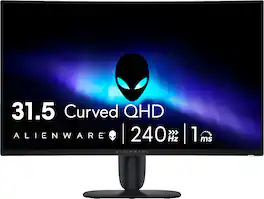
Performance meets big QHD visuals. Get drawn into your games with a large 32-inch screen featuring QHD (2560 x 1440) resolution and smooth, responsive gameplay.
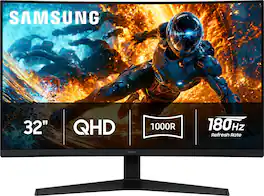
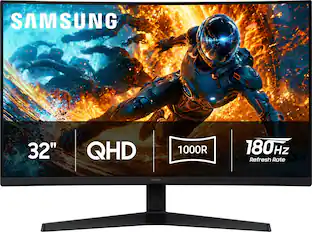
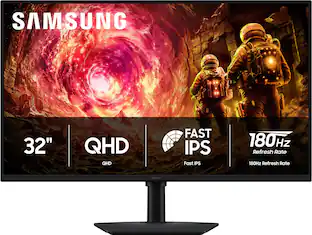
Samsung’s 32" Odyssey G5 (G55H) Gaming Monitor offers QHD resolution (2560x1440) and boasts incredibly detailed pin-sharp images for vibrant, true-to-life visuals. The 1000R curved screen is designed to keep the screen’s edges within the natural viewing range to focus on the action for vivid and immersive gameplay. HDR10 ensures lifelike visuals with enhanced contrast and color, while the 180Hz Refresh Rate and 1ms response time (GtG) deliver ultra-smooth, precise action. Variable Refresh Rate (VRR), including AMD FreeSync, reduce choppiness, screen lag, and tearing. Black Equalizer adjusts dark areas to improve visibility in shadows and Virtual Aim Point with crosshairs on the Odyssey’s screen increases the accuracy of the shots. Auto Source Switch instantly switches to the new source signal when another device is connected.
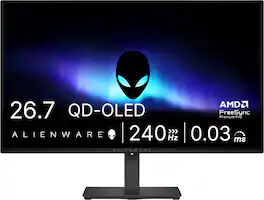
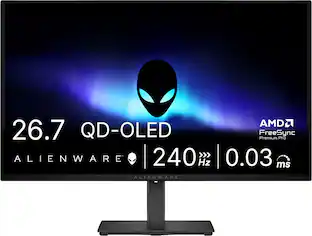
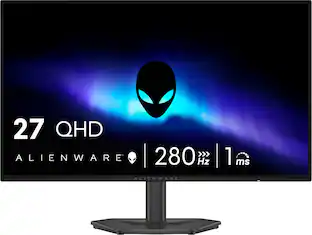
Alienware 27 240Hz QD-OLED Gaming Monitor. Take in superb QD-OLED visuals and fluid gameplay on the 27" flat panel monitor featuring a fast 240Hz refresh rate.
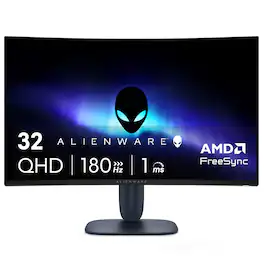
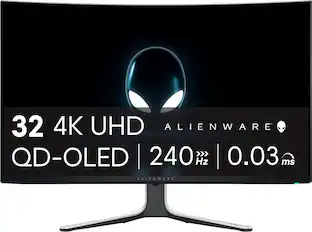
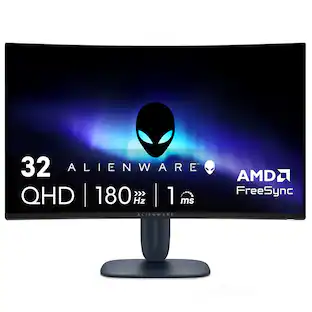
Alienware 32 Gaming Monitor - AW3225DM. Bring the action to life on a curved 32” QHD gaming monitor featuring vivid colors and smooth visuals.
| Pros for Alienware - 32" QHD 240Hz 1ms FreeSync Premium Curved Gaming Monitor with HDR (HDMI, DisplayPort) - Black | |||
|---|---|---|---|
| There were no pros for this product— | There were no pros for this product— | Overall Performance, Refresh Rate, OLED Quality, Stand Adjustability | Overall Performance, Refresh Rate, Resolution, Design, Size |
| Cons for Alienware - 32" QHD 240Hz 1ms FreeSync Premium Curved Gaming Monitor with HDR (HDMI, DisplayPort) - Black | |||
| There were no cons for this product— | There were no cons for this product— | Brightness, Audio Output, USB Ports | Speakers, Weight, Connectivity |
Specs
Questions & Answers
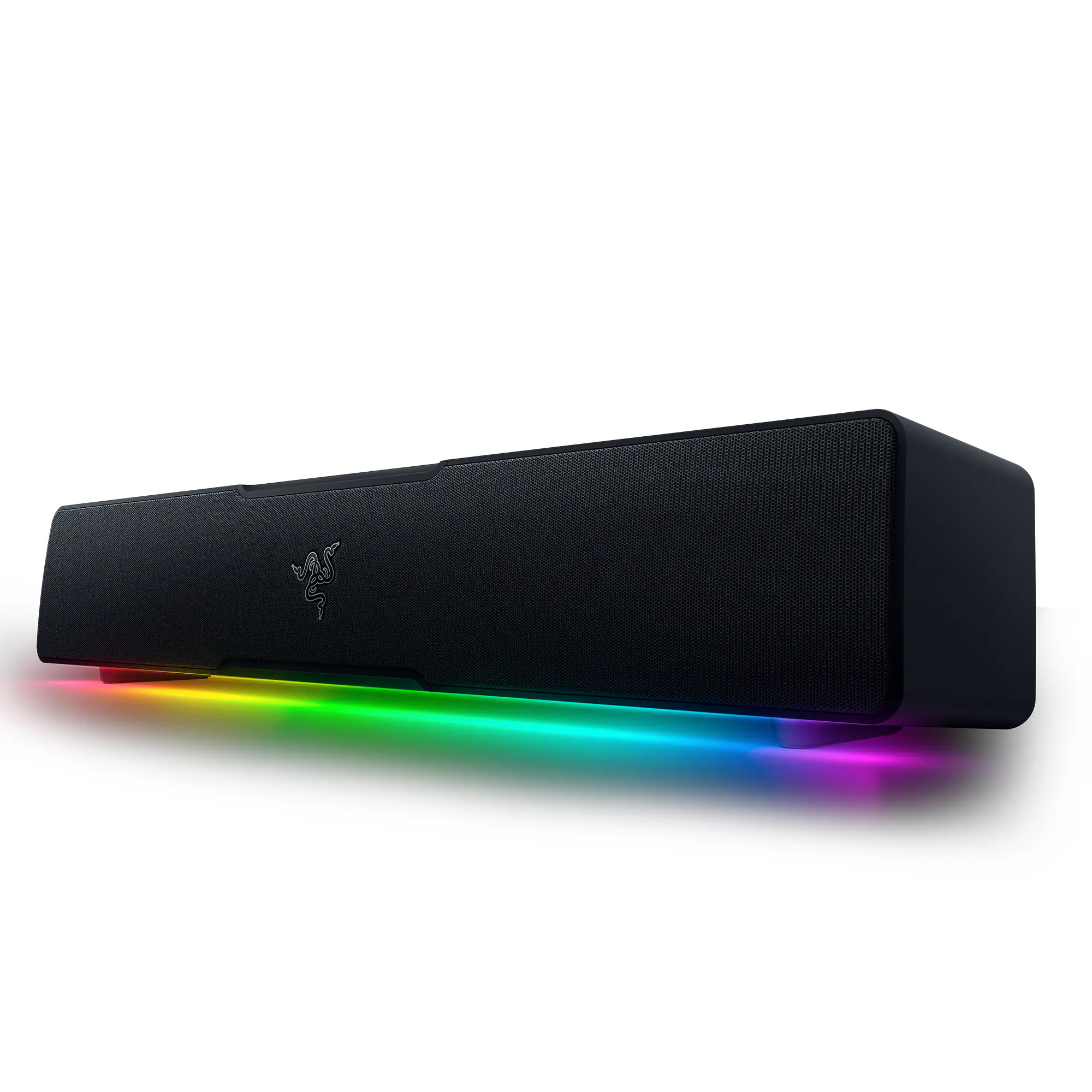
Does is have audio output?
Answered by YourDellTeamThe monitor can receive audio over HDMI or DisplayPort. However, it does not include an audio jack.
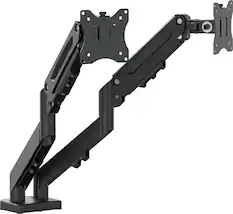
Can this monitor be attached to a desk mount arm?
Answered by YourDellTeamThe monitor supports mounting to a monitor arm or desk mount. with VESA Mount Compatibility, VESA pattern: 100 × 100 mm

Customers often buy these together
Computer Keyboards

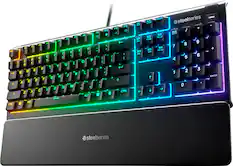
Razer - Huntsman Mini 60% Wired Optical Clicky Switch Gaming Keyboard with Chroma RGB Backlighting - Black
$68.99The price was $119.99


Monitor Stands
More recommended items
 Monitor and Video Cables
 Computer Speakers
 Laptop Docking Stations
 Mice
 Cables and Adapters
 Web Cameras
 Mouse Pads
 PC Gaming Headsets
Customers ultimately bought
Alienware AW3225DM 32" VA LED Curved QHD 180Hz 1ms FreeSync Gaming Monitor with HDR (HDMI, DisplayPort, USB)
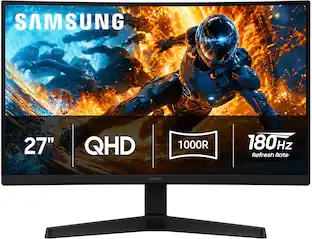
Clearance$287.99The price was $319.99Samsung 32" Odyssey G5 (G55H) QHD 180Hz 1ms AMD FreeSync 1000R Curved Gaming Monitor with HDR10 (DisplayPort, HDMI)
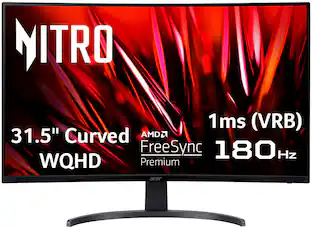
Black Friday Deal$189.99The price was $289.99Acer Nitro Gaming 31.5" Curved WQHD 180Hz 1ms FreeSync Premium Gaming Monitor (DisplayPort, HDMI x2)
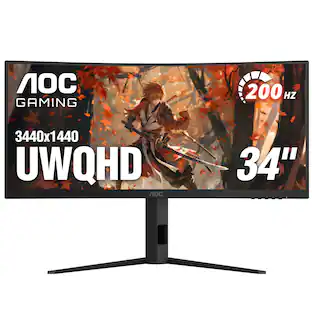
$349.99The price was $459.99AOC CU34G4HV 34" VA Panel Curved Gaming Monitor, LED, WQHD (3440x1440), 200Hz, 0.5ms, Freesync
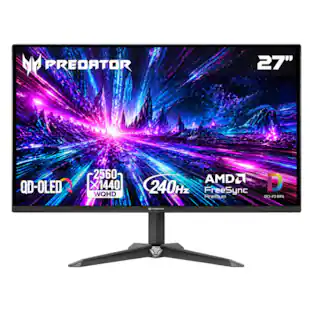
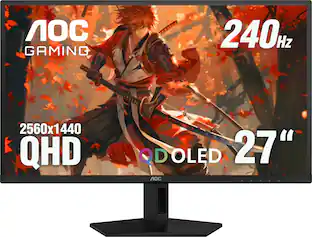
$269.99The price was $349.99Acer Predator 27" QD-OLED QHD 240Hz 0.03ms FreeSync Premium Gaming Monitor with HDR (DisplayPort, HDMI)
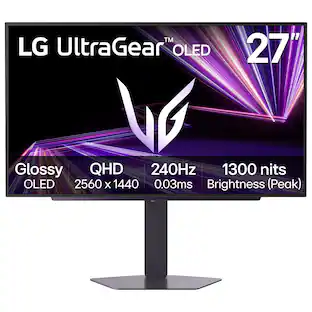
$299.99The price was $379.99LG UltraGear 27" QHD Glossy OLED 240Hz Gaming Monitor 0.03ms NVIDIA G-SYNC AMD FreeSync Premium Pro DisplayHDR TrueBlack400
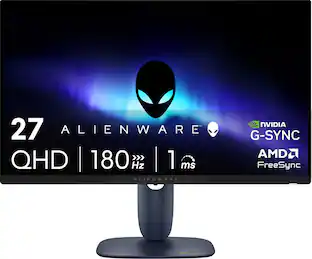
Black Friday Deal$349.99The price was $499.99Alienware AW2725DM 27" IPS LED QHD 180Hz 1ms FreeSync and G-Sync Compatible Gaming Monitor with HDR (HDMI, DisplayPort, USB)
Clearance$242.99The price was $269.99
Explore tech essentials Sponsored
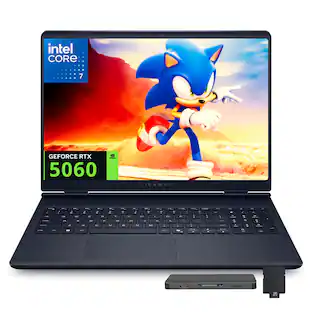
Dell Alienware 16 16" Gaming Laptop,Intel Core 7 240H,32GB DDR5,2TB SSD+1TB Dock Station,GeForce RTX 5060,Win 11
$2,229.00The price was $3,189.00Dell Alienware 16 16" Gaming Laptop,Intel Core 7 240H,16GB DDR5,1TB SSD+1TB Dock Station,GeForce RTX 5060,Win 11
$1,799.00The price was $2,569.00Acer Predator Orion Gaming Desktop - Intel Core Ultra 7 265KF 2024 - GeForce RTX 5070 - 32GB DDR5 Memory – 1TB Storage
$2,049.99The price was $2,379.99



Discover related products
ViprTech Stryker Gaming PC - AMD Ryzen 7 (4.1GHz), AMD RX 580 8GB, 16GB DDR4, 500GB SSD, Desktop Computer
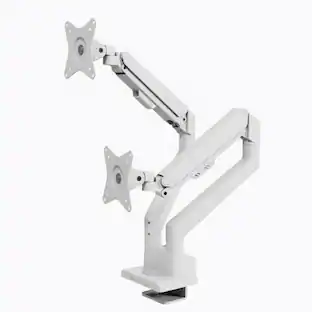
$719.99The price was $799.99Arozzi Alzare Neo Duo Gas Spring Dual Monitor Arm – Adjustable Dual Monitor Holder –
$89.99The price was $119.99


Keep exploring
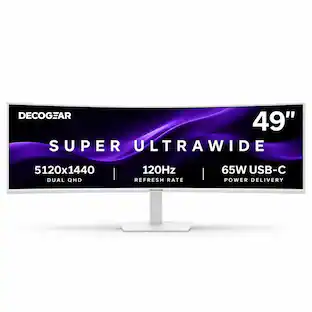
Deco Gear 40” Curved 5K2K Nano IPS Ultrawide Monitor 120 Hz HDR USB-C 65 W Power Delivery
$689.99The price was $799.99ASUS ROG Strix 34" OLED Gaming Monitor - 3440x1440, 175Hz, 0.03ms, G-SYNC, True 10-bit
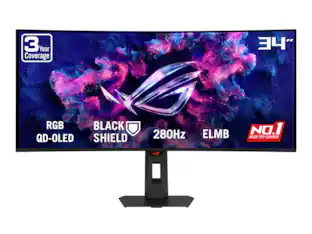
$907.50The price was $1,019.00ASUS ROG Strix 34" QHD 2K 1440p 280Hz G-Sync HDR500 0.03ms USB-C OLED Curved Gaming Monitor XG34WCDMS
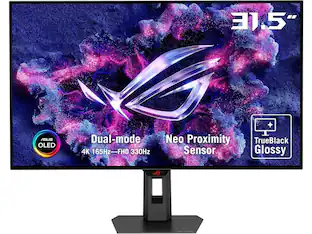
$787.49The price was $971.99ASUS ROG Strix 32" 4K OLED Gaming Monitor - 4K@165Hz, 0.03ms, G-SYNC, USB-C, HDMI 2.1
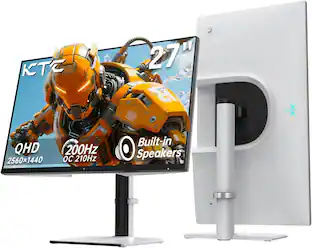
$824.99The price was $979.32Deco Gear 27" QHD OLED Gaming Monitor 280Hz 0.03ms HDR400 Adaptive Sync HDMI 2.1/DP 1.4
$319.99The price was $399.99MSI MAG 272QP QD-OLED 27" 240Hz Gaming Monitor, 0.3ms, WQHD, DP 1.4a, HDMI 2.1, HDR, G-SYNC & FreeSync
$323.99The price was $453.31