Winter SaleEnds 1/19. Limited quantities. No rainchecks.Shop now

Main Content

Search results for: pcmcat1602772829063

Filters

Sponsored
Acer

/

Acer Monitors

Acer Monitors (472)

Sort by:
1-18 of 472 items

Choosing an Acer Monitor

Find the best Acer monitor for your needs.

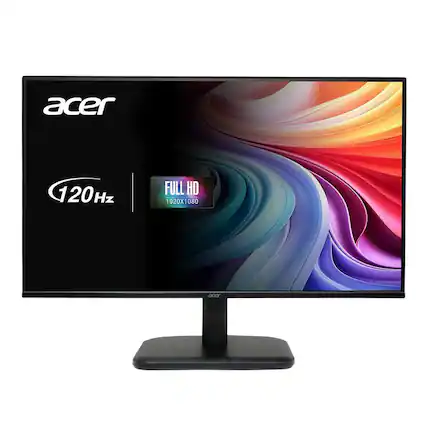
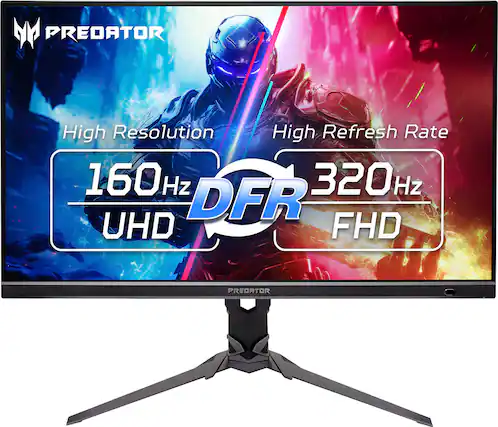
Two of the most important specifications to consider when choosing an Acer monitor are resolution and refresh rate. Monitor resolution describes how many pixels there are on the screen — the more pixels, the more detailed the image. A Full HD monitor will have a resolution of 1920x1080, providing a high-definition image and a total of 2,073,600 pixels. If you want an even clearer display, a 4K Acer monitor will quadruple that number of pixels. And the monitor refresh rate determines how many times the image refreshes or changes per second. If you want a device that can keep up with complex video games, you can find Acer gaming monitors that offer refresh rates of 144 Hz and up.

But do you need the absolute best resolution and refresh rate for your Acer monitor? It depends on what you’re doing. Video gameplay, home theaters, and high-quality photo editing can all benefit from the high resolution of a 4K Acer monitor. But if you want to perform simpler tasks and don’t require top-of-the-line resolutions, a QHD or Full HD Acer monitor will do the trick. And the same goes for refresh rates. For most computer tasks and streaming content, an Acer 144 Hz monitor may be more than you need. So, narrow down your choices based on your usage expectations to find the best Acer monitor for you.

Adding your Acer monitor to your workspace.

Once you find the best Acer monitor for you, it’s time to bring it home. When determining where to set up your new Acer monitor, make sure you use a level surface or work desk with adequate space. You’ll want to make sure it will be stable and rest at a comfortable height for your neck and shoulders. For maximum ergonomic benefits, consider investing in a monitor mount or stand. You may also want to buy a new office or gaming chair to complete your new setup.

If you’re pairing your new Acer computer monitor with another display and want to move windows back and forth between the two, you’ll most likely want the image qualities and color characteristics to be similar on both displays—unless you want to view images through different settings. If your refresh rates don’t match after you set up your Acer monitor, you can learn how to improve your refresh rate so that it’s at the level you require.

Sponsored
Sponsored

Similar products from outside of Best Buy

sponsored