Alienware - AW3225DM 32" VA LED Curved QHD 180Hz 1ms FreeSync Gaming Monitor with HDR (HDMI, DisplayPort, USB) - Interstellar Indigo

Key Accessories:
- Alienware - AW725H Tri Mode Wireless Over-the-Ear Gaming Headset for PC, Xbox X|S, Xbox One, PS5, PS4, Switch and Mobile - Lunar Light$114.99The price was $149.99
More Buying Options from Best Buy
Related Item

Highlights
- Key Specs
- Refresh Rate: 180Hz (The number of frames per second the device can produce natively without enhancement. Higher rates help produce smooth, seamless pictures.)
- Maximum Resolution: 2560 x 1440 (Maximum resolution refers to the highest number of pixels that a screen can process and display. Higher resolution signals produce more detailed images.)
- Response Time: 1 milliseconds (The speed at which pixels can change colors is called response time. It is measured in milliseconds (ms).)
- Panel Type: VA (Technology that affects response time and image quality.)
- Synchronization Technology: FreeSync (AMD Adaptive Sync), VESA Adaptive-Sync (Generally, these technologies allow syncing between a computer/console game's frame rate and the device's refresh rate for a smoother display without tearing.)
- Screen Size: 32 inches (Size of the screen, measured diagonally from corner to corner.)
- Display Connector(s): 1 x DisplayPort 1.4, 2 x HDMI 2.1 (The number and type of connectors used to connect to an external display.)
- General
- Brand: Alienware
- Model Number: AW3225DM
- Product Name: AW3225DM 32" VA LED Curved QHD 180Hz 1ms FreeSync Gaming Monitor with HDR (HDMI, DisplayPort, USB)
- Color: Interstellar Indigo
- Operating System Compatibility: Windows
- Display
- Refresh Rate: 180Hz (The number of frames per second the device can produce natively without enhancement. Higher rates help produce smooth, seamless pictures.)
- Maximum Resolution: 2560 x 1440 (Maximum resolution refers to the highest number of pixels that a screen can process and display. Higher resolution signals produce more detailed images.)
- Contrast Ratio: 3000:1 (Measured difference between a displayed image's brightest whites and darkest blacks. The larger the first number, the more detail and color that can be displayed.)
- Response Time: 1 milliseconds (The speed at which pixels can change colors is called response time. It is measured in milliseconds (ms).)
- Display Type: LED
- Panel Type: VA (Technology that affects response time and image quality.)
- Synchronization Technology: FreeSync (AMD Adaptive Sync), VESA Adaptive-Sync (Generally, these technologies allow syncing between a computer/console game's frame rate and the device's refresh rate for a smoother display without tearing.)
- Aspect Ratio: 16:9 (The measurement of the width of a screen compared to the height of a screen, expressed as a ratio.)
- Curved Screen: true
- Pixel Density: 93 pixels per inch (The number of pixels present per inch on the device's display. Higher pixel density improves the clarity and sharpness of the displayed image.)
- Brightness: 400 candela per square meter (A measure of the total light output.)
- Screen Size: 32 inches (Size of the screen, measured diagonally from corner to corner.)
- High Dynamic Range (HDR): true (An HDR-compatible 4K TV or other HDR-compatible product displays HDR video content when it's available from sources like 4K Ultra HD Blu-ray Discs and 4K streaming services.)
- High Dynamic Range Format: VESA Certified DisplayHDR 400 (There are a few HDR formats that tell the TV or other HDR-compatible product how to best utilize its capabilities to display HDR content. HDR technology can support one or multiple formats, each with various benefits to picture quality.)
- Horizontal Viewing Angle: 178 degrees (The maximum angle at which the display can be viewed with acceptable visual performance from either side.)
- Vertical Viewing Angle: 178 degrees (The maximum angle at which the display can be viewed with acceptable visual performance from above or below.)
- Touch Screen: false (Touch-screen devices make navigating more intuitive. Using a touch-screen display, you can do things such as tap to select, hold and drag to move items, swipe to scroll, and pinch to zoom.)
- On-Screen Display Languages: English, Spanish, French, German, Portuguese (The available language options for displayed text.)
- Display Surface: Anti-glare, 3H hardness
- Connectivity
- Number of DisplayPort Inputs (Total): 1
- Number of HDMI Inputs (Total): 2
- Display Connector(s): 1 x DisplayPort 1.4, 2 x HDMI 2.1 (The number and type of connectors used to connect to an external display.)
- Number of USB Ports (Total): 3
- USB Ports: 2 x USB-A, 1 x USB-B (The number and type of USB ports the product has.)
- Number of USB-A Charging Ports: 1
- Number of USB-B Ports: 1
- Headphone Jack: false (The device features an interface that allows for the connection of headphones.)
- Compatibility
- Wall Mountable: true (The product is able to be secured to a wall. Some products are designed ready to mount, while others may require additional hardware/accessories for installation.)
- VESA Wall Mount Standard: 100mm x 100mm (VESA wall mount standards refer to the spacing of screw holes built into a TV in order to fit with standard TV wall mounts. These standards are implemented into most TVs and monitors.)
- Features
- Tiltable: true
- Adjustable Stand Height: true
- Anti-Glare: true (Product has features, such as a matte finish, that reduce the likelihood for screen glare.)
- Eye Relief Features: Low blue light
- Built-In Webcam: false
- Integrated Speaker(s): false
- Dimensions
- Product Height With Stand: 22.97 inches
- Product Height Without Stand: 16.48 inches
- Product Width: 27.85 inches (The out of box width of the item. Width is measured as the horizontal distance from one side of the item to the other as it would be primarily used or placed.)
- Product Depth (With Stand): 9.13 inches
- Product Depth Without Stand: 4.79 inches
- Product Weight: 20.26 pounds (The out of box weight of the item.)
- Stand Included: true
- Stand Width: 10.63 inches (The horizontal measurement of the stand/base, or the distance from the outside of one leg to the outside of the opposite leg, as it is attached to the product.)
- Power
- Power Consumption: 33 watts
- Power Saving/Off Mode: 0.3 watts (This mode will turn the display and/or the device off, or into a standby mode, after a preset length of time with no activity to conserve power.)
- Certifications Listings & Approvals
- ENERGY STAR Certified: false (Devices carrying the ENERGY STAR service mark, such as computer products and peripherals, kitchen appliances, and other products, generally use 20% to 30% less energy than required by federal standards.)
- EPEAT Qualified: false (The Electronic Product Environmental Assessment Tool (EPEAT) was designed to provide an environmental assessment tool for purchasers. In order to qualify for EPEAT, a product must meet all 23 required criteria.)
- Warranty
- Warranty - Parts: 3-Year Advanced Exchange Service and Premium Panel Exchange
- Warranty - Labor: 3-Year Advanced Exchange Service and Premium Panel Exchange
- Other
- UPC: 884116492757
Alienware 32 Gaming Monitor - AW3225DM. Bring the action to life on a curved 32” QHD gaming monitor featuring vivid colors and smooth visuals.
- Big QHD visuals for any game: Explore detailed worlds in high definition with QHD resolution and fluid, responsive visuals in an iconic design.
- Dive into vibrant details: Whether you’re exploring open worlds or facing off in battle, you’ll never miss a detail thanks to QHD resolution and a 32” panel with a 1500R curve.
- Fluid performance: Get in the game with a smooth 180Hz refresh rate, 1ms gray to gray response time, AMD FreeSync and VESA Adaptive Sync technology.
- Stunning views: Enjoy vibrant colors with DCI-P3 95% color coverage and VESA DisplayHDR 400 certification.
- Game longer: Lock in for marathon gaming sessions with a dedicated console mode and hardware-based low blue light solution that reduces eye strain while preserving color.
Whats Included
- Alienware 32 Gaming Monitor - AW3225DM
- Stand
- QR card
- Alienware Sticker
- Safety, Environmental, and Regulatory Information
- 1 x DisplayPort-DisplayPort cable - 1.80 m
- 1 x HDMI cable - 1.80 m
- 1 x USB Type-A to Type-B 5Gbps cable - 1.80 m
Product Manuals
Disclaimers
- AMD, AMD Arrow logo, AMD Athlon, QuantiSpeed, AMD PowerNow! And combinations thereof are trademarks of Advanced Micro Devices, Inc.
Q: How is the color coverage on this monitor?
A: The monitor boasts DCI-P3 95% color coverage.
Q: Does this monitor support FreeSync?
A: Yes, it supports AMD FreeSync and VESA Adaptive Sync.
Q: What type of panel does this monitor use?
A: This monitor uses a VA panel.
Q: What is the response time of this monitor?
A: This monitor has a 1ms gray to gray response time.
Q: What is the refresh rate of this monitor?
A: The Alienware monitor has a refresh rate of 180Hz.
Q: Is this monitor compatible with HDR?
A: Yes, this monitor is VESA DisplayHDR 400 certified.
Q: Does this monitor have built-in speakers?
A: No, the monitor does not have built-in speakers.
Q: How can I hook an auxiliary connection to this to power my speakers
A: The monitor does not have built-in audio output ports like a 3.5mm headphone jack or RCA connectors, so you can’t directly hook up speakers to it. You would need to connect the audio devices to the console/ computer.
Compare similar products
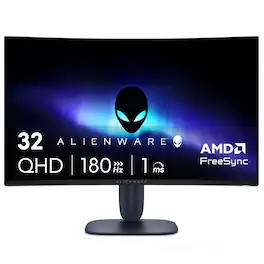
Alienware 32 Gaming Monitor - AW3225DM. Bring the action to life on a curved 32” QHD gaming monitor featuring vivid colors and smooth visuals.
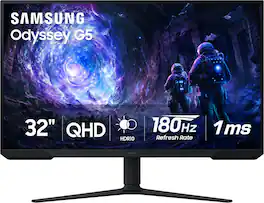
Samsung’s 32” Odyssey G5 G51F Gaming Monitor boasts incredibly detailed, pin-sharp images with QHD resolution (2560x1440). HDR10 provides brighter highlights, improved contrast and color accuracy, making every scene feel more vivid and realistic. 180Hz Refresh Rate and near-instant 1ms Response Time (MPRT) captures all your moves with reduced lag for ultra-smooth gameplay. AMD FreeSync Premium Pro reduces choppiness, screen lag, and image tears. Black Equalizer allows you to adjust dark areas in games, so you can locate opponents hiding in the deepest shadows. Virtual Aim Point allows you to hit your marks with next-level accuracy, giving you the optimal aim with crosshairs on the screen. Auto Source Switch+ instantly switches to a new source signal when connected devices are turned on, without having to use multiple inputs. Ergonomic stand makes it simple to tilt and adjust the monitor for total gaming comfort.
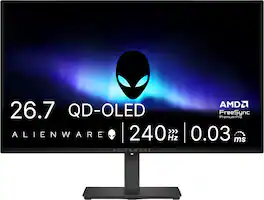
Alienware 27 240Hz QD-OLED Gaming Monitor. Take in superb QD-OLED visuals and fluid gameplay on the 27" flat panel monitor featuring a fast 240Hz refresh rate.
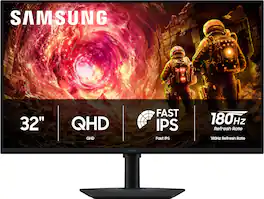
Samsung’s 32" Odyssey G5 QHD Gaming Monitor delivers brilliant visuals for exhilarating gameplay that’s more immersive than ever before. QHD resolution (2560 x 1440), with more than 1.7 times the pixel density of Full HD, boasts incredibly detailed, pin-sharp images. The fast IPS panel, with its 178º viewing angle, provides an engaging gaming experience by consistently delivering crisp, clear hues from various viewpoints. 180Hz Refresh Rate and 1ms response time (GtG) allow ultimate speed for ultra-smooth gaming precision, while G-Sync compatibility syncs the GPU and panel to reduce choppiness, screen lag, and image tearing. Scenes feel more realistic with HDR10, which provides brighter highlights and nuanced shadows for added depth. Black Equalizer improves visibility in the deepest shadows, while Virtual Aim Point increases the accuracy of the player’s aim when the action peaks. Auto Source Switch+ allows instantaneous switching between connected devices without having to flip through multiple inputs. Maintain winning streaks in total comfort with the height-adjustable Ergonomic Stand that easily pivots, tilts, and swivels for the perfect view.
| Pros for Alienware - AW3225DM 32" VA LED Curved QHD 180Hz 1ms FreeSync Gaming Monitor with HDR (HDMI, DisplayPort, USB) - Interstellar Indigo | |||
|---|---|---|---|
| Overall Performance, Refresh Rate, Resolution, Size | Overall Performance, Refresh Rate, Resolution, Screen Size | Refresh Rate, Overall Performance, OLED Quality, Stand Adjustability | Refresh Rate, Resolution, Color Quality, Performance, Connectivity |
| Cons for Alienware - AW3225DM 32" VA LED Curved QHD 180Hz 1ms FreeSync Gaming Monitor with HDR (HDMI, DisplayPort, USB) - Interstellar Indigo | |||
| Speakers, Stand Design | Speakers, Connectivity, Black Levels, HDR Performance | Brightness, Built-in Speakers, USB Ports | Button Placement |
Specs

- HyperX - OMEN 27" OLED QHD 240Hz 0.03ms GtG G-SYNC Compatible Gaming Monitor with Adjustable Height (DisplayPort, HDMI) - BlackBlack Friday in July Deal$399.99
Reviews
Rating 4.8 out of 5 stars with 791 reviews
- Overall Performance (256)
- Refresh Rate (62)
- Resolution (31)
- Size (23)
- Speakers (18)
- Stand Design (3)
Customer Images
The vast majority of our reviews come from verified purchases. Reviews from customers may include My Best Buy members, employees, and Tech Insider Network members (as tagged). Select reviewers may receive discounted products, promotional considerations or entries into drawings for honest, helpful reviews.
Customers often buy these together
Computer Keyboards

Logitech - MK540 Full-size Advanced Wireless Membrane Keyboard and Mouse Combo for PC - Black
Black Friday in July Deal$49.99The price was $59.99![Sure, here is the corrected and grouped text:
```
ESC F1 F2 F3 F4 F5 F6 F7 F8 F9 F10 F11 F12 1 2 3 logitech - - 1 2 # $ 4 % 5 6 & 7 8 9 0 - - back insert home page up num lock clear / . tab Q W E R T Y U I O P { [ } ] / delete end page down 7 home 8 A 9 P9 up + caps lock A S D F G H J K L : ; a enter 4 5 6 shift Z X C V B N M < > ? shift 1 end 2 3 pg dn enter ctrl fn start alt opt alt crnd x alt cmd x fn ctrl alt opt 0 ins del 1 logitech
```](https://pisces.bbystatic.com/image2/BestBuy_US/images/products/5761/5761911_sd.jpg;maxHeight=232;maxWidth=233?format=webp)
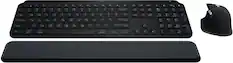
Logitech - MK850 Performance Full-size Wireless Membrane Keyboard and Mouse Combo for PC and Mac - Black
Black Friday in July Deal$79.99The price was $99.99

![Sure, here is the corrected and grouped text from the image:
**Top Row:**
- ESC
- F1
- F2
- F3
- F4
- F5
- F6
- F7
- F8
- F9
- F10
- F11
- F12
- PRTSC
- DEL
**Number Row:**
- 1
- 2
- 3
- 4
- 5
- 6
- 7
- 8
- 9
- 0
- -
- =
- \
**Letter Row:**
- TAB
- Q
- W
- E
- R
- T
- Y
- U
- I
- O
- P
- [
- ]
- \
**Letter Row:**
- CAPS
- A
- S
- D
- F
- G
- H
- J
- K
- L
- ;
- '
**Letter Row:**
- SHIFT
- Z
- X
- C
- V
- B
- N
- M
- ,
- .
- /
**Function Row:**
-](https://pisces.bbystatic.com/image2/BestBuy_US/images/products/9be10b95-8e90-4a5d-b85f-cbc6a7d8e8df.png;maxHeight=232;maxWidth=233?format=webp)
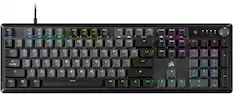
![esc 1 ! 2 @ 3 # 4 $ 5 % 6 ^ 7 & 8 * 9 ( 0 ) - = | F1 F2 F3 F4 F5 F6 F7 F8 F9 F10 F11 F12 tab Q W E R T Y U I O P [ ] { } | caps A S D F G H J K L : : enter shift Z X C V B N M , < > ? shift ctrl alt fn ctrl](https://pisces.bbystatic.com/image2/BestBuy_US/images/products/bc5bce35-ca08-45da-bcc3-8d6fb215154b.jpg;maxHeight=232;maxWidth=233?format=webp)
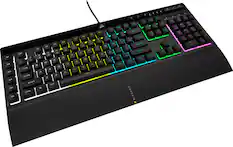
![USC F1 F2 F3 F4 F5 F6 F7 F8 F9 F10 F11 F12 prt SC scr lk pause HH PE PM M5 1 ! 2 @ 3 # 4 $ 5 % 6 ^ 7 & 8 * 9 ( 0 ) - + ins home pg up num / MG tab Q W E R T Y U I O P [ { ] } \ del end pg dn 7 8 9 + EM caps A S D F G H J K L : - enter C 1 2 3 4 5 6 > M2 shift Z X C V B N M - / ? shift 1 2 3 M1 ctri alt alt fn ctrl 0 ins del enter](https://pisces.bbystatic.com/image2/BestBuy_US/images/products/db34a04d-e8cb-4a6c-b0e8-8cb5450ca606.jpg;maxHeight=232;maxWidth=233?format=webp)
Monitor Stands

More recommended items
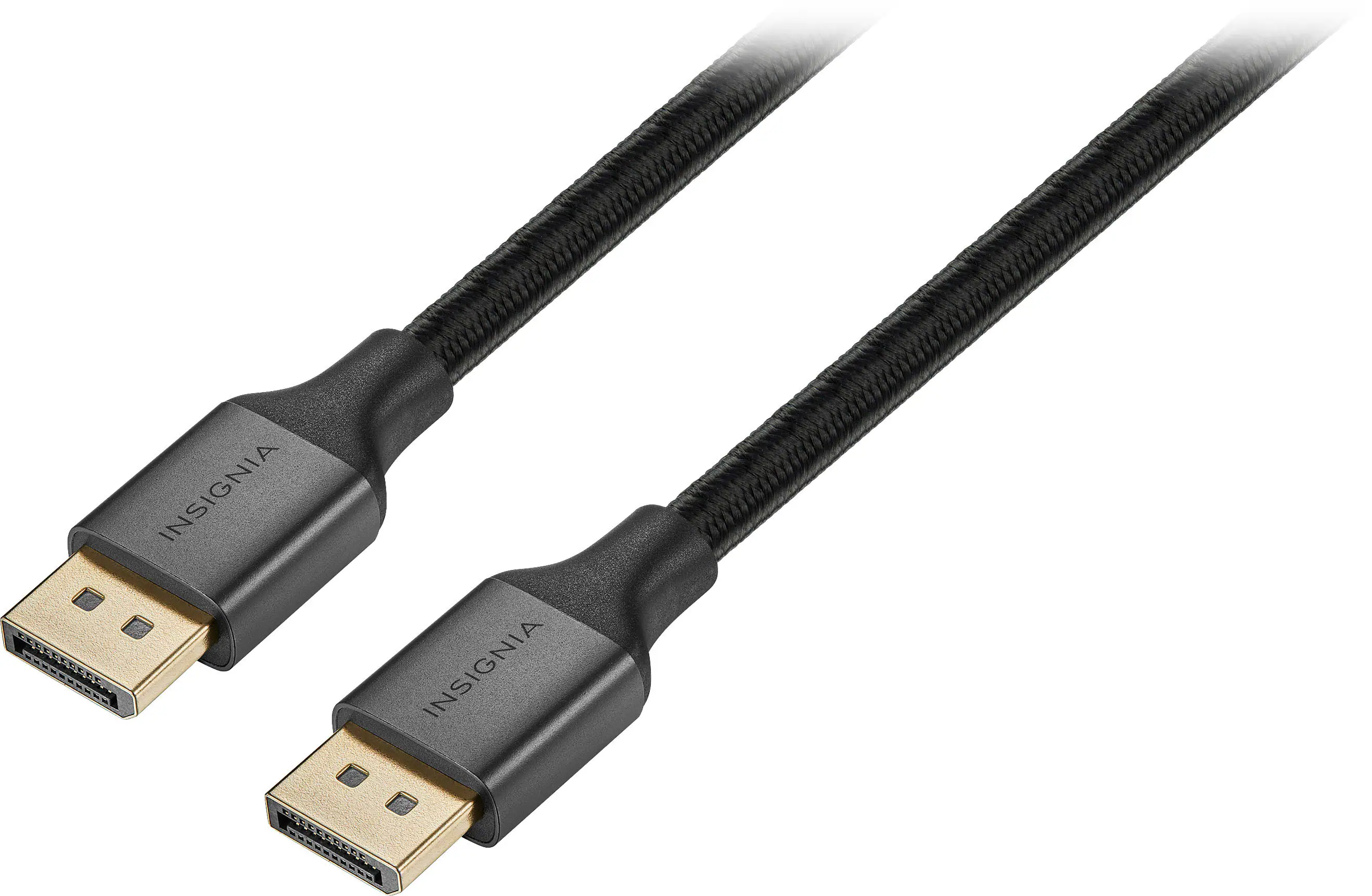 Monitor and Video Cables
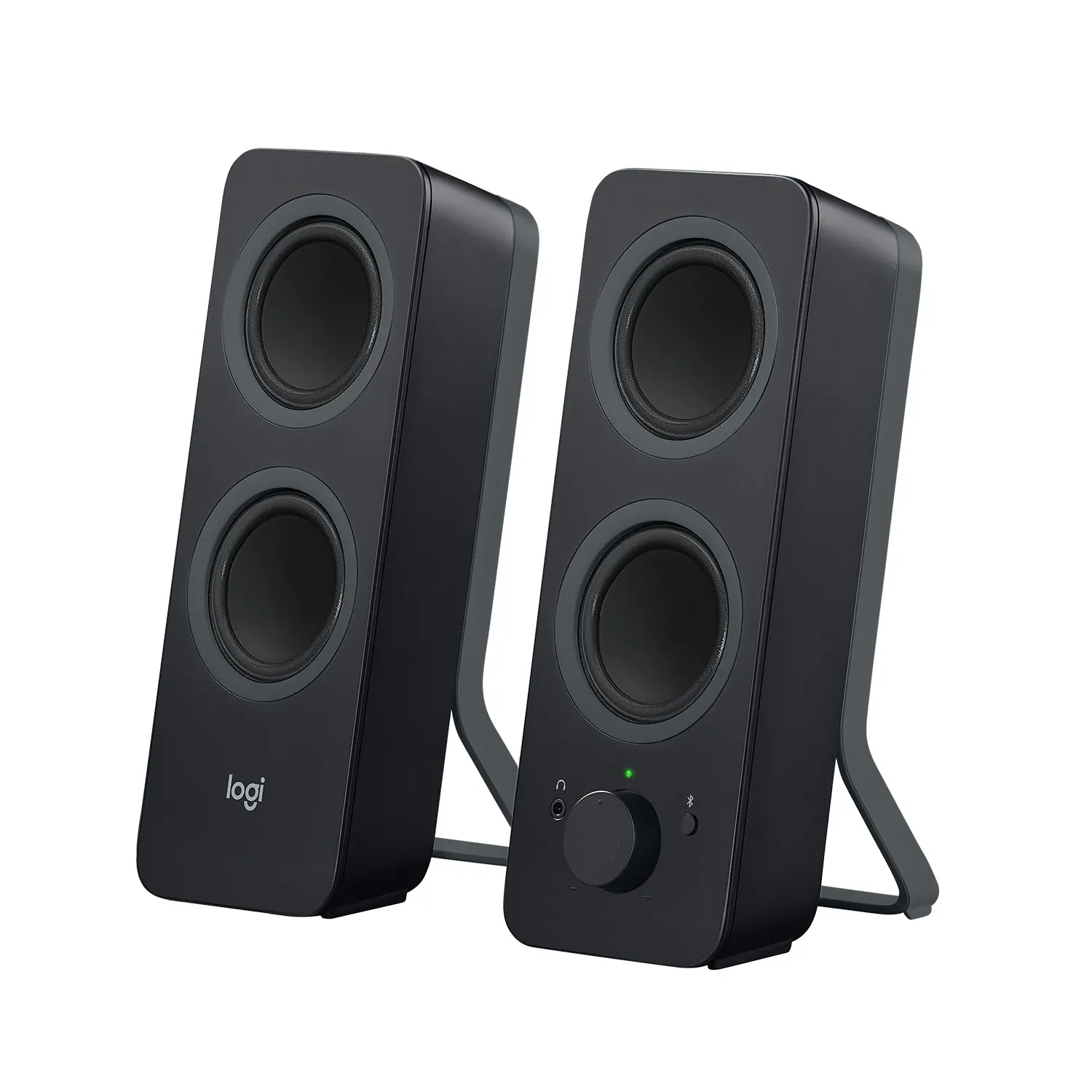 Computer Speakers
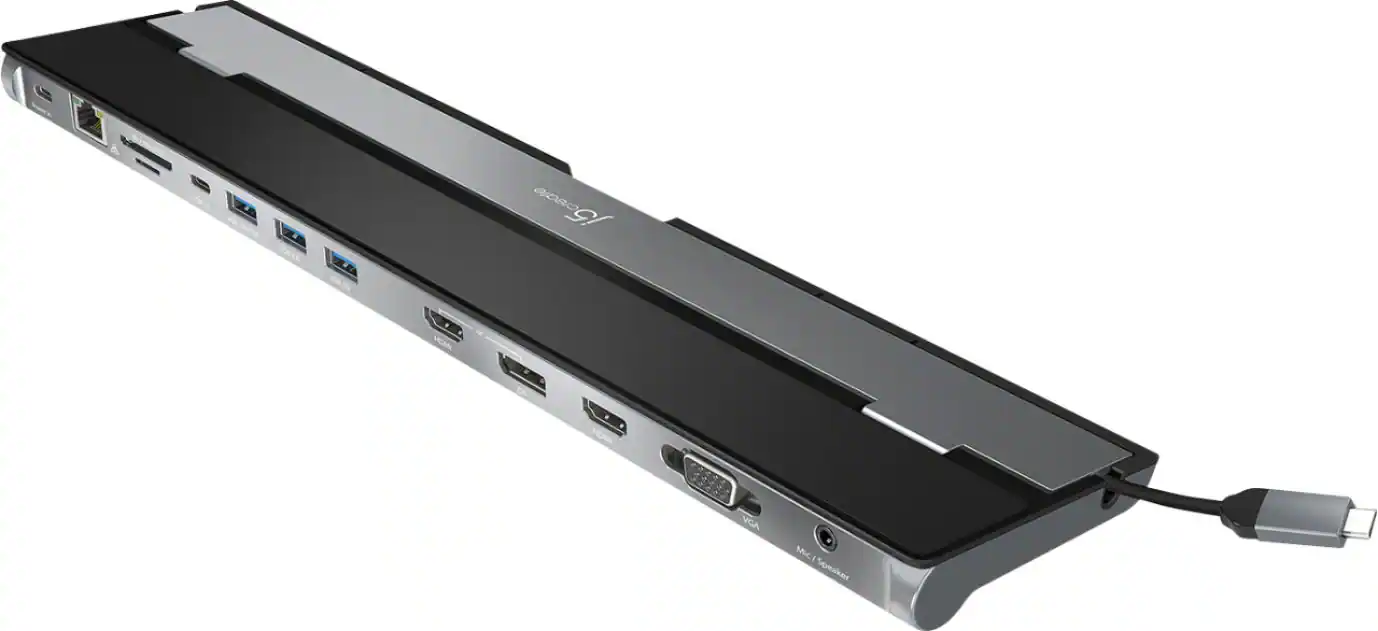 Laptop Docking Stations
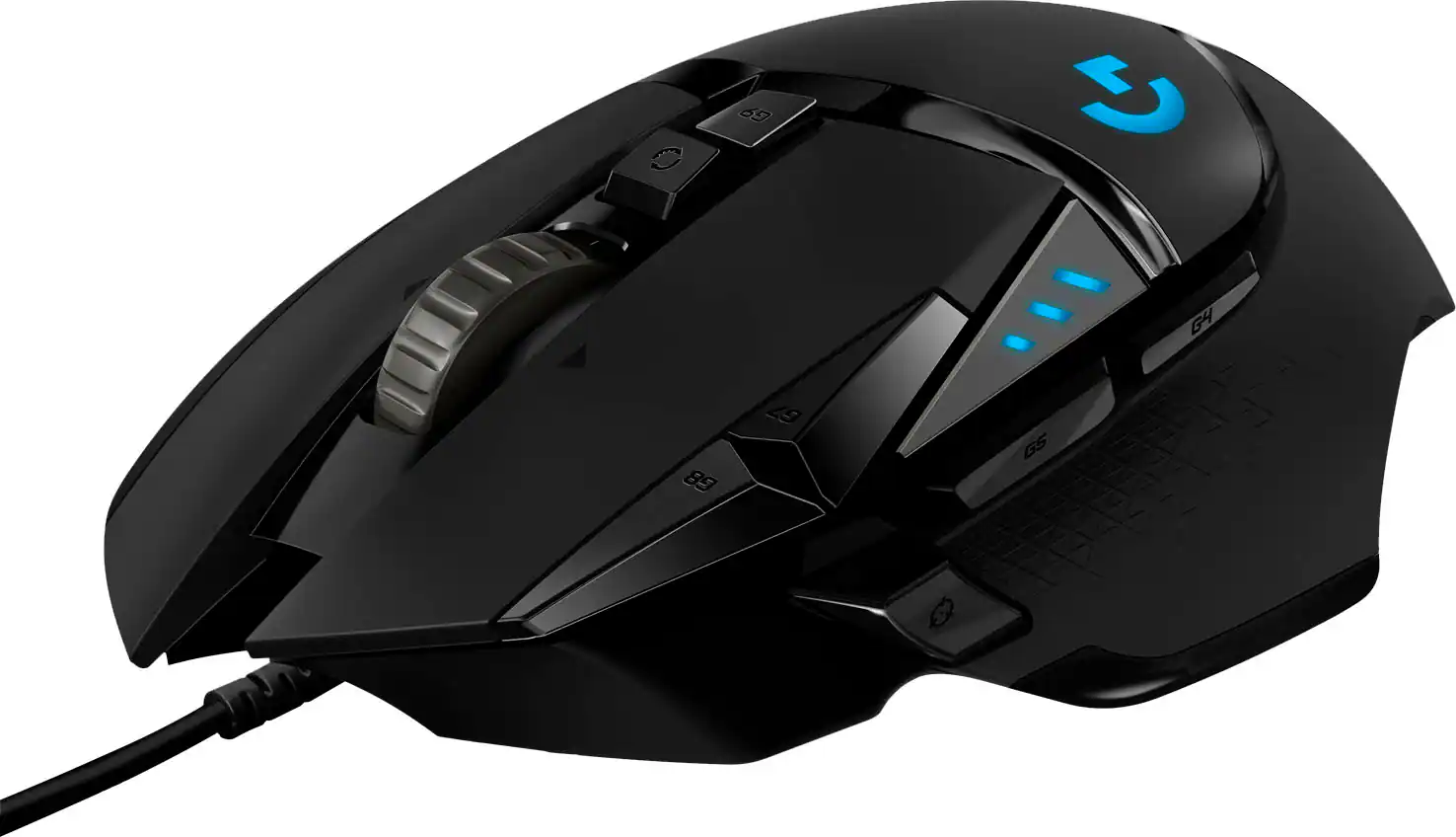 Mice
Mice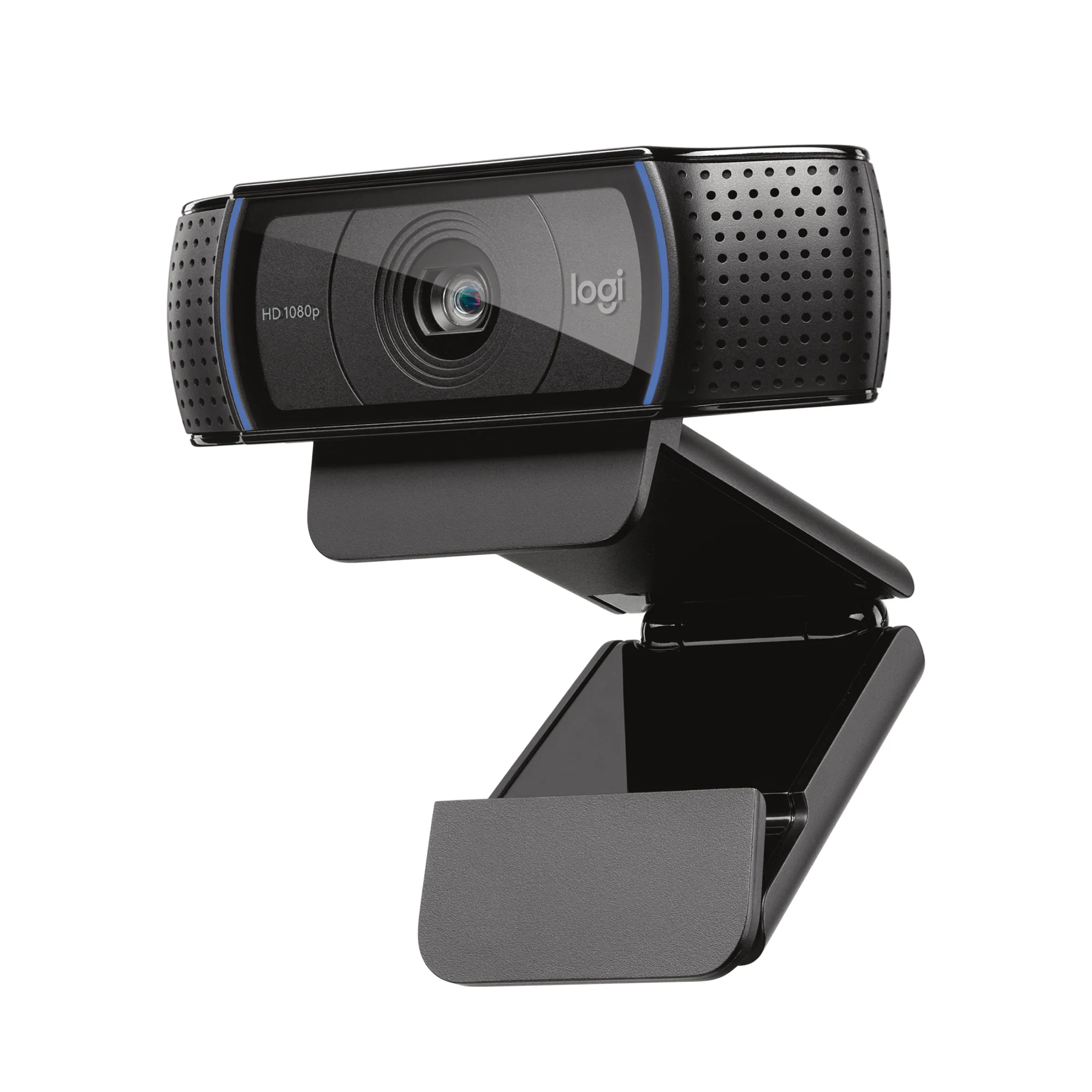 Web Cameras
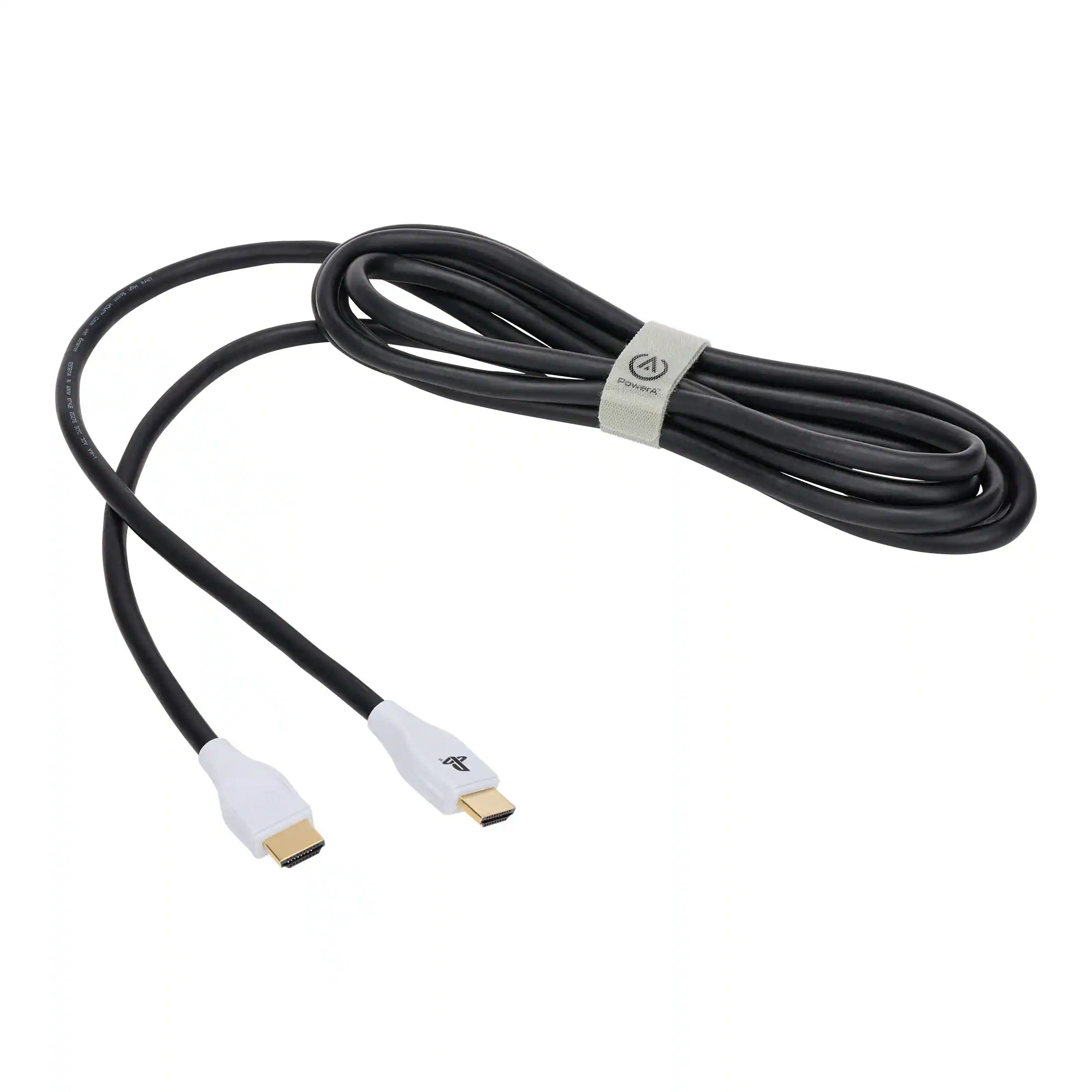 Cables and Adapters
 PC Gaming Headsets
More to consider
 Black Friday in July Deal$179.99The price was $329.99
 Black Friday in July Deal$279.99The price was $399.99
 Black Friday in July Deal$199.99The price was $459.99
 Black Friday in July Deal$249.99The price was $349.99
 $179.99The price was $249.99

Explore tech essentials Sponsored
 Doorbuster$1,619.99The price was $2,079.99
 $349.99The price was $499.99

Discover related products
 Black Friday in July Deal$36.99The price was $49.99
 $649.99The price was $669.99
 Black Friday in July Deal$11.49The price was $14.99




Keep exploring
 $986.00The price was $1,185.99
 $711.35The price was $720.02
 $499.99The price was $519.99
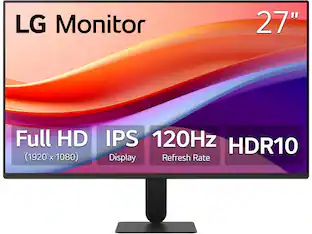 $119.99The price was $129.99
 $599.99The price was $699.99
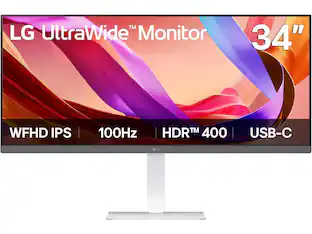 $299.99The price was $323.99
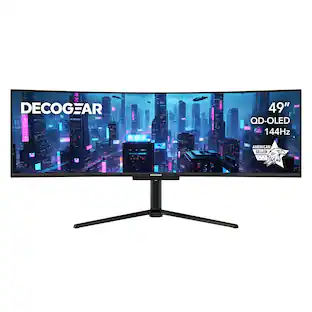 Black Friday in July Deal$689.99The price was $799.99
 Black Friday in July Deal$439.99The price was $549.99