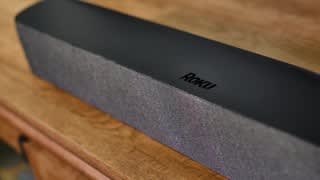
A:AnswerHello Corinne! Yes, the Roku Streambar PRO takes over all audio responsibilities from the TV meaning that whatever is playing through the TV, would then play through the Roku Streambar.
A:AnswerHi, meg! You will need to connect your Roku Smart Soundbar to a wall outlet for power using the included power cable. The USB port on your TV will not have enough power to run the Roku Smart Soundbar. For additional information on setting up your Roku Smart Soundbar take a look at the Quick Start Guide linked here https://image.roku.com/c3VwcG9ydC1B/Roku-Soundbar-QSG-US.pdf
A:AnswerI added the subwoofer with no problem. Not sure about more speakers, as I only bought two - front and rear (besides the soundbar). It's all wireless, which is nice. Set up was easy.
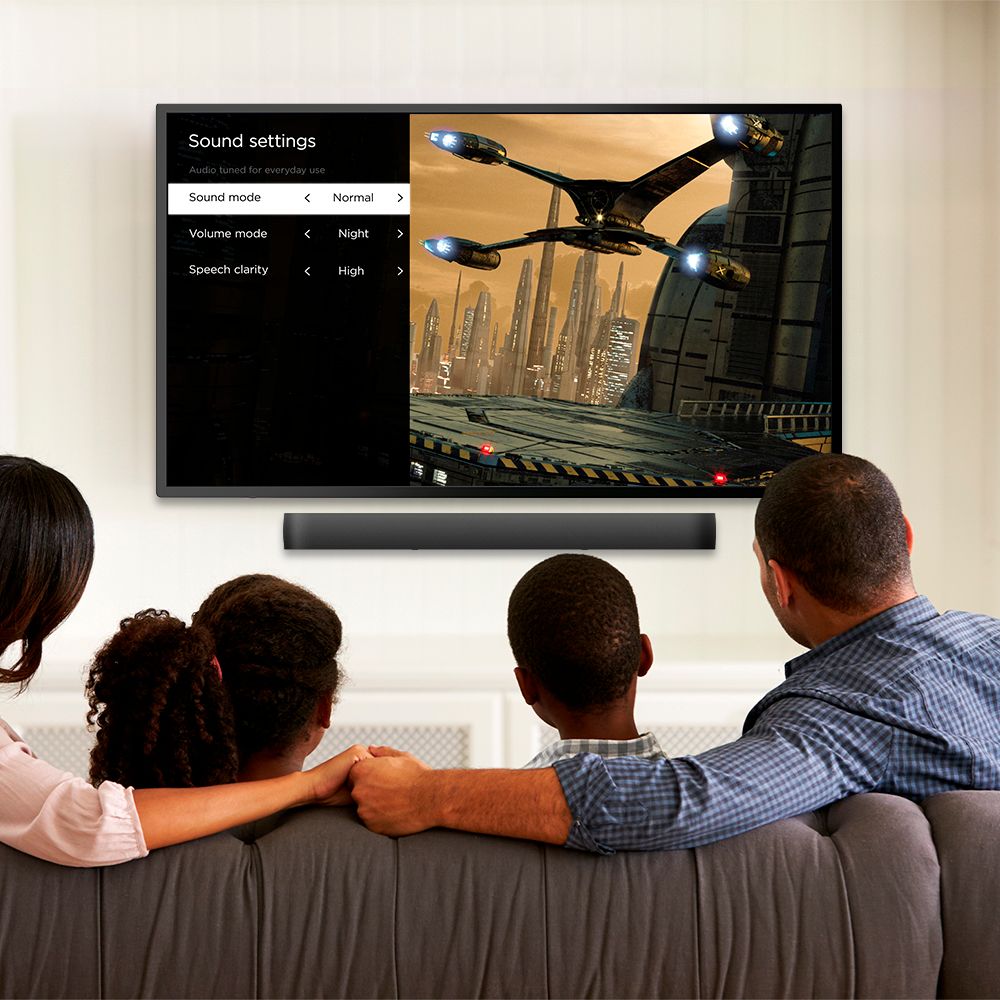
A:AnswerHi! The Roku Smart Soundbar will have significantly more 'performance' than the Roku 3. The Roku Smart Soundbar features a quad core processor ,where the Roku 3 had a dual core processor. In addition the Roku Smart Soundbar will also have more onboard memory than a Roku 3. With the upgraded hardware the Roku Smart Soundbar will be faster than a Roku 3. If you have a Roku Smart Soundbar or Roku Streambar Pro, you’ll be able to enjoy a rich and immersive sound experience with the new Virtual Surround setting. This setting creates spacious sound that moves around the room for an enhanced audio experience. Access this new setting by pressing the * button on the Roku remote to access the sound settings menu, or find it in the audio menu within settings on your device.
A:AnswerHi! The Roku Smart Soundbar has 60 watts peak power with Four Full Range Drivers. The Roku Wireless Subwoofer has 250 watts Peak Power with a Powerful 10" Down Firing Driver for Deeper ,Richer base with Thunderous Response. For more information on the Roku Streambar Pro and the Roku Wireless Subwoofer ,take a look at the product pages linked here: https://www.roku.com/products/audio/roku-streambar-pro
https://www.roku.com/products/audio/roku-wireless-subwoofer
A:AnswerI have an Xfinity box and I ran the HDMI from the soundbar to the HDMI ARC port on the TV. The Xfinity box just runs to an HDMI port on the TV. Then I select the input on the TV for the Xfinity box and watch TV. you may have to go into your TV setting and switch the audio setting to HDMI. the Roku box walked me through the steps with onscreen help...It was easy.
A:AnswerThis Soundbar would require a wireless network to join to get the benefit of the Streaming services. The HDMI and Optical is fine for older systems. Hope this helps.
A:AnswerThe TV uses the HDMI arc feature for sound only ---- you can still use other HDMI inputs at the same time.
For example, we have the Roku using HDMI 3 in our LG TV for the ARC feature. When we watch cable TV, it uses HDMI 2. And yes, we can watch TV (HDMI 2) and still hear sound from the Roku Soundbar (HDMI 3) at the same time. That's the beauty of the ARC feature - just make sure you select that ARC feature in your TV's audio settings.
Hopefully that makes sense ......
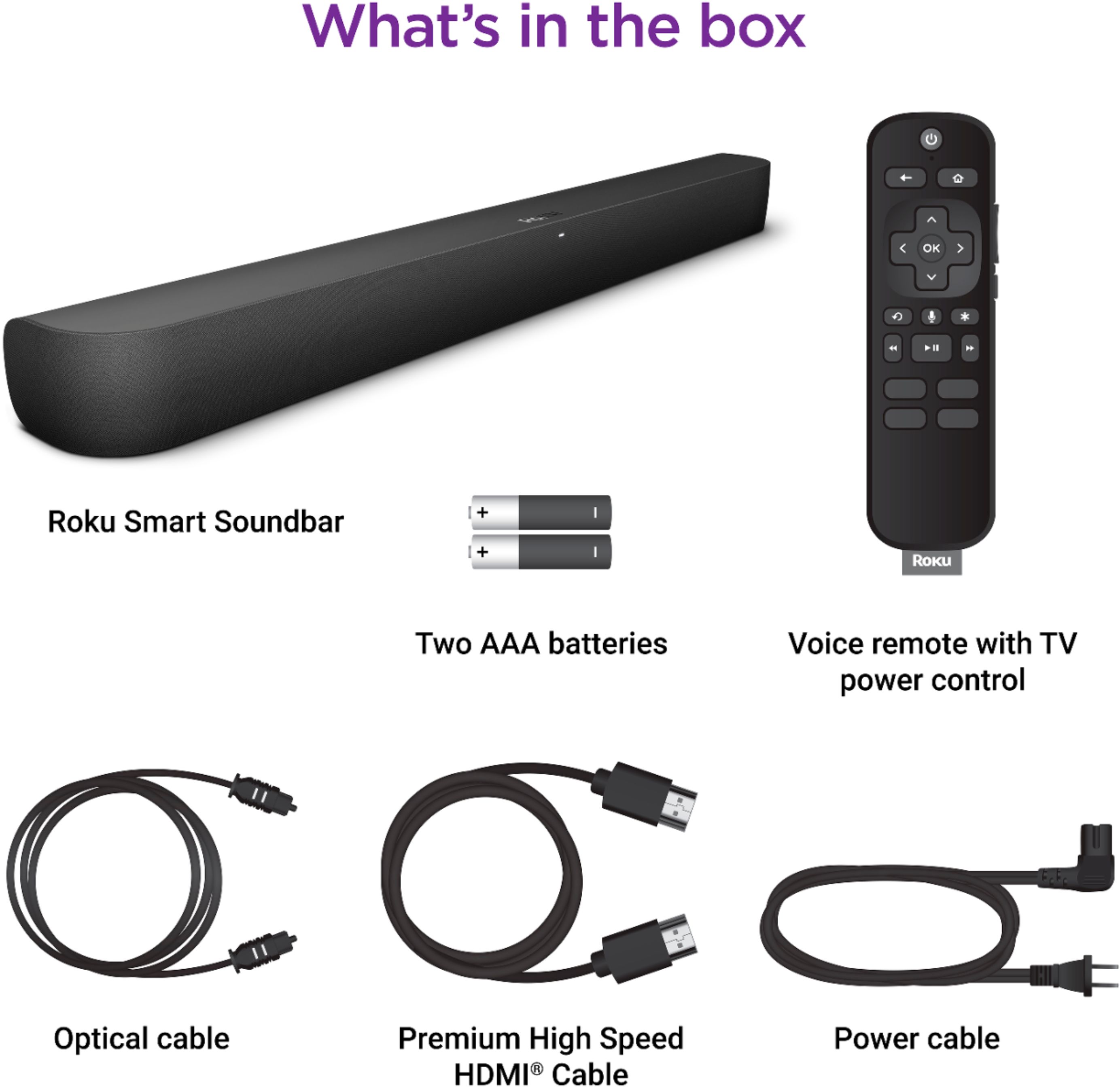
A:AnswerHi! Dsniel ,Yes the Roku Smart Soundbar will work with a PlayStation 4 gaming console. Using the included Premium High Speed HDMI Cable, connect your Roku Smart Soundbar to the HDMI port labeled ARC on your TV. When using this special port, you do not need to connect additional cables to get audio from your TV (and devices connected to the TV) to your Roku Smart Soundbar. Instead, ARC (or Audio Return Channel) uses the single HDMI cable to send streaming video from your Roku Smart Soundbar to the TV, and audio from the TV (and devices connected to the TV) back to your Roku Smart Soundbar. Smart TVs manufactured in 2009 and later typically have one ARC port (among the other HDMI ports) commonly labeled "HDMI ARC" or "ARC".If your TV does not have an ARC port, you will need to connect a second cable. In addition to the HDMI cable, you need to connect the included optical cable to your TV's optical output, sometimes labeled "Digital audio out" or "Digital output". This connection carries TV audio to your Roku Smart Soundbar., while the HDMI connection delivers video from the streaming player in your Roku Smart Soundbar to the TV. For additional information in using your game console with the Roku Smart Soundbar take a look at the following link. https://support.roku.com/article/360034304013
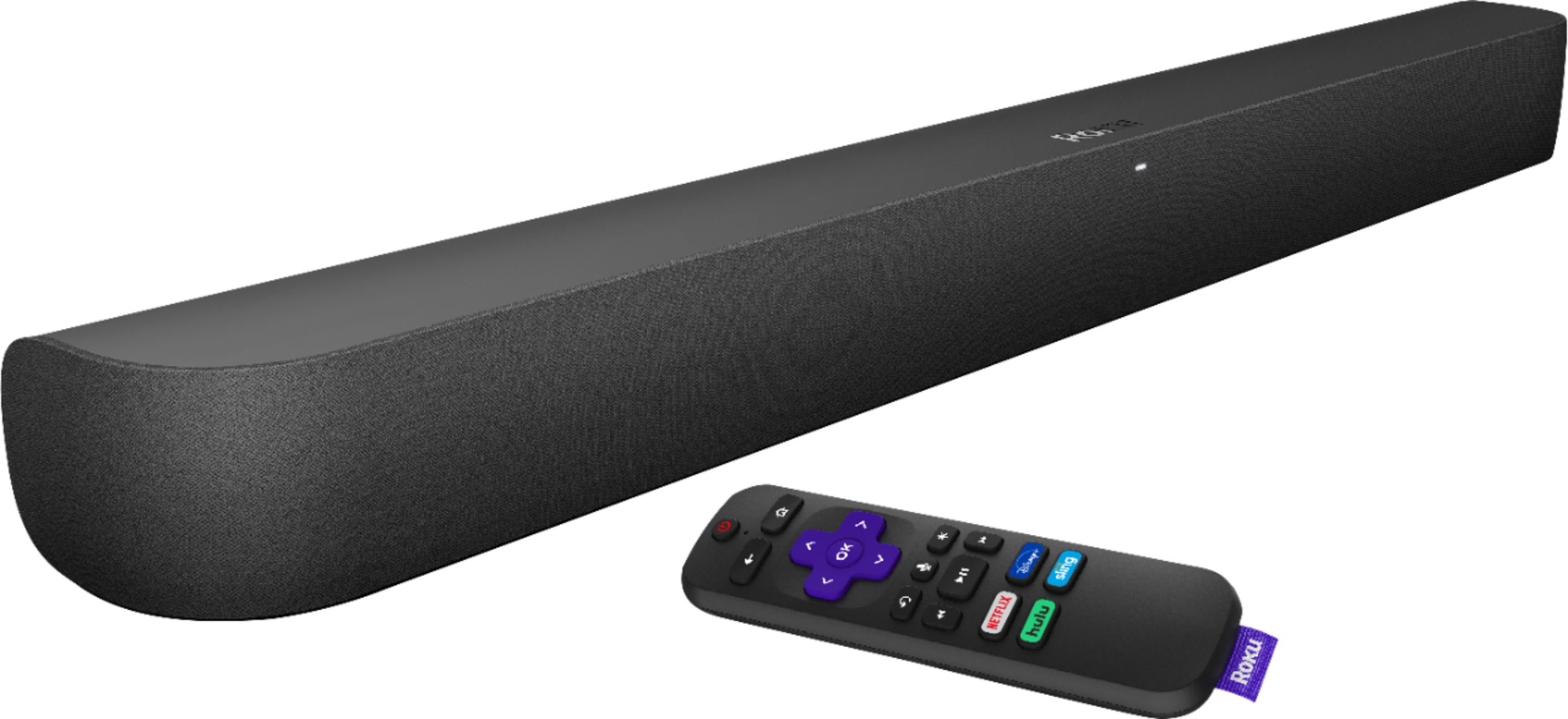
A:AnswerMake sure the plate you are using to hide the speaker wires is smaller than the speaker - otherwise, you'll see the plate behind the speaker because the Roku soundbar is very thin. (You may have to put the plate horizontal and not vertical to hide it.)
Assuming you can hide the plate for the speaker wires, a pair of universal sound bar mount brackets from Amazon should work fine.
A:AnswerThere are mounting options on the back of the soundbar. You will need to purchase mounting brackets but it is easily done. I have a tv out on my patio with the soundbar attached. It looks very neat and the sound is perfect.
A:AnswerThe sound bar has the Roku TV integrated into it, so it would completely replace your old Roku. After installation, and as long as your tv isn’t too old, you only need the one remote to control everything. You can also add the subwoofer and rear surround sound speakers later on.
A:AnswerIt will play anything that the Roku has. All the apps use the sound bar as a speaker so if the Roku is playing it it will come through the speaker with surround sound.
A:AnswerYes it will, if you put the HDMI cable in the ARC labeled HDMI slot on your TV. If your TV does not have the ARC then use the optic cable to connect the sound bar.