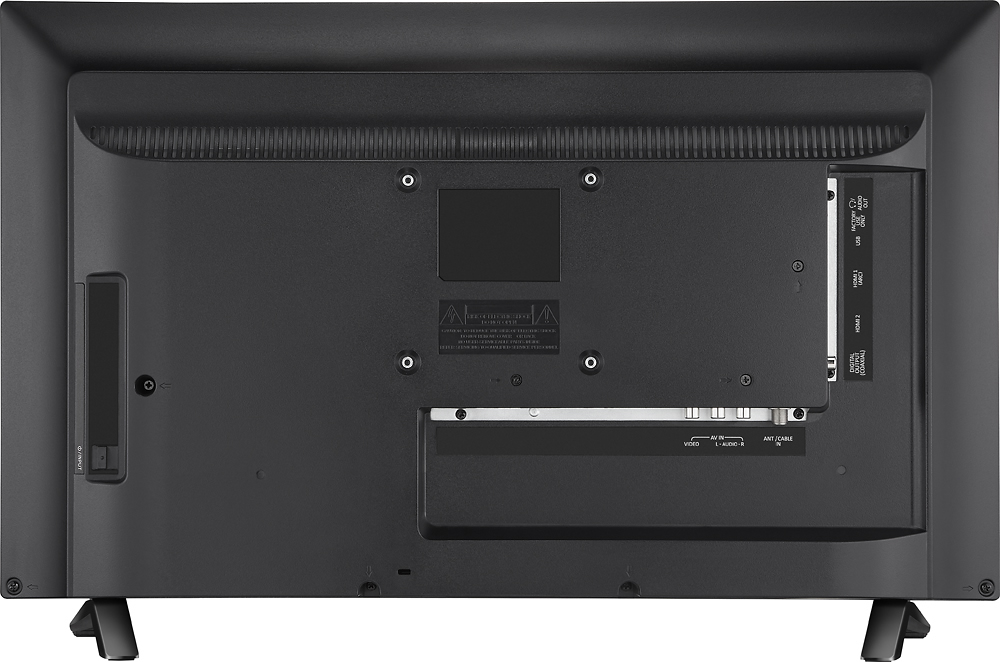
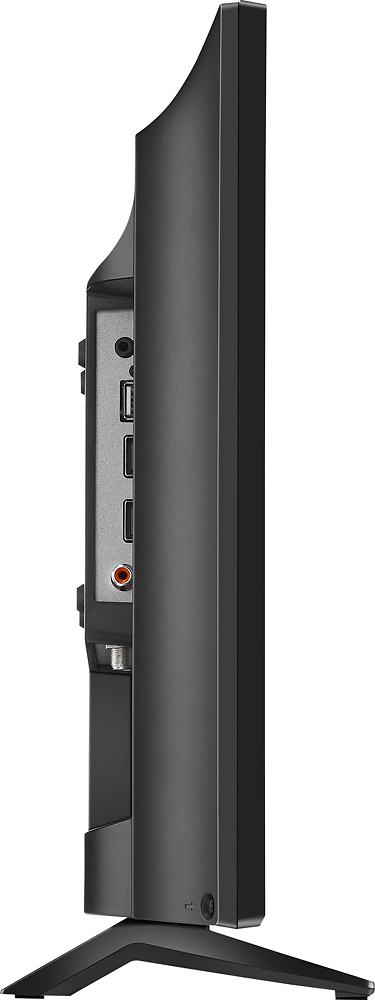
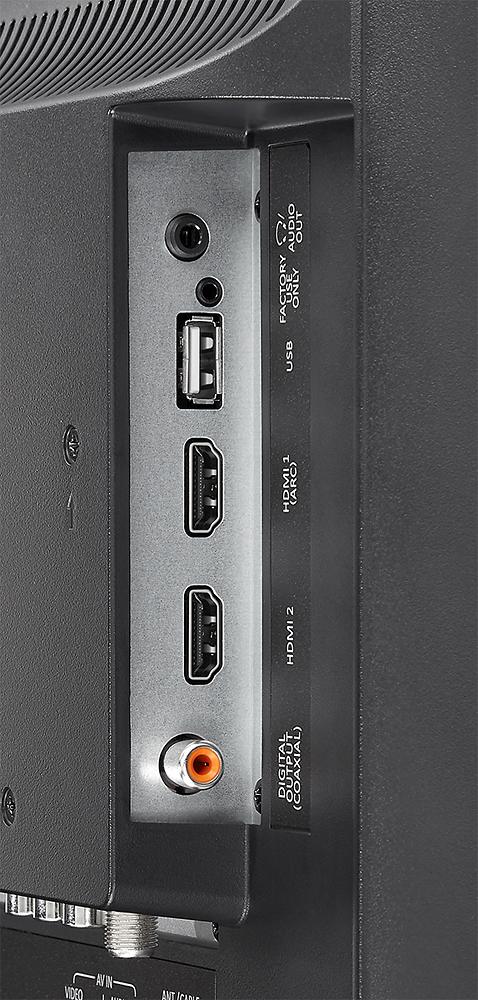
A:AnswerWith the TV facing you, on your left side on the back of the TV there should be a "headphones" plug. This plug is plain black, on a narrow strip that is actually facing out towards the left. Should be labeled "for factory use only (headphones)" This is an audio output that is adjustable with the volume control of the TV & can be used to connect a powered subwoofer/external speakers to the TV itself.
A:AnswerHello Cougar, since this is not a smart TV the only way for it would be to have an MHL compatible phone and an MHL wire. Omar S. - Insignia Support.
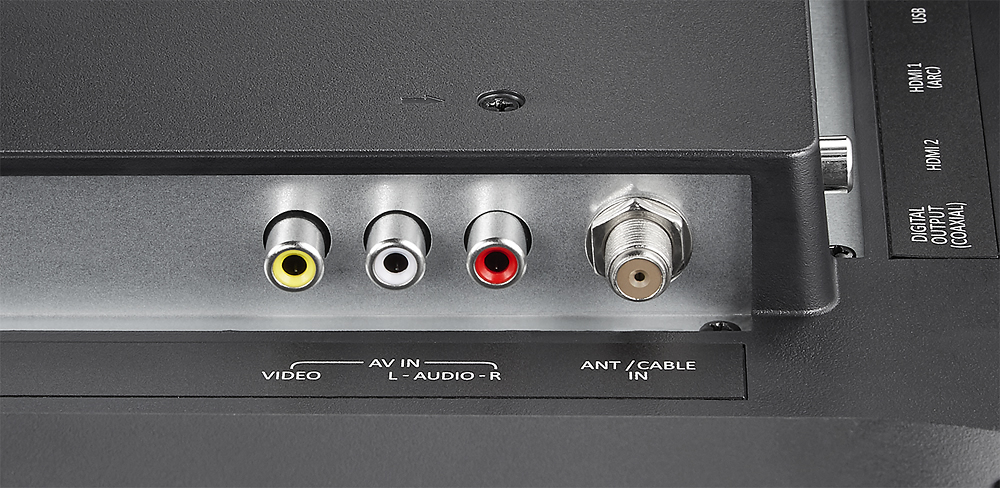
A:AnswerGood morning, this TV has 2 HDMI ports. Have you tried both yet? Unless your Blu-ray player has AV input capability there's' no other way your Blu-ray player will work with this TV.
A:AnswerFrom the bottom of the tv to the bottom of the stands is approx 1 1/8". I painted two pieces of 2x4 lumber black to match the tv and it made it the perfect height to slide my video surveillance dvr right up under the tv. Looks good too.