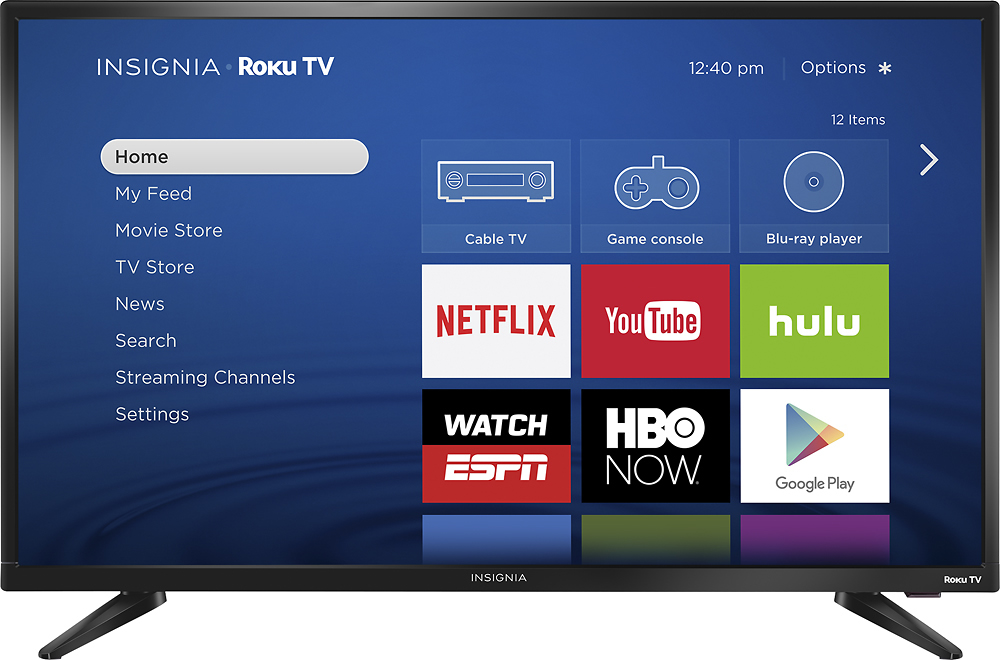
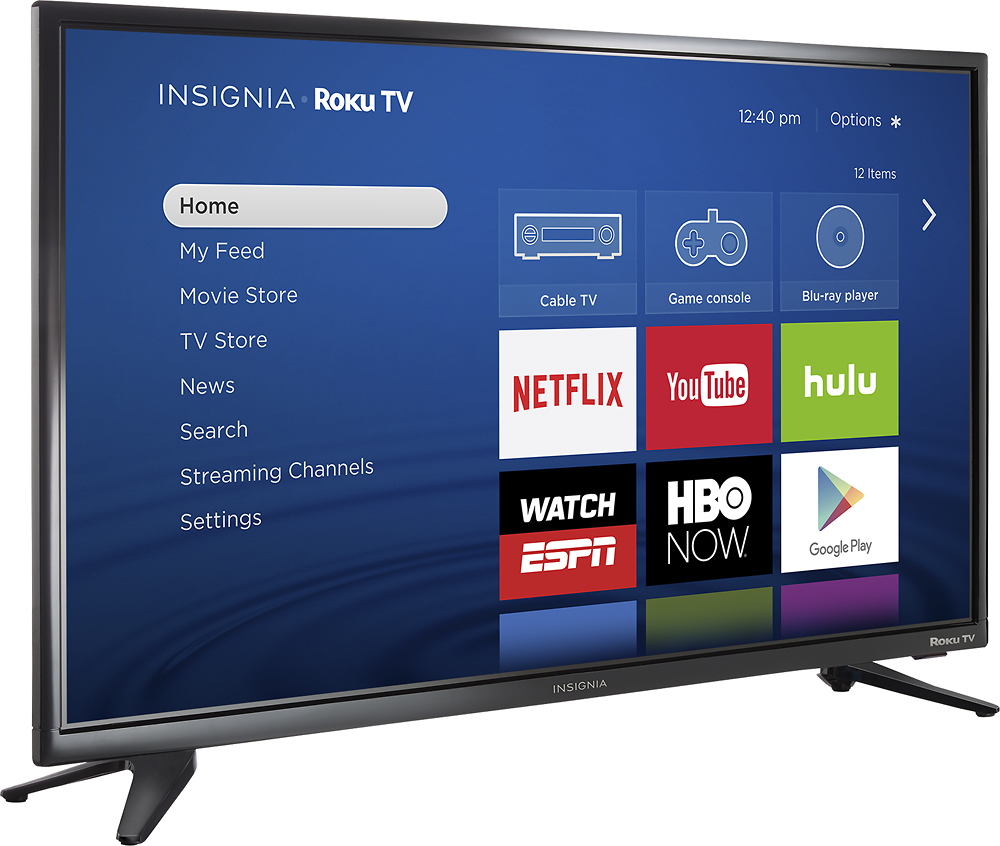
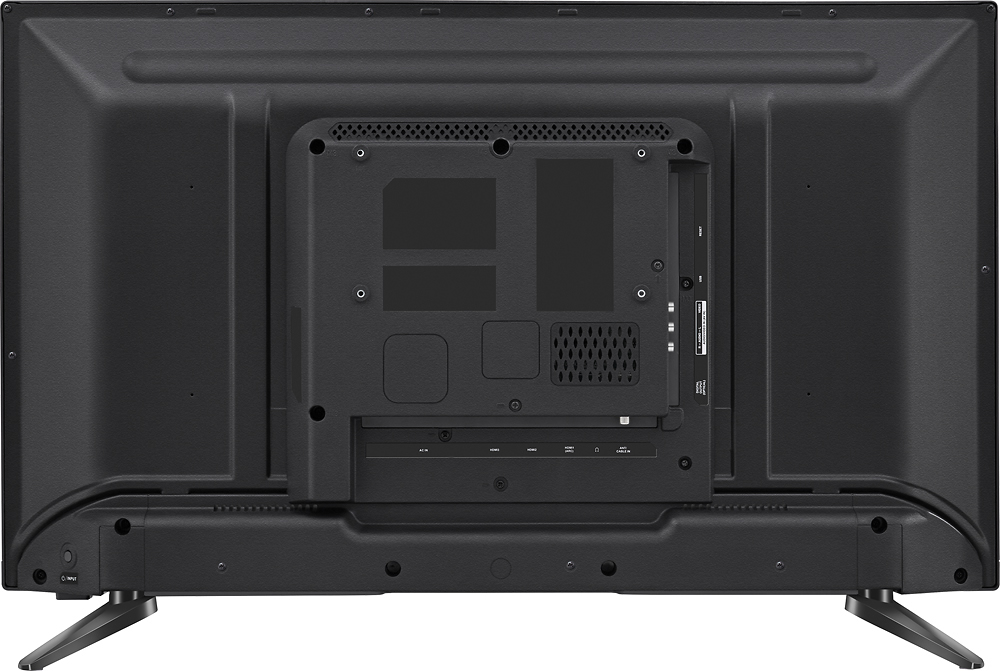
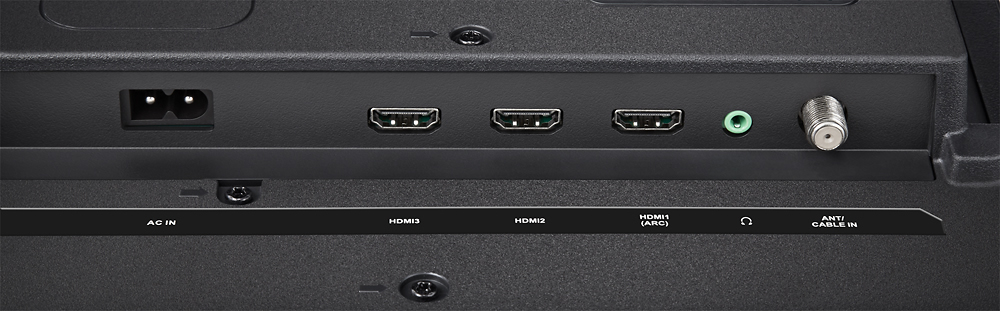
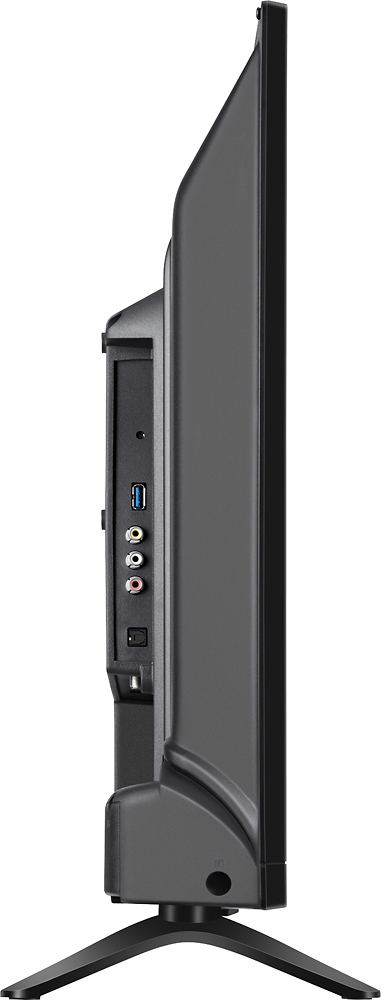
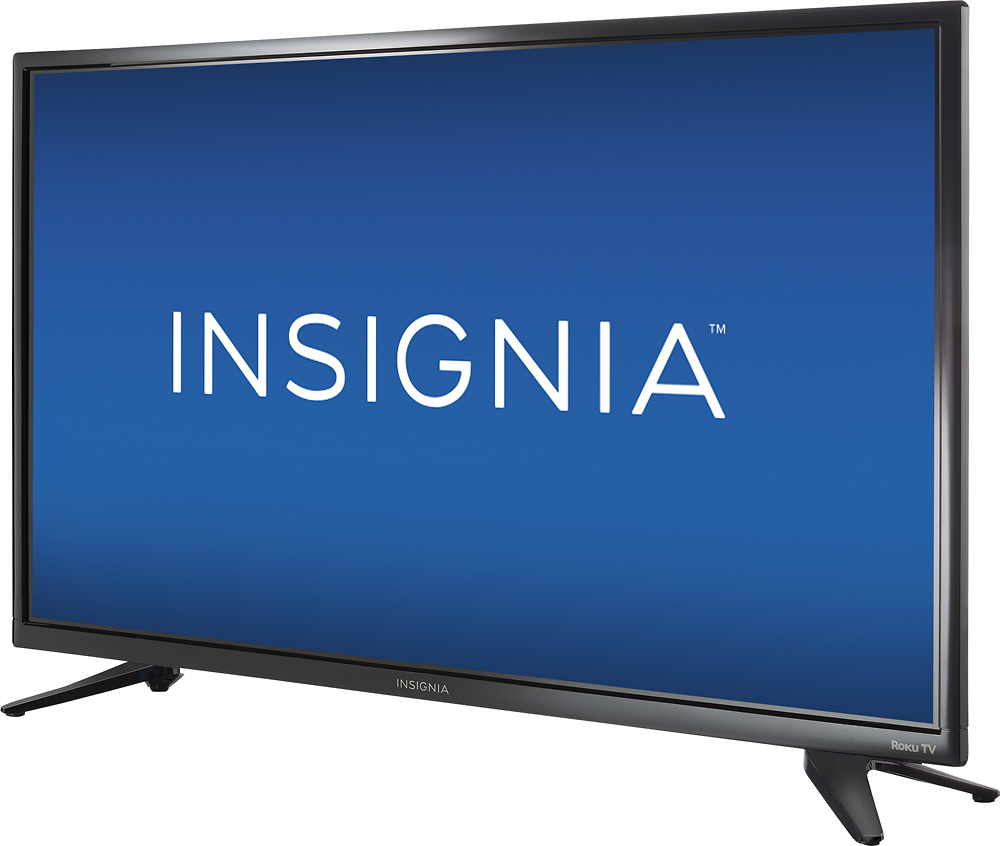
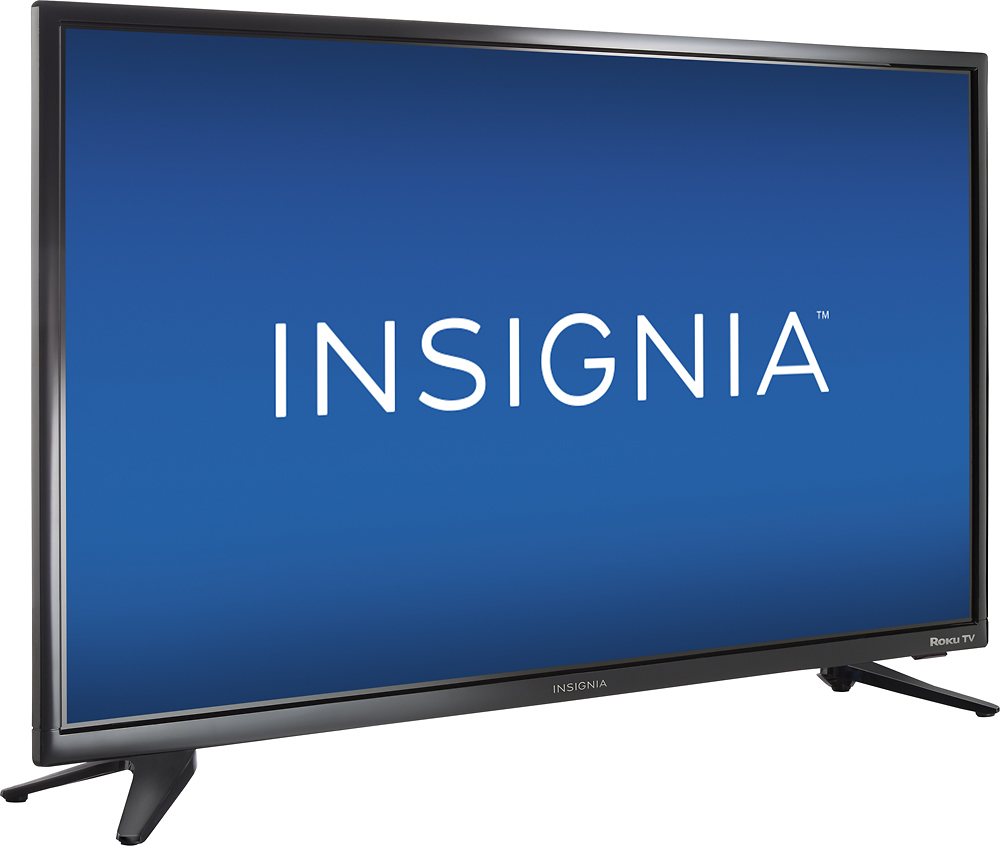
A:Answer The Roku setup is pretty simple. You just need to follow the on-screen prompts. You will likely need to set up a Roku account with your email address, but otherwise it is very simple. The setup will take you through picking your inputs (cable box, game systems, etc.) that are connected to the HDMI ports and other AV connections (if you have them connected to this TV) and assign them (and label them for the on screen menu) to the appropriate ports. For example, my cable box is on HDMI 1, so during set up, I simply selected Cable Box for HDMI 1. From there you will go through the Roku set up which is just selecting any of the other free channels they offer, which is quick. The Roku system will look for system updates and download them.
You will need access to wifi and enter your wifi password to make the connection for the Roku system for it to work properly. All in all, it should take 10 minutes to completely set up this TV.