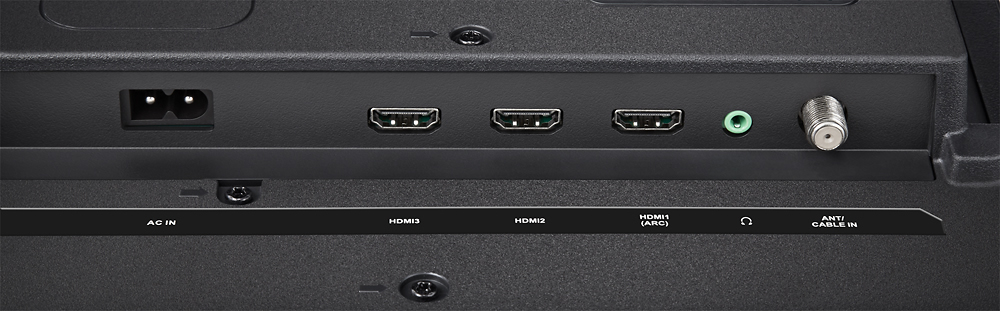
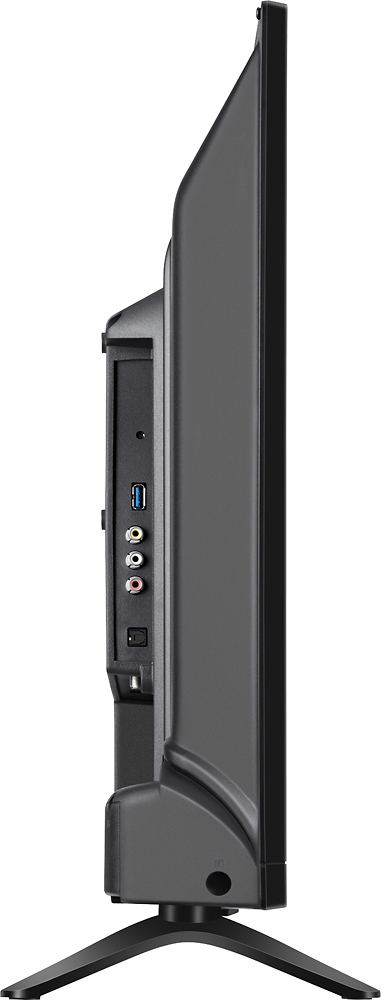
A:AnswerYou would need a Bluetooth transmitter or other transmitter to send the signal. To my knowledge it's not built into the tv, but you can get transmitters that will plug into RCA or headphone ports and transmit to any Bluetooth compatible headphones or earbuds you have.
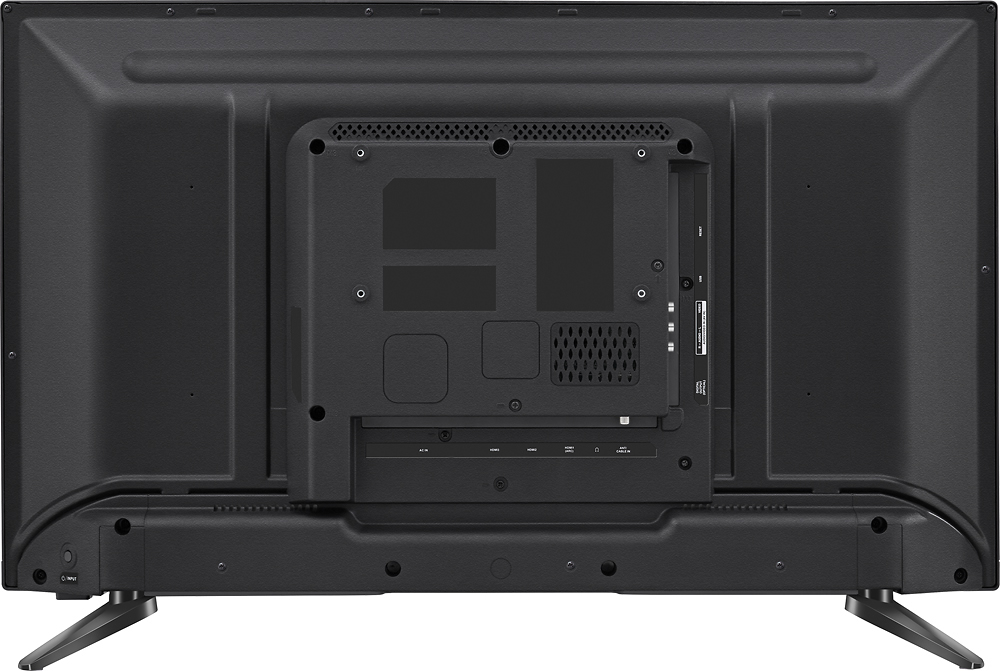
A:AnswerThis TV has 3 HDMI connections. I think Apple TV connects via HDMI cable. Once connected, you just input "Apple TV" as the name of one of the HDMI connections (whichever one you plugged into) and it appears on the list of apps you can select with the Roku remote.
A:AnswerI got the Xfinity app from the Roku store. Other than being slower than I would prefer, it is wonderful. The Xfinity app only works when used on the network tied to the user's account.
A:AnswerHello Bernie, in order to receive an HDTV signal from you cable box, you must connect the cable box to the TV using n HDMI cable (which will provide the best quality picture. Also it would be a good idea to confirm with the cable service provided if you in fact have HDTV signal and that the channel you are watching is available on HD. Omar S. - Insignia Support.
A:AnswerI set mine up first with just the antenna and the TV worked fine. If there is a signal ... The TV will know know an then add those channels. Rescan when you're done with camping and home.
A:AnswerIt has to do with the number of horizontal pixels across the screen. 720 has 1280 amd 1080 has 1920. A pixel is like a micro color image so more pixels the better the picture clarity
It makes a significant difference on displays over 46 inches since the screen itself is allowing more space between pixel. On a 32 inch you really can't tell a visual difference (the % difference at that size is nearly undetectable by the human eye)
A:AnswerI just searched for Spectrum TV on my 24 inch Insignia Roku TV and it's there. Should be on the 32 inch as well but I'm not at that TV right now.
A:AnswerThe roku tv gives you applications that run on the tv. Basically you go to the different apps like Netflix and sign up to see what they have on their server. As far as getting free tv you don't get but a month of viewing and then they charge your credit card. My wife has an insignia and it is not a roku and it has an optical audio out as does my roku and we get really excellent sound with dishes programming for our viewing pleasure. You can get programming with them and they sell polk audio speakers along with subwoofer. They will connect everything up and walk you through the steps after everything is installed.
A:AnswerI agree. I have to turn the volume way up to hear people talking but when the ads come on they are either really loud or way soft. I think I'm going to return mine. In addition to this, mine sometimes won't even cut on and I have to unplug it to try to restart it.
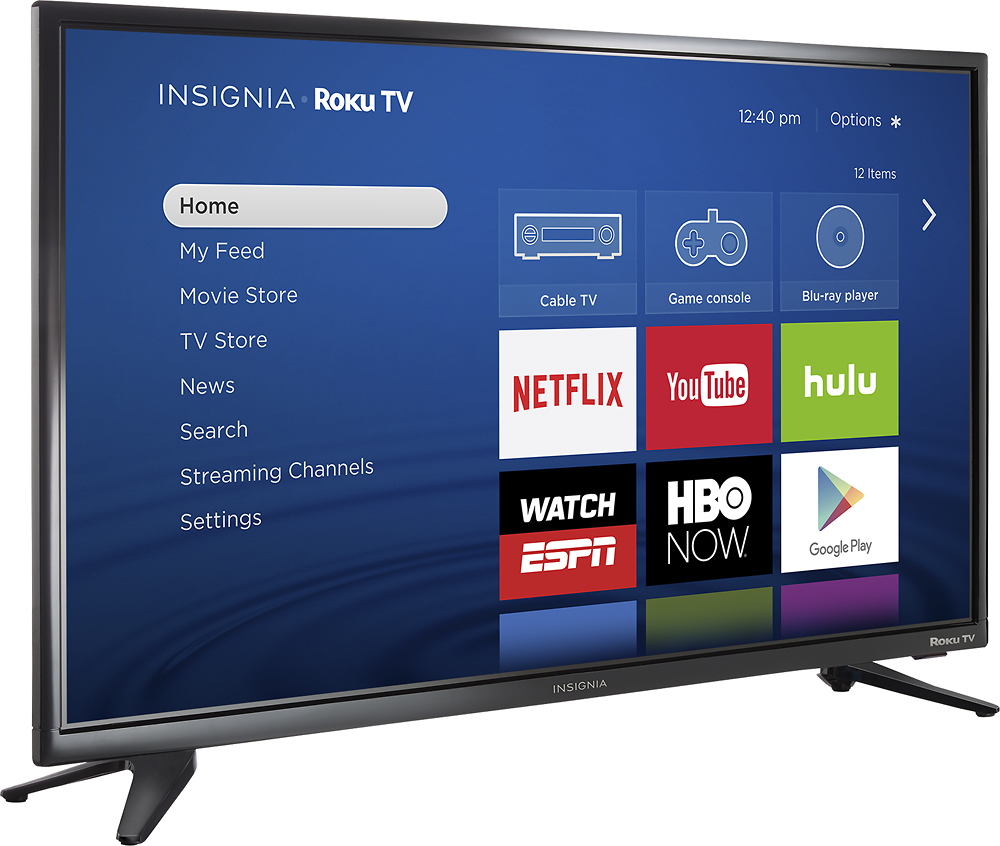
A:AnswerThe Roku platform is built into this TV. It has three HDMI ports for connecting devices via HDMI, for high-definition audio and video, such as a Blu-ray player.
A:Answerpurchased this tv for my daughter and there are no fees associated with roku itself, but there are fees for channels like netflix, hulu, etc. There are some free channels available but it's like classic tv and movies. If you select netflix it will offer you free month subscription then fees will be charged after that...amount of fee will be based on plan you get. Hope this helps.
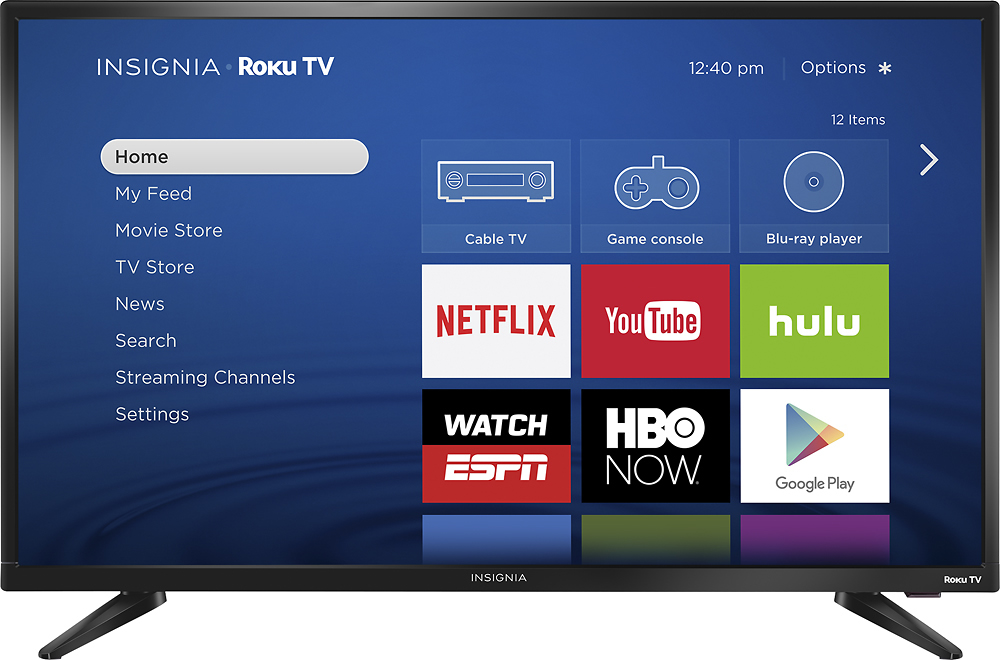
A:AnswerGet your remote, hit the star button to pull up the menu, go to accessibility push ok button, go to audio guide and push the arrows to turn the voice on or off. Hope this helps.