A:AnswerHello VanZandt, when the on screen keyboard comes on, there is an arrow pointing up that allows to alternate between lower and upper letters. Omar S. - Insignia Support.
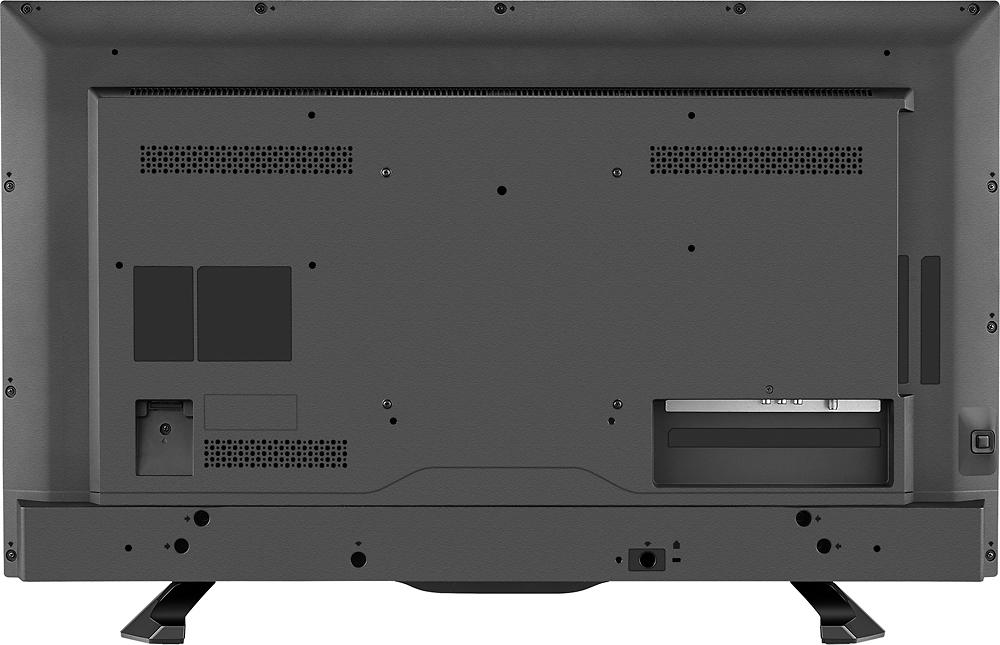
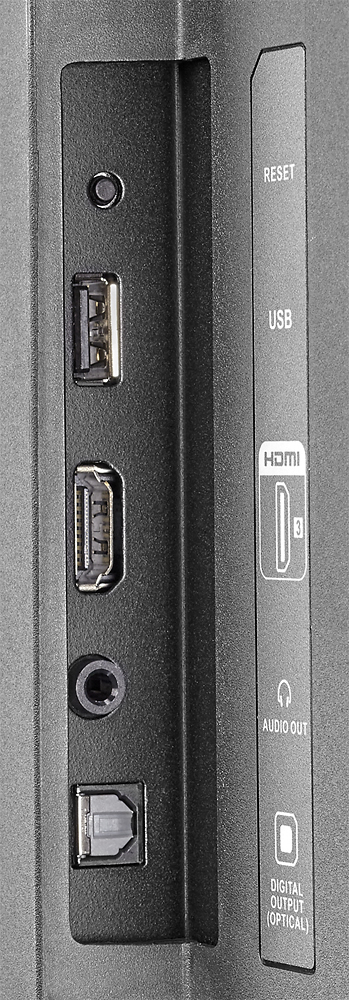
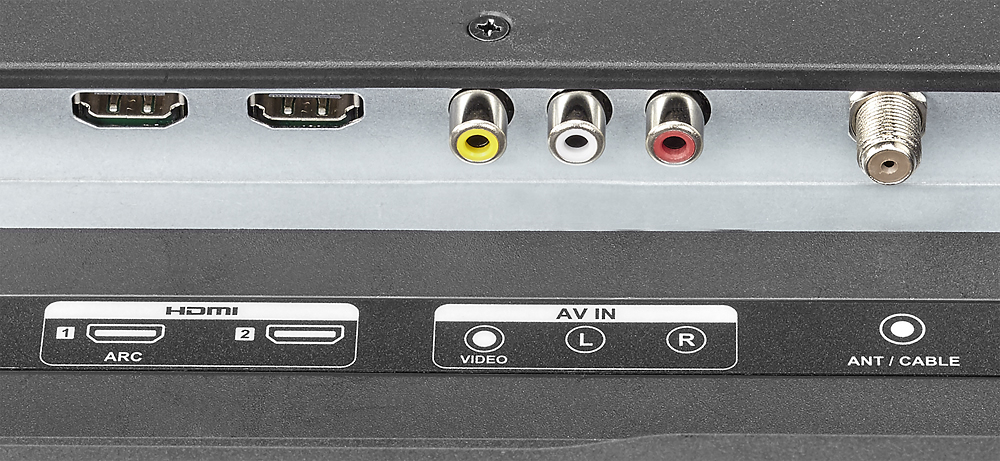
A:AnswerYes, there is a coaxial cable connection. I attached my outside antenna. If you want, you can put a 16G thumb drive in the USB port and the TV will use it to allow you to pause live TV for up to 90 minutes (I think) and then fast forward or rewind.
A:AnswerThere is a little asterisk on your tv's remote that will open an Options menu on your screen while viewing your show.
The third option down is Picture Size..
Once you're on that you, use the directional arrows to change the size of the viewing picture by clicking either the Right Arrow or Left Arrow.
For a picture that fills the screen completely you'll want Zoom.
A:AnswerNo, there is no fee to use ROKU, only if you subscribe to premium channels or buy movies to watch.
There are enough free streaming channels to keep you entertained for a very long time!
A:AnswerConfiguring your Direct TV remote to control your new Insignia TV is a quick and easy process.. Rather than try to explain the process to you here, goto the Direct TV website and follow the process they give you there. I did not even have to search for the proper number or try different ones. Run thru the process provided by Direct TV and it will scan the TV and most likely resolve everything for you.
A:AnswerThe volume rocker and mute buttons are on the right side of the remote, as if it were a phone.
They lost a star from me because they didn't include a more useful, intuitive remote.