A:AnswerDepending on whether u have cable or dish hookup; i have cable. And since you wind up having to use the cable remote and the tv comes with a separate remote, it’s best to call ur cable company come out and set it up and show u the steps.
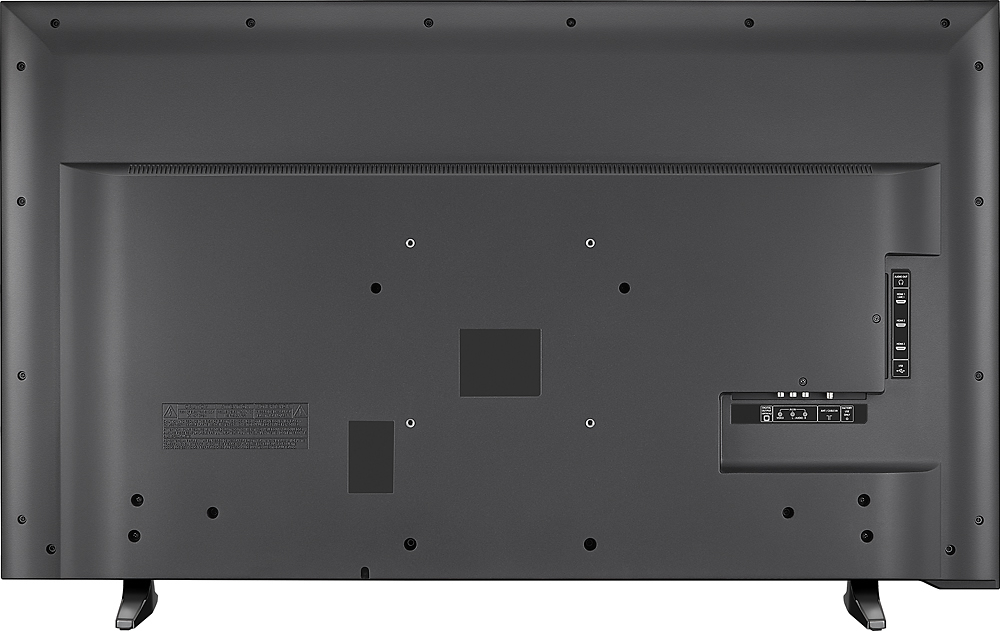
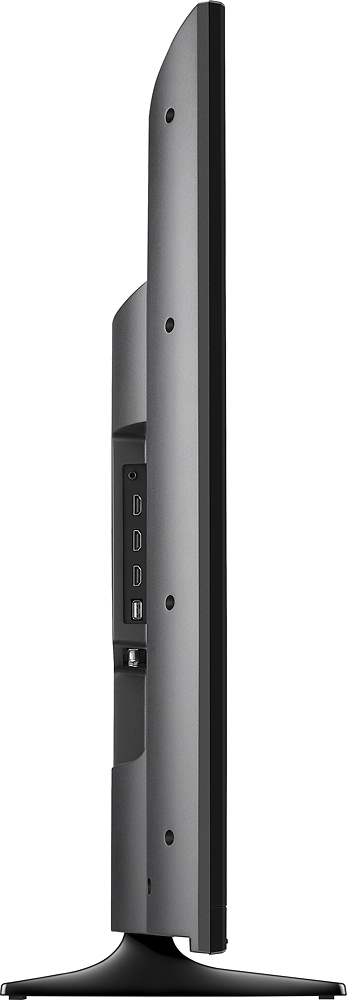
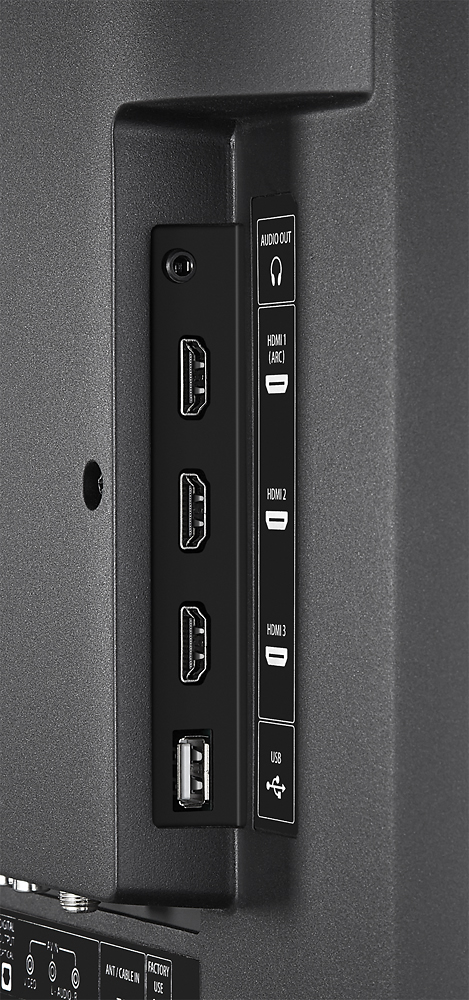
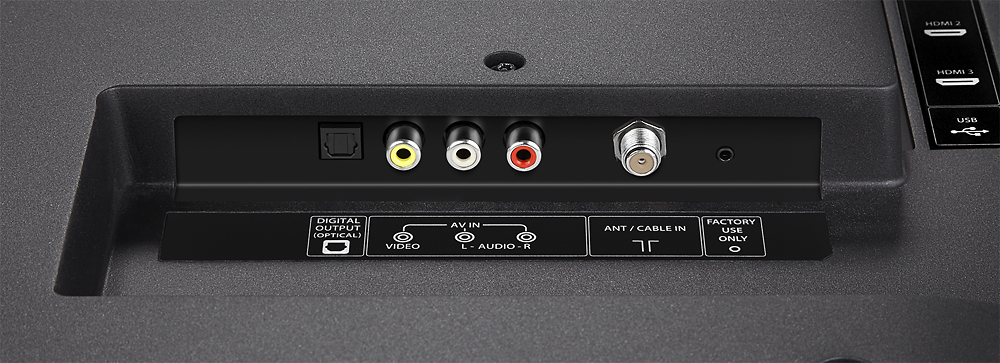
A:AnswerIt really depends on the soundbar. Some hook up through optical or HDMI, and this TV will support either.
I personally have an optical cable connected from the TV to the soundbar and I disabled the built-in TV speakers.
A:AnswerYes but it would have to be a long headset connection and there is no kind of smart anything on this TV that I was upset about and again person selling me the TV had he been more knowledgeable I wouldn't have bought it
A:AnswerYes of course this TV would work for that application the only downfall is displaying a static display for 12 hours on LED screen is not always recommended but overall I don’t think you should have any problems or issues
A:AnswerYou would want to get the Smart version of this TV if you're looking for one with the apps built in. Otherwise, there should be no problem connecting your laptop, an Amazon FireStick, or any other sort of streaming device to this TV via HDMI.