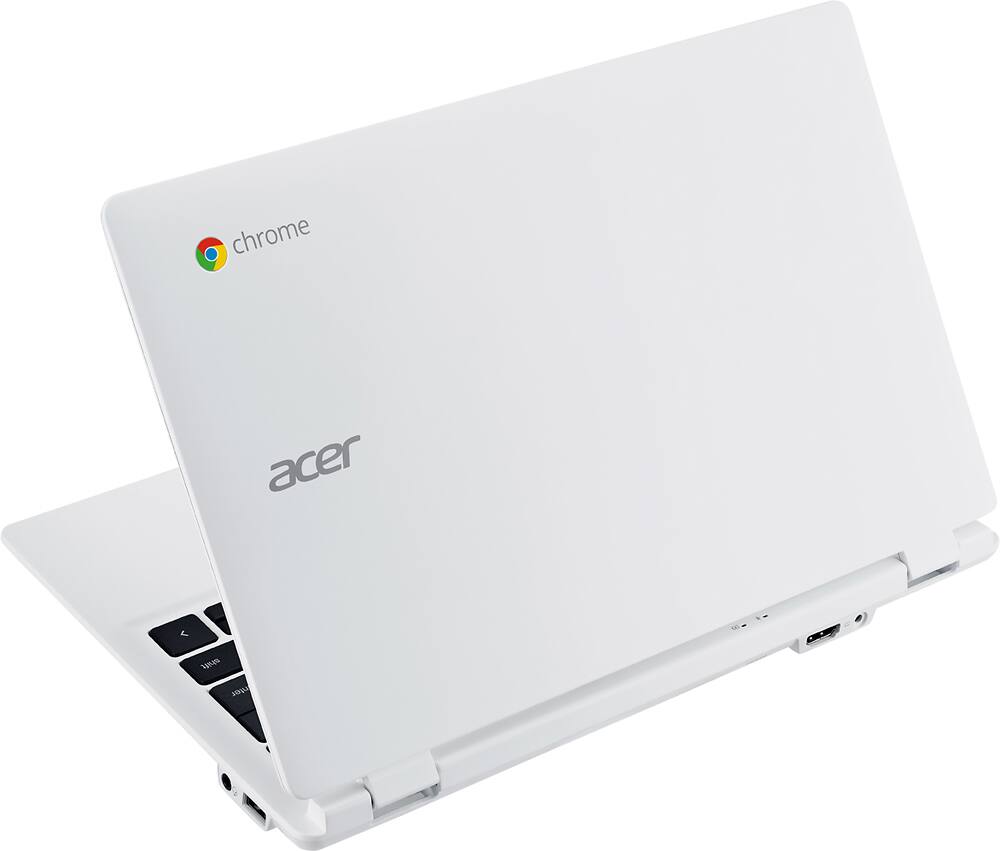
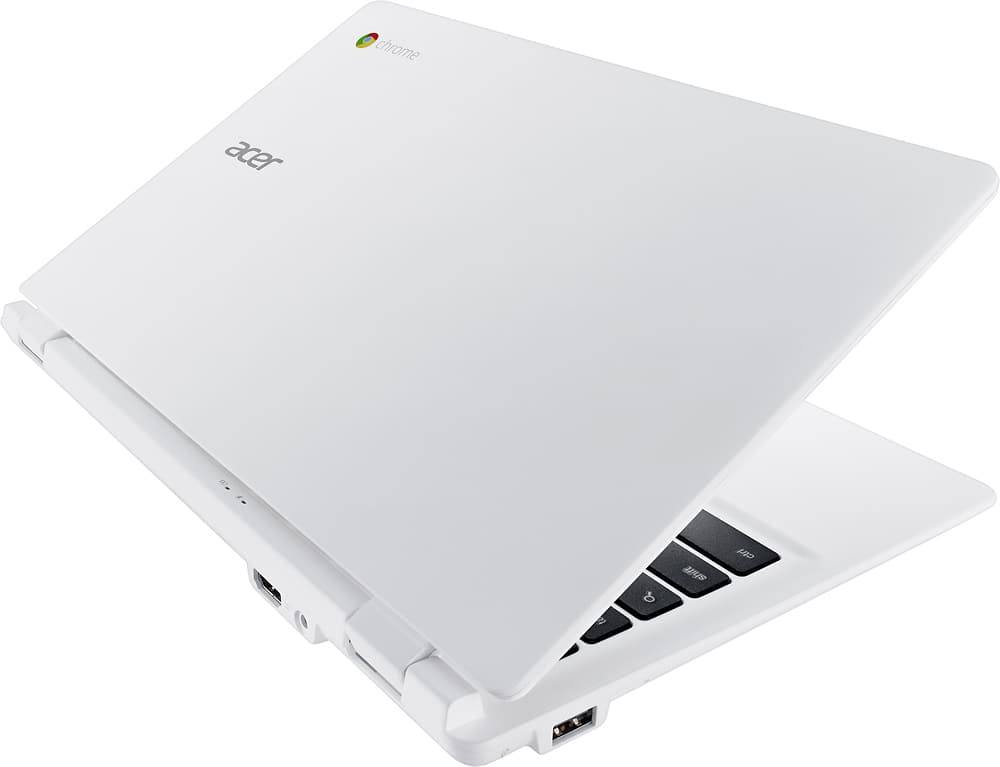
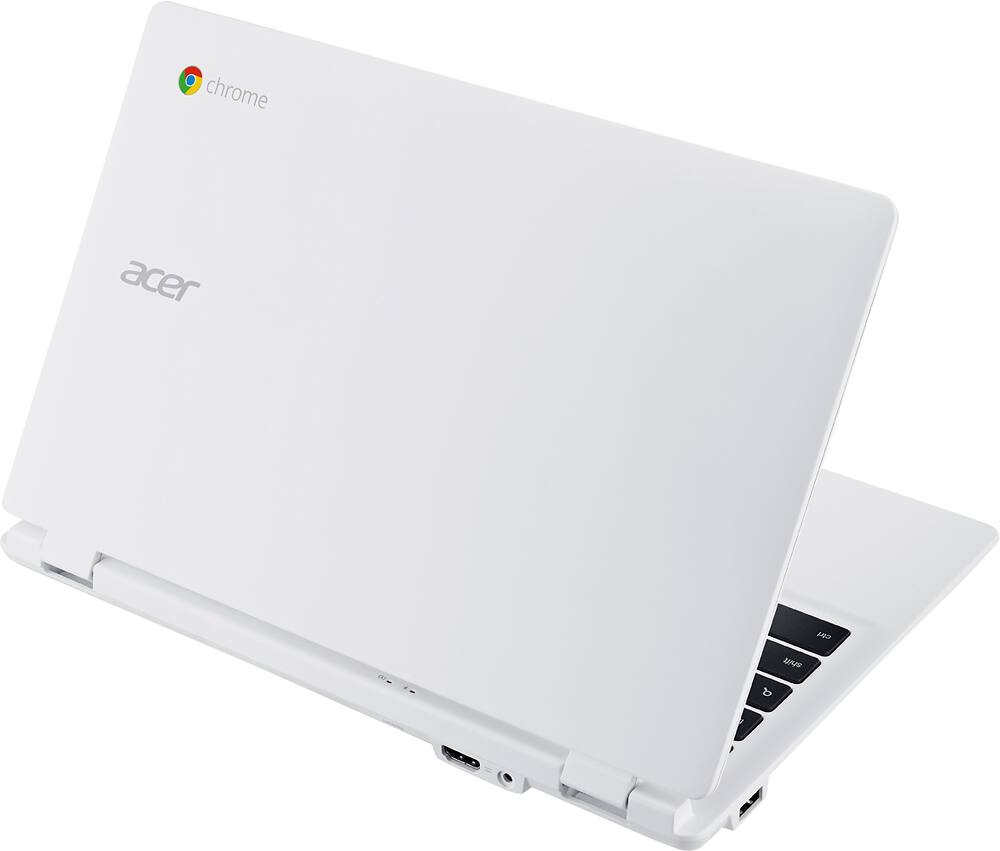
A:AnswerYes you can watch Netflix on this Chromebook, do school work and you can print to a Cloud Ready printer. Helpful info on printing from Chromebook is posted here: http://www.laptopmag.com/articles/how-to-set-up-google-print-on-your-chromebook. Not sure what you mean by "USB holder" but this product has one USB 2.0 port and one USB 3.0 port.
A:AnswerI have a 9 year old and had to set up her own Google email to allow her to use it and get the benefits of having this. You'll have her password and log in and you can always look into her history of websites visited and sent emails by logging into her Gmail account. Hope this helps.
A:AnswerThe one that I purchased it just fine in size and weight. It all depends on the individual. I recommend going to the BestBuy store and use your own opinion. If that option is available.
A:AnswerYou can copy your photos (i think that is what you mean by download) over from an iphone to the chromebook by plugging it into the usb port. All photos stored in the camera roll folders will be accessible.
You won't be able to install itunes or the icloud control panel, but as far as uploading photos and downloading photos you have stored on the cloud you would use www.icloud.com and viewing/editing you can always use the icloud mobile site in chrome. Just go to www.icloud.com and login, theres an upload button there to upload and you can browse all your photos there too.
A:AnswerFlash memory is stored on a microchip whereas a SSD is a type of drive similar to a hard drive. SSD's generally are faster and more costly but as far as a chromebook is concerned, Flash memory is just fine. There no real noticeable difference