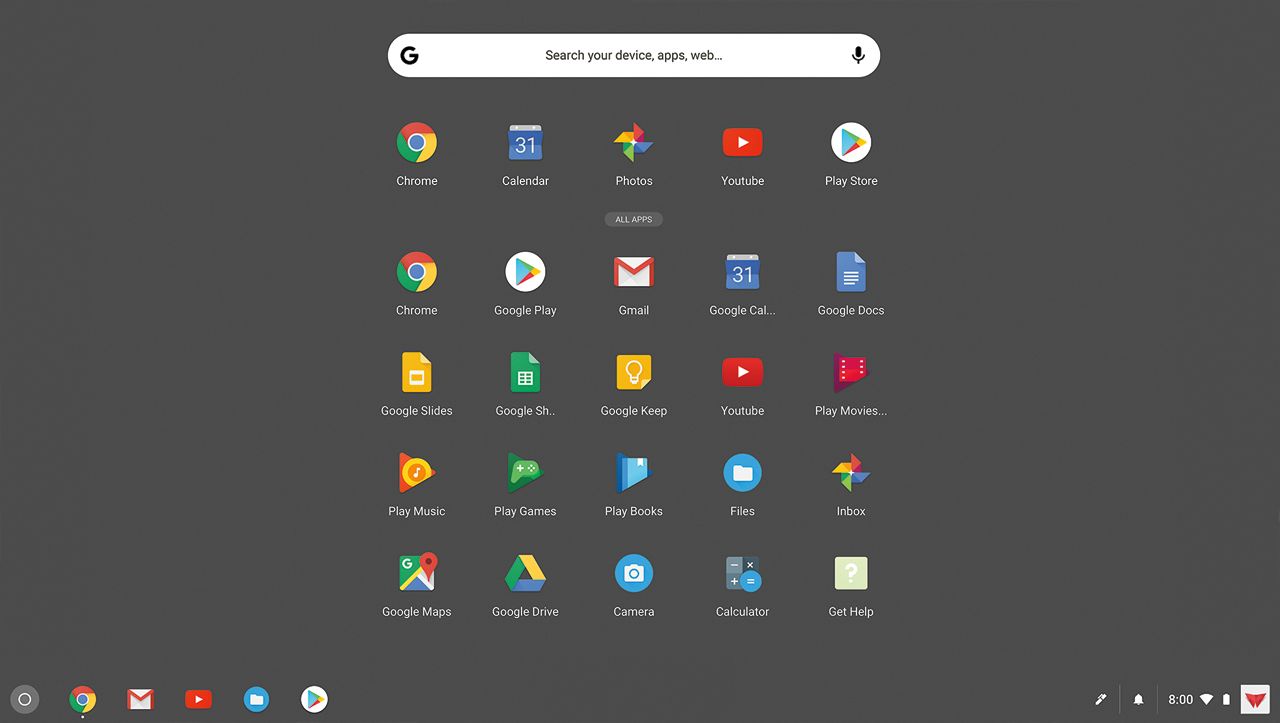
A:Answer Theoretically yes, but there are caveats. The Chrome suite is G-DOCS, so you should use the WORD equivalent which is called DOCS. You probably will not know the difference. There is also an extension called something like Microsoft Office Online, which you could use. Printing is not so easy. If you have a cloud-enabled printer, you should be able to hook up easily. I did not. To link with my printer, I needed to use my Windows machine (I think an Apple would also do). After establishing a link, I could only print when the Windows machine was on.
Linking the printer turned out to be a problem. I called Acer twice and HP (the printer brand) 10 times. No one knew how to link them. Then I took it to the Geek Squad and was told it was $100 for a house call to link them. At that point I returned the computer. I had also purchased a small chromebook, so I persisted in learning how to link. I bought Chromebooks for Dummies and was able to do so. The trick is that the link is established via the Windows machine.