A:AnswerPlease contact Acer support for assistance with your monitor. They can be reached at 866-695-2237 and are available 24/7 for in-warranty products.
A:AnswerDon't worry the monitor can be used for productivity and school work. I'm pretty sure you can use all monitor for productivity and school work.
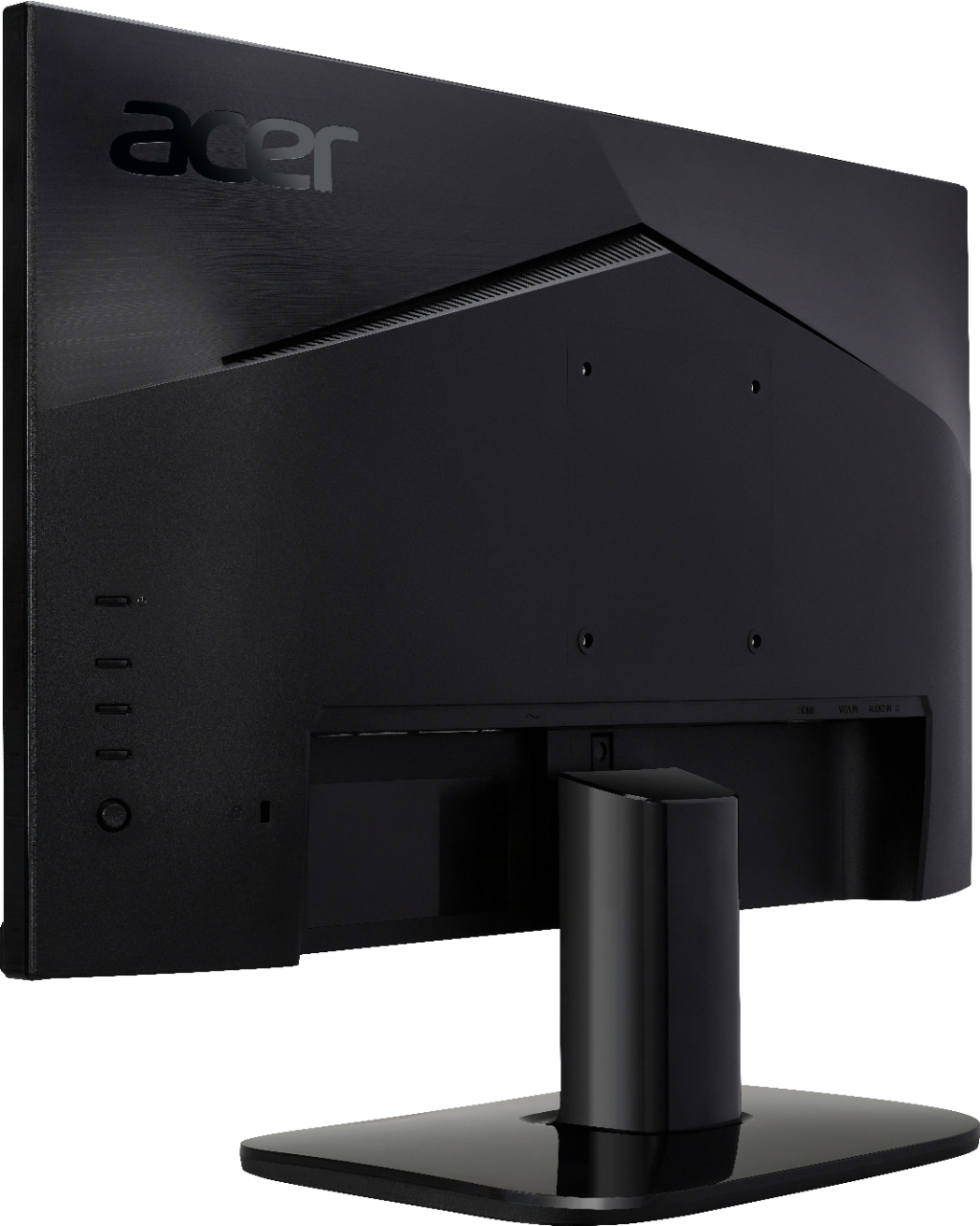
A:AnswerDepends how many hdmi ports your lap top has. If it has two then you don’t need any extra parts. If it only has one then you can use a USB3 to HDMI adapter. It plugs into your USB port on your laptop and makes it into a additional hdmi port for your second screen to plug into. BestBuy as well as many online stores carry the adapter. Plug it and it should connect easily on its own.
A:AnswerYes, I'd say so and you can use nvidia cards with Freesync as nvidia admitted defeat and started supporting Freesync but to use it with an Nvidia card you will need to use the displayport on your graphics card. You might have noticed that this monitor doesn't have this but you can get a cheap hdmi to displayport cable and it should work.
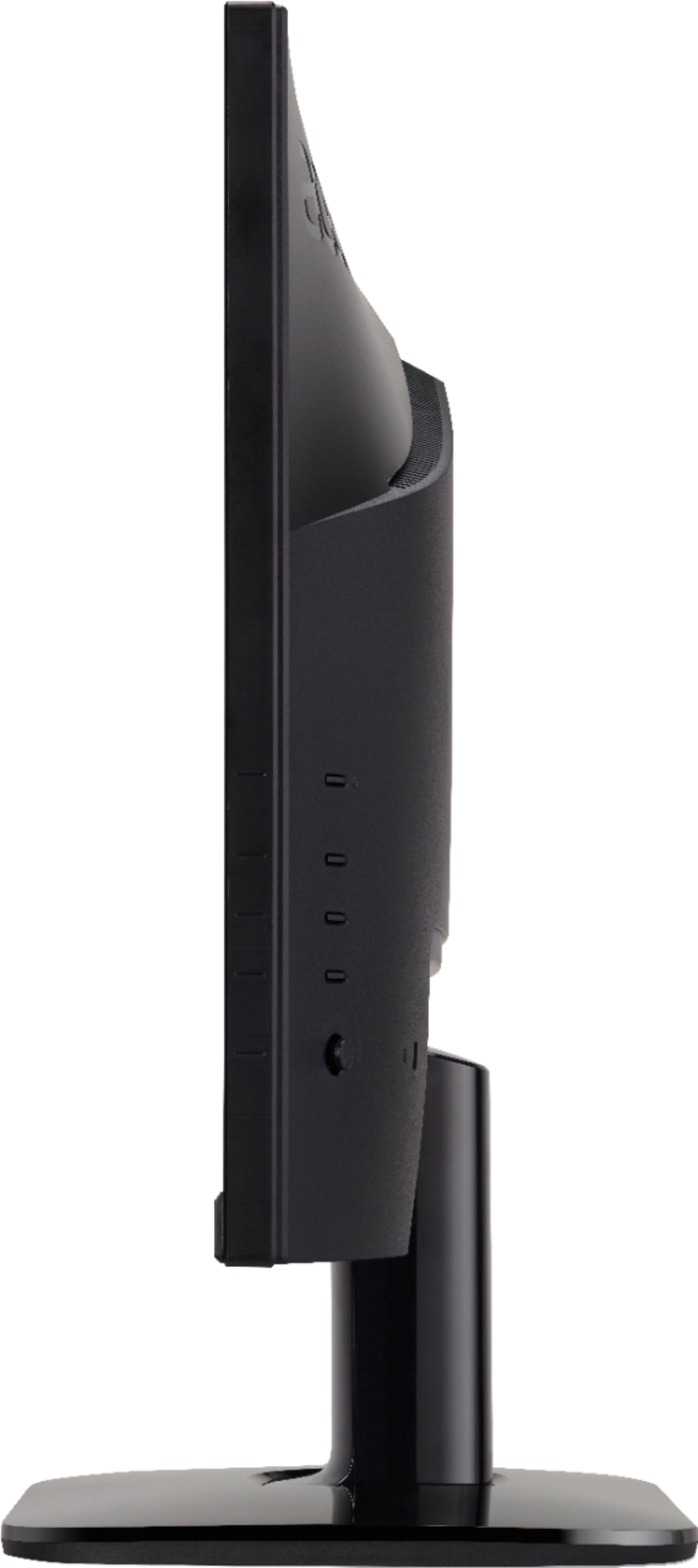
A:AnswerIt does not have portrait view rotation but it is mountable, so it can be used with a 3rd party mount that features portrait/landscape rotation