A:AnswerNot sure how long it's 'supposed' to last, but I get between 2 and 3 hours on a full charge with the 'balanced' power plan. Could probably get more if I switched to 'power saver' mode.
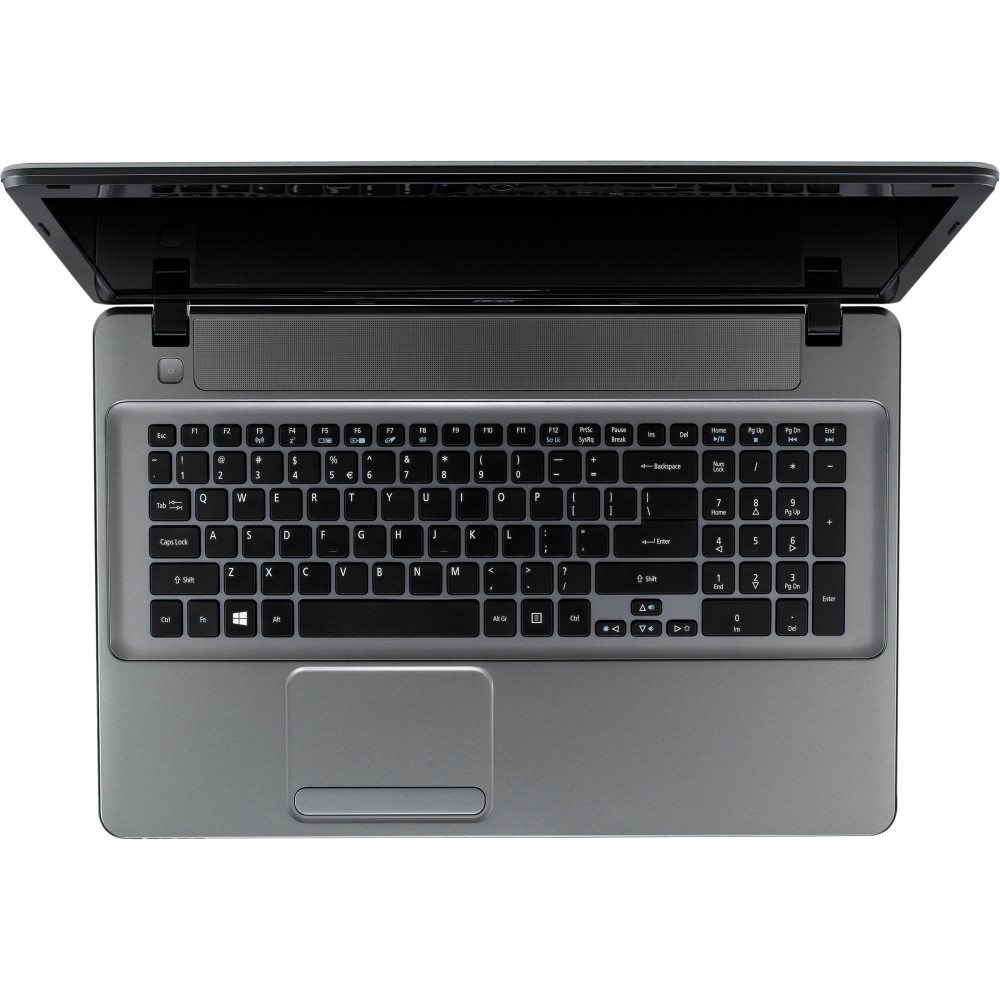
A:AnswerYes, you can press the FN+F7 keys together to disable and enable the touch pad, here is an article that we created in regards to this question that should help: http://acer.custhelp.com/app/answers/detail/a_id/5700
A:AnswerHere is a Windows 7 article and video that may help explain how to connect bluetooth enabled devices to a Windows 7 computer: http://windows.microsoft.com/en-us/windows7/add-a-bluetooth-enabled-device-to-your-computer.
A:AnswerThis ships with the Windows 7 operating system and includes 1 month Try for Free option with Office 365. There is the option to buy Office 2013 or a Subscription to Office 365.
A:AnswerWhile Acer does not test third party software we would recommend you check that the computer meets the system requirements of the application/game to determine if it will work. You can also contact the software vendor to see if they can provide information on compatibility with their software.
A:AnswerCurrently Windows 10 can be downloaded for free, but I would suggest you look into the abilities before making a decision.
The new system may eliminate some of your programs when you update your system.
Myself, I am happy with Windows 7.