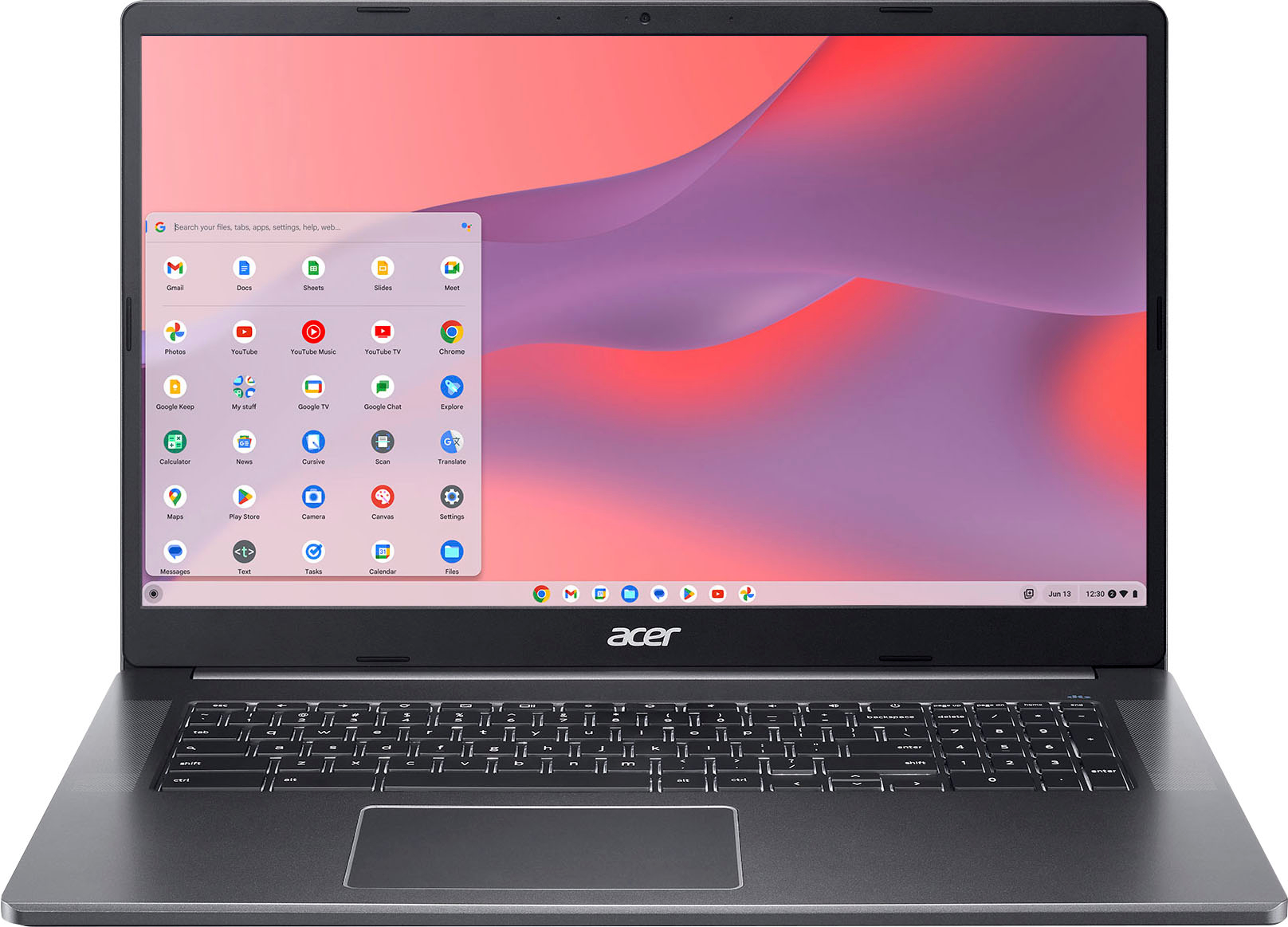
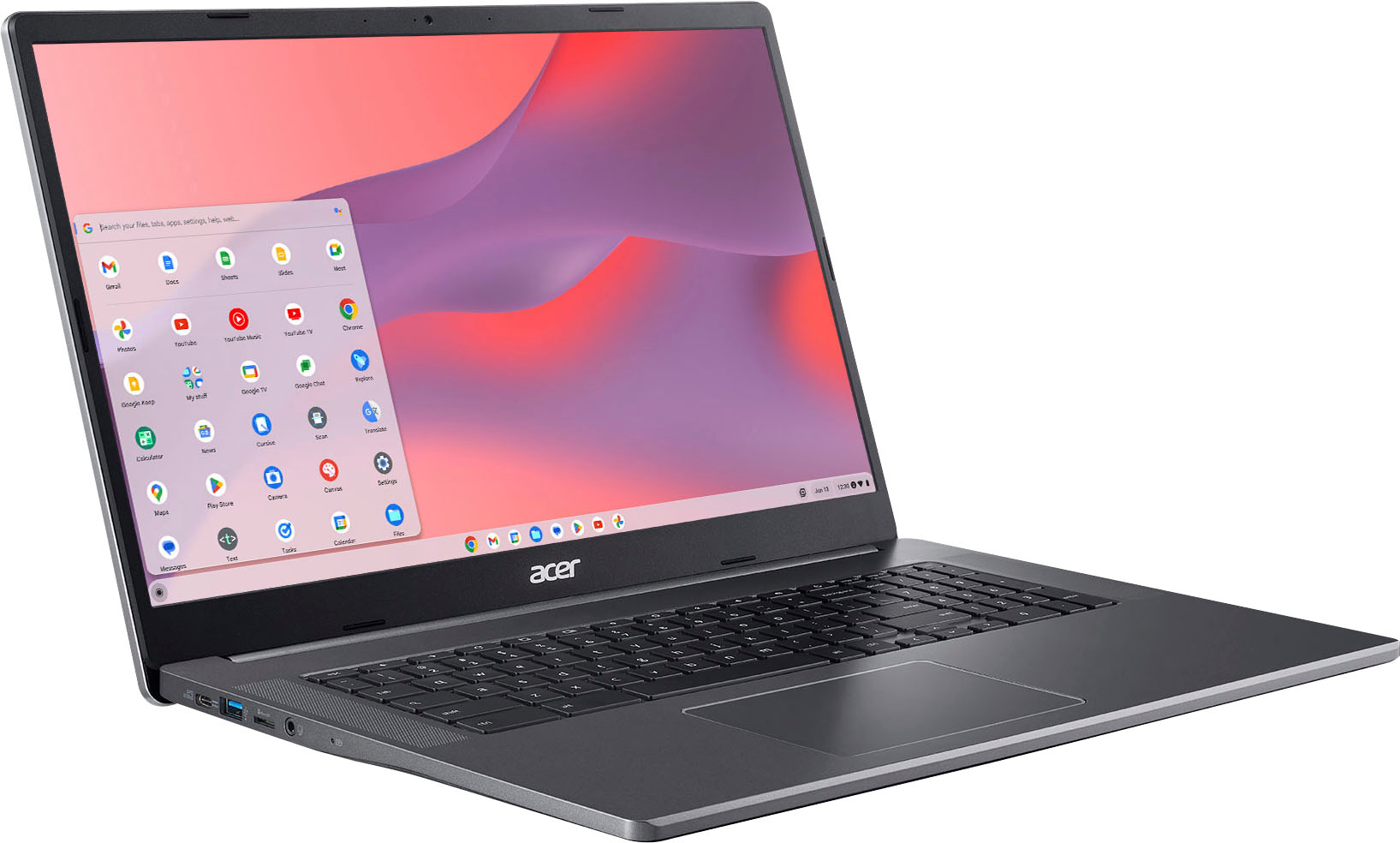
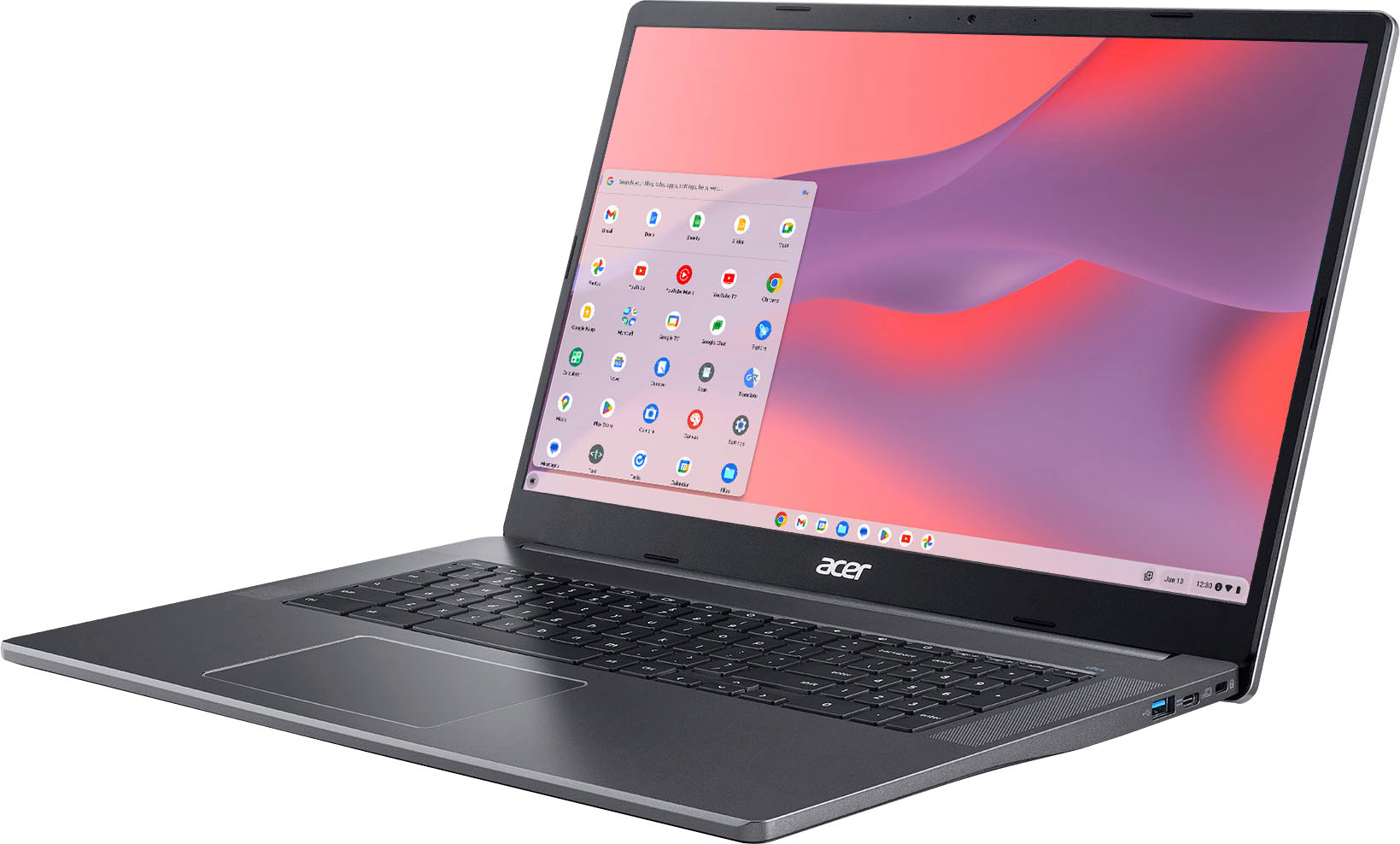
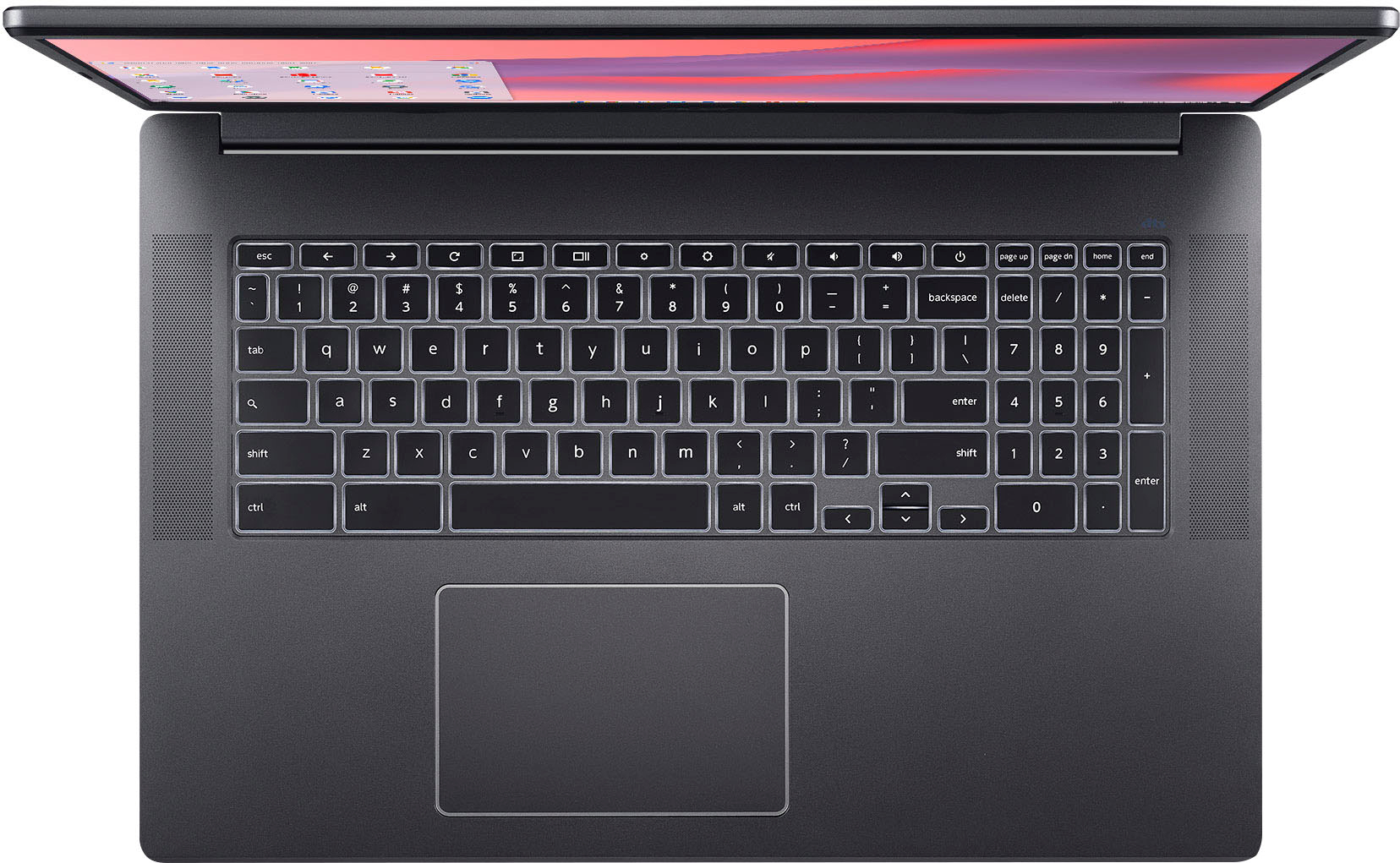
A:AnswerThe Chromebook like all other Chromebooks runs on chromeOS…you won’t be able to run traditional windows on this device. However there are some apps available that are windows compatible.
A:AnswerIf brightspace has a mobile android app, then yes. And Chromebooks are incredibly good for school. Our schools give them out for free and my daughter loves using it more than the very expensive Windows laptop I bought her.
A:AnswerIt runs android tablet apps from the Chrome store. I use it for web and video, email and docs. Considering Adobe Fireworks has been discontinued for 10 years I'm going to say no, they don't have an android app for that. But they do have several Adobe mobile apps including Photoshop and Illustrator.
A:AnswerYes it has a touchscreen. No I don't use it because it's generally much easier to use the touchpad. If you want a chromebook with a touchscreen for games, don't do it. Not all games are available for chromebooks. Get an inexpensive android tablet for gaming.
A:AnswerHello Kim. Thank you for your question. Looking at the product specifications available on the retailer website, this Acer - Chromebook 317 comes with Chrome OS operating system. It does not come with Windows operating system.
Thank you for choosing Intel!
A:AnswerI only see Minecraft education edition available in the google play store for this chromebook. This version requires a school or work email address to log in. You can't use your personal email account. Not all android games will work on chromebooks. I use an inexpensive android tablet for games. I also picked up an inexpensive samsung prepaid cell phone for games. I never activated it and use it only on wifi. It came with Android 9 and has received an os update to android 10 and regular security updates.