Questions & Answers
- Model:
- CP714-1H-54UB
- |
- SKU:
- 6576960
Highly rated by customers for: Processor Speed, Build Quality, Touch Screen
$529.00
Save $270
Comp. Value: $799.00
Page Showing 41-46 of 46 questions
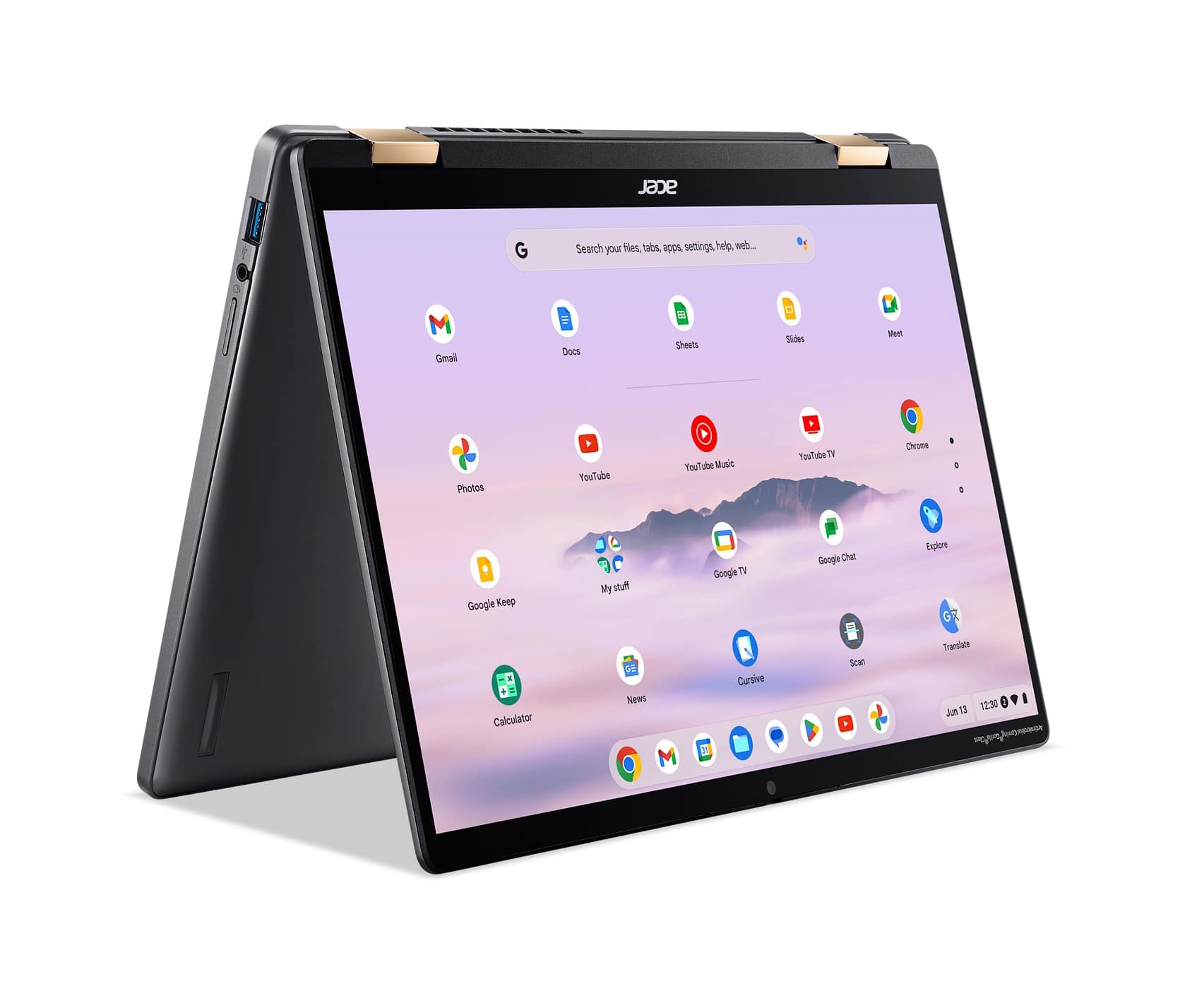
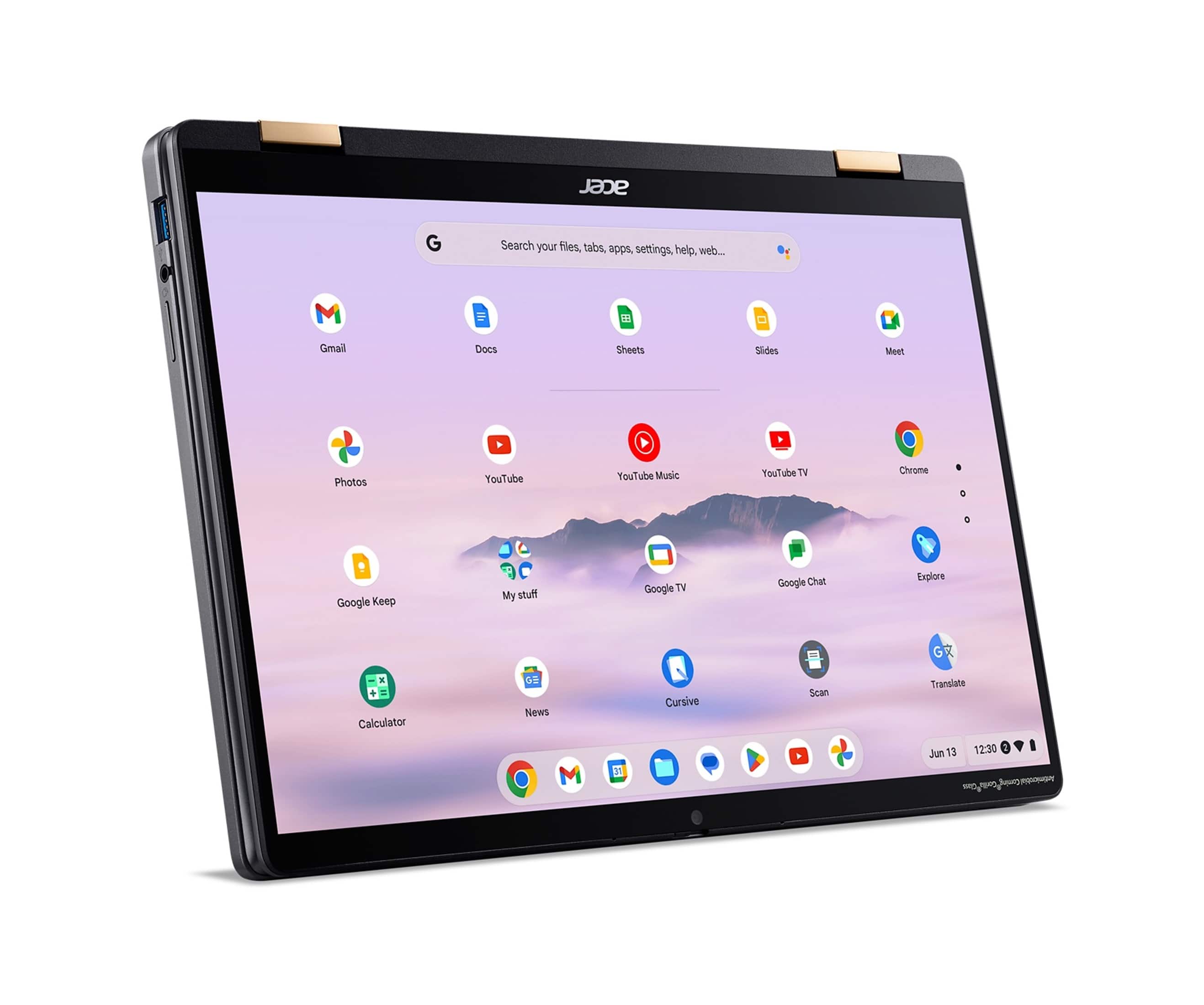
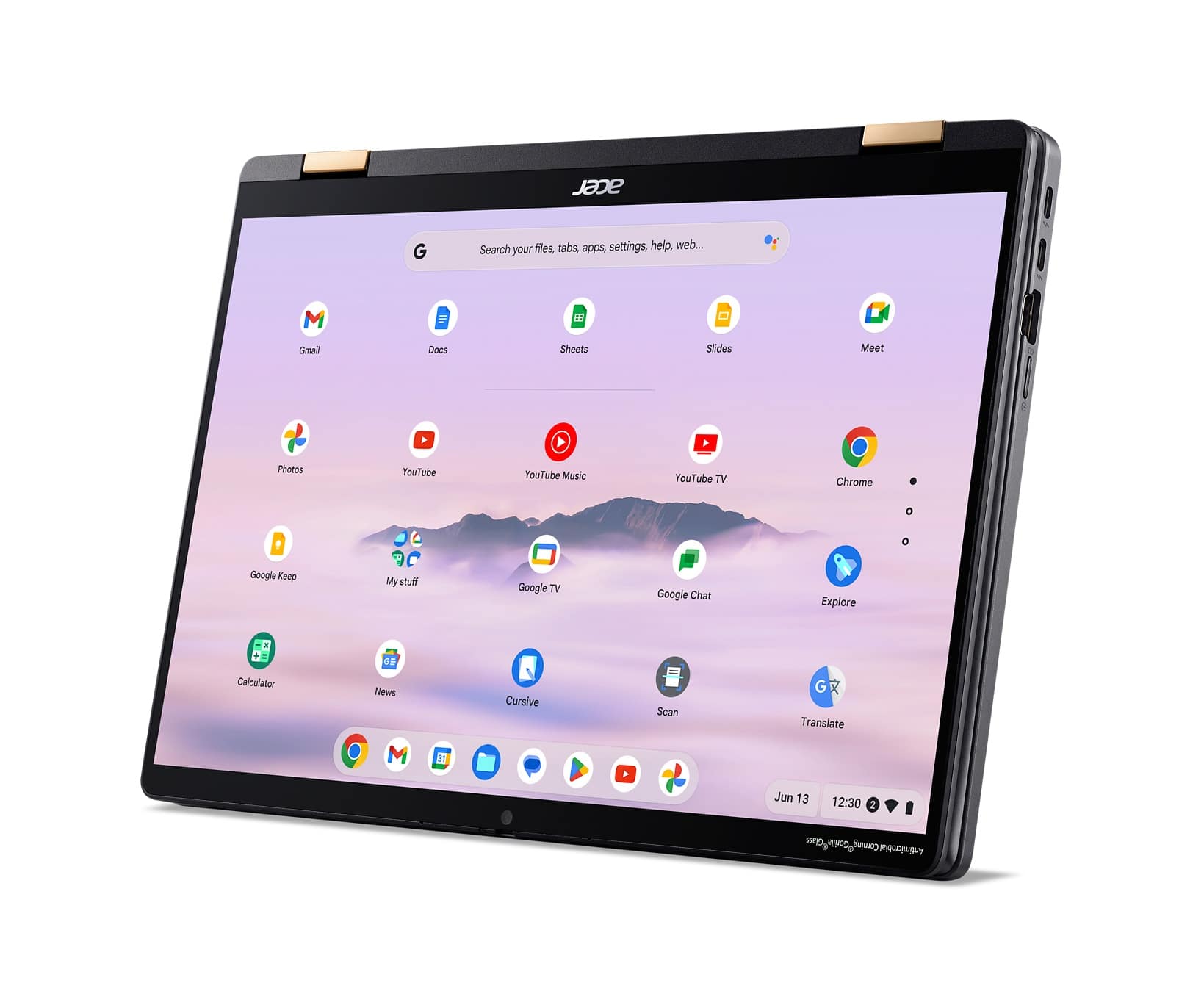
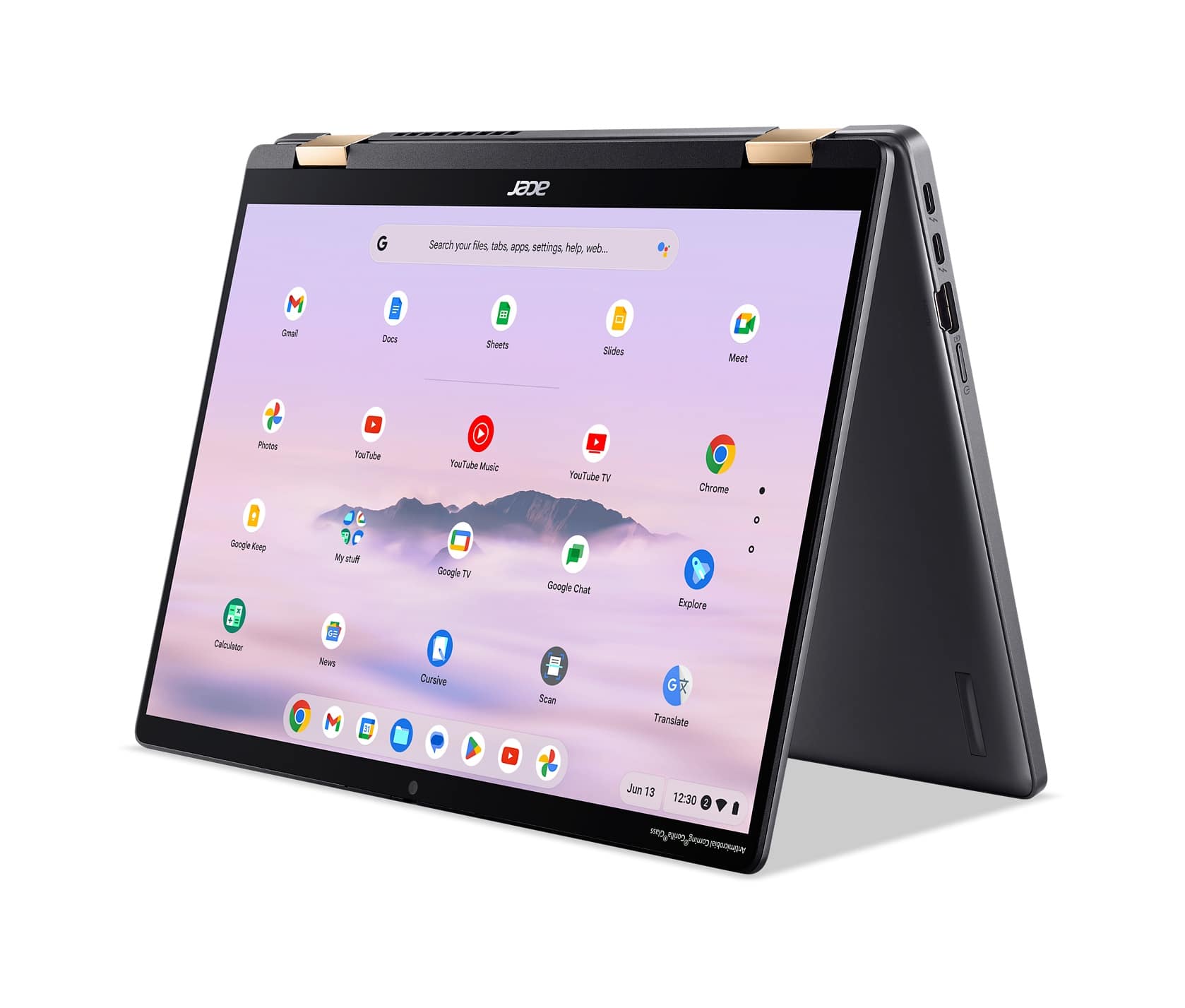
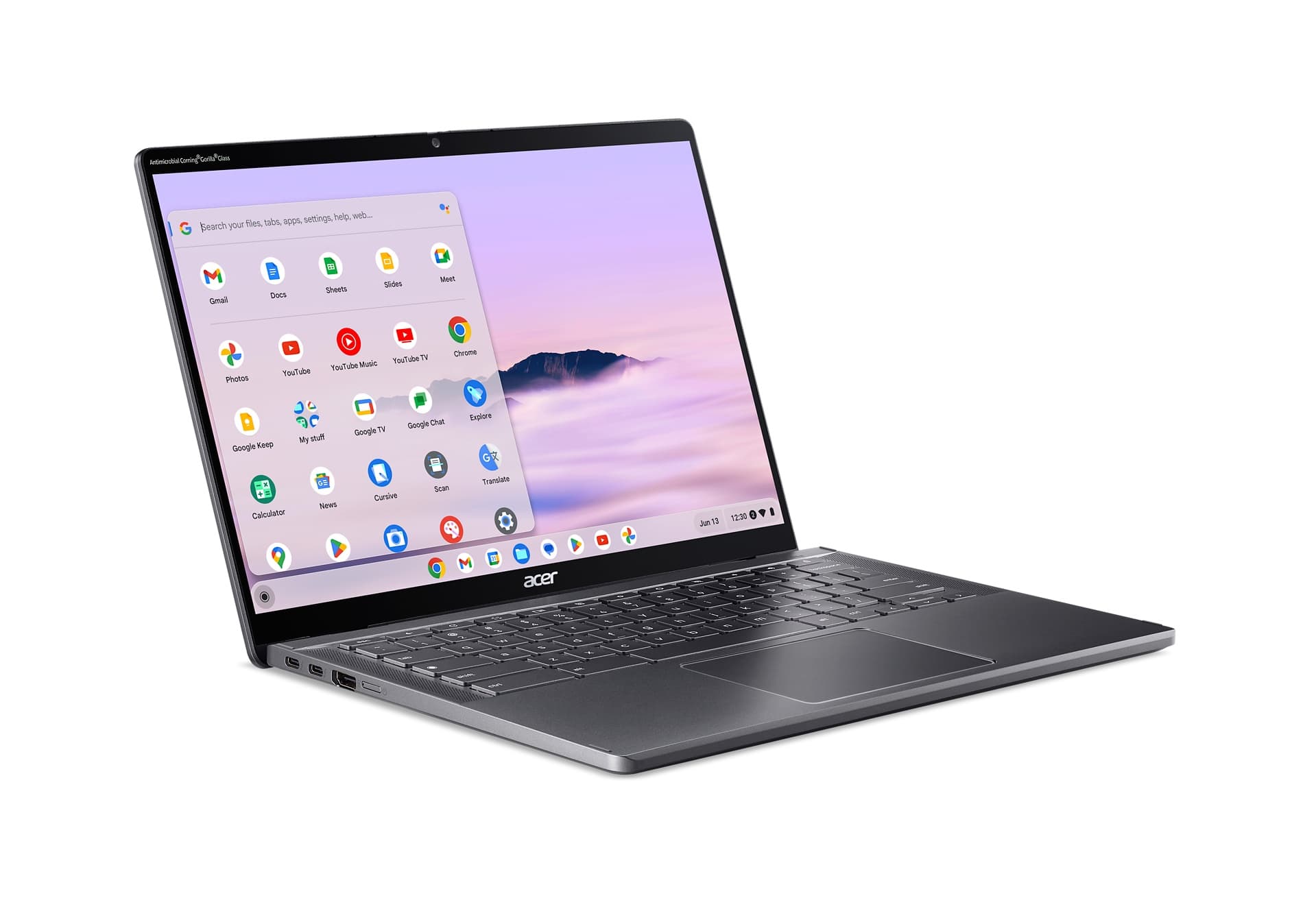
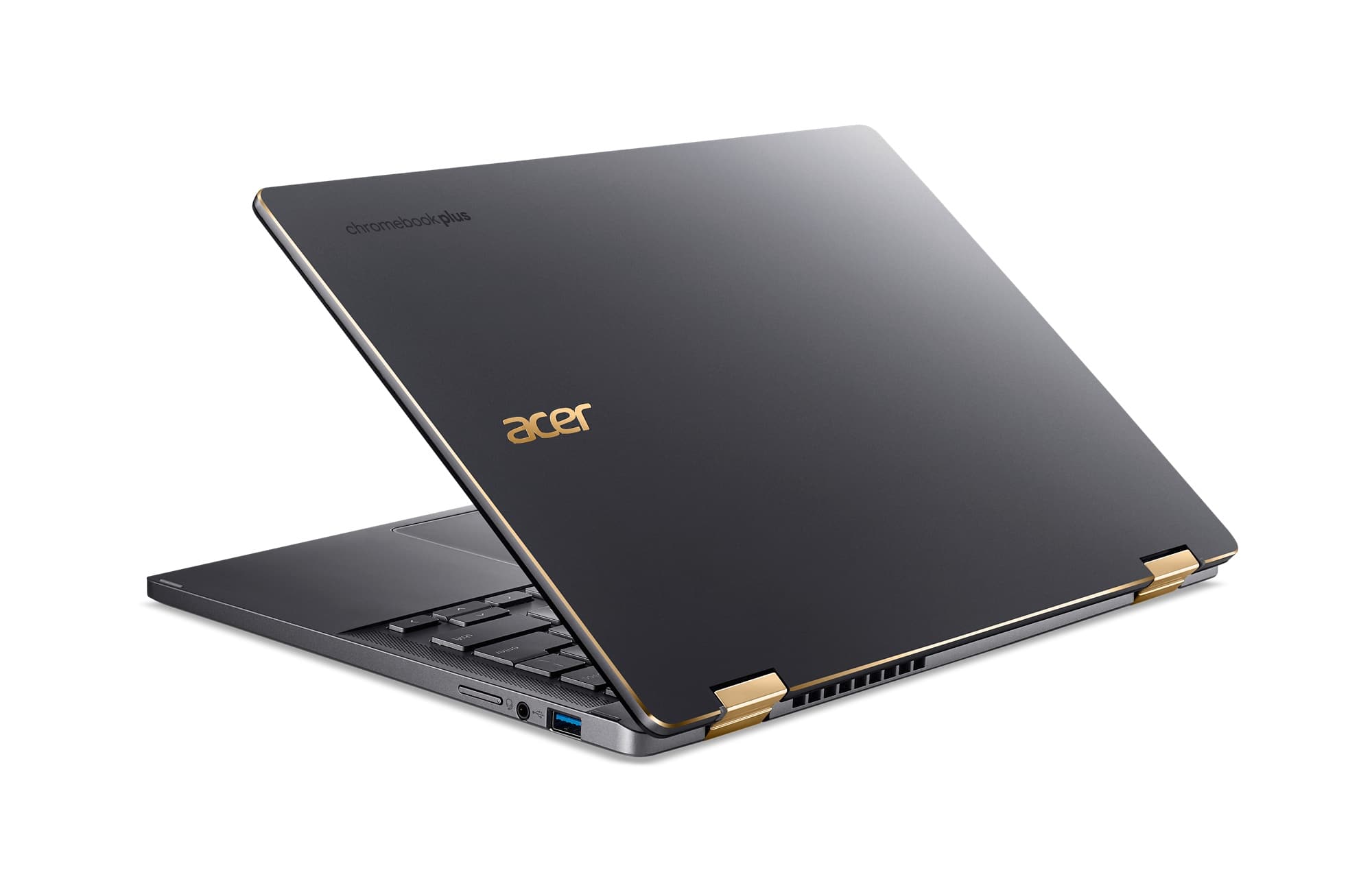
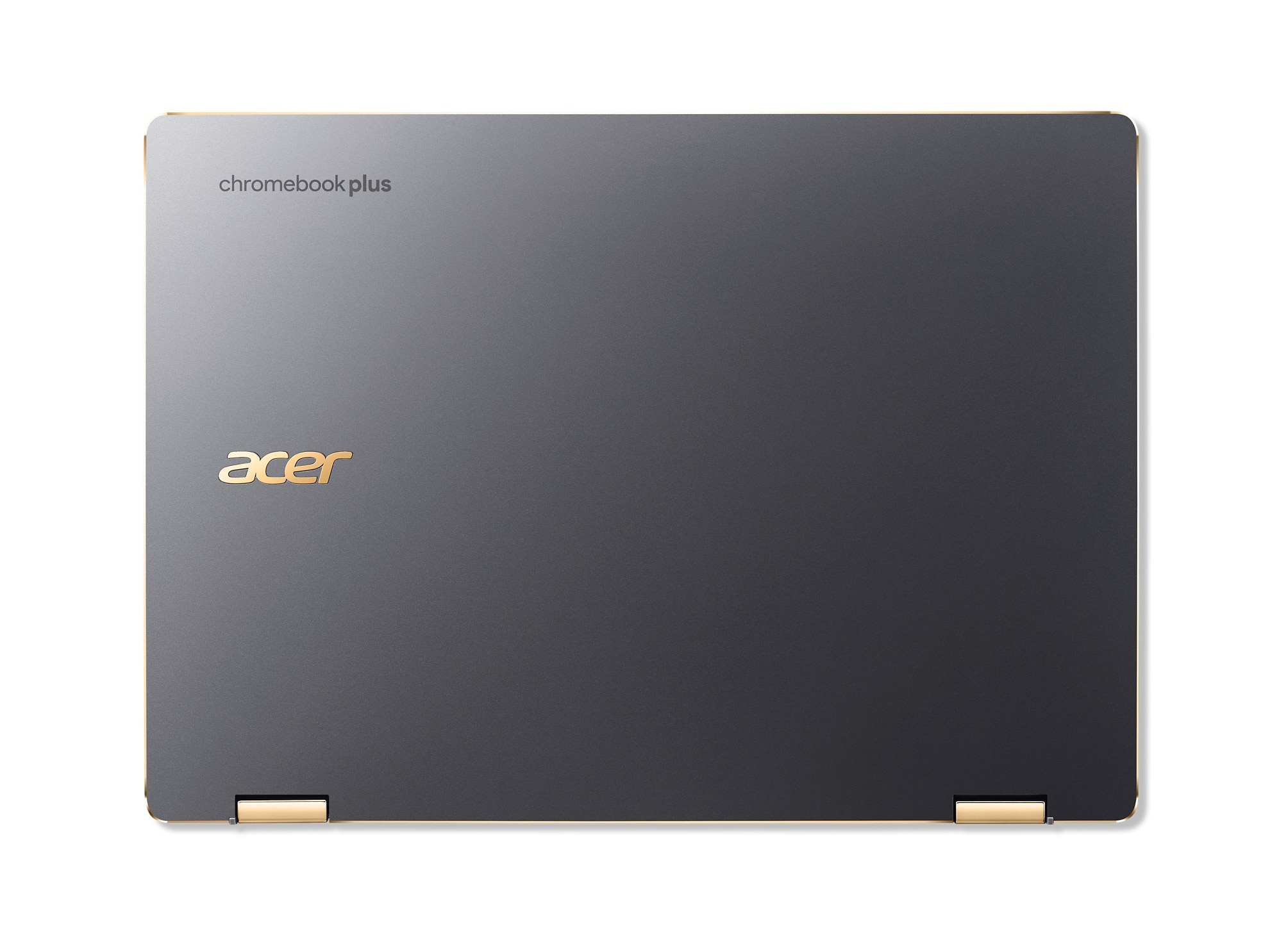
Q: QuestionWhat color are the hinges for the display?
Asked by BBReviewer.
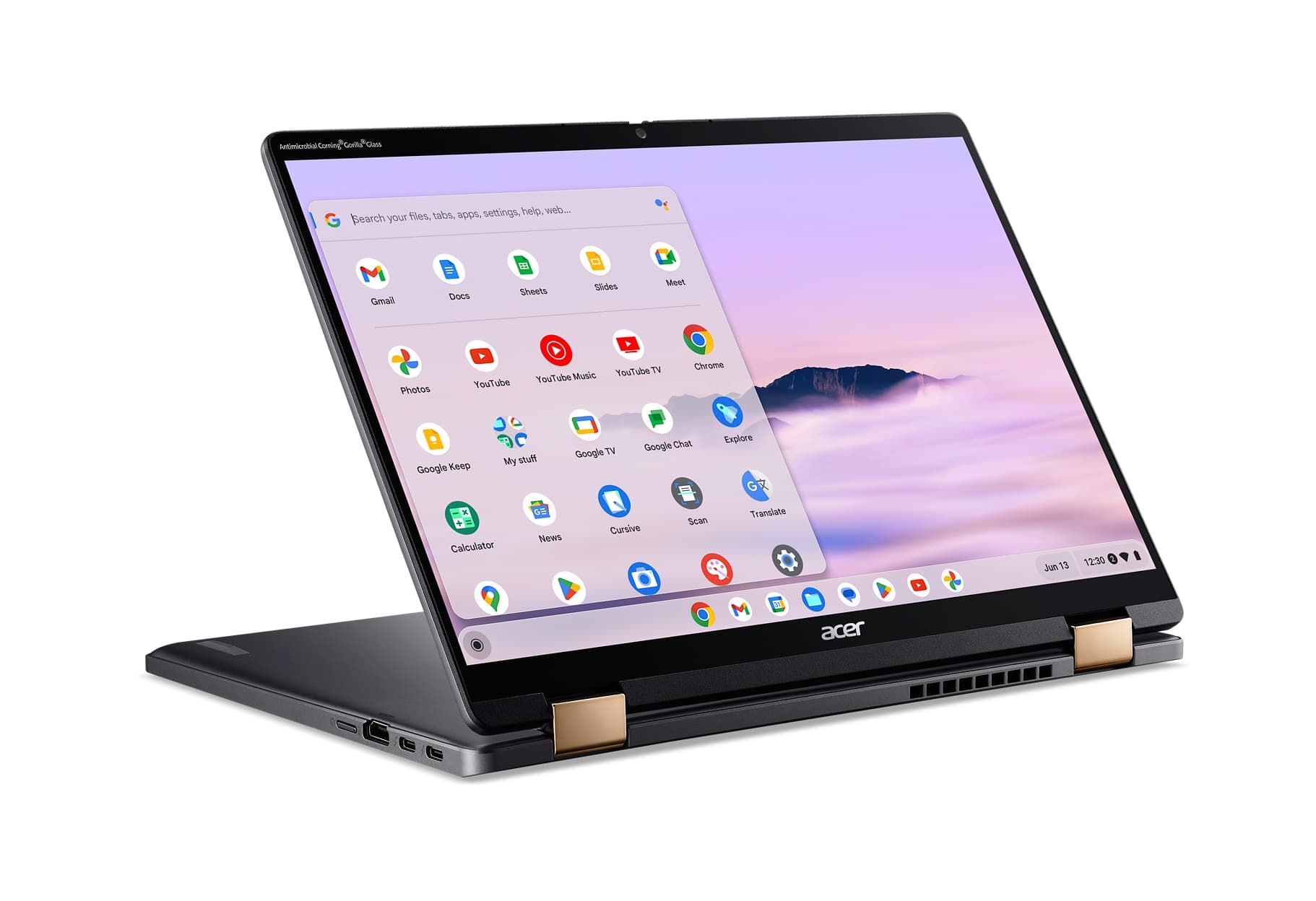
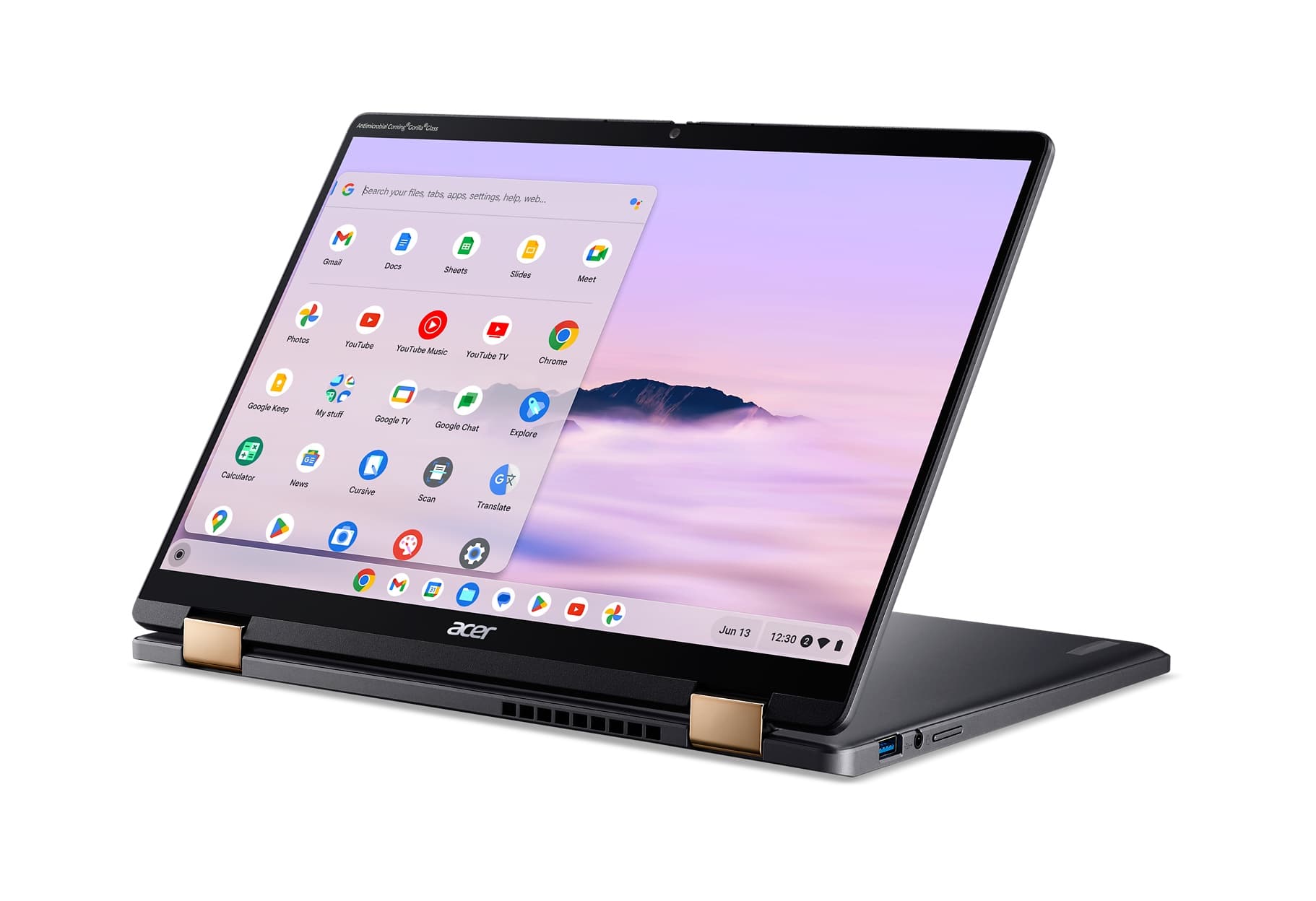
- A:Answer The hinges are a honey gold color.
Answered by TeamAcer

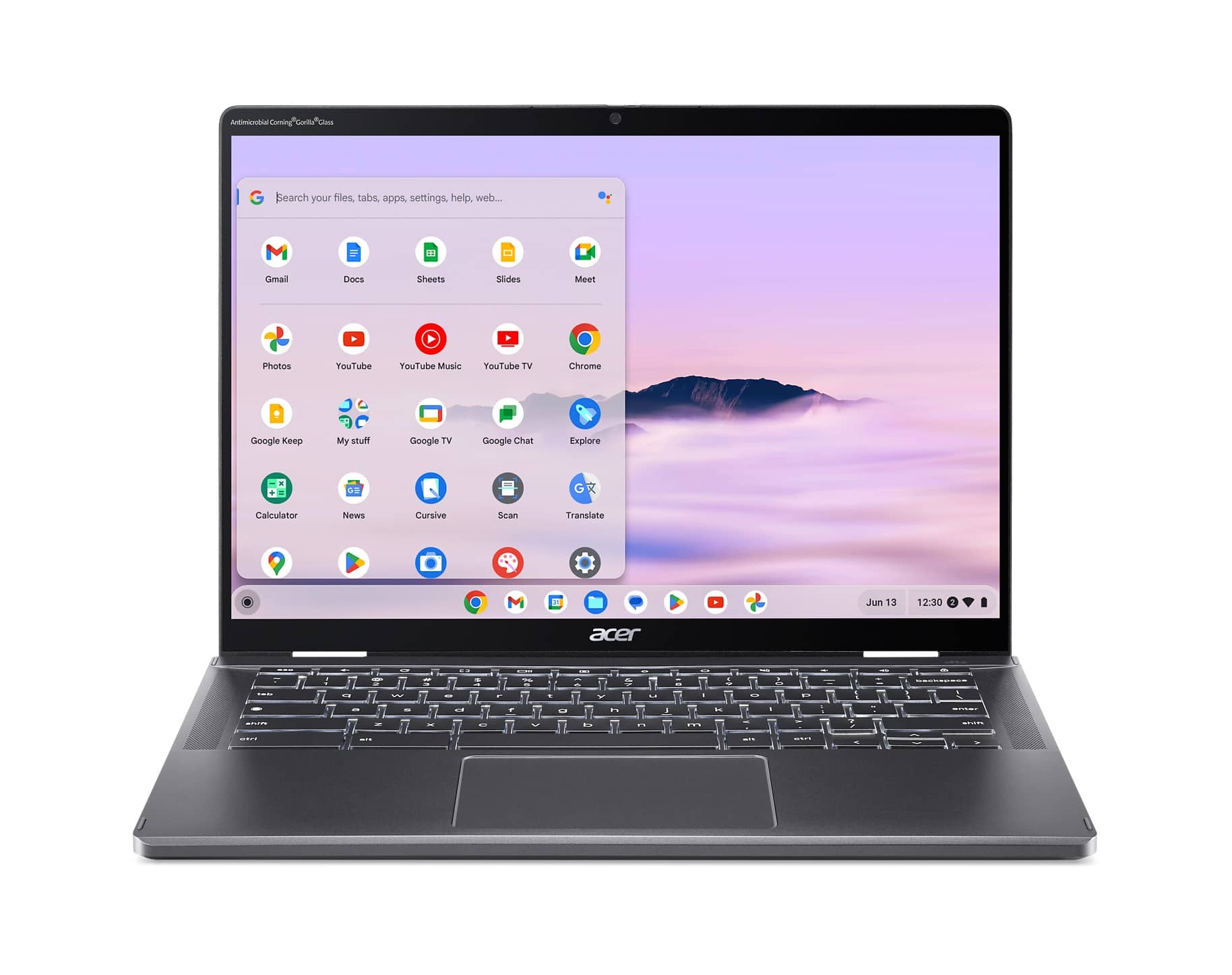
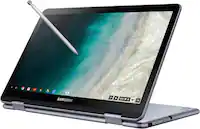
Q: QuestionHas it an integrated stylus pen?
Asked by Fede.
- A:Answer No, hasn't for the last two model years
Answered by Anonymous
Q: QuestionWhat is the brightness of the screen? What is the resolution of the webcam?
Asked by Brandon.
- A:Answer The brightness of the LCD is 340NIT and the webcam has 2560 x 1440 resolution.
Answered by TeamAcer

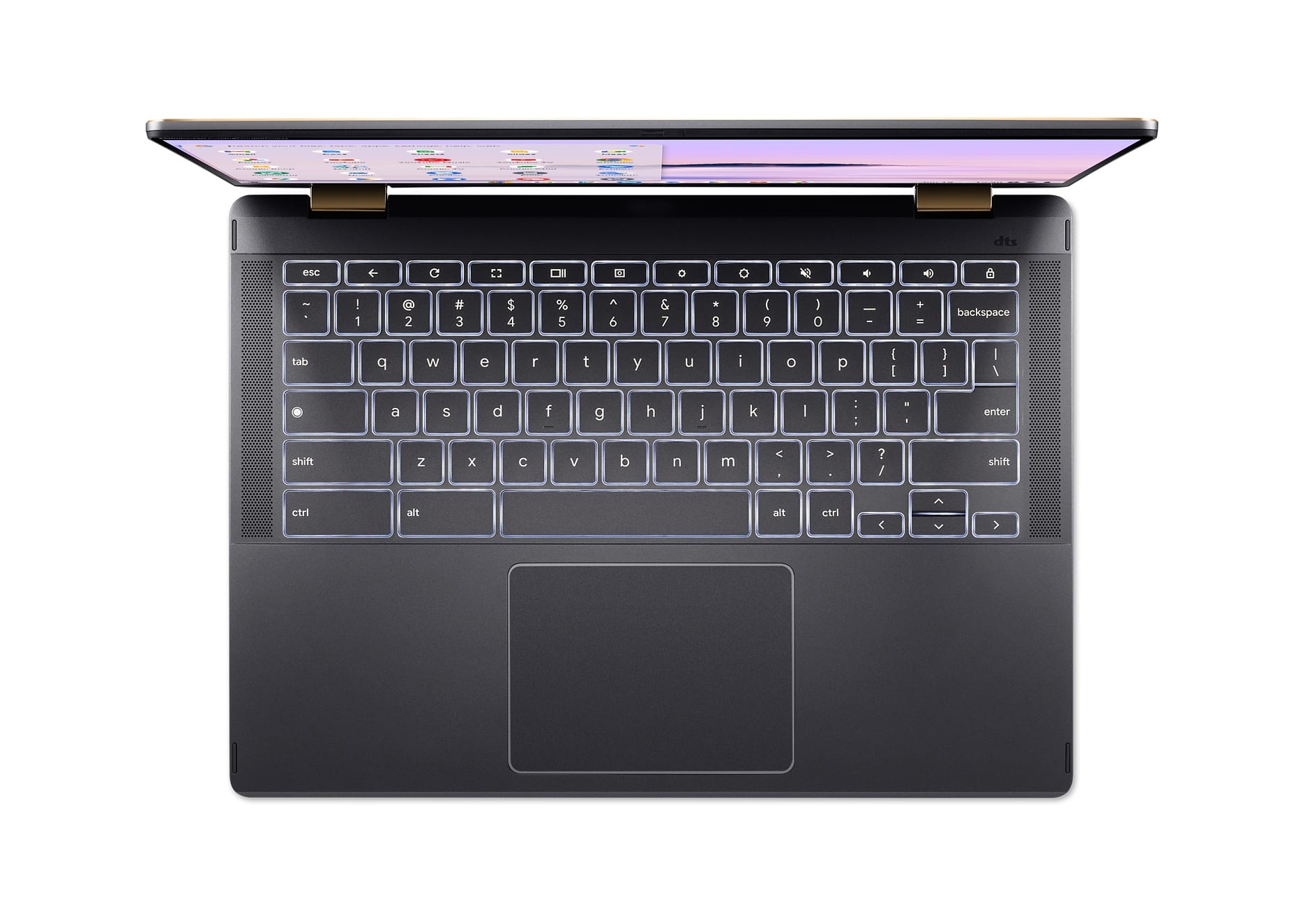
Q: QuestionDoes this device have a fingerprint reader?
Asked by Mikeyt1818.
- A:Answer No.
Answered by TeamAcer

Q: QuestionRecently purchased Acer Chromebook and am having difficulty with the touch SCREEN (not touch pad) sensitivity. Cannot find a mechanism to do so. Dealbreaker if cannot. Suggestions?
Asked by MomE.
- A:Answer Yes you can make adjustments to the touchpad sensitivity. Here are steps on how to do this: Accessing Touchpad Settings Click the time on the bottom right corner of the screen. Click Settings (gear icon). In the "Device" section, click on Touchpad (or "Touchpad and mouse"). 2. Adjusting sensitivity (touchpad speed) You'll find a slider labeled "Touchpad speed". Moving the slider to the right will increase the sensitivity (the pointer moves faster for less physical movement on the touchpad). Moving the slider to the left will decrease the sensitivity (the pointer moves slower for more physical movement on the touchpad). 3. Disabling touchpad acceleration (optional) You might also see an option called "Enable touchpad acceleration". This feature usually affects the speed of the cursor based on how quickly you move your finger. Experiment with enabling or disabling this setting in conjunction with the touchpad speed slider to find the most comfortable combination for you. If you need further help with your Chromebook you can contact Acer support at 866-695-2237; they are available 24/7 for in-warranty products.
Answered by TeamAcer
Page 3, Showing 41-46 of 46 questions